
Video workflows
Outstanding Tiny Desk: Find the Original and Plan an AI Recast
The original concert is real; an AI template is a separate service. Identify the recording, choose between existing-footage editing and a new performance, and review a small recast.
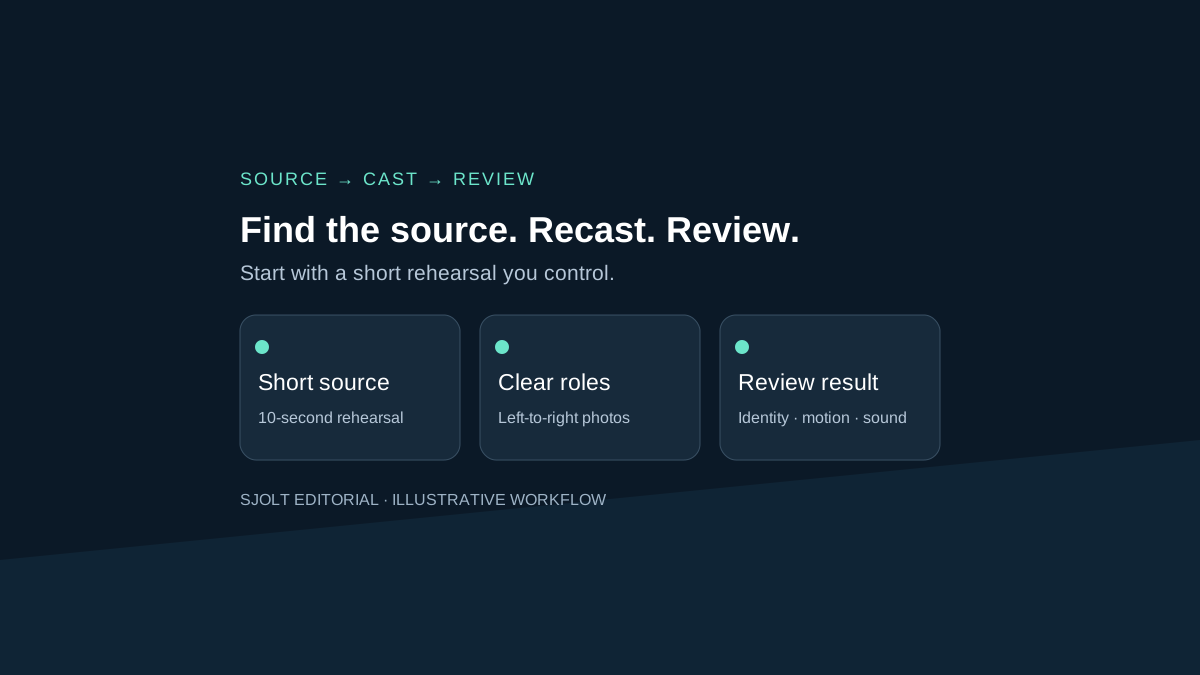
If you searched for “Outstanding Tiny Desk” to find the real performance, start with Charlie Wilson’s NPR Tiny Desk Concert, published June 5, 2023. NPR’s set list includes “Outstanding,” and Wilson’s own website links to the full performance. That recording and the AI templates now using its name are different things.
If your goal is to make a playful concert edit, first decide whether you need to change the people in existing footage or generate a new scene. SJolt supports the former through MiniMax H3 Recast, within specific input limits. It does not provide an official NPR template. This guide proposes an original test with your own footage; no paid video generation was performed.
Start with the recording, then identify the AI product
NPR’s article is by Tiny Desk producer Bobby Carter and identifies Charlie Wilson as the vocalist. Use the performer’s own link or NPR’s channel to locate the full recording. A search result showing a coach, coworker or unfamiliar performer is not evidence that the person appeared in that concert.
- Charlie Wilson’s official performance link
- NPR’s original article and set list, syndicated by WPRL
- Full performance on NPR Music’s YouTube channel
TinyDeskAI describes its offering as an independent fan tool for AI parody and explicitly disclaims affiliation with NPR and the artists. That is a claim about its own product, not a verified account of every viral edit. We have not independently established the first meme upload, its model, view totals or the results of purchasing that service.
When comparing tools, write down the actual site and deliverable. Check whether a service edits a supplied recording, uses a fixed template, or creates a new performance from images. Those choices change the input you need and the result you can reasonably review. A shared search phrase does not make the products interchangeable.
Choose the operation that matches your material
| Your starting point | Useful operation | What to verify |
|---|---|---|
| An existing short performance | Recast its visible people | Source duration, reference mapping, motion and audio |
| Photos and a new scene idea | Reference-guided video generation | Supported references, requested duration and scene continuity |
| A link to the original concert | Watch and identify the source | Uploader, performer and recording context |
Recast uses the source clip to guide the performance, camera movement, cuts and sound. Reference-to-video instead generates a new clip guided by supplied references. A generated scene is not a frame-accurate edit of a source performance. Choose one operation before writing a long prompt.
Prepare a ten-second rehearsal you can inspect
For an original exercise, record two consenting adult collaborators performing a short spoken rhythm at a desk in your own room. Use an original backing track or no music. Choose a ten-second section with one camera angle, visible faces and no crossing subjects. This removes ambiguous cuts from the first test without claiming that complex concert edits are solved.
SJolt’s current Recast contract accepts one source video lasting 5–15 seconds, inclusive, and one to four reference images. Playground uploads use MP4 video and PNG, JPEG or WebP images. Public output choices are 768p and 1080p; 1080p is the default. A longer template clip cannot simply be submitted as one Recast task.
Use one clear photo per replacement person. Arrange the images in the source’s left-to-right order and describe the mapping if it could be ambiguous. Label your local files with stable roles such as left-performer and right-performer. Reordering an upload should not silently change which person you expect to see.
Source: desk-rehearsal-03.mp4, 10 seconds
Reference 1: replacement for the left performer
Reference 2: replacement for the right performer
Keep: camera, desk, gestures, source timing and audio
Review closely: face identity, hands, mouth timing, subject swaps
Delivery label: AI-recast rehearsal; original source retained
This is a planning brief, not an API payload. Recast aims to preserve the recording’s sound; it is not a voice-cloning request. Use footage, reference photos and audio you are authorized to work with. A tool accepting a URL does not supply permissions for the material at that URL.
Submit once and keep the task record
Use the model page for a first manual job. For integration, the documented route is /sjolt-ai/v1/minimax/h3-recast/video-edit. Its input object contains video_url and image_urls, with optional prompt and resolution. Keep a completion webhook at the top level if you use one. There is no separate output-duration field in this Recast input contract.
Before submitting, record the selected resolution, source length and current price. Billing rounds source duration up to a whole second and applies the selected resolution rate. Reference photos do not add a separate Recast charge. A 10.2-second source therefore uses eleven billable seconds; this does not imply the output should be exactly eleven seconds long.
Save the returned task ID with the source and reference revisions. If your client loses the response after a task ID has arrived, query that task before creating another. If no identifier arrived, treat the result as unresolved and inspect available task records before retrying. A timeout is not evidence that a paid operation never began.
Review transitions before judging the whole clip
| Pass | Inspect | Record |
|---|---|---|
| Identity | Both people at the start, middle and end | Correct role assignment and any drift |
| Movement | Hands, occlusions and head turns | First timestamp of a visible defect |
| Timing | Cuts, phrase endings and gestures | Mismatch relative to source |
| Audio | Start, middle and final second | Continuity and unwanted changes |
Watch the source and result side by side once, then replay each problem region at normal speed. A single attractive still does not establish continuity. If one person inherits another’s hair or clothing after an occlusion, note the timestamp and mapping rather than asking vaguely for better quality.
Change one variable in a second attempt: a clearer reference, a less ambiguous source section, or a more specific role description. Keep the previous result so you can tell whether the change helped. Track accepted clips and total attempt cost; do not count every completed render as a usable deliverable.
For a final social cut, verify the crop and any on-screen label on a phone. Retain the source revision and identify the edited result as an AI recast where it is shared. If the project actually needs a new band arrangement or new sound, return to the operation choice instead of expecting people replacement to create those elements.
Sources & further reading
Take the next idea into production.
Explore the models, test a workflow in the playground, and use the same request in your application.