
Video workflows
Higgsfield Katana: Reference Edits, Asset Preparation, and API Boundaries
Katana rebuilds a reference edit through Higgsfield in Claude. Plan the source, asset roles, and review criteria before choosing between an editing workflow and a separate video API.
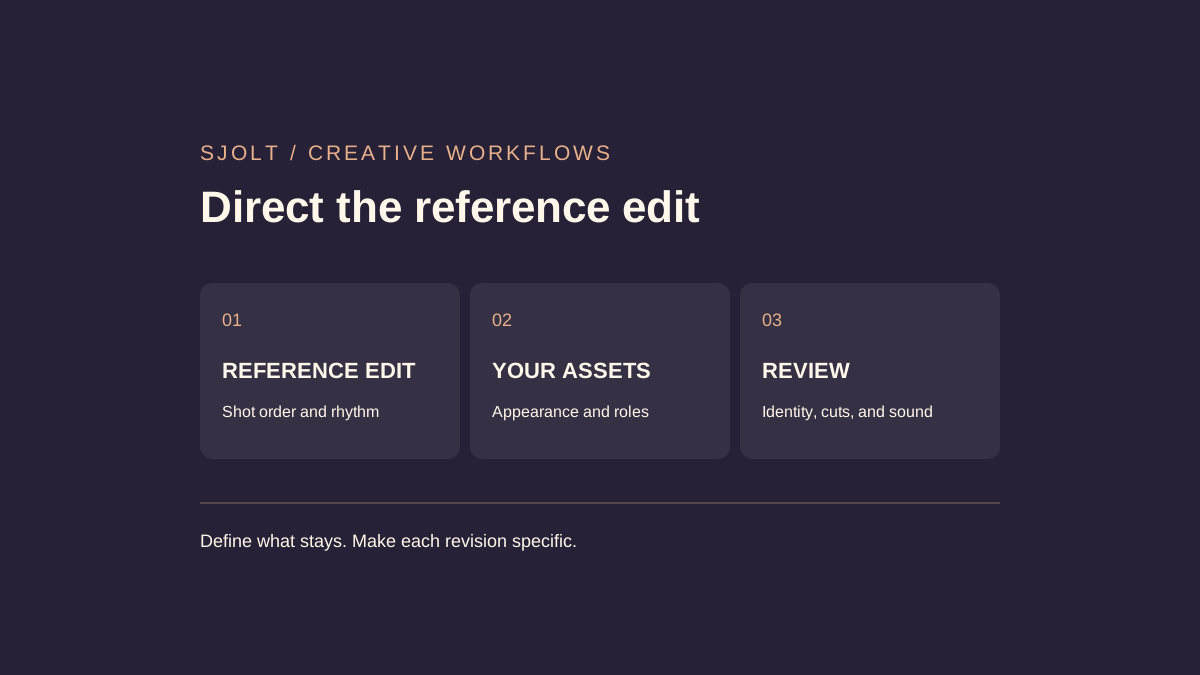
Higgsfield Katana is a reference-edit workflow for Claude, according to Higgsfield’s October 12, 2026 guide. It uses Higgsfield MCP to rebuild an uploaded edit or library preset with up to five photos of characters, products, or clothing. The name does not identify only a sword effect.
The practical question is what you already have: a finished edit whose structure you want to reuse, a motion clip to transform, or a loose idea that still needs a shot plan. Those starting points call for different controls. SJolt does not currently offer a Katana endpoint.
Start with the official workflow
Higgsfield documents connection through https://mcp.higgsfield.ai/mcp with account authorization and an active subscription. Its guide directs uploads through the Higgsfield window in the chat or a direct media link; a social-profile URL is not a media file. It describes an MP4 output following the reference’s duration, aspect ratio, and frame rate.
Before connecting assets, write one sentence stating what the reference contributes. “Keep the three-shot rhythm and replace the featured bag” is easier to review than “make something similar.” If you cannot identify the useful structure, first sketch the edit you need. A reference selected only for its overall mood may leave the real production decisions unresolved.
Prepare references by role
| Asset | What to establish | Review question |
|---|---|---|
| Reference edit | Shot boundaries, framing, movement, and sound cues. | Which parts must survive in the new version? |
| Product photo | Shape, material, label placement, and important details. | Would a customer recognize the actual object? |
| Character photo | Clear appearance and intended wardrobe. | Does identity remain stable through turns and cuts? |
| Written instruction | One priority and a short list of permitted changes. | Can a reviewer distinguish success from an attractive miss? |
Choose a source you are authorized to adapt and keep a clean copy. Label each photo with its intended role. Avoid using one image to imply both a different product shape and a different lighting setup unless both changes are wanted. Conflicting references can make an apparently plausible output difficult to evaluate.
For a small product edit, note three moments: the opening recognition shot, the main movement, and the closing hold. Capture what must be visible at each moment, such as the handle remaining on the same side or the label facing the viewer. These notes are an acceptance plan, not a promise that generation will preserve every detail.
Make corrections specific enough to judge
Higgsfield says corrections regenerate affected shots; rearranging existing shots is free, while new generations consume plan credits. It shows a credit estimate before confirmation. These are provider descriptions, not billing or quality results independently tested for this article.
Review the first result once for structure and once for identity. In the first pass, check the order of events, pauses, and transitions. In the second, look at product edges, fingers, clothing details, and objects that become briefly occluded. Separating the passes makes it easier to describe what needs changing.
At the second cut, the bag handle changes shape. Keep the approved
opening and closing shots. Revise the middle shot so the handle
matches the product photo throughout the turn. Preserve the current
cut points. Show the revised shot before replacing the approved edit.
Keep the accepted version while comparing a revision. One corrected detail can introduce a new inconsistency elsewhere, especially near a cut. Record why a candidate was rejected so that the next attempt addresses a concrete failure instead of replacing all previous decisions.
When a motion-control API is the useful building block
SJolt’s Genjutsu route transforms one motion reference using appearance or scene images and a nonblank prompt. Its public contract accepts an MP4 lasting 4–30 seconds, 1–30 image references, and 480p, 720p, or 1080p output. The images guide appearance; they are not designated first or last frames.
Use that route when you are building your own task-based workflow around a motion clip. It does not supply Katana’s preset catalog or conversational edit history, and the shared motion-guided use case does not establish identical results. A separate edit or assembly step may still be necessary for the final deliverable.
The following request is checked against the local SJolt adapter. Replace the example URLs with accessible files you control; the sample assumes an eight-second source clip. Keep the API key on your server. No generation was submitted for this article.
curl 'https://sjolt.ai/sjolt-ai/v1/sjolt-ai/genjutsu/motion-control' \
  -H "Authorization: Bearer $SJOLT_API_KEY" \
  -H 'Content-Type: application/json' \
  --data '{
  "input": {
    "video_url": "https://example.com/owned-motion.mp4",
    "image_urls": [
      "https://example.com/product.png",
      "https://example.com/studio.jpg"
    ],
    "prompt": "Follow the movement and camera in @Video1. Use @Image1 for the product and @Image2 for the studio. Keep the product silhouette and handle placement consistent.",
    "resolution": "720p"
  }
}'
Read data.task_id from the accepted response and poll /sjolt-ai/v1/tasks/YOUR_TASK_ID. Status 0 means running, 1 succeeded, and 2 failed; successful files are in data.output_urls. Save the output with the source filename, reference order, prompt, and selected resolution.
Choose by the deliverable you need to review
For a reusable reference edit inside Claude, evaluate Katana through its own documented workflow. For programmatic motion transformation, evaluate the actual SJolt Genjutsu request and response. For a concept without a reference cut, decide the shots first. Do not choose solely because two tools use similar creative vocabulary.
Before a batch, establish a small acceptance gate: the product is recognizable, the required action completes, the result has the right framing, and sound matches the intended delivery. Listen to the downloaded file as well as watching it. Keep the version that passes these checks, then expand the workflow only as far as the evidence supports.
Sources & further reading
Take the next idea into production.
Explore the models, test a workflow in the playground, and use the same request in your application.