
Video workflows
FilmCraft: Edit AI Clips into a Video You Can Actually Deliver
FilmCraft is an open-source timeline editor from the ArtCraft team. Start with a short export test using your real clips, then judge timing, audio, and compatibility before committing a project.
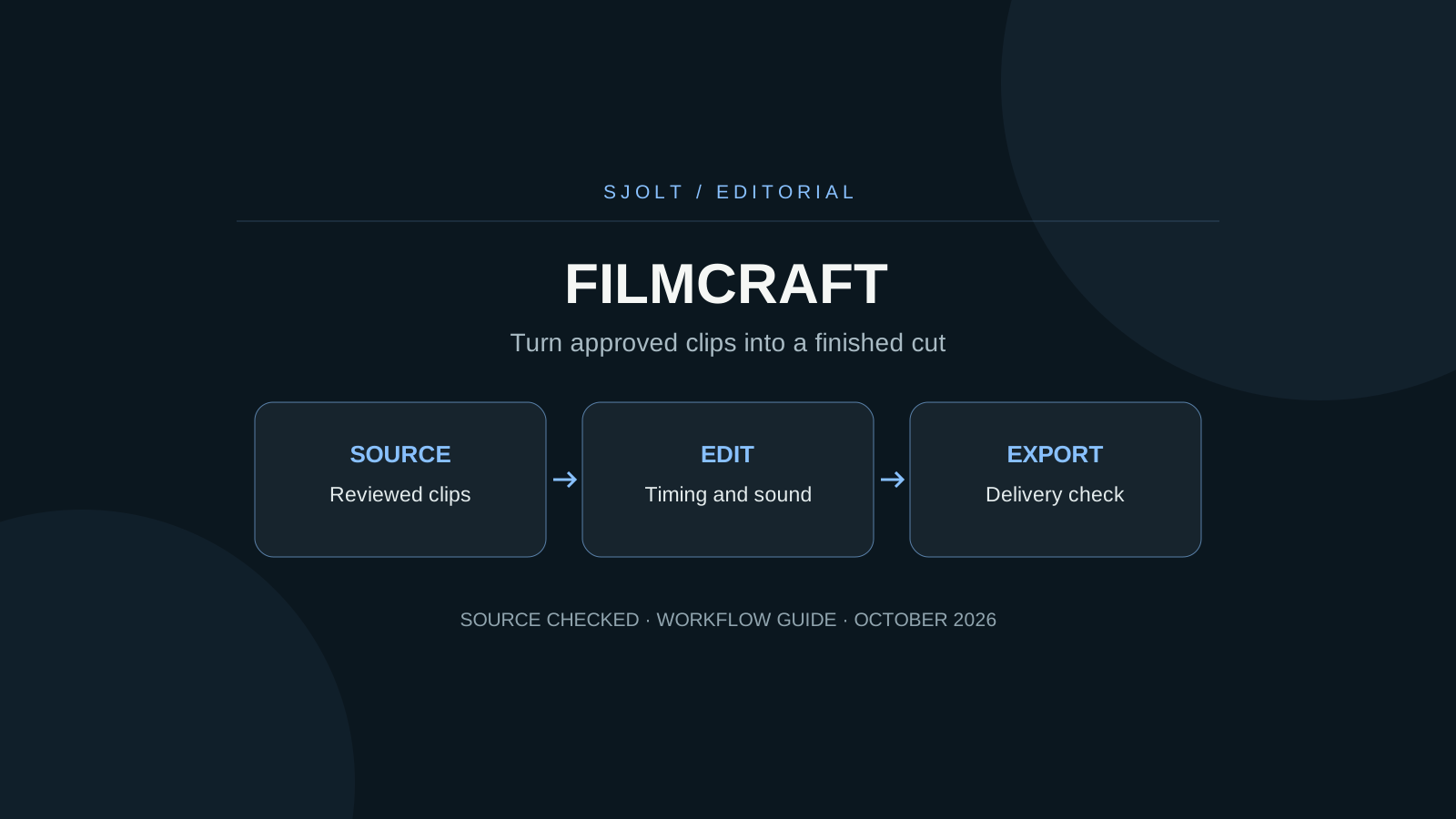
FilmCraft at storytold/filmcraft is a Rust video editor for timeline editing, color, audio, and export. It is part of ArtCraft’s creative app family. It should not be confused with a text-to-video model: a timeline editor assembles and adjusts media that already exists.
For a short campaign, the practical entry test is one complete sequence made from your actual source files. Check import, scrubbing, sound, saving, and final playback before investing time in a longer cut. Generated footage from SJolt is one possible source of those clips.
Read the limitations that affect delivery
The project README describes working editing and export features while acknowledging uneven real-world media coverage. It lists no VST3, Audio Units, or OpenFX plugin hosting. It also distinguishes H.264 software delivery export from hardware-dependent H.265 support and notes that AV1 export is unavailable. Verify the release you install before choosing a delivery preset.
These limits have direct consequences. A workflow that depends on a particular audio plugin needs a separate rendering step or another editor. A phone clip can exercise a different decoder path from a test fixture. An MP4 extension alone tells you little about the codec, frame rate, or color treatment inside the file.
Keep the original sources in a stable folder and use a project copy for the trial. If a file imports but behaves incorrectly, document the exact file properties and the operation that failed before converting everything in the project.
Plan the cut before requesting more footage
A 15-second product sequence can be built around a small number of purposeful shots. The table is an editorial plan, not an assertion that FilmCraft or a generation model will automatically create these edits.
| Timeline | Visual purpose | Acceptance check |
|---|---|---|
| 0–3 seconds | Establish the object and setting. | The subject is immediately recognizable. |
| 3–9 seconds | Show one material or movement detail. | The object stays stable and the action is readable. |
| 9–15 seconds | Hold an ending composition with copy. | The title remains legible and the final beat feels complete. |
Let the intended edit determine which source shots are missing. For example, a slow eight-second camera move may supply a shorter insert. Keep some usable motion before and after the chosen cut so you can adjust timing. Do not generate a new clip merely because the first candidate has unused seconds.
Keep exact promotional text in the edit when possible. A clean title layer is easier to revise than lettering baked into every generated frame. Review the actual advertised object and claims independently of the atmosphere or camera move.
Generate a source shot through a supported SJolt route
SJolt’s MiniMax H3 text-to-video route accepts a prompt, aspect ratio, and an integer duration from 5 to 15 seconds. The following example requests an eight-second source shot. It has been checked against the local request adapter without submitting a paid generation.
curl --request POST 'https://sjolt.ai/sjolt-ai/v1/minimax/h3/text-to-video' \
  --header "Authorization: Bearer $SJOLT_API_KEY" \
  --header 'Content-Type: application/json' \
--data '{"input":{"prompt":"A single slow lateral camera move past an amber glass teapot and two cups on a stone table. Soft morning light, stable object shapes, quiet room ambience, no dialogue, no text.","aspect_ratio":"16:9","duration":8}}'Store data.task_id from the accepted response. Query /sjolt-ai/v1/tasks/YOUR_TASK_ID using the same authorization until status is 1 for success or 2 for failure; status 0 is running. On success, save the video from data.output_urls and inspect it before importing. Keep your API key on the server.
If you need reference-guided generation, use H3’s separate reference-to-video route and its documented inputs. Reference images guide the generation; they are not a guarantee of an exact opening frame. H3 Recast is another distinct workflow for replacing people in an existing video, not an export option in FilmCraft.
Check motion and sound at every cut
Inspect each selected segment at full speed, then step through the cut boundaries. Look for shape changes, discontinuous camera direction, hands or handles that deform, and sudden changes in light. A frame that looks good as a still can be an awkward transition when viewed in motion.
- Set the sequence aspect ratio and delivery frame rate before placing clips.
- Check whether a portrait crop cuts off the subject during motion, not only on the first frame.
- Listen to source audio on its own before mixing. Decide whether room sound should continue across the cut.
- Keep dialogue and music intelligible together; watch the final mix for clipping.
- Compare the first and last frames of the export with the intended edit points.
Generated ambience is part of the clip you receive. Avoid assuming it will fit a new cut automatically. A short hold or a clean audio transition can make a sequence coherent without another generation request. When you do need a revision, change the shot brief that caused the problem rather than asking for a vague improvement.
Finish with a small end-to-end export test
Export the planned 15 seconds early. Open the result in an independent player and in the intended delivery environment. Check duration, orientation, text, synchronization, and color. Then save and reopen the editing project to confirm that its media remains connected.
| Symptom | Next diagnostic step |
|---|---|
| Clip opens but playback stalls | Test a short section and inspect codec and hardware support. |
| Audio drifts or cuts unexpectedly | Compare source timing, sequence settings, and exported playback. |
| Result looks different outside the editor | Check color interpretation and export settings before regrading. |
| Project reopens with missing media | Restore the agreed source paths and test relinking. |
The current repository status includes limitations on performance and platform testing. Its project-reported percentages and benchmarks were not reproduced here. Use your complete export test to decide whether the current build fits this project, then increase complexity only after that file passes.
There is no verified FilmCraft-to-SJolt connector in this guide. The workflow uses a normal downloaded media file between separate tools, leaving generation records and the editing timeline independently reviewable.
Sources & further reading
Take the next idea into production.
Explore the models, test a workflow in the playground, and use the same request in your application.