
Replace the sole dancer with the adult woman in the reference photo, including her short copper curls and ivory silk dress. Preserve the source dance performance, body motion, camera movement, stone courtyard, sunset lighting, scene cuts, and original sound. Keep a single coherent person throughout; no text, logos, or extra people.
MiniMax H3 Recast Video editing API
Give an existing performance a new cast using one reference photo per replacement person.
Start with a source video lasting 5–15 seconds and 1–4 photos. Add a prompt to explain the replacement.
Model Type:Video editing
Pricing
Output resolution
The source video duration is rounded up to the next whole second and multiplied by the selected resolution rate. Reference photos add no extra charge.
- 768p
- $0.30/s
- 1080p
- $0.45/s
Playground Examples
Try production-style prompt starters.
Replace the sole dancer with the mature silver-haired woman in the reference photo, wearing her flowing burgundy dress. Preserve the original choreography, camera, courtyard, sunset, scene cuts, and sound. Retain her facial features and age consistently through every movement. No text, logos, duplicate bodies, or additional people.
Replace the sole dancer with the woman in the reference photo, preserving her face, black braids, and midnight-blue silk dress with gold trim. Keep the source dance, pose timing, camera movement, courtyard architecture, sunset light, scene cuts, and original audio. Maintain a coherent person and clothing across the video. Do not add lettering, logos, or other people.
Similar Models
Compare adjacent capabilities before switching models.
ByteDance · Video
Seedance 2.5
ByteDanceCreate videos up to 30 seconds, combine as many as 50 multimodal references, and refine specific moments with frame-level control.
OnlineTry model
MiniMax · Video
MiniMax H3
MiniMaxCreate fixed 2K videos from prompts or coordinated image, video, and audio references, with native sound and flexible 5-15 second delivery.
OnlineTry model
MiniMax · Video
MiniMax H3 Dev
MiniMaxCreate 4-15 second 768p videos from text, first and last frames, or up to five visual references with optional audio direction.
OnlineTry model
Model overview
MiniMax H3 Recast for people replacement in video
Use reference photos to change the cast of a recorded scene. Recast aims to preserve the source performance, camera movement, edits, and original audio while replacing the main people.
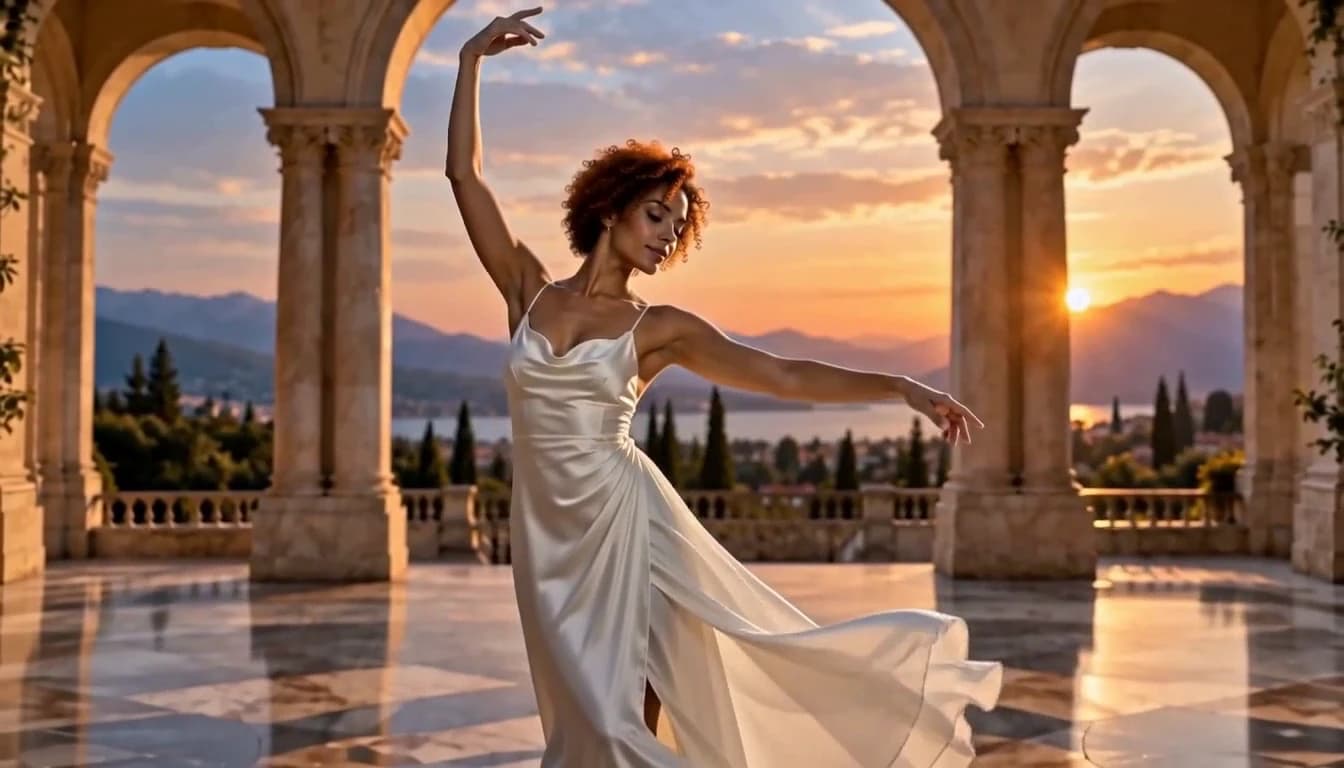
One reference photo for each new person
Provide 1–4 clear photos of the replacement people. Order them from left to right to match the people in the source, or explain a different mapping in the prompt.
- Supports Video editing and reference-asset generation workflows.
- Fits product assets, ad previews, visual direction, and social content tests.
- Adjust configured inputs, media, and switches before generation.
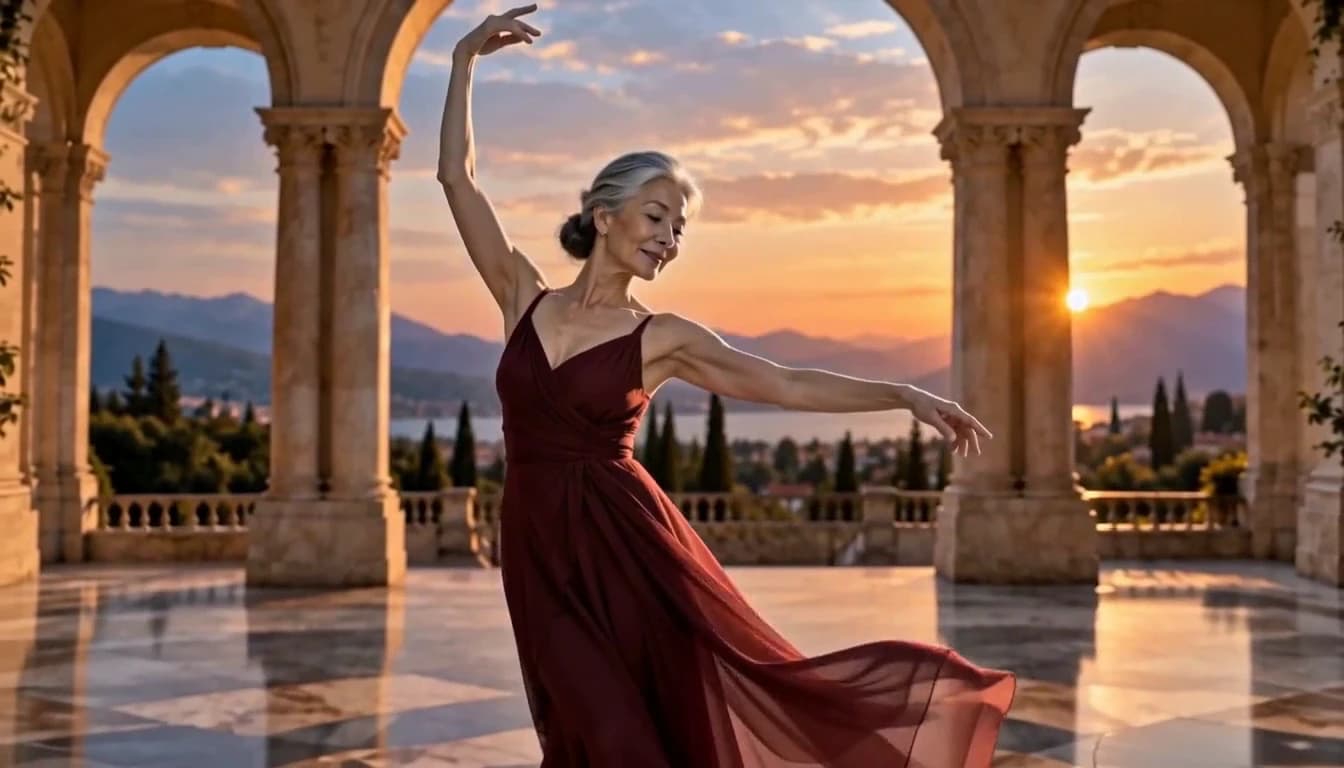
Keep the recorded performance
Choose a source video lasting 5–15 seconds. Its performance, camera movements, scene cuts, and sound guide the edited result, making it useful for exploring a different cast within an existing scene.
Source videoReplacement people
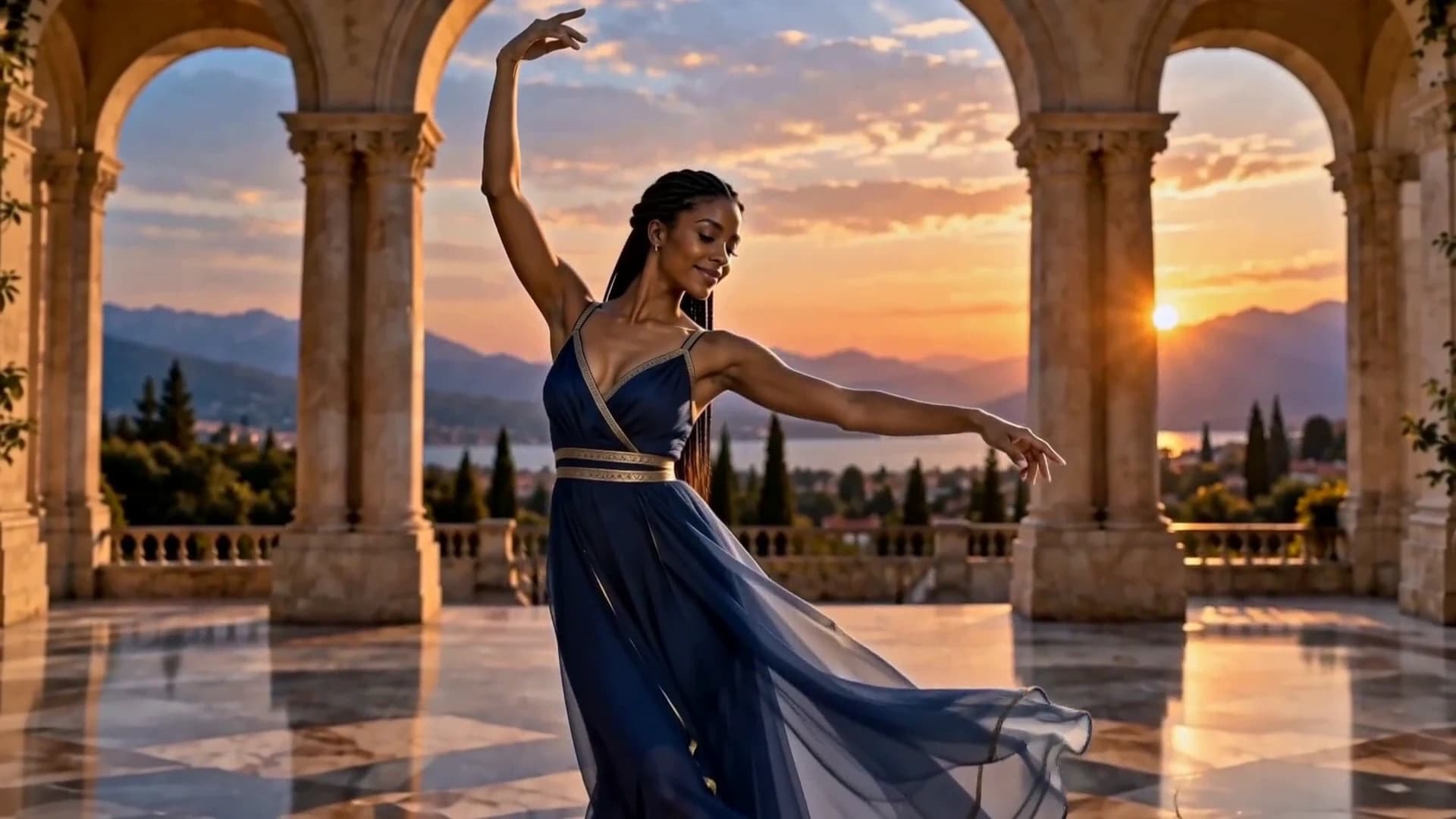
Guide the replacement with a short prompt
Describe which person each photo should replace. Mention clothing or scene details you want to retain, and keep instructions consistent with the visible people and action in the source.
- Compare available models from Alibaba, Black Forest Labs, Google, MiniMax, Midjourney, OpenAI, ByteDance, Kuaishou, SJolt AI, Suno, xAI in one place.
- Copy the request body directly to the server to reduce frontend/backend parameter drift.
- Failure states, retries, result preview, and review checkpoints stay in the same workflow.
Model characteristics
A focused workflow for recasting existing video
People reference photos
Use 1–4 replacement photos together with a source video. Each photo supplies the appearance of a new person.
Two output resolutions
Choose 768p, 1080p. The default is 1080p.
Asynchronous results
Submit your media URLs, keep the task identifier, and retrieve the video by polling or through a completion webhook.
FAQ
These are the first questions to answer when evaluating this model.
What inputs do I need?
One source video lasting 5–15 seconds and 1–4 photos, one for each replacement person. A prompt is optional.
How are the photos matched to people?
By default, photos replace the main people from left to right. Add a prompt when the intended mapping needs clarification.
What stays from the source video?
The model aims to preserve the original performance, camera movement, scene cuts, and audio while changing the people.
How is source length checked?
The server measures the original video and accepts 5–15 seconds, inclusive.