
Creative workflows
WordCraft: Open-Source DOCX Editing for Creative Briefs
WordCraft is an open-source word processor with document automation. Use it to review the brief and verify the saved document before turning approved copy into a visual production request.
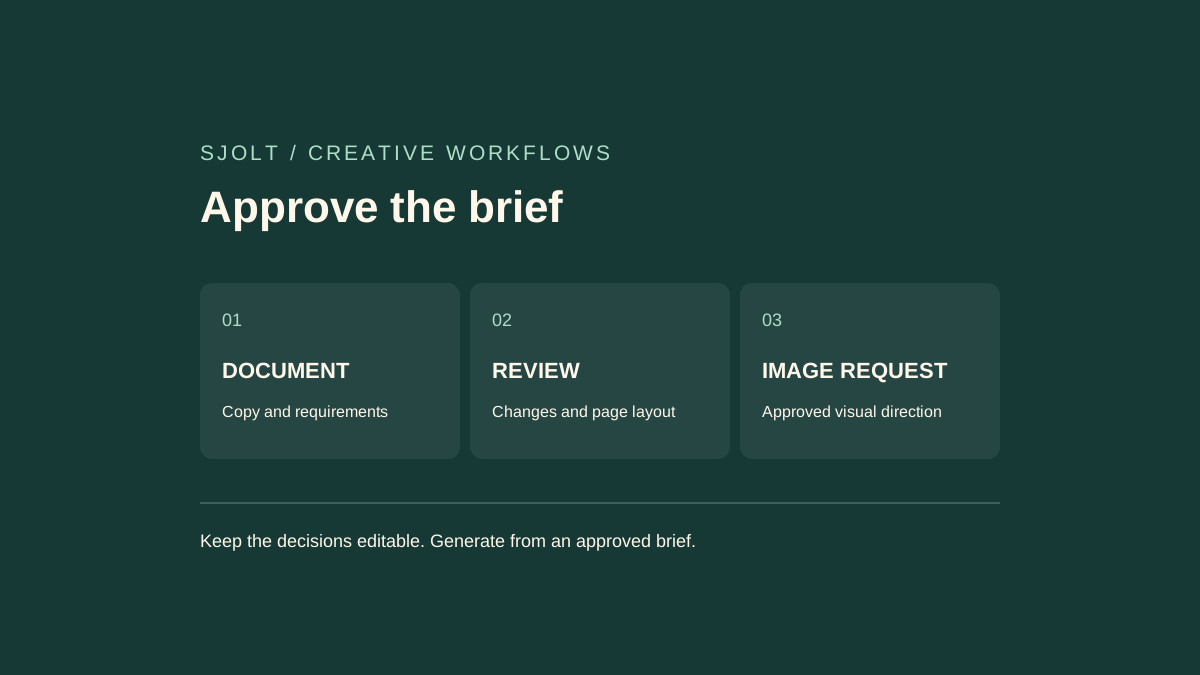
WordCraft from the ArtCraft team is a Rust word processor at storytold/wordcraft. It opens and saves DOCX documents and offers desktop, command-line, and agent interfaces. It is in alpha, so a familiar ribbon should be the start of a compatibility check, not the end of one.
For a creative team, a useful first project is a short campaign brief: approved copy, one reference image, a deliverables table, and review comments. Keep the document as the record of decisions, then pass only the approved visual requirements into a separate generation workflow.
Which WordCraft are you looking for?
The official ArtCraft product page links the word processor and its downloads. A different project named Wordcraft appears in a 2021 research paper about an AI-assisted story editor. The shared name does not establish that they are the same application, use the same model, or have the same trial or account system.
Use the repository owner and product URL to identify the tool before following setup instructions. If your goal is open-ended story suggestions, a paper about collaborative writing may be relevant. If your goal is an editable brief that another person can open in Word, document interchange is the more useful evaluation target.
Pin the version before checking a real document
The release list checked on October 13, 2026 includes v0.6.1, with changes to hyperlinks, legacy .doc imports, equations, and several export formats. Release notes describe the packaged version; documentation on the main branch can describe newer work. Save the version and installer identity with your test results.
Start with a duplicate of a representative brief. Include the actual fonts, a heading followed by a table, a picture with a caption, and any comments the reviewer must keep. A blank document proves little about a production handoff. Your test file should contain the features that could delay approval if they change.
| Element | Acceptance check | Why it matters |
|---|---|---|
| Approved headline | Compare exact text and line breaks. | A small reflow can change the page or cover. |
| Deliverables table | Check widths, repeated headings, and split rows. | Specifications must remain readable. |
| Reference image | Reopen the file and inspect the crop and caption. | The next person needs the same visual intent. |
| Review markup | Confirm comments and accepted or rejected changes. | An unresolved suggestion must not become final copy. |
Review content and page layout separately
WordCraft documents DOCX read/write and PDF export with selectable text. Its current parity assessment still identifies gaps in production readiness and says imported charts and SmartArt have editing limits. Treat its feature counts as project assessments rather than proof of complete Microsoft Word compatibility.
- Open the copied brief and make one small, deliberate edit. Save under a new filename.
- Reopen the saved DOCX in the application the recipient will use. Check both content and editability.
- Export a PDF for visual review. Inspect every page at normal reading size, including page breaks and the last table row.
- Compare links, captions, and approved wording with the original. Keep the original, edited DOCX, and review PDF together.
A PDF can preserve the appearance while losing the editing choices a teammate needs. A DOCX can contain the right words while placing a picture on the wrong page. Require both checks when the file is a working brief. For a final read-only handoff, agree explicitly which export is authoritative.
Make agent edits attributable and reviewable
The MCP guide supports naming the editing agent and explicitly enabling tracked changes. It also documents separate read and write roots for a headless session; that restriction is not available through its bridge to a running desktop app. Use the mode whose scope matches the job.
Give an agent a narrow editorial task, such as shortening each shot description while preserving product names, dates, and dimensions. Ask it to leave disputed claims as comments. Review the diff before accepting the changes, and render the document after acceptance because shorter text can still alter pagination.
Copyedit the shot descriptions for clarity. Preserve all product names,
dimensions, dates, and approved headlines. Track every edit under a
distinct author name. Comment on missing information; do not invent it.
Save a new review copy and report any layout changes.
Document automation does not by itself identify the model an external agent uses or where that agent sends text. Keep those settings separate from the local editor. A local file workflow can still involve a remote model when you connect one.
Turn approved requirements into a visual request
SJolt does not expose WordCraft as a model or a native document-editing endpoint. The practical handoff is the approved brief. For example, Nano Banana 2.1 on SJolt can create an image from text or edit using reference images; it does not return an editable DOCX or preserve WordCraft review comments.
Extract the subject, required composition, aspect ratio, and attributes that must remain accurate. Keep exact legal copy and final typography in the document or layout editor. For a product launch, a useful visual request might reserve the top third for a headline while showing the object clearly below. The approved headline stays editable after the image is chosen.
When the generation task finishes, download and inspect the selected image before inserting it into the review copy. Record its task ID and the brief revision used. That makes a later request such as “use the approved background with the revised headline” possible without regenerating the whole concept.
No WordCraft binary or paid model call was run for this guide. The sources establish the project and documented interfaces; the representative-document test establishes whether a particular release fits your handoff.
Sources & further reading
Take the next idea into production.
Explore the models, test a workflow in the playground, and use the same request in your application.