
Model comparisons
Nano Banana 2.1 vs Pro: Price, Quality, and Which to Choose
Nano Banana 2.1 costs less per image on SJolt, while Pro is a candidate for demanding design briefs. Compare their actual capabilities, pricing, and the cost of an image you can use.
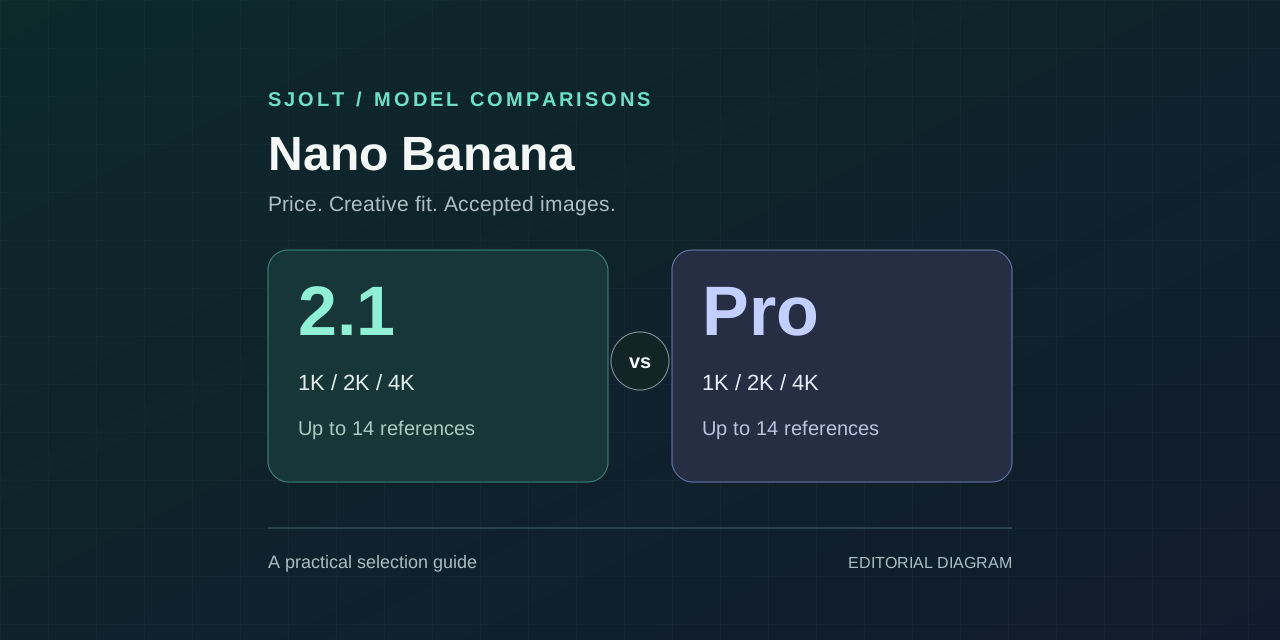
For Nano Banana 2.1 vs Pro on SJolt, start with 2.1 when your priority is exploring ideas at a lower generation cost. Consider Pro for demanding layouts, product mockups, and images with substantial text—the work Google emphasizes for that model—and keep it when your own review shows a useful improvement.
Both models support text-to-image generation, reference-guided editing with up to 14 images, and 1K, 2K, or 4K output on SJolt. At 2K, the standard public price is $0.025 per image for Nano Banana 2.1 and $0.080 for Pro. That is a concrete cost difference; a universal quality winner needs evidence from the images you actually need.
Nano Banana 2.1 vs Pro at a glance
Google identifies Nano Banana 2.1 as gemini-nano-banana-2.1 and Nano Banana Pro as gemini-3-pro-image. Its documentation positions 2.1 around efficiency and Pro around professional image production. The table below separates that positioning from the options currently exposed by SJolt, checked on October 7, 2026.
| Comparison | Nano Banana 2.1 | Nano Banana Pro |
|---|---|---|
| Google's stated focus | Efficient image generation and editing | Complex design and professional assets |
| SJolt generation modes | Text to image; image edit | Text to image; image edit |
| SJolt reference input limit | 1–14 images for image edit | 1–14 images for image edit |
| SJolt resolution tiers | 1K, 2K, 4K | 1K, 2K, 4K |
| Default resolution | 1K | 1K |
| Default aspect ratio | 1:1 | auto |
| Additional framing option on Pro | No auto or 9:21 option | auto and 9:21 available |
| Measured quality or speed winner | Not established by this guide | Not established by this guide |
The shared explicit ratios are 1:1, 2:3, 3:2, 3:4, 4:3, 4:5, 5:4, 9:16, 16:9, and 21:9. Set one explicitly when comparing models so Pro's auto default does not change the framing. If your application specifically needs 9:21 or automatic framing, Pro exposes those options today.
Price comparison: how much more does Pro cost?
These are SJolt's standard public prices as of October 7, 2026, for both text-to-image and image-edit tasks. They are not Google's direct API prices. Use the current price shown for your account when planning a production run.
| Resolution | 2.1 per image | Pro per image | 2.1 / Pro for 1,000 images |
|---|---|---|---|
| 1K | $0.015 | $0.080 | $15 / $80 |
| 2K | $0.025 | $0.080 | $25 / $80 |
| 4K | $0.040 | $0.110 | $40 / $110 |
At equal output counts, 2.1 costs about 81% less at 1K, 69% less at 2K, and 64% less at 4K. The 1,000-image totals are simple rate calculations, not measured campaign costs. Additional attempts and review time can change the economics of the final deliverable.
Pro's 1K and 2K public rates are equal, while 2.1's price rises between those tiers. If you need a 2K deliverable, compare both at 2K rather than using a cheaper 1K result from one model. Resolution parity makes both the cost and visual comparison easier to interpret.
Image quality, text, and editing: what the evidence supports
Google describes 2.1 as improving visual quality, prompt adherence, character consistency across edits, and text rendering over Nano Banana 2. Its Pro model page emphasizes complex graphic design, detailed product mockups, and factual visualizations. These descriptions make Pro a relevant comparison for difficult design work, but they do not establish that Pro wins every brief or that 2.1 has surpassed Pro.
For text-heavy images, score the actual words, numbers, punctuation, reading order, and spacing. A poster can look convincing at thumbnail size while containing a wrong date. If approved copy must remain exact, consider generating the visual scene and applying final typography in a design tool; evaluate that complete workflow against generating the entire poster.
For reference editing, both SJolt models accept 14 images. That input count does not guarantee 14 identities or objects will be reproduced correctly. Start with the same product reference and a specific change, such as replacing the background. Check the logo, outline, materials, and proportions against the source, then repeat with a second edit to expose accumulated changes.
Google's native APIs document features such as search grounding and thinking. SJolt's public inputs for these models are prompt, aspect_ratio, resolution, and image_urls for editing. Do not assume Google-specific tool or thinking fields can be transferred into a SJolt request.
Which model should you choose for your task?
| Your task | Suggested starting point | Reason to change the choice |
|---|---|---|
| Many social concepts or background variations | 2.1, because each candidate costs less | Test Pro if too many candidates miss required details |
| Text-heavy poster or structured product diagram | Compare Pro with 2.1 at the same resolution | Keep the model that meets copy and layout requirements with less correction |
| Product or brand reference editing | Run the same reference set through both | Choose on preserved product details and total revision effort |
| A 4K deliverable | 2.1 if it passes your quality checks | Use Pro if the reviewed improvement justifies its $0.110 rate |
| 9:21 framing or auto ratio selection | Pro on SJolt | Use 2.1 only if a shared explicit ratio suits the deliverable |
A useful production policy is to route ordinary briefs to the cheaper model that already passes your checks, and send only the difficult categories to the alternative. For a fair first comparison, both models should receive the same original reference. Passing a 2.1 output into Pro evaluates a two-stage workflow, which is a separate experiment and includes both generation charges.
Compare both with the same SJolt API request
Use the same brief, explicit ratio, and resolution, changing only the model route. This sample targets a poster with two lines of text so you have concrete details to judge. Set SJOLT_API_KEY on your server; executing the request creates a billable generation task. The example is provided for your evaluation and was not executed to produce benchmark results for this article.
MODEL=nano-banana-2.1
# For the second model, set MODEL=nano-banana-pro.
curl --fail-with-body "https://sjolt.ai/sjolt-ai/v1/google/$MODEL/text-to-image" \
  -H "Authorization: Bearer $SJOLT_API_KEY" \
  -H "Content-Type: application/json" \
  -d '{
    "input": {
      "prompt": "Create a square poster for a ceramics workshop. Large headline: OPEN STUDIO. Smaller line: SATURDAY 10 AM. One cobalt blue bowl on a warm cream background. Keep generous margins and a clear two-level text hierarchy. No other words or logos.",
      "aspect_ratio": "1:1",
      "resolution": "2K"
    }
  }'
For an editing comparison, use google/nano-banana-2.1/image-edit and google/nano-banana-pro/image-edit. Add the same image_urls array of 1–14 publicly reachable image URLs to input and replace the poster prompt with your editing instruction. Use PNG, JPEG, or WebP references for a common setup, and preserve their order in both requests.
Save data.task_id from each create response and query GET /sjolt-ai/v1/tasks/{task_id}. A data.status of 0 means running, 1 means succeeded, and 2 means failed. Read completed image URLs from data.output_urls and failure details from data.error. Measure completion time from submission to the terminal status using the same polling interval for both models.
Choose on accepted images, not one impressive sample
Start with five representative briefs and two outputs per brief from each model. At the listed 2K rates, ten billable outputs from 2.1 plus ten from Pro cost $1.05 before any extra attempts. This is a small evaluation budget, not a forecast of success rates. Include ordinary work and the cases that tend to require revisions.
- Define pass/fail requirements first: exact headline, correct object count, preserved label, and usable delivery crop.
- Hide the model names during review and inspect both at the same display size. Check fine details at full resolution.
- Record accepted outputs, actual generation charges, review minutes, required edits, and time to completion.
- Keep failed attempts and difficult prompts in the record. Expand the test if the result is close or inconsistent across categories.
Generation cost per accepted image =
  actual generation charges / accepted images

Including review work =
  (actual generation charges + review hours × hourly cost)
  / accepted images
At 2K, Pro costs 3.2 times as much per image. Its extra cost can still be worthwhile if it saves enough human correction or meets a requirement 2.1 repeatedly misses. If no output is acceptable, the cost-per-accepted-image calculation is undefined; change the brief or workflow before scaling.
Common questions about Nano Banana 2.1 vs Pro
Is Nano Banana 2.1 the same as Nano Banana Pro? No. Google's model IDs are gemini-nano-banana-2.1 and gemini-3-pro-image respectively, and SJolt exposes separate routes for them.
Is Nano Banana 2.1 faster? Google positions it for efficiency and high-volume use, but this article contains no timing benchmark. Measure the actual SJolt task completion time for your prompt, resolution, and workload before making a latency commitment.
Do I need Pro for 4K or 14 reference images? No. Both models expose those options on SJolt. Choose Pro for a demonstrated improvement on your brief or its additional framing controls, rather than assuming those shared features are Pro-only.
Sources & further reading
Take the next idea into production.
Explore the models, test a workflow in the playground, and use the same request in your application.