
Model comparisons
Sol 6.1 vs Opus 5.5: A Practical Model Selection Guide
Both models are available on SJolt. Choose between them using the work you need completed, the native API your application expects, and the cost of an accepted result.
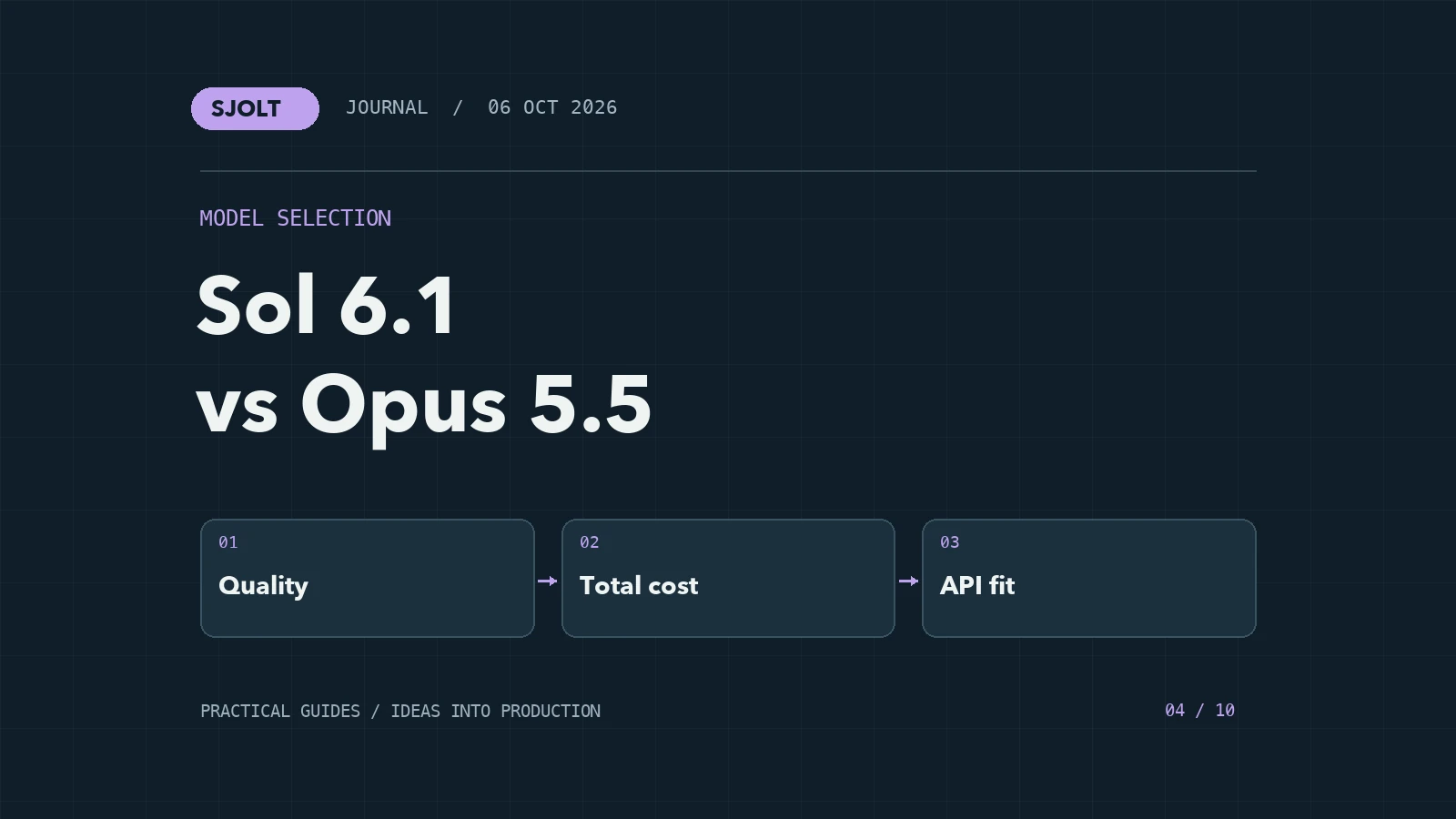
GPT-6.1 Sol and Claude Opus 5.5 are both available on SJolt for text and image analysis. Sol supports OpenAI-compatible Chat Completions and Responses; Opus uses Anthropic Messages. Your existing application protocol is an immediate selection factor, even before you evaluate answer quality.
There is no task-independent winner established by this guide. We have not run a head-to-head benchmark. Instead, the comparison below gives you a verified SJolt baseline and a practical way to decide which model produces the most useful result for your workload.
Compare the current SJolt contracts
| Property | GPT-6.1 Sol | Claude Opus 5.5 |
|---|---|---|
| SJolt model ID | openai/gpt-6.1-sol | anthropic/claude-opus-5-5 |
| API protocols | Chat Completions; Responses | Anthropic Messages |
| Input and output | Text and images in; text out | Text and images in; text out |
| Context window | 1,050,000 tokens | 1,000,000 tokens |
| Reasoning | Enabled; low through max effort | Adaptive; low through max effort |
| Output limit control on SJolt | No public output-token-limit field on this route | Required max_tokens, up to 128,000 |
A model’s maximum output capacity and the request controls an integration exposes are different things. In particular, SJolt’s Sol route rejects output-token-limit fields even though the model has an output capacity. Consult the selected route before copying a client configuration from another model.
Use provider claims to choose tests, not a winner
OpenAI describes Sol 6.1 as a model for complex coding and professional work. Anthropic presents Opus 5.5 as an improvement in coding, computer use, and knowledge work. Those descriptions identify relevant tasks to test. They do not establish how either model will perform with your documents, tools, or review standards.
When reading benchmark tables, check the exact model version and evaluation setup. A result for GPT-6 Sol or GPT-5.6 Sol is not a result for GPT-6.1 Sol. Differences in tool access, reasoning effort, retry budget, and scoring can also make two numbers unsuitable for a direct comparison.
Estimate an ordinary request on SJolt
As checked on October 6, 2026, SJolt’s public charged rates for these routes are shown below in US dollars per million tokens. These are SJolt rates, not the providers’ direct API list prices. Account-specific rates can differ; consult your current pricing before running a batch.
| Token category | GPT-6.1 Sol | Claude Opus 5.5 |
|---|---|---|
| Uncached input | $0.80 | $1.60 |
| Output | $4.00 | $8.00 |
| Cache read | $0.04 | $0.08 |
For an illustrative uncached request using 10,000 input tokens and 2,000 billed output tokens, the token charge would be $0.016 for Sol and $0.032 for Opus at those rates. This arithmetic excludes cache writes and any separate services. It is not a measured bill for a test run. Billed output can include reasoning, so final answer length alone is not a reliable cost estimate.
A lower price per token helps only if the task reaches an acceptable result. Track the sum of all attempts and the time a person spends correcting them. If one model needs three revisions and the other succeeds immediately, the useful comparison is the completed job, not the first response.
Run a small blind evaluation
Build a set of real tasks that represents your work: a bug diagnosis with a known cause, a document comparison with an answer key, a screenshot interpretation, and a structured creative brief. Use a fixed source packet and make success criteria explicit before generating answers.
| Dimension | How to score it |
|---|---|
| Correctness | Compare claims and code behavior with the answer key |
| Evidence | Check whether conclusions refer to the supplied material |
| Constraint following | Count missing requirements and unsupported additions |
| Edit effort | Record reviewer time needed to accept the result |
| Operational fit | Record latency, failures, and total billed usage |
Randomize the order of the outputs and hide the model names from reviewers. Start with medium effort where supported, then separately evaluate higher effort on the difficult cases. Keep tuned and untuned runs distinguishable. A model-specific prompt can be valuable, but it is a separate experimental condition.
Evaluate the handoff to a media model
For SJolt creative applications, give both LLMs the same approved product facts and ask for a shot list. Score whether each shot preserves the product, specifies a clear action, and fits the intended media endpoint. The LLM’s job here is planning; use an image or video model for the rendered assets.
Do not judge the planning model solely by the beauty of one downstream generation. Media generation introduces another source of variation. First compare the briefs on their own. Then run the selected briefs through the same media workflow and review whether they remain useful in practice.
Make the decision specific and revisitable
Choose a primary model for a defined class of work, such as short code reviews or long document analysis. Keep a second candidate only where it provides a measurable benefit, and document the routing rule. Avoid switching models merely because the first answer contains an error; diagnose whether the source packet or acceptance criteria caused the failure.
Save a compact set of evaluation cases and rerun it when your application, prompt, or model version changes. That gives you a continuing basis for selection instead of a permanent ranking based on a single day’s results.
Sources & further reading
Take the next idea into production.
Explore the models, test a workflow in the playground, and use the same request in your application.