
Image workflows
Higgsfield Mangaka: Plan, Budget and Review Your First Comic
A comic studio needs a different evaluation from a video template. Start with a story brief, inspect the cast and lettering, then budget production and revisions.
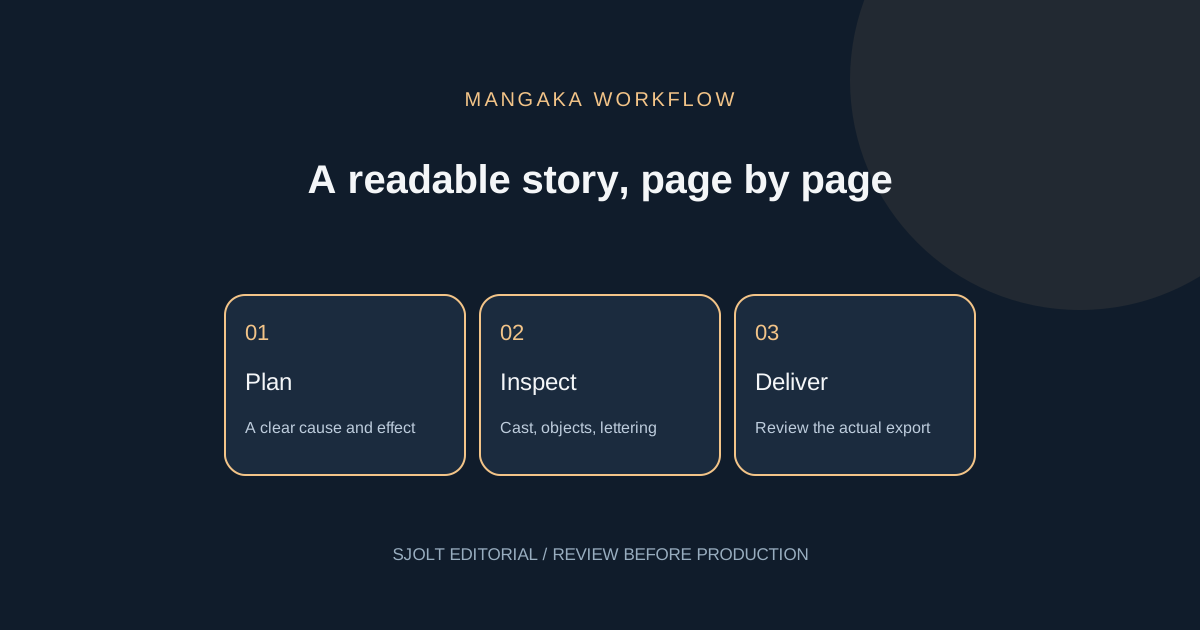
Higgsfield Mangaka is a studio for manga, comics and webtoons. Higgsfield’s changelog dates the release to November 2, 2026; its detailed guide followed on November 3. The output described by those sources is illustrated pages and chapters. Searching for Mangaka should lead you to that comic workflow, rather than an assumed video preset.
The useful first decision is how much story to generate before reviewing it. This guide combines a short source summary with an original acceptance plan and a hypothetical budget. We did not buy credits, generate a comic or benchmark character consistency.
What the documented studio offers
Higgsfield’s guide lists idea or script input, PDF/DOCX uploads up to 25 MB, and Auto or Manual production. Manual mode exposes separate cast and world review before chapters. Page formats include 3:4, 9:16 and 2:3. Export options include PDF, CBZ, PNG pages and webtoon output. The guide also describes panel and page edits and a Recreate route for adapting a template.
The release log specifies projects of 4–30 chapters, with approximate chapter lengths of 20, 30 or 40 pages. That matters for planning: a “small test” in your editorial process is not proof that the product sells a one-page project. Check the actual setup and charge shown before you authorize generation, and use the available review checkpoints to limit unnecessary work.
Write a brief that makes continuity inspectable
Use an original story with a visible cause and effect. Our example follows Mina, a bicycle courier, returning a brass key to a repair shop before closing time. The story needs only two people, one street and one key. That small cast gives you a manageable way to check identity, geography and object continuity without relying on recognition of a famous character.
Premise: A courier must return a lost key before a repair shop closes.
Mina: adult courier, short dark hair, amber raincoat, teal messenger bag.
Shop owner: adult, silver hair, round glasses, blue apron.
Invariant: one brass key with a triangular tag.
Beat 1: Mina finds the key beside a bicycle rack.
Beat 2: She sees the matching tag painted on the shop door.
Beat 3: A gust closes the door before she reaches it.
Beat 4: The owner notices her holding the key through the window.
Ending: The door opens; both recognize the solved problem.
Dialogue: short exchanges; no narrator explaining visible actions.
Before illustrating, ask a reader to explain the sequence from the brief alone. If they cannot understand why the key belongs to the shop, add a clear visual clue. Fixing that causal gap in text is more useful than redrawing an attractive panel that still tells an unclear story. Keep the approved brief beside the project so edits have a stable reference.
Choose the reading direction and delivery format in advance. For a phone-first story, reserve space for lettering and avoid essential details at the extreme edges. For page-based reading, sketch the order of the major beats on paper. These are editorial choices; a format selector cannot decide which moment deserves the largest panel.
Estimate credits and keep revisions visible
The November 3 guide lists 4 credits per character or location, 30 for a 30-page chapter and 1 for a page edit. Its dollar examples use a $49 plan with 1,000 credits. These dated examples are a planning basis, not a checkout quote or a universal per-page tariff. Recheck the interface and your plan before spending.
| Hypothetical item | Quantity × listed credits | Subtotal |
|---|---|---|
| Characters | 2 × 4 | 8 credits |
| Location | 1 × 4 | 4 credits |
| 30-page chapters | 4 × 30 | 120 credits |
| Page-edit allowance | 12 × 1 | 12 credits |
| Illustrative total | 8 + 4 + 120 + 12 | 144 credits |
At the guide’s illustrative conversion, 144 × $0.049 equals $7.056, or $7.06 rounded. This is not a quoted project total: it excludes any actions not listed in the example, unused subscription credits and additional retries. It also does not mean a new customer can buy exactly $7.06 of service. Separate the subscription outlay from the credits attributed to one project.
Track accepted pages as well as generated pages. If a hypothetical 120-page attempt leaves 96 usable pages, divide the actual total credits consumed by 96 when assessing production cost. Count repairs too. This gives you a practical reason to review early: a cheap first generation can become expensive when the same continuity error repeats across many pages.
Review story, identity and lettering separately
| Pass | Question | Action when it fails |
|---|---|---|
| Story | Can the reader explain why the key returns to this shop? | Revise the beat or visual clue |
| Identity | Do the raincoat, bag and faces remain recognizable? | Compare against the approved cast |
| Objects | Is there one key with the same tag? | Repair the local continuity error |
| Lettering | Does every bubble fit and follow reading order? | Edit the wording or placement |
| Delivery | Can the exported file be read at the intended size? | Inspect the actual export before publishing |
Keep a defect log with page, panel, problem and acceptance condition. “Panel 3: change the circular key tag back to triangular; preserve the hand and background” is easier to review than “make this better.” After a local repair, inspect adjacent panels so a correction does not introduce a new contradiction. Do not count vendor consistency claims as a substitute for this check.
Read the final export on the device your audience will use. Check small lettering, gutter spacing and the order in which speech bubbles draw the eye. Ask a second reader to summarize the scene without your explanation. If they infer a different action, change the page rather than adding a long caption that compensates for confused staging.
Prepare an optional reference image with SJolt
SJolt’s Nano Banana 2.1 can create an independent character reference or edit one using reference images. It is not a Mangaka integration, chapter generator or comic export endpoint. Use it only when you need an approved visual asset before entering the separate studio workflow. Check that the destination accepts your chosen reference and review the uploaded result there.
For Mina, a useful reference is a simple full-body view on a plain background showing the raincoat and bag clearly. Avoid a crowded multi-panel collage whose details compete. Keep the accepted image and a short written description together. A reference can guide appearance, but it does not guarantee continuity across a generated book; the same review criteria still apply.
Choose Mangaka when its chapter workflow fits the deliverable. Choose a separate image workflow when you only need a cover, a character study or a single illustration. Evaluate the smallest meaningful result first, then expand the story only after the cast, page reading and revision costs are understandable.
Sources & further reading
Take the next idea into production.
Explore the models, test a workflow in the playground, and use the same request in your application.