
Image workflows
VectorCraft: SVG Editing, Image Tracing, and Reliable Vector Handoffs
VectorCraft is an open-source vector editor from ArtCraft. A generated raster can be a starting reference, but a useful vector deliverable needs clean paths, editable type, and a checked export.
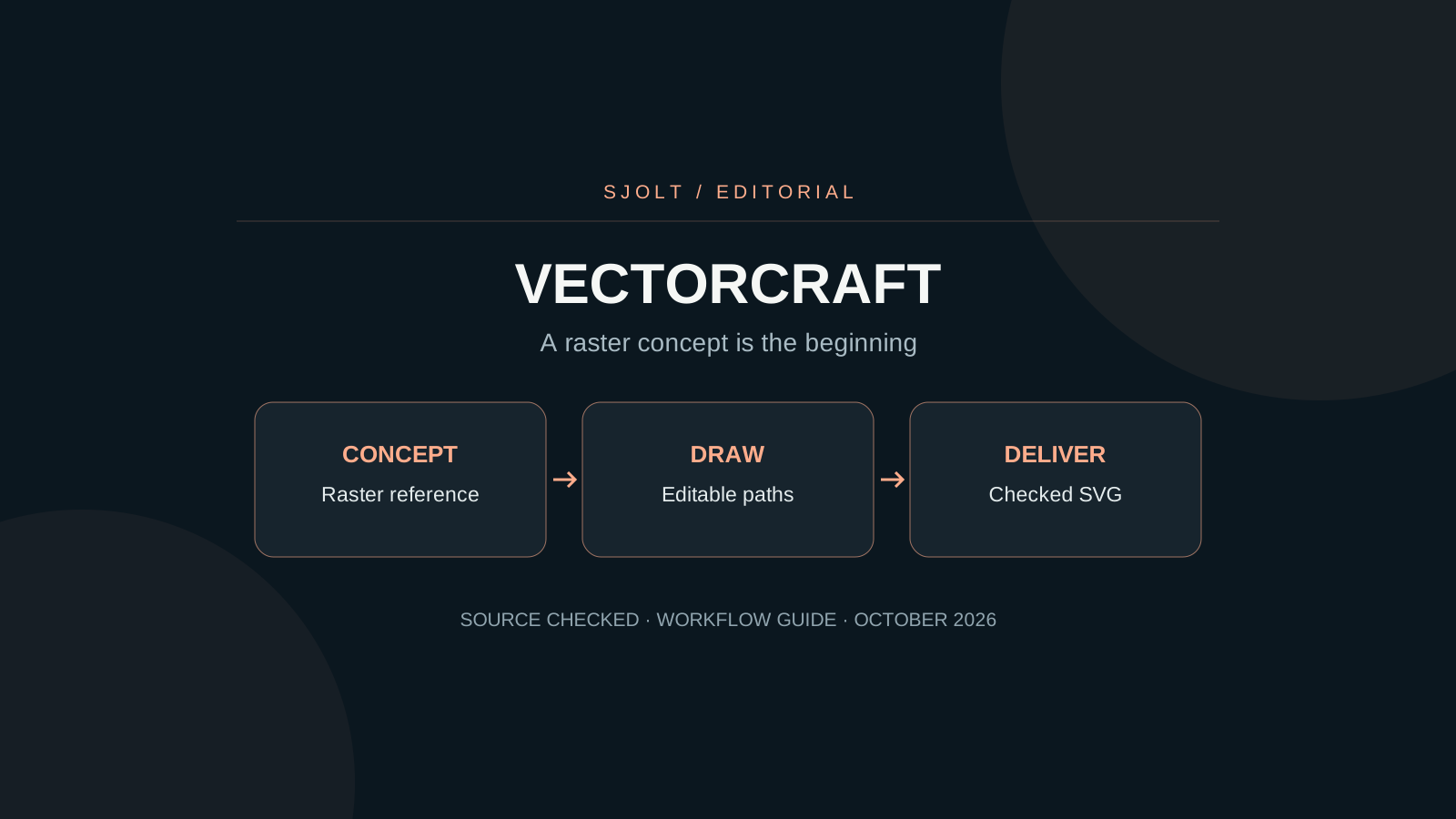
VectorCraft at storytold/vectorcraft is a Rust vector illustration editor from the ArtCraft team. Its official product page describes path editing, shape operations, live effects, image tracing, and SVG/PDF interchange. It is a distinct application from the ArtCraft AI studio.
For a logo or icon job, the useful question is whether the final file contains manageable, editable geometry. An AI image that looks like vector art is still a raster unless it actually contains paths. Use generation to explore a concept, then build and check the delivery document.
Identify the editor and the file you need
The app is under active development. Its README lists gaps including 3D/material tools and parts of advanced typography. Before adopting it for a client file, check the current roadmap and the specific format you need. Do not interpret an overall feature percentage as a guarantee that your receiving application will preserve every effect.
| Deliverable | Keep editable | Check outside the editor |
|---|---|---|
| Small interface icon | A few coherent paths | Edges and negative space at actual display size. |
| Wordmark | Correct type or an approved outlined copy | Spelling, spacing, and font availability. |
| Illustrated poster | Layers, paths, and effect settings | Exported appearance and embedded images. |
| Print handoff | A source document and agreed export | Dimensions, color requirements, and receiving workflow. |
Agree on what “vector file” means before starting. A PDF or SVG can contain a bitmap, and a visually correct preview does not prove that a colleague can change a curve. Ask for the required edit, such as recoloring one shape or adjusting one letter, and test that operation.
Make the concept easy to reconstruct
For concept exploration on SJolt, Nano Banana 2.1 can create a flat image from a prompt. Request a simple silhouette, a small palette, and a plain background if you intend to trace or redraw it. Avoid asking the image model to solve exact typography that you will need to edit later.
A simple two-color illustration of a mountain and rising sun,
clear closed shapes, broad negative space, plain white background.
No gradients, texture, lettering, or mockup.
The image will be used as a reference for manually edited vector paths.This prompt is a proposed starting point, not a tested output. SJolt’s image endpoint returns a generated image, not an editable SVG document. Save the approved raster as a reference, then use the vector editor to decide the actual geometry. For an existing brand, start from authorized artwork and the brand’s geometry rules instead of reconstructing it from a generated approximation.
Trace selectively, then simplify deliberately
VectorCraft’s official page lists image tracing with presets. A preset is a starting conversion, not a measure of path quality. After tracing, inspect one contour at a time: the outside silhouette, important internal openings, and the joins where shapes touch.
- Compare the trace with the raster at the intended display size before zooming in. Preserve features that matter in use.
- Delete isolated specks and accidental small regions; check that intentional holes remain open.
- Reduce unnecessary anchors while preserving the shape. Watch corners and narrow gaps after each simplification.
- Test one-color and reversed versions when the design needs them. A mark that depends on a subtle gradient may fail in a stamp or tiny icon.
- Add the final lettering as deliberate type work, then keep an editable source before making any outlined delivery copy.
If the trace produces hundreds of small fragments, redrawing the few essential shapes may be faster than cleaning every fragment. Count the operations the next editor will need, not merely whether the tracing command completed. Smooth curves that are difficult to adjust are a poor source file.
Treat imported documents as a compatibility check
The repository documents SVG and PDF interchange, including PDF-compatible .ai files. That qualification matters: do not assume every historical Illustrator file can be read. Its Affinity importer documentation also describes read-only import with limits and warnings; unsupported effects or a preview fallback are different from native editable content.
Open a copy of the source and read the import warnings before editing. Select individual objects, change a small property, save the native document, and reopen it. If the import is only a preview image, it can help you rebuild a design but cannot serve as evidence that the original layer structure survived.
For a team handoff, record the source application version and what you intentionally flattened. A short note saying that a shadow is baked into a bitmap is more useful than sending a nominally vector container that hides that fact.
Verify the exported artifact, not just the canvas
Keep the native document as your working master. Export the requested SVG or PDF separately and open it in the actual destination: a browser for a web icon, the receiving editor for continued illustration, or the print workflow specified by the vendor.
- Check view box or page size, clipping, and empty margins.
- Inspect text after export, especially missing fonts, line wrapping, and outlined copies.
- Check transparency against both light and dark backgrounds.
- Confirm that linked raster references are embedded or delivered as agreed.
- Make one requested edit in the receiving application to verify editability.
If the job is mainly a photographic composite with masks and editable type, PhotoCraft may fit the document better. If its core is scalable paths and geometric reuse, evaluate VectorCraft. Neither application is an SJolt model integration; the connection described here is a reviewed file handoff.
No editor binary was installed and no tracing quality benchmark was performed for this article. These checks define what to test on your own deliverable.
Sources & further reading
Take the next idea into production.
Explore the models, test a workflow in the playground, and use the same request in your application.