
Image workflows
PhotoCraft: Open-Source Editing and a Practical AI Image Workflow
PhotoCraft is an early-alpha Rust image editor with layers, PSD support, and automation interfaces. Use a copy of your document to evaluate it before adopting a production workflow.
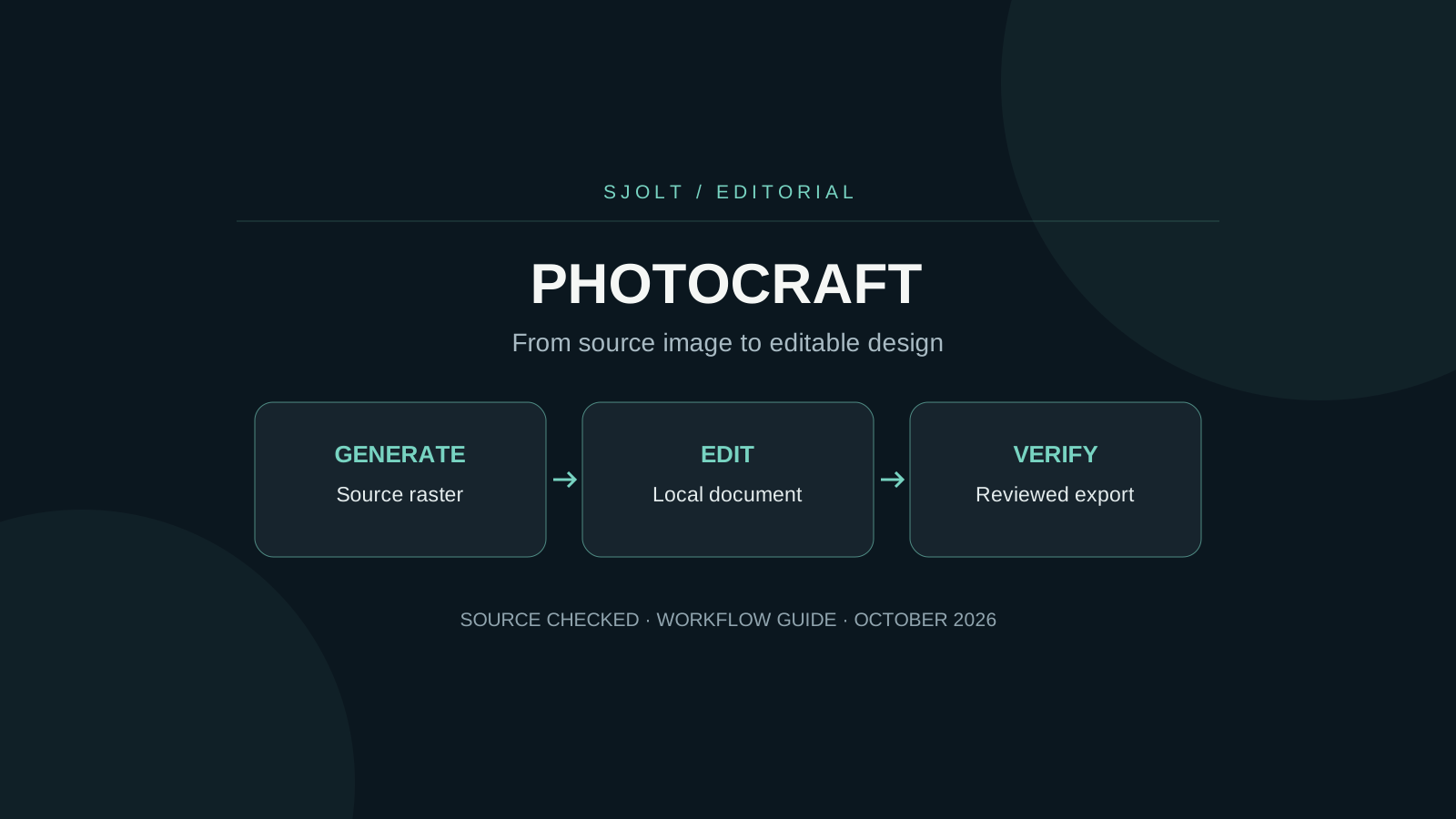
The open-source PhotoCraft editor covered here lives at storytold/photocraft on GitHub. It is a native Rust image editor with layers, masks, text, and PSD support. Its maintainers explicitly call it early alpha and say it is not yet a replacement for everyday professional Photoshop work.
The practical starting point is a copy of one representative document. Check the features that document depends on, then reopen the saved result. AI-generated imagery can be prepared separately through SJolt and brought into your editing workflow as a flat image; PhotoCraft is not an SJolt model or a built-in SJolt integration.
Find the editor, not a similarly named service
Search results also contain unrelated products using the PhotoCraft name. For this Rust editor, follow the repository’s own release and documentation links. Record the repository owner, release version, operating system, and installer filename together. A familiar title alone is not enough to identify the software described in a tutorial.
The project README describes desktop, command-line, JSON control, and MCP access to its command engine. That makes automation worth exploring, but an automation interface and an image-generation model solve different problems. One changes a document; the other produces pixels from instructions or references.
Use the roadmap to decide what to test
The roadmap identifies generative AI as deferred and lists gaps in typography and compatibility with Adobe’s plugin and scripting ecosystem. Do not infer an implemented generative-fill backend from the presence of an AI-related search result or an agent interface. Check the current roadmap before choosing a workflow that relies on a particular feature.
| Your document needs | First acceptance test | Keep as evidence |
|---|---|---|
| Editable type | Reopen the file and edit the exact text style used in the deliverable. | Font, size, line wrapping, and a comparison export. |
| Masks and adjustment layers | Toggle the relevant layer and compare the saved composite. | Before/after raster exports and layer state. |
| PSD interchange | Save a copy and reopen it in the receiving application. | Both the visible result and remaining editability. |
| A plugin-dependent step | Check the documented plugin architecture before installation. | The exact supported extension and version. |
For a poster, a tiny line-wrap change can matter more than a successful file-open message. For a product composite, the edge of a mask may matter more than the number of tools available. Weight the checks according to the deliverable instead of trying to summarize the entire editor in one percentage.
Test the full PSD round trip
PhotoCraft’s README distinguishes a document round trip from byte-for-byte file preservation: saving through the editor rewrites parts of a PSD. Its corpus results are project-reported tests, not a guarantee for every production document. This article does not repeat those results as an independent benchmark.
- Duplicate a small real project and keep the source untouched. Include the fonts and linked assets it requires.
- Export a reference image in the original authoring application at the final delivery dimensions.
- Open the copy in PhotoCraft, make one necessary edit, and save to a different filename.
- Reopen that saved file in the application that will receive it. Compare rendering, layer editability, masks, and text.
- Only expand to a larger job after the representative document passes.
A flattened export is useful for visual comparison but cannot prove that a colleague can still change the headline. Keep rendering and editability as separate pass/fail checks. If a discrepancy appears, reduce the file to the smallest example that still demonstrates it before changing unrelated settings.
Generate a source asset on SJolt
Suppose a social post needs an atmospheric background while the final headline must remain editable. Generate the background separately, inspect it, and place the exact text in the editor. SJolt’s Nano Banana 2.1 text-to-image route supports the request below. It is an example checked against the local API contract, not a generation executed for this guide.
curl --request POST 'https://sjolt.ai/sjolt-ai/v1/google/nano-banana-2.1/text-to-image' \
  --header "Authorization: Bearer $SJOLT_API_KEY" \
  --header 'Content-Type: application/json' \
  --data '{"input":{"prompt":"A quiet blue studio backdrop with a pale stone platform in the lower third, soft side lighting, generous empty space above, no text or logos.","aspect_ratio":"4:5","resolution":"2K"}}'
Keep the key on your server. Save data.task_id from the accepted response, then query /sjolt-ai/v1/tasks/YOUR_TASK_ID with the same authorization. Status 0 is running, 1 is succeeded, and 2 is failed. Successful file URLs are in data.output_urls. Download and inspect the finished image before opening it in the editor.
For a revision based on an existing source, use the separate image-edit route and provide image_urls. A generated raster does not contain the source document’s editable text, masks, or layer history. Keep your local document as the place where those production decisions are maintained.
Add automation after the manual workflow passes
PhotoCraft’s control protocol documents a loopback listener and token-file authentication. Use the published protocol instructions when connecting a local tool. Do not expose its control port as an unauthenticated remote editing service. This is PhotoCraft’s interface, separate from SJolt’s hosted generation API.
Start with a reversible action such as exporting a copy at a chosen size. Have the script record the input filename, document revision, command parameters, and output path. Review the exported image as well as the command’s success status. Only then expand to operations that alter layers or change multiple documents.
A useful integration boundary is a reviewed asset folder: generation writes candidate images, a person selects one, and an editing script consumes the selected file. That boundary keeps creative selection visible and makes it possible to rerun layout work without paying to regenerate the source asset.
Decide using an actual deliverable
For an experimental social graphic, the current editor may be worth a controlled trial. For a deadline involving complex typography, print handoff, or existing plugins, let the representative-file test determine readiness. Keep another path available until the saved result meets the receiving team’s requirements.
No PhotoCraft binary was installed or benchmarked for this article. The source review establishes the project identity and documented boundaries; your own document test establishes whether it fits your work.
Sources & further reading
Take the next idea into production.
Explore the models, test a workflow in the playground, and use the same request in your application.