Nano Banana 2.1 Text to image API

google / Nano Banana 2.1

Nano Banana 2.1 supports Text to image workflows. sjolt connects the model to one queue, account controls, and task status API so teams can test parameters before API integration.

Average generation time is about a few minutes. The Playground keeps the same request body across Examples and README sections. Create a single image from a prompt, or add up to 14 references to guide an edit.

Pricing

Resolution pricing

1K image
$0.015
2K image
$0.025
4K image
$0.04
Input

Prompt, assets, and output parameters form one generation request.

Describe the subject, setting, lighting, and style. For edits, explain what to keep and what to change.
Aspect ratioChoose a landscape, square, or portrait frame.
ResolutionChoose 1K, 2K, 4K output for your image.

Playground Examples

Try production-style prompt starters.

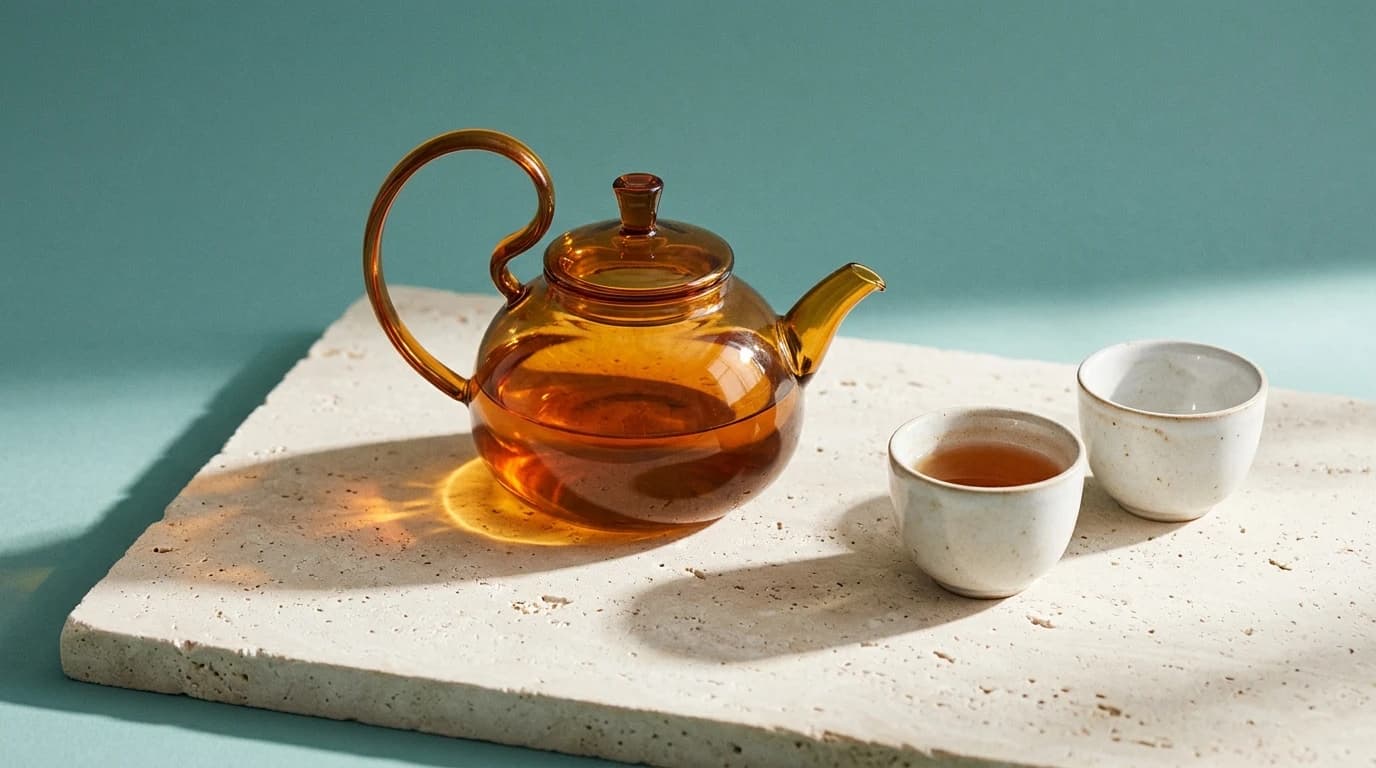
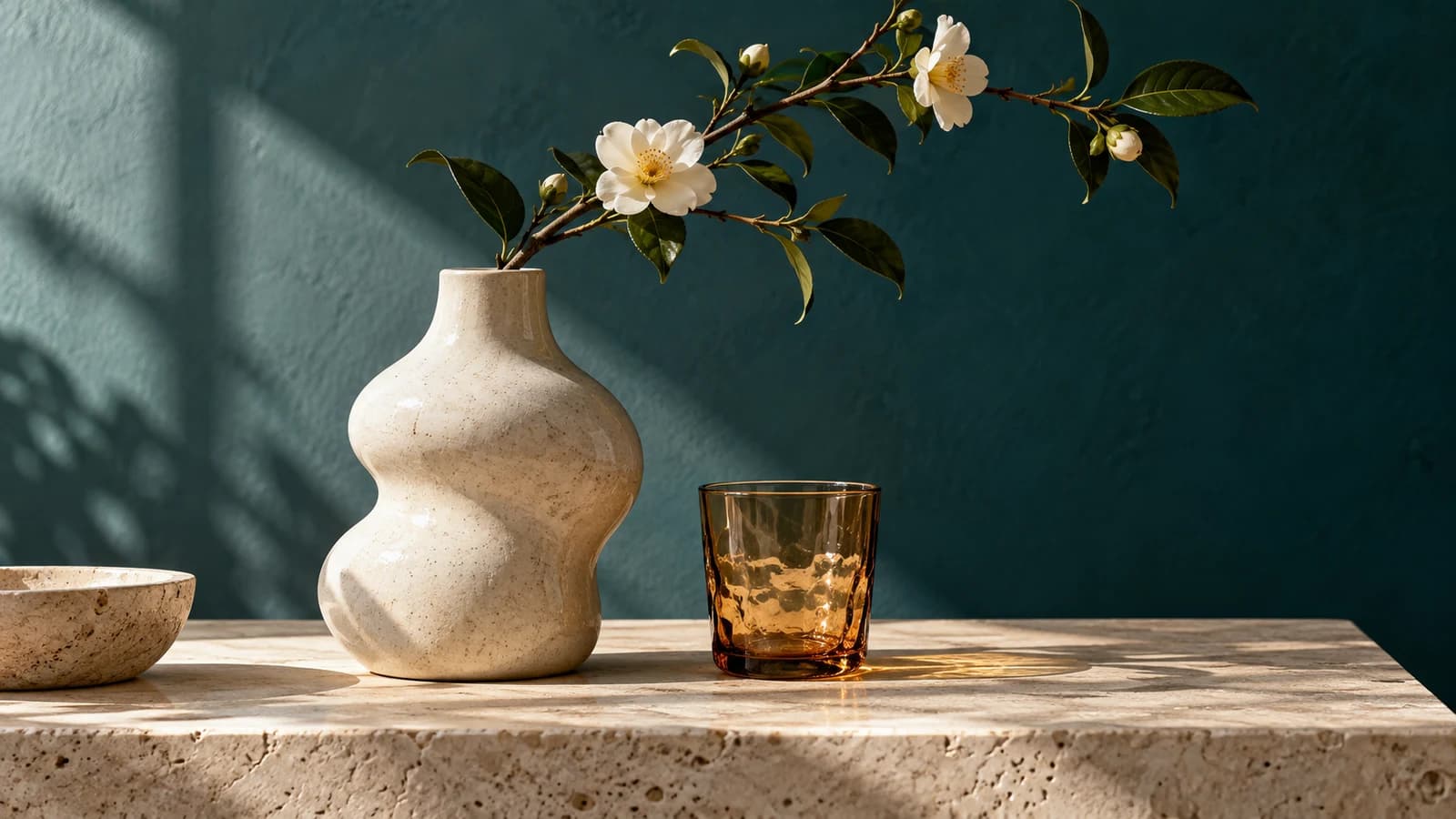
Amber teapot product photograph generated with Nano Banana 2.1

A translucent amber glass teapot with a curved handle and two small porcelain cups on pale limestone, a soft teal studio backdrop, angled morning sunlight casting detailed caustics, precise material textures, refined editorial product photograph, wide 16:9 composition, no text, logos, or watermarks.
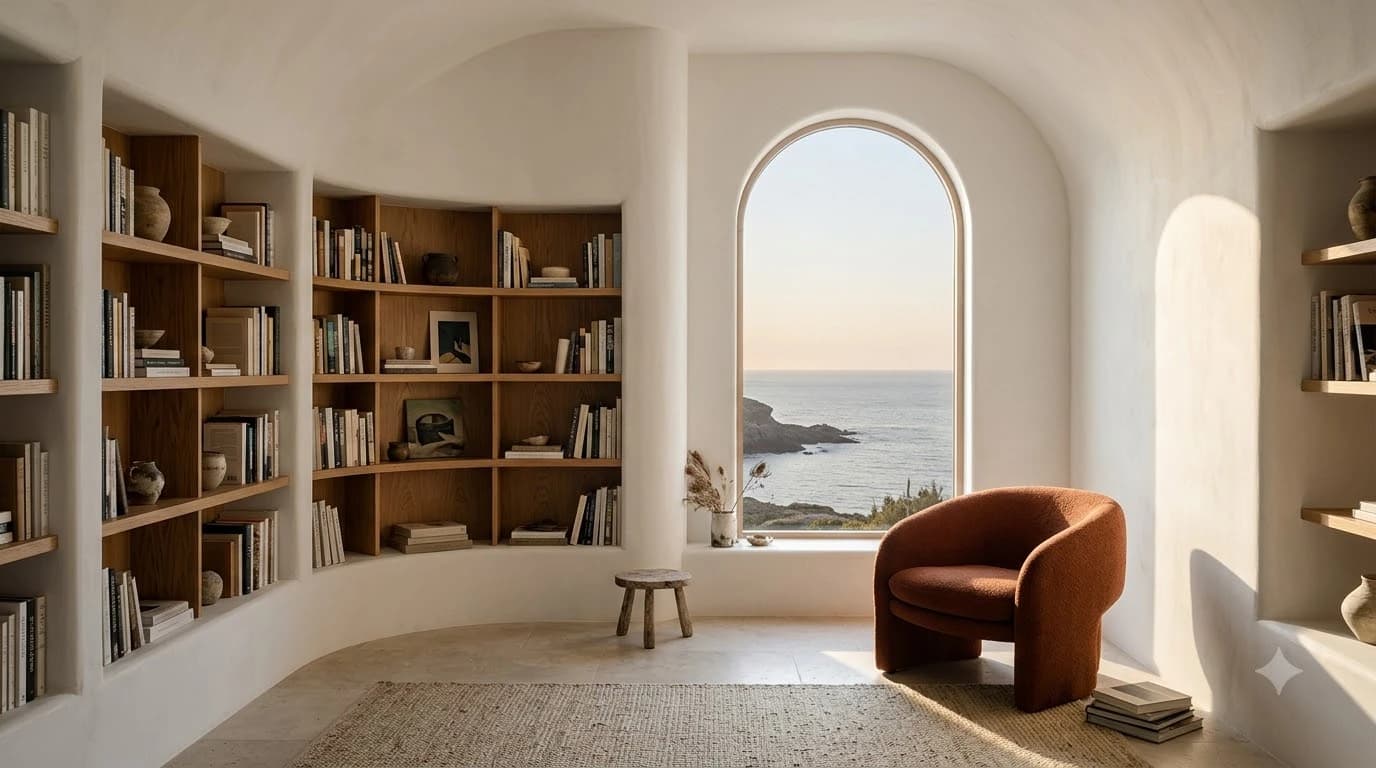
Coastal library generated with Nano Banana 2.1

A tranquil coastal library with curved white plaster walls, oak bookshelves, one sculptural rust-colored chair and a tall arched window overlooking the sea, soft afternoon sunlight, realistic architectural editorial photography, wide 16:9 composition, no people, text, logos, or watermarks.

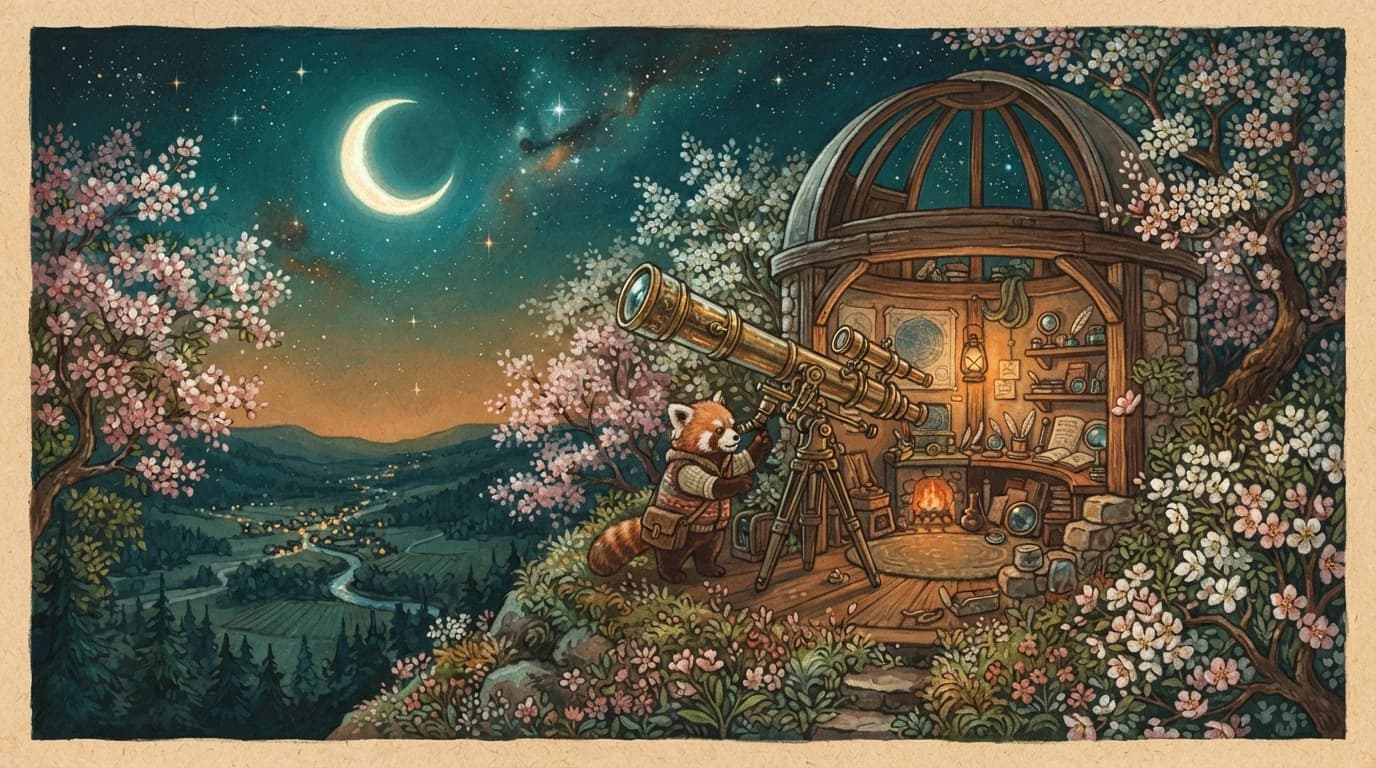
Red panda observatory illustration generated with Nano Banana 2.1

A tiny red panda astronomer tending a brass telescope in a hilltop observatory surrounded by flowering trees, a luminous crescent moon over a quiet valley, intricate gouache illustration with warm paper texture and a teal and amber palette, wide 16:9 composition, no text, logos, or watermarks.
Model overview

Nano Banana 2.1 for image generation and editing

Turn a written brief into an image for product concepts, social visuals, and illustrated scenes. Choose text-to-image for a new composition, or image edit when you have source images to guide the result.

Nano Banana 2.1 generation example
01 · Image generation

Describe the scene in natural language

Build a product concept by naming the subject, materials, background, and lighting. Give the image a clear visual focus, then refine one detail at a time.

  • Supports Text to image and reference-asset generation workflows.
  • Fits product assets, ad previews, visual direction, and social content tests.
  • Adjust configured inputs, media, and switches before generation.
Reference asset control example
02 · Asset control

Guide an edit with reference images

Add 1–14 PNG, JPEG, or WebP images and explain which features to preserve. Use references for subject appearance, setting, color, or composition, and describe the intended change explicitly.

Prompt-led generation
Unified model API and result management example
03 · API integration

Choose the frame for your composition

Both generation modes support 1:1, 2:3, 3:2, 3:4, 4:3, 4:5, 5:4, 9:16, 16:9, 21:9. Choose a landscape, square, portrait, or ultrawide frame to match your composition.

  • Compare available models from Alibaba, Black Forest Labs, Google, MiniMax, Midjourney, OpenAI, ByteDance, Kuaishou, SJolt AI, Suno, xAI in one place.
  • Copy the request body directly to the server to reduce frontend/backend parameter drift.
  • Failure states, retries, result preview, and review checkpoints stay in the same workflow.

Model characteristics

A focused workflow from prompt to image

01

1K, 2K, 4K output

Each task produces one image at the selected resolution tier. Pixel dimensions follow the selected aspect ratio.

02

Write a precise brief

State the subject and setting first, then add composition, light, materials, and style. For an edit, distinguish the elements to keep from those to change.

03

Choose a generation mode

Use text-to-image without references, or image edit with 1–14 reference images. Both modes require a prompt.

04

Integrate through the API

Submit the selected generation task, retain its task ID, and poll for completion or receive a webhook. Completed tasks return the image URL.

FAQ

These are the first questions to answer when evaluating this model.

Which resolutions does Nano Banana 2.1 support?

Choose 1K, 2K, 4K. The API defaults resolution to 1K.

How do I use reference images?

Choose image edit and supply 1–14 PNG, JPEG, or WebP images with a prompt describing the desired edit. API references must use public HTTP(S) URLs.

Which aspect ratios are supported?

Both modes support 10 aspect ratios: 1:1, 2:3, 3:2, 3:4, 4:3, 4:5, 5:4, 9:16, 16:9, 21:9. The default is 1:1.