
Follow the gentle camera movement and spatial layout in @Video1. Use @Image1 for the dancer's emerald-teal silk costume with gold embroidery and appearance. Keep the dancer's full-body pose elegant and clearly visible. Render the entire stone courtyard, sunset sky, mountains, reflections and fabric in complete natural color with coherent cinematic lighting. Do not add text, reference cards, ghost trails, extra people or watermarks.
Genjutsu Motion control API
Use the source clip for motion and image references for a new character, appearance, or scene.
Upload one MP4 lasting 4–30 seconds, 1–30 reference images, and a nonblank prompt. All three examples are recorded Genjutsu video results.
Model Type:Motion control
Pricing
Output resolution
The source video duration is rounded up to the next whole second, then multiplied by the selected resolution rate.
- 480p
- $0.144/s
- 720p
- $0.324/s
- 1080p
- $0.80/s
Playground Examples
Try production-style prompt starters.
Follow the pose, movement, camera direction, and timing in @Video1. Use @Image1 to reimagine the dancer as an elegant bronze-and-steel clockwork automaton in a rain-wet industrial courtyard at blue hour. Give the whole scene detailed metal, stone, warm workshop lighting, and coherent reflections. Keep the articulated body and materials consistent throughout the clip. Do not add text, logos, ghost trails, or extra subjects.
Follow the movement, spatial layout, and camera rhythm in @Video1. Use @Image1 for a handcrafted paper-and-watercolor dancer wearing a flowing coral-pink dress in a sunlit botanical glasshouse. Render the character, plants, glass, and surroundings with consistent layered-paper textures, expressive watercolor color, and soft cinematic light. Preserve readable anatomy and coherent motion. Do not add text, logos, or duplicate characters.
Similar Models
Compare adjacent capabilities before switching models.
Kuaishou · Video
Kling 3.0 Motion Control
KuaishouTransfer movement from a reference video to a character image in clips up to 30 seconds.
OnlineTry model
SJolt AI · Video
Depth Video to Video
SJolt AITurn an MP4 source into a temporally consistent grayscale depth-map video.
OnlineTry model
ByteDance · Video
Seedance 2.5
ByteDanceCreate videos up to 30 seconds, combine as many as 50 multimodal references, and refine specific moments with frame-level control.
OnlineTry model
Model overview
Genjutsu for motion-guided video transformation
Turn an existing performance into a new visual direction. Genjutsu uses a source video for motion, image references for appearance and scene, and a prompt to explain how the references fit together. The feature images are conceptual illustrations.
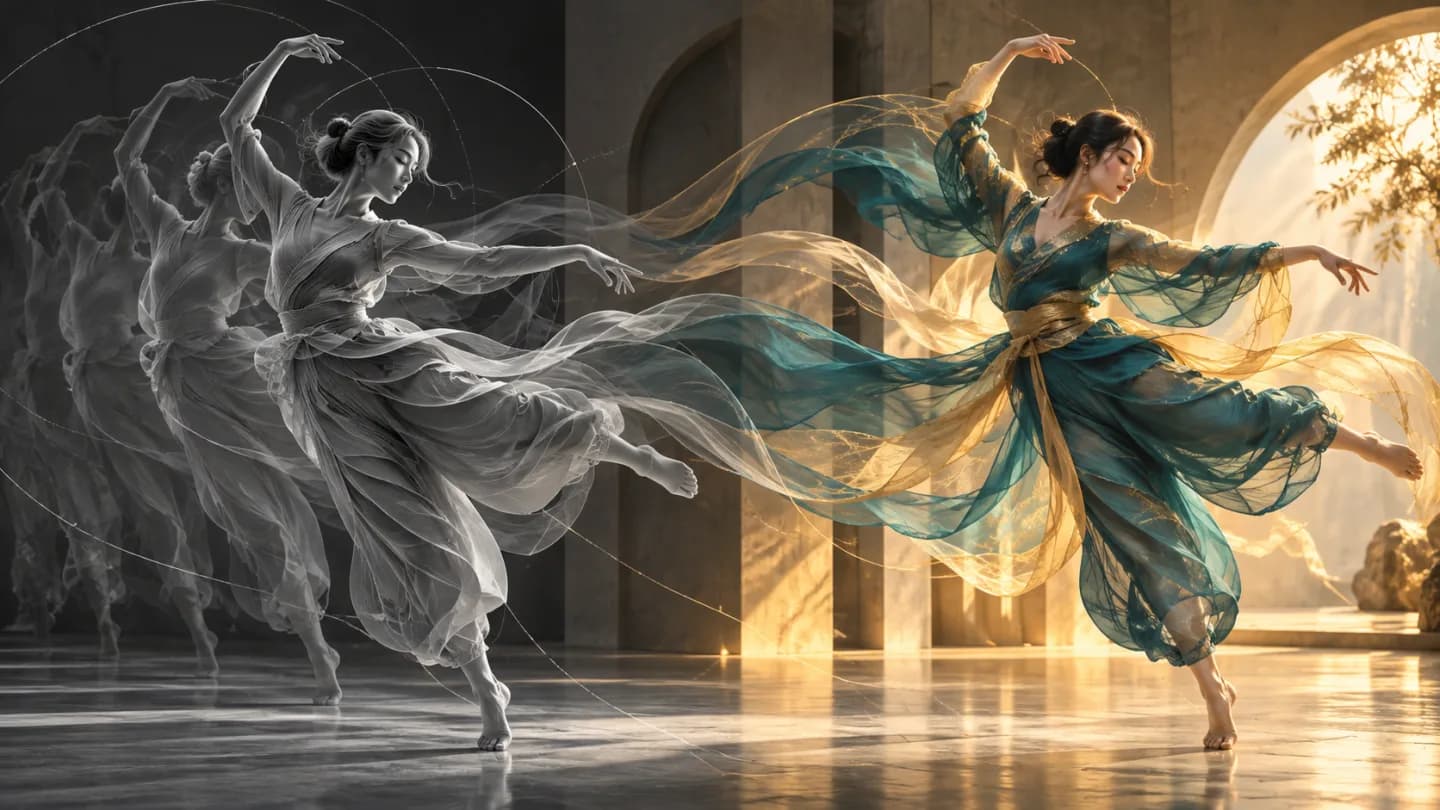
A video supplies the motion
Start with one MP4 clip lasting 4–30 seconds. Choose footage with a clear subject and readable movement so the motion reference communicates the action you want to preserve.
- Supports Motion control and reference-asset generation workflows.
- Fits product assets, ad previews, visual direction, and social content tests.
- Adjust configured inputs, media, and switches before generation.
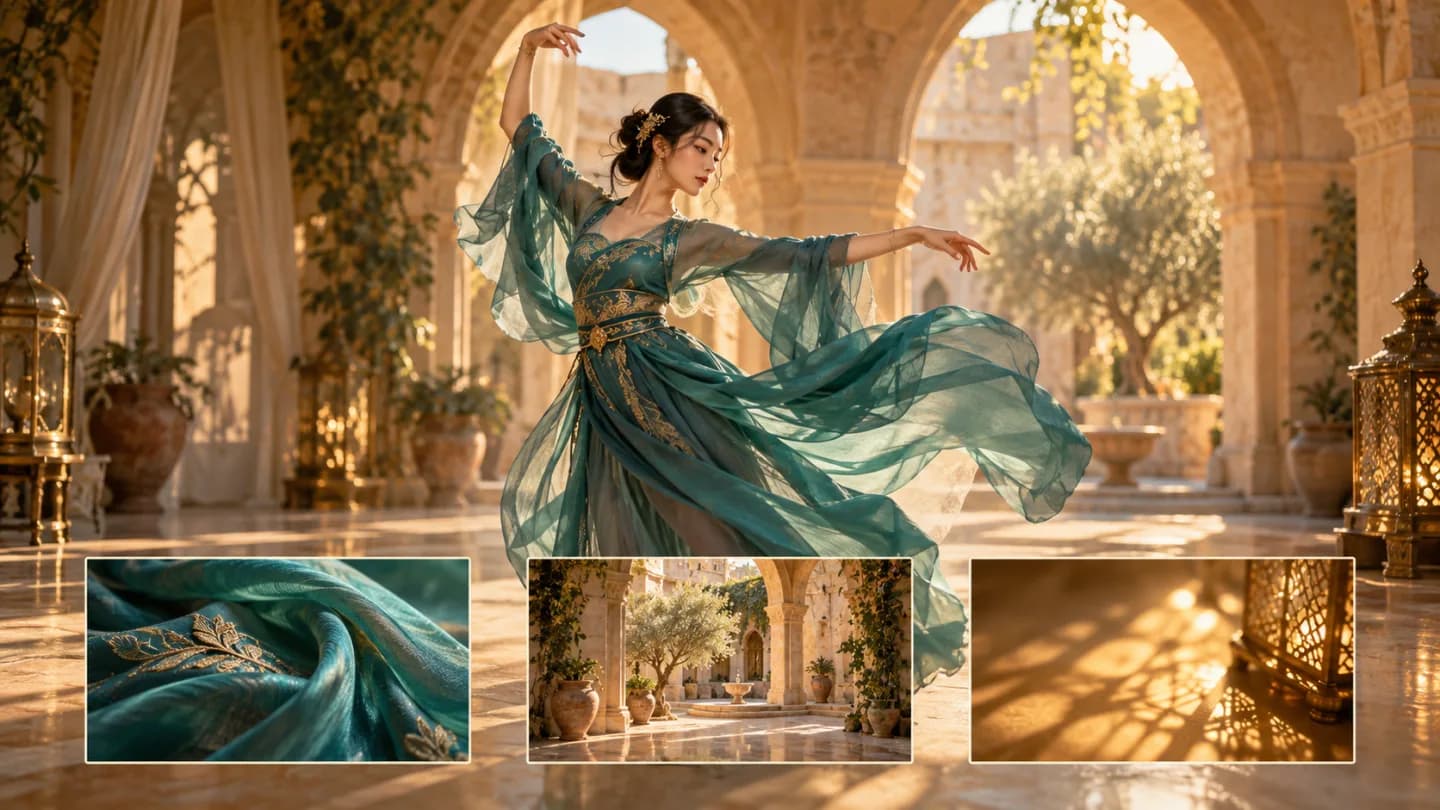
Images guide appearance and scene
Provide 1–30 PNG, JPEG, or WebP images for the subject, outfit, visual style, or surroundings. These are reference images, rather than designated first or last frames.
Motion reference videoAppearance and scene references
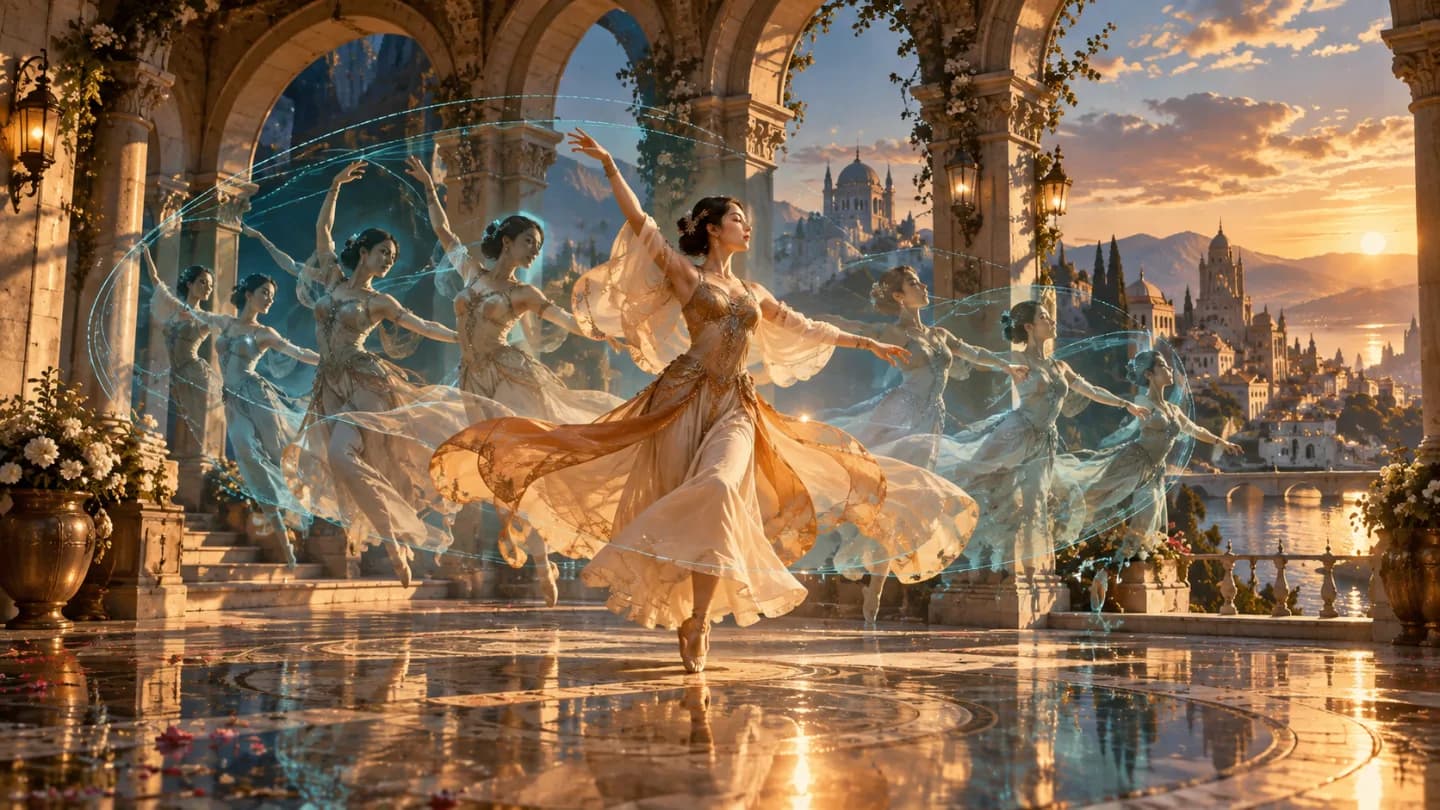
Write the relationship between references
Use @Video1 to identify the motion source and @Image1, @Image2, and so on to assign image roles. Describe the subject, setting, and intended transformation in a nonblank prompt, keeping the instructions consistent with your uploaded references.
- Compare available models from Alibaba, Black Forest Labs, Google, MiniMax, Midjourney, OpenAI, ByteDance, Kuaishou, SJolt AI, Suno, xAI in one place.
- Copy the request body directly to the server to reduce frontend/backend parameter drift.
- Failure states, retries, result preview, and review checkpoints stay in the same workflow.
Model characteristics
From reference inputs to an asynchronous video result
Motion control
Use one motion reference video with appearance and scene references in the same request.
Resolution choices
Choose 480p, 720p, 1080p for the generated video. The default is 480p.
API workflow
Create a task with public media URLs and your prompt, then poll its task ID or receive a webhook. Successful tasks return generated video URLs in data.output_urls.
FAQ
These are the first questions to answer when evaluating this model.
What inputs are required?
One MP4 motion reference lasting 4–30 seconds, 1–30 PNG, JPEG, or WebP images, and a nonblank prompt.
How does the duration check work?
The source clip is measured before task creation. The accepted measured range is 4–30.2 seconds, inclusive, allowing a small encoding tolerance at the upper boundary.
How should I name references in the prompt?
Use @Video1 for the video and @Image1, @Image2, and so on for images in their upload order. State which image defines the character and which defines the scene or visual style.
Are the feature illustrations generated video samples?
The feature images are conceptual illustrations of possible workflows. They are not recorded outputs from Genjutsu.