
Video workflows
Bulin 47 AI: Choose a Template or Recast Your Own Clip
Bulin 47 AI is a search term used by independent video tools. Decide whether you want an existing performance with a new person or a newly generated scene before choosing inputs and a workflow.
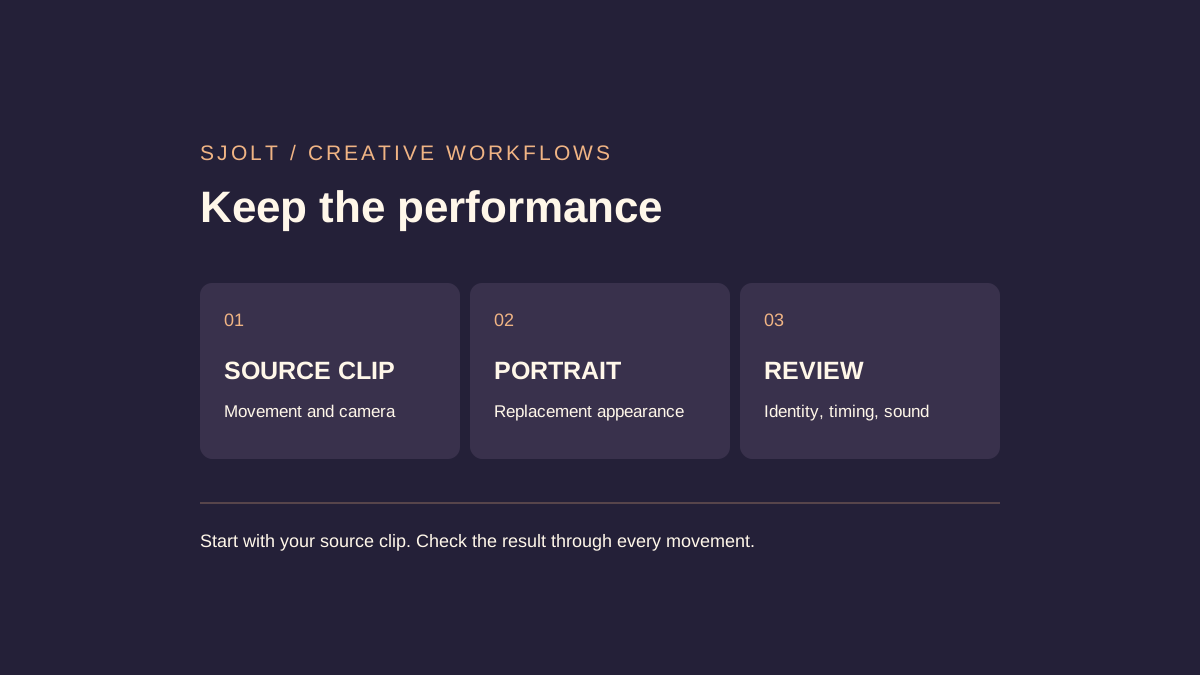
If you want a Bulin 47 AI video, first decide what must stay the same: an existing performance, or just the street-freestyle idea. Those goals need different inputs. A photo and a text prompt do not specify every movement in a source clip.
The term appears on multiple independent services, not one shared model API. This guide compares their stated workflows and explains an alternative using your own source footage through SJolt. No third-party tool or generation output was tested for this article.
Read the workflow behind the name
Bulin47ai.video describes a photo-based recast of a preset freestyle clip and explicitly identifies itself as an unaffiliated fan project. Trybulin47ai.com describes a generated scene using one or two photos, an original Spanish verse, and an original beat; it also disclaims affiliation. These are the sites’ own descriptions, not independent evidence of output quality or artist endorsement.
- Bulin47ai.video: preset recasting and affiliation statement
- Trybulin47ai.com: generated freestyle scene
Do not transfer settings or promises from one domain to another. Before paying, inspect the exact configuration and the expected output: whether the source clip is fixed, whether the result includes sound, and what happens if a task fails. Neither a familiar title nor a sample thumbnail establishes that a tool will reproduce the clip you have in mind.
The Bulin47ai.video page contains both original-sound marketing and instructions to add sound when posting. That leaves the audio behavior unclear from the page alone. Confirm it for the selected workflow rather than assuming a preview establishes what the downloaded file contains.
Choose by the part of the video you want to control
| Your goal | Useful input | What to inspect |
|---|---|---|
| Appear in a service’s preset scene | A suitable portrait and that service’s template. | Does the available template match the intended action? |
| Replace a person in footage you supply | A source clip and replacement reference photos. | Does the edited performance retain its timing and camera? |
| Create a new freestyle scene | An original scene brief and supported references. | Are the action, words, and sound appropriate for the new scene? |
Write a one-sentence acceptance rule before choosing a tool. For a recast, it might be “keep the eight-second shoulder movement and camera position while replacing the sole performer.” For an original scene, it might be “show two friends taking turns outside a fictional café.” The second brief allows new motion; it should not be judged as a frame-matched reproduction.
Use footage and portraits you are authorized to work with. Keep the source file separate from the edited result and make the synthetic nature clear when sharing. The examples below use generic placeholder files and do not imply access to the artist’s original footage, music, or likeness.
Prepare a source-based recast in SJolt
SJolt’s MiniMax H3 Recast accepts a source video lasting 5–15 seconds and one to four replacement photos. Photos map to people from left to right by default, with an optional prompt for clarification. Output choices are 768p and 1080p. The model aims to retain the recorded performance, camera, cuts, and original audio while changing the people.
- Start with a short MP4 containing one clearly visible adult performer and a simple, readable movement.
- Use a clear reference photo of the replacement person; avoid conflicting identity or clothing instructions.
- Trim the source to the intended interval before submission. The Recast request has no separate output-duration field.
- Decide which source audio should remain before preparing the clip. A replacement face does not imply a newly recorded voice.
If a particular beat or shoulder movement matters, it needs to be in the source. Describing a famous clip in the prompt supplies no frame-by-frame motion reference. For a first evaluation, use your own recorded performance so you can compare the result against a known baseline.
Use the actual Recast request shape
The following request illustrates the SJolt endpoint, using placeholder HTTPS files. Replace those URLs with accessible assets before any real submission. It is a contract example, not a built-in Bulin 47 template or a promise that a specific result will pass review.
curl 'https://sjolt.ai/sjolt-ai/v1/minimax/h3-recast/video-edit' \
  -H "Authorization: Bearer $SJOLT_API_KEY" \
  -H 'Content-Type: application/json' \
  --data '{
    "input": {
      "video_url": "https://example.com/my-eight-second-performance.mp4",
      "image_urls": ["https://example.com/consenting-performer.jpg"],
      "prompt": "Replace the sole performer with the person in the reference photo. Preserve the source movement, camera, background, cuts, and audio. Keep one coherent person throughout.",
      "resolution": "768p"
    }
  }'
Save data.task_id from the creation response. Query the task until status is 1 for success or 2 for failure; 0 means it is still running. Read successful delivery URLs from data.output_urls. A pending task is not a reason to submit the same paid request again.
SJolt measures the source duration and rounds billable time up to the next whole second. Compare the current resolution rates on the model page before submission. Credit estimates from another website do not describe SJolt billing.
Review the movement, then the delivered file
Watch the source and result at normal speed, then inspect the moments where the face turns, a hand crosses the face, or the performer moves toward the frame edge. Look for identity drift, duplicate body parts, clothing changes, and timing differences. A good opening frame does not establish consistency across the clip.
Check sound separately: listen to the downloaded file, compare its timing with the movement, and decide whether the retained source audio is suitable for your planned use. Open the final export in the app where you intend to share it and inspect the crop before posting.
If the result fails, change one input at a time: a clearer portrait, a shorter source interval, or a simpler person mapping. Keep the task ID and settings for each attempt. This makes the next decision depend on an observable problem instead of repeating the same request and hoping for an unspecified improvement.
Sources & further reading
Take the next idea into production.
Explore the models, test a workflow in the playground, and use the same request in your application.