
Creative workflows
GridCraft: Spreadsheets for AI Media Tasks and Budgets
GridCraft is an alpha spreadsheet editor, not an image model. Test one workbook that connects an approved brief, planned image attempts, task IDs and reviewed deliverables.
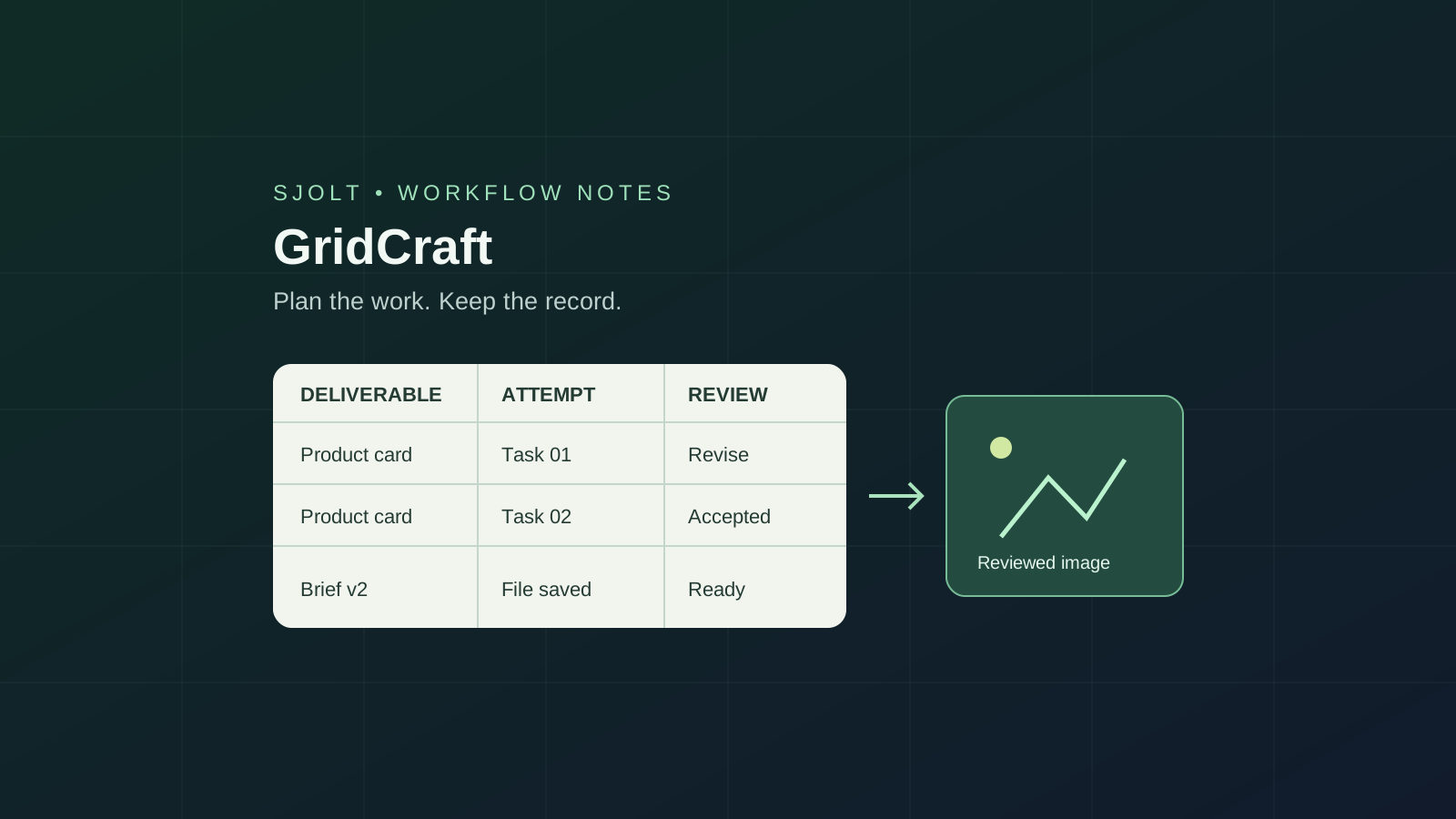
GridCraft from the ArtCraft team is an open-source spreadsheet application at storytold/gridcraft. Its repository describes desktop and browser builds, XLSX documents, a command-line tool and MCP access. The project remains in alpha; start with one representative workbook before treating it as an Excel replacement.
For an AI media team, a useful first workbook is a production ledger: the approved brief, planned attempts, task IDs, selected files and delivery status. GridCraft can organize that information. SJolt can generate supported image or video assets in a separate service. This guide proposes the file-and-record handoff; it does not claim a native connector between them.
Start with the original project and a small acceptance file
Follow the official GridCraft product page to the storytold repository and release assets. The latest release entry checked on October 16, 2026 is v0.7.0. Record the installed version with your workbook test, because main-branch documentation can move ahead of packaged software. A product directory label or search snippet is not a compatibility guarantee.
Choose a copy of a workbook with the formulas, filters and formatting your team actually uses. Include an unfinished task, a failed attempt, an accepted image and a revised brief. Those cases reveal whether the sheet explains production state clearly. Opening a blank workbook or a bundled sample cannot establish that your own review process survives saving and reopening.
Separate a deliverable from each generation attempt
Use a stable deliverable ID for the requested asset and a separate attempt ID for each submission. A square product card may need several candidates, but it remains one deliverable. Keeping those concepts separate prevents the number of finished assets from being confused with the number of generation tasks.
| Record | Suggested fields | Review question |
|---|---|---|
| Deliverable | ID, brief revision, intended size, owner | Which approved requirement does this asset satisfy? |
| Plan | Model, resolution, attempt allowance, rate date | What settings and assumptions produced the estimate? |
| Attempt | Attempt ID, task ID, status, output file | Which submission produced this candidate? |
| Decision | Selected file, reviewer, reason, delivery revision | What was approved, and what still needs work? |
Record task identifiers and file references as text. Keep credentials out of cells, comments and exported copies. Store the selected output in a durable project location rather than relying on a temporary browser view. A teammate should be able to locate the exact reviewed file without running another generation.
Use one sheet for the plan and one for attempts if that keeps the review readable. Do not overwrite an old attempt when the brief changes. Add the new revision and explain why another submission is needed; the earlier result can still be useful for tracing a decision.
Make the estimate reproducible without presenting it as a bill
For a per-image route, put planned attempts in column C, a dated unit-rate assumption in D and the estimate in E. Use =C2*D2 for a row and =SUM(E2:E4) for the total. These are planning calculations. Confirm the account’s applicable price and selected settings before a real batch, and keep recorded charges in a separate column.
C2 = 4 attempts    D2 = 0.025 USD    E2 = C2*D2 = 0.100 USD
C3 = 2 attempts    D3 = 0.040 USD    E3 = C3*D3 = 0.080 USD
C4 = 3 attempts    D4 = 0.015 USD    E4 = C4*D4 = 0.045 USD
Total planned estimate: SUM(E2:E4) = 0.225 USD
The example uses SJolt’s public Nano Banana 2.1 image rates checked in the catalog on October 16: $0.015 for 1K, $0.025 for 2K and $0.040 for 4K. Account-specific prices can differ. These figures are an illustrative plan, not actual charges or a guarantee that the planned number of attempts will produce an accepted image.
Keep unrecorded charges blank and confirmed zero charges explicit. Round for display without discarding the stored precision. If you later add a video route, use its documented billing rule; multiplying image counts by an image rate is not a reusable estimate for every model.
Test calculation and file fidelity separately
GridCraft uses XLSX as its native workbook format. Its CLI documentation draws narrower import boundaries for other formats: XLSB and ODS worksheet data use saved formula results and omit source formatting and other workbook features. Legacy XLS import has its own partial scope and no XLS output. A converted file that displays numbers may therefore no longer contain the formulas you expected.
Keep the source workbook and save the trial to a different path. Change an attempt count, verify the row estimate and total, then reopen the saved XLSX in the receiving application. Check filters, formula text, number formats and long task identifiers. Export CSV only when you need a flat data exchange; it is not the working master for a formatted, multi-sheet workbook.
The CLI provides a check command for calculation comparisons and XLSX round trips. Its calculation oracle uses results cached by the producing application; missing cached values, full-recalculation flags and volatile formulas affect what can be compared. Read the checked and skipped counts, not only a successful process exit. A check with no usable oracle is not proof of agreement with Excel.
gridcraft-cli info media-plan.xlsx
gridcraft-cli cat media-plan.xlsx --range A1:E4 --formulas
gridcraft-cli check media-plan.xlsx --json
These are documented CLI shapes for a workbook you supply. They were reviewed for syntax and against the source; GridCraft was not installed or executed for this article. Visual inspection in the destination app remains necessary even when numeric checks pass.
Add MCP only after the workbook rules are clear
GridCraft’s MCP guide distinguishes a headless engine session from a bridge to a running desktop window. It provides workbook inspection, range reading and writing, formula evaluation and saving. Screenshots are available through the remote window backend. Choose the mode deliberately; a headless edit does not show that the open window has changed.
A narrow first automation is to append a completed task’s ID and status to the matching attempt row, then read it back and save a review copy. Tell the agent which columns are formulas and which are records. Require it to report missing deliverable IDs rather than silently creating a second row that looks like another completed asset.
Keep the generation decision outside spreadsheet recalculation. Editing a count or opening a workbook should not automatically submit paid requests. Have a service consume explicitly approved rows, retain the returned task ID, and update the ledger after polling. GridCraft’s document tools and SJolt’s generation API are separate contracts.
Close the loop with an inspected output
Nano Banana 2.1 on SJolt offers text-to-image and reference-guided image editing. Select the mode and output settings from its documentation. After submitting an approved request from your own service, retain data.task_id; query the task until success or failure, then save and inspect the returned file before marking the deliverable accepted.
A successful API task only establishes that a file was produced. Review product shape, text, composition and intended dimensions separately. Write a specific rejection reason when a candidate fails, such as changed handle geometry. That reason should guide the next brief revision instead of triggering an unlimited retry loop.
Adopt the ledger when one complete cycle works: plan, approve, record a task, inspect a file, save and reopen the workbook, and hand the accepted asset to another person. No paid generation or spreadsheet benchmark was performed here. The value is a repeatable review process whose records remain useful after the preview window is closed.
Sources & further reading
Take the next idea into production.
Explore the models, test a workflow in the playground, and use the same request in your application.