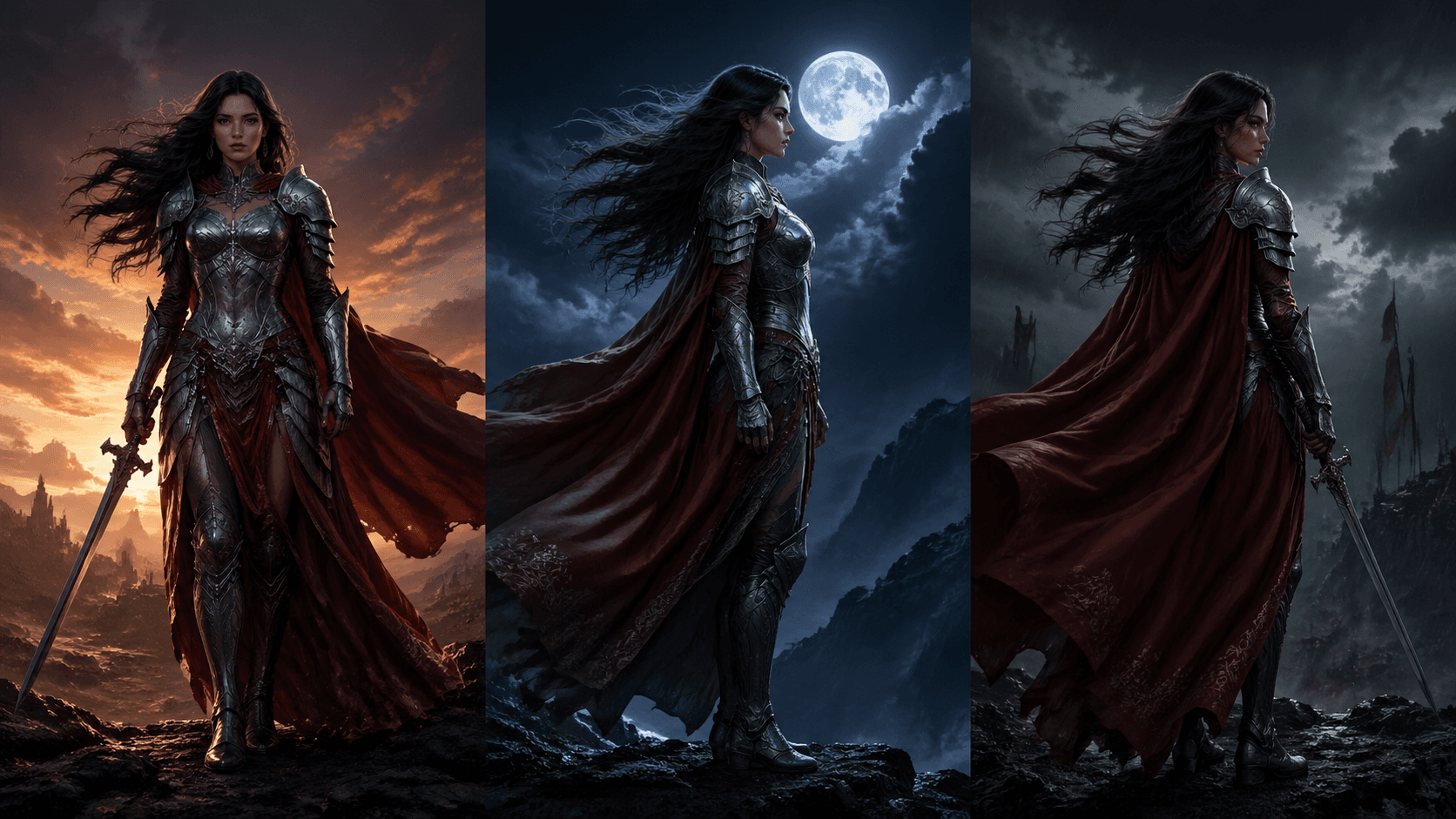
Wan 3.0 Video editing API

alibaba / 3.0

Wan 3.0 creates directed 2-30 second video from coordinated image, motion, and audio references with adaptive framing and native sound.

Upload references and describe the result. Choose the frame and resolution; reference-to-video lets you select the output length, while video-edit follows the source duration.

Pricing

Output resolution

Final usage is the selected resolution rate multiplied by the combined reference-video and output duration. For example, 5 seconds of reference video plus 10 seconds of output totals 15 seconds. Video editing preserves the source duration, so a 5-second source totals 10 seconds of usage.

480p
$0.04/s
720p
$0.08/s
1080p
$0.16/s
Input

Prompt, assets, and output parameters form one generation request.

Optionally describe the result and mention uploaded references as @Image, @Video, or @Audio. Maximum 20,000 characters. Use @ to reference uploaded files.
Input media

Upload the media inputs configured for this model.

Waiting for assetsUploaded files will appear here for preview and removal.
Aspect ratioUse Auto to follow the references, or choose a fixed landscape, square, or portrait frame.
ResolutionChoose 480p, 720p, or 1080p output.

Model overview

Wan 3.0 multimodal reference video generator and API

Wan 3.0 on sjolt provides reference-to-video and video-edit workflows for character continuity, product motion, visual development, campaign scenes, music-led sequences, and short-form storytelling. Coordinate images, MP4 clips, and audio tracks, or edit exactly one source video at its original duration with optional image and audio guidance. Retrieve the completed MP4 through the shared asynchronous task API.

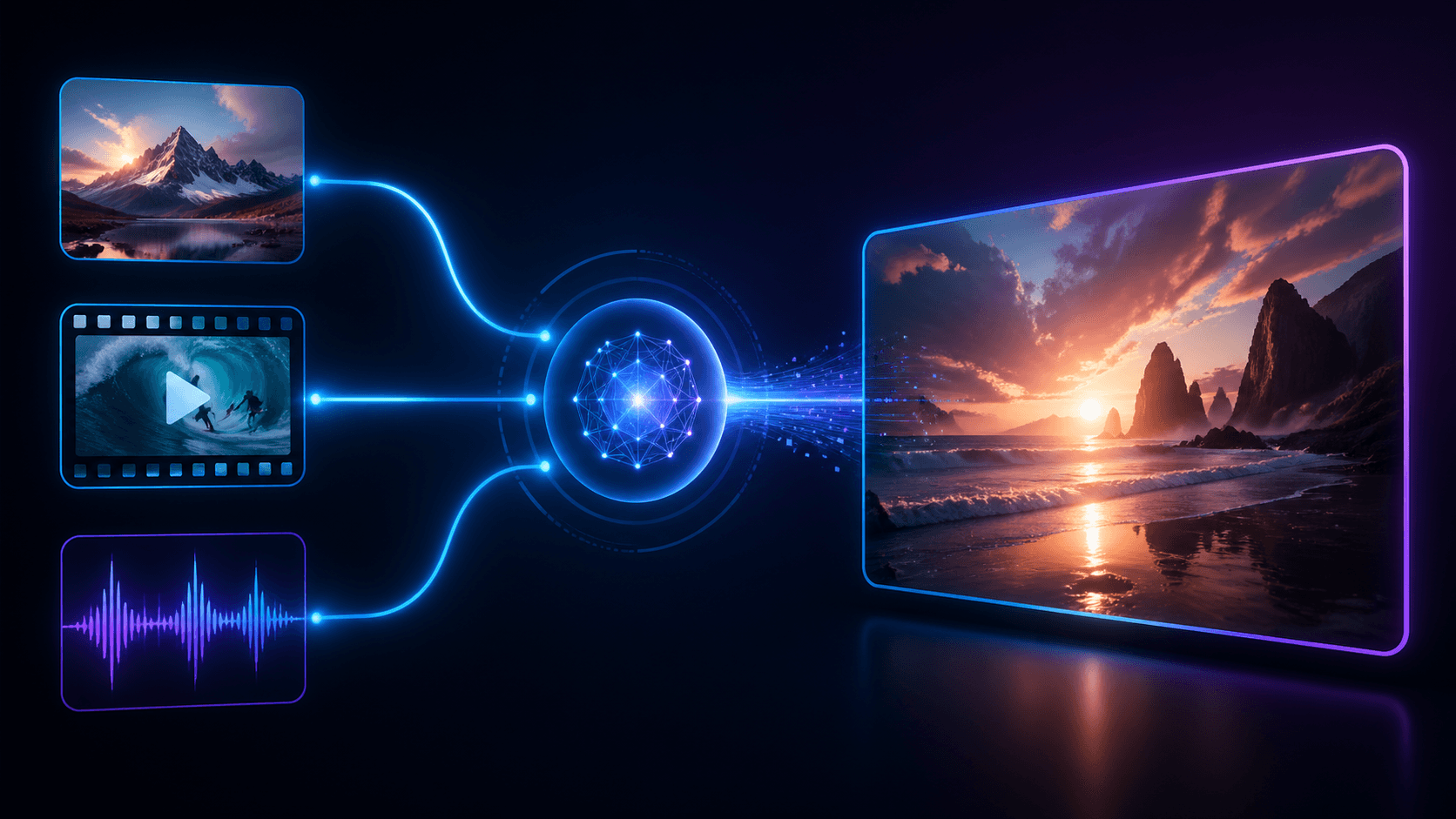
Wan 3.0 generation example
01 · Video generation

Coordinate image, motion, and audio references

Combine up to 10 images and 5 audio tracks with up to 5 MP4 references in reference-to-video, or exactly one source video in video-edit. Assign every asset a clear role with @ mentions so subjects, visual language, camera movement, timing, dialogue, ambience, or music remain easy to interpret.

  • Supports Video editing and reference-asset generation workflows.
  • Fits product assets, ad previews, visual direction, and social content tests.
  • Adjust configured inputs, media, and switches before generation.
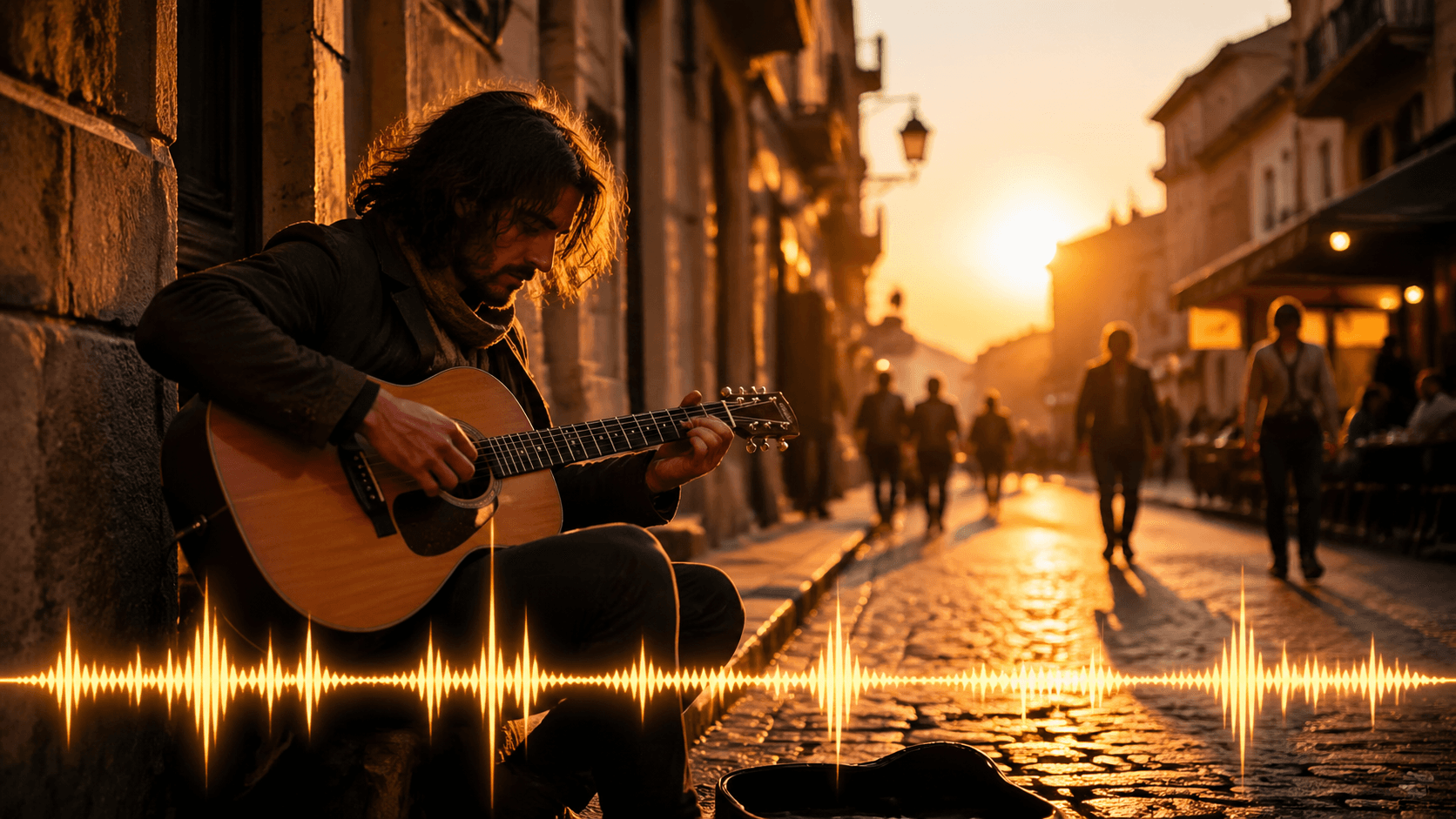
Reference asset control example
02 · Asset control

Direct motion and sound as one scene

Describe the opening state, subject action, camera path, environmental response, sound cues, and intended ending. Use concise temporal language to align visible events with dialogue, effects, ambience, or musical beats.

Reference imagesSource videoReference audio
Unified model API and result management example
03 · API integration

Flexible framing and asynchronous delivery

Use adaptive framing or choose 16:9, 9:16, 1:1, 4:3, 3:4, and select 480p, 720p, or 1080p. Reference-to-video accepts a whole-number output length from 2 to 30 seconds; video-edit automatically matches the source length. Submit once, then poll the task identifier or receive a webhook when the video is ready.

  • Compare available models from Alibaba, Black Forest Labs, Google, MiniMax, Midjourney, OpenAI, ByteDance, Kuaishou, SJolt AI, Suno, xAI in one place.
  • Copy the request body directly to the server to reduce frontend/backend parameter drift.
  • Failure states, retries, result preview, and review checkpoints stay in the same workflow.

Model characteristics

Built for reference-led video direction across visual identity, movement, timing, and sound.

01

Multimodal reference control

Use images for identity and composition, videos for motion and camera rhythm, and audio for dialogue, effects, ambience, or music direction.

02

Optional prompt direction

Generate from references alone or add a written production brief with explicit @ mentions for each uploaded asset.

03

Flexible delivery formats

Choose adaptive framing or 16:9, 9:16, 1:1, 4:3, 3:4 and output from 480p through 1080p. Reference-to-video offers 2–30 seconds; video-edit preserves the source duration.

04

Unified task workflow

Use the provider-qualified route for your chosen workflow, the shared task-status endpoint, and optional webhook delivery for repeatable production pipelines.

FAQ

These are the first questions to answer when evaluating this model.

Which Wan 3.0 workflows are available on sjolt?

Choose reference-to-video to generate from any combination of image, video, and audio references with a selected output length. Choose video-edit to edit exactly one source video at its original duration, with optional image and audio guidance. Both support an optional prompt, aspect ratio, and resolution.

Which reference files can I upload?

Upload up to 10 PNG, JPG, JPEG, or WebP images and 5 MP3, WAV, M4A, AAC, or OGG audio tracks. Reference-to-video accepts up to 5 MP4 clips and requires at least one reference asset; video-edit requires exactly one MP4 clip.

What are the media duration limits?

Reference videos may total at most 15 seconds, reference audio may total at most 15 seconds, and reference-video length plus output length cannot exceed 30 seconds.

Is a prompt required?

No. References can drive the request alone. When adding instructions, mention each asset as @Image, @Video, or @Audio and describe its intended role.

Which output settings are available?

Choose adaptive framing or 16:9, 9:16, 1:1, 4:3, 3:4, and 480p, 720p, or 1080p. Reference-to-video accepts a whole-number duration from 2 to 30 seconds. Video-edit automatically matches the source video duration.

How does the API workflow work?

Submit the provider-qualified reference-to-video or video-edit route, keep the returned task identifier, then poll the shared task endpoint or receive a webhook. Successful tasks return the generated MP4 URL.