
A small ceramic teapot pours steaming amber tea into a handmade cup on a dark wooden table beside a rain-streaked window. One continuous close-up, a gentle camera push, realistic liquid flow, soft steam, warm lamplight and quiet rain ambience. No people, lettering, labels, subtitles, logos, or watermark.
Seedance 2.5 Flash Text to video API
Generate a new scene, animate opening and ending frames, direct a video with references, or continue and edit a source clip.
Use 480p/720p output and up to 10 images, 5 videos, and 5 audio references.
Pricing
Output resolution
Final charge is the selected rate multiplied by output duration.
- 480p
- $0.072/s
- 720p
- $0.162/s
Playground Examples
Try production-style prompt starters.
A silver sailboat with a cobalt-blue sail glides across a calm turquoise lagoon between tall pale limestone cliffs. A smooth camera follows at water level, the sail moves in the breeze, and a narrow wake sparkles in morning sunlight. Natural water and wind sounds, no speech. One continuous landscape shot, no lettering, subtitles, logos, or watermark.
A lunar rover with six rugged wheels slowly crosses a field of pale blue crystalline rocks beneath a star-filled indigo sky. A smooth low camera tracks its motion, fine dust rises behind the wheels, and distant mountains catch a soft golden rim light. Detailed mechanical motion and subtle motor sounds, no speech. No lettering, labels, subtitles, logos, or watermark.
Similar Models
Compare adjacent capabilities before switching models.
ByteDance · Video
Seedance 2.5
ByteDanceCreate videos up to 30 seconds, combine as many as 50 multimodal references, and refine specific moments with frame-level control.
OnlineTry model
ByteDance · Video
Seedance 2.0
ByteDanceA multimodal video generation model for text prompts, first-frame animation, and reference-guided production clips.
OnlineTry model
Google · Video
Gemini Omni 1.2 Flash
GoogleGenerate 3–15-second videos with up to 5 reference images, or edit one source video.
OnlineTry model
Model overview
Seedance 2.5 Flash API for scenes, frames, and references
Create 4–30 second clips with text, animate a first frame with an optional ending frame, or combine visual and audio references. Seedance 2.5 Flash offers 480p and 720p output, plus dedicated workflows for extending and editing an MP4 source.
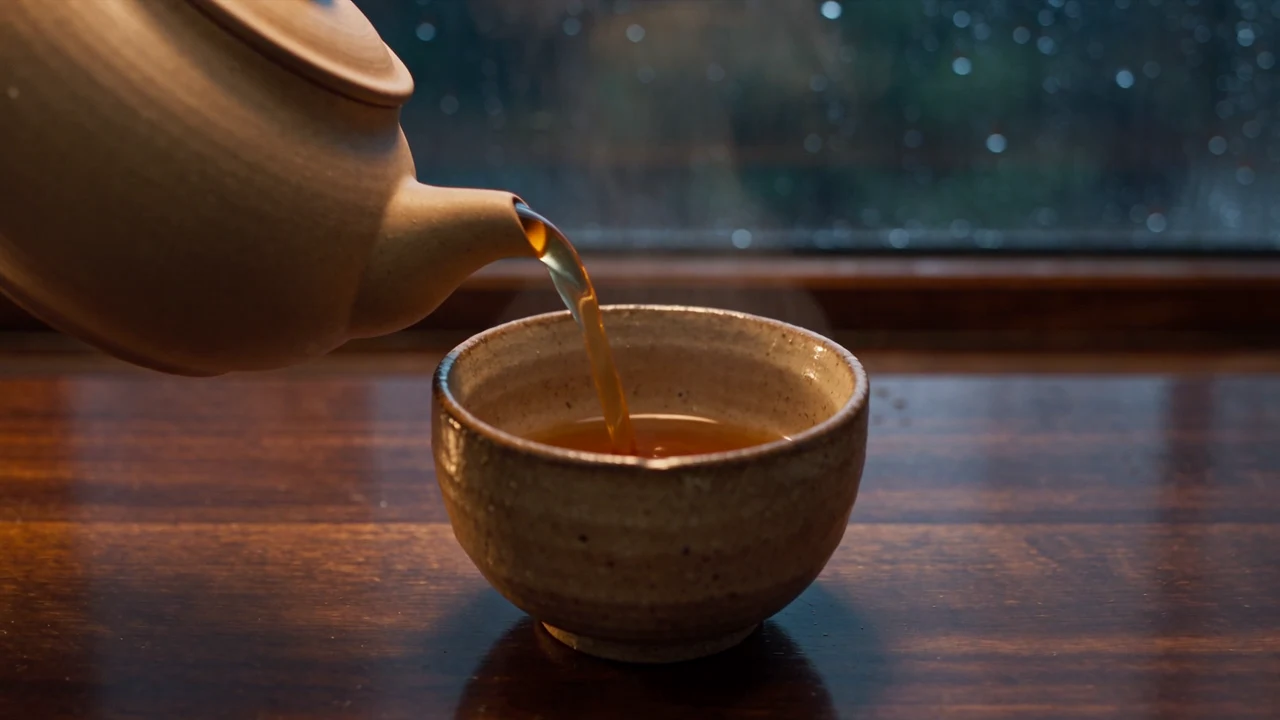
Direct a complete scene
Set a whole-second duration from 4–30 and describe the subject, action, camera, lighting, and sound. Use chronological instructions to give the scene a clear beginning and ending.
- Supports Text to video and reference-asset generation workflows.
- Fits product assets, ad previews, visual direction, and social content tests.
- Adjust configured inputs, media, and switches before generation.
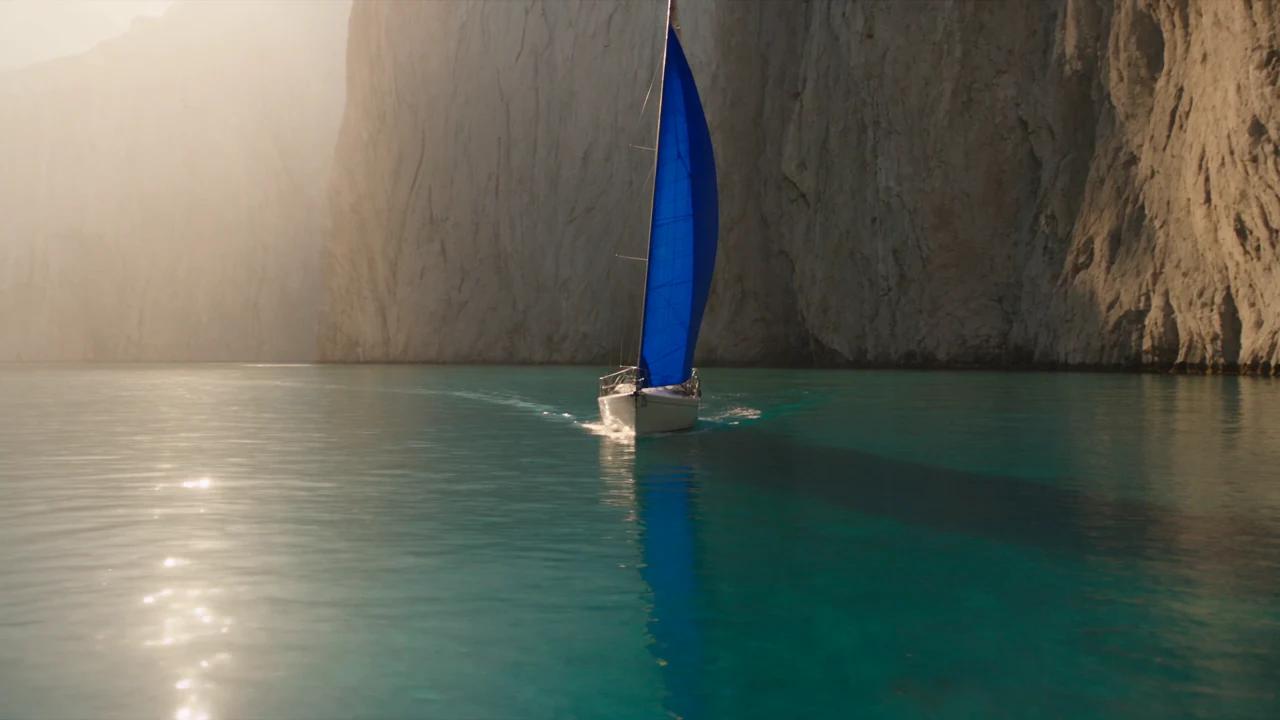
Choose frames or references
Use image-to-video when an image must define the opening frame. Use reference-to-video for appearance, style, or camera guidance, with up to 10 images, 5 videos, and 5 audio files. Audio references accompany at least one image or video.
Prompt-led generation
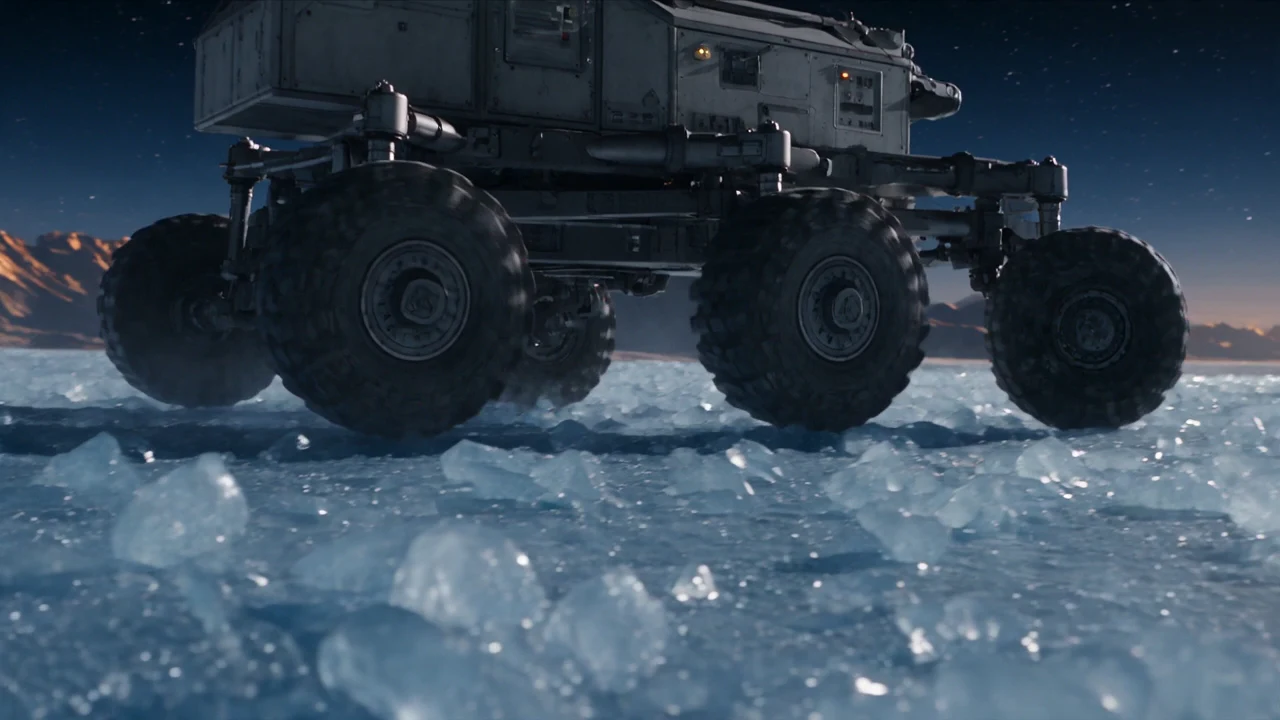
Continue or revise a source clip
Video extension continues one source clip with a selected output duration. Video editing follows the source duration and framing. In either workflow, describe the desired result and use optional images and audio to guide it.
- Compare available models from Alibaba, Black Forest Labs, Google, MiniMax, Midjourney, OpenAI, ByteDance, Kuaishou, SJolt AI, Suno, xAI in one place.
- Copy the request body directly to the server to reduce frontend/backend parameter drift.
- Failure states, retries, result preview, and review checkpoints stay in the same workflow.
Model characteristics
Five workflows on one model page
Frame guidance
A required first frame establishes the opening composition; an optional last frame guides the ending.
Multimodal direction
Assign uploaded sources with @Image1, @Video1, and @Audio1, then describe which details should remain stable and which should change.
Asynchronous delivery
Submit a task, retain its task ID, and poll for the MP4 result or receive a callback. Request the last frame when you need an image to guide the next shot.
FAQ
These are the first questions to answer when evaluating this model.
Which workflow should I select?
Use text-to-video for a prompt-only scene, image-to-video for opening and ending frames, reference-to-video for multimodal guidance, video extension to continue a source, and video editing to change it.
Which files can I upload?
Images accept PNG/JPG/JPEG/WebP, videos accept MP4, and audio accepts MP3/WAV/M4A/AAC/OGG. Each reference video must be 2–30 seconds; combined video duration must not exceed 30 seconds. Extension and editing require exactly one source video.
Which output settings are available?
Choose 480p or 720p, default 720p. Generation and extension accept 4–30 whole seconds, default 5. Editing follows the source duration. Text supports 16:9, 9:16, 1:1, 3:4, 4:3, 21:9 framing; reference generation also supports adaptive framing. Frame animation follows its first image, while editing and extension follow the source video.
How do audio references work?
Attach up to 5 audio files with at least one image or video reference. Use @Audio1 and subsequent references to describe dialogue, music, ambience, or timing.
How do I retrieve the final frame?
Enable return_last_frame for the request. When available, the successful task includes data.last_frame_url and the callback includes output.last_frame_url separately from the MP4 URLs.