
AI applications
UAE Higher Education AI Monitoring: Check the Advertising Evidence
The verified announcement concerns institutional oversight and educational advertising. Separate that evidence from claims about student surveillance, and keep generated campaign assets tied to approved facts.
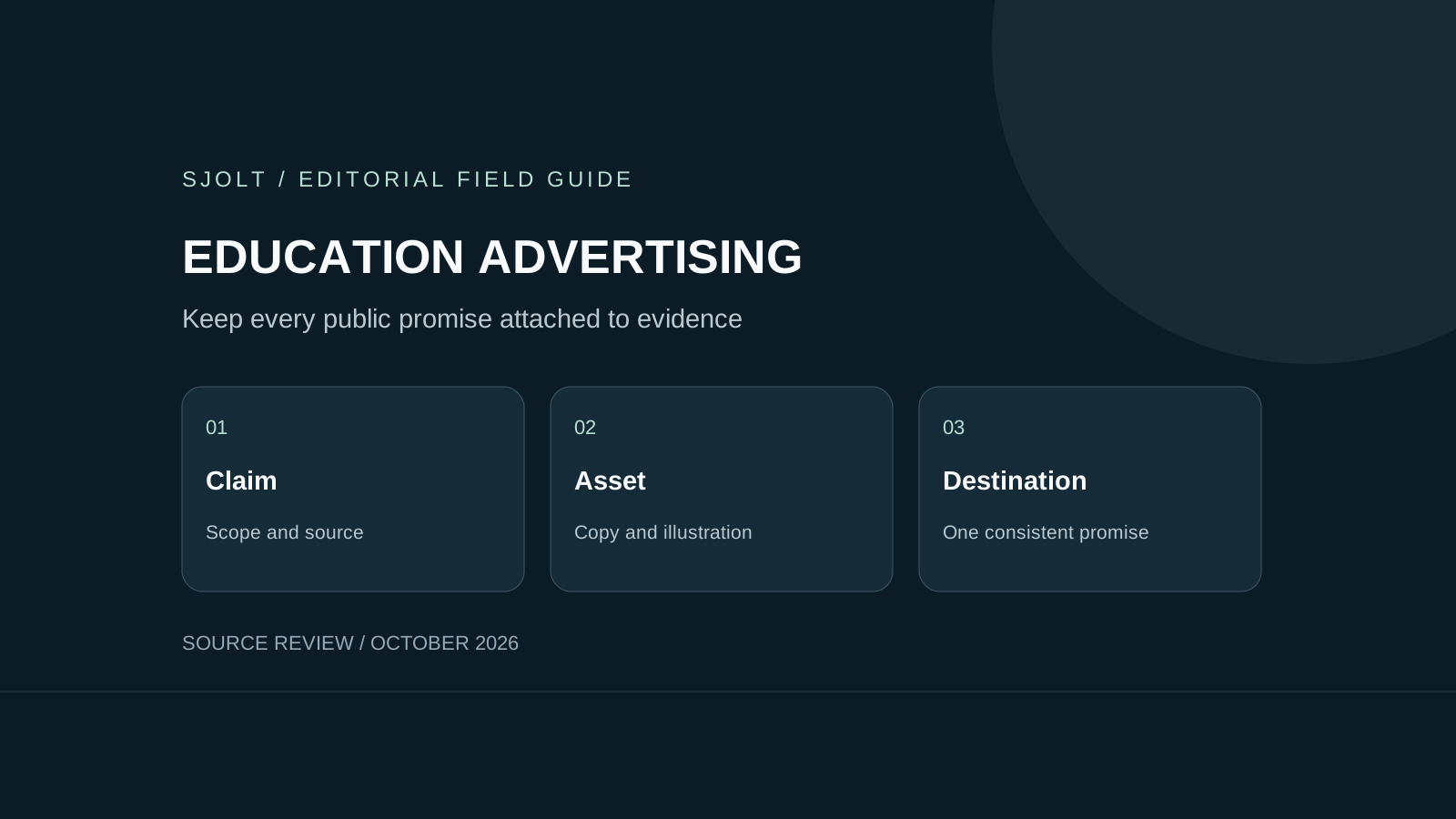
The current UAE higher education AI monitoring story concerns Ministry oversight of educational advertising and institutional practices. The October 22, 2026 announcement does not establish that a new AI system continuously watches individual students. Read the monitored activity and the reporting period before repeating a headline.
For teams making education campaigns, the practical lesson is to keep every factual promise attached to evidence. An attractive generated image can make a claim feel convincing without making it true. The workflow below focuses on reviewing public campaign material; it is not a description of the Ministry’s internal software.
What the October announcement actually reports
The Ministry, as reported by Emirates News Agency, says it monitored 3,970 digital advertisements since the start of 2026 and identified 88 violations, describing compliance as approximately 98%. It also reports 228 regulatory visits through the third quarter, 32 corrective-action plans and an 84% closure rate. These are different measures with different denominators.
The reported scope combines digital monitoring, field visits and institutional oversight. The figures do not measure AI detection accuracy: they provide neither a labeled test set nor false-positive and false-negative counts. They also cannot establish an individual institution’s status or whether a particular advertisement is acceptable.
This work predates the current headline. In an October 2025 announcement, the Ministry described monitoring educational advertisements and urged students and parents to check institutional licensing and program accreditation before enrolling. That continuity matters: a new report of activity is not necessarily a newly launched product.
Questions to ask before trusting an education advertisement
A prospective student needs answers at the level of the exact program, campus and intake. Save the advertisement and the page it opens, including the date. A claim in an old image may differ from the current landing page; neither should silently substitute for the other during a decision.
- Identify the legal institution name and the precise program title rather than relying on a logo.
- Check current licensing and accreditation through the Ministry’s official channels; retain the scope and date of what you checked.
- Ask the institution to explain whether a price, scholarship or progression route applies to your intake and circumstances.
- Treat a campus image as an illustration unless its location and provenance are established. A plausible lab picture does not verify facilities.
- Keep unresolved claims as questions. Do not fill a missing condition with an AI-generated explanation.
These steps organize evidence rather than determine legal compliance. If the ad and the institution’s written answer conflict, resolve that conflict before relying on the promise. A model can help compare text you supply, but it cannot confer accreditation or replace the responsible authority’s current record.
Build a claim register before designing the campaign
For a campaign team, begin with a simple register. Each row should contain one factual claim, its source, scope, owner and expiry or review date. Split a compound sentence into separate rows: an accredited program, a limited scholarship and a promised internship are three assertions requiring separate support.
| Campaign element | Evidence to retain | Release condition |
|---|---|---|
| Program name and accreditation | Current official record with exact scope | Copy matches that program and campus |
| Scholarship amount | Approved terms and applicable intake | Visible conditions survive every crop |
| Application deadline | Owner-approved date and time zone | Image, caption and landing page agree |
| Campus or laboratory image | Approved photograph or explicit illustration label | No invented facility presented as real |
| Outcome or placement statement | Source, cohort, denominator and period | No broader claim than the evidence supports |
This is a proposed editorial control, not a Ministry checklist or a prediction of an enforcement decision. Give the designer the approved wording alongside the visual brief. If a claim has no evidence owner, keep it out of the release file until someone resolves it.
Version the full package: source text, image, caption, landing page and approval. A last-minute copy change should reopen the relevant review. Otherwise a previously checked image can be paired with an unreviewed caption, producing a new claim that nobody actually approved.
Generate visual material without inventing educational facts
SJolt’s Nano Banana 2.1 supports text-to-image generation and reference-guided editing. A campaign team could use it for an explicitly illustrative background or a visual concept after the factual copy is approved. SJolt does not provide the Ministry’s monitoring system or an accreditation-checking endpoint.
An original visual brief might ask for an abstract study-space illustration with generous blank space for later typesetting, no institutional logo and no accreditation badge. Add verified program text in your normal layout tool. This makes factual wording easier to inspect and revise than baking all claims into generated pixels.
When using reference images, choose approved assets suitable for the route’s public image URLs. Keep applicant records, student IDs and other private material out of those references. An authentic campus photograph should remain clearly distinguishable from an illustration; a generated building should not become evidence of a real facility.
Test the finished advertisement, including small screens
Run a small acceptance exercise before scaling production. Create a test version with an obsolete date, a cropped qualification and a campus mismatch. Ask reviewers to locate all three against the claim register. This is a proposed internal test, not a measurement of the Ministry’s AI or any model’s reliability.
- Read the exported image at the actual mobile size, not only on a large design canvas.
- Open the final destination and check that its program, price conditions and deadline match the advertisement.
- Inspect every language and aspect-ratio variant; approval of one does not automatically cover another.
- Retain the accepted file, reviewer, source-register revision and publication destination.
After release, keep a way to find and replace every variant when a fact changes. The deliverable is a traceable campaign package: the content someone saw, the facts supporting it and the person responsible for its accuracy. Generating more assets is useful only when that review process can keep up.
Sources & further reading
Take the next idea into production.
Explore the models, test a workflow in the playground, and use the same request in your application.