
Agent workflows
Claude Duet: Access, Background Tasks and a Practical First Workflow
Claude Duet is an agent app with its own cloud computer. Start with one reviewable task, understand what runs while you are away, and distinguish the app from model access on SJolt.
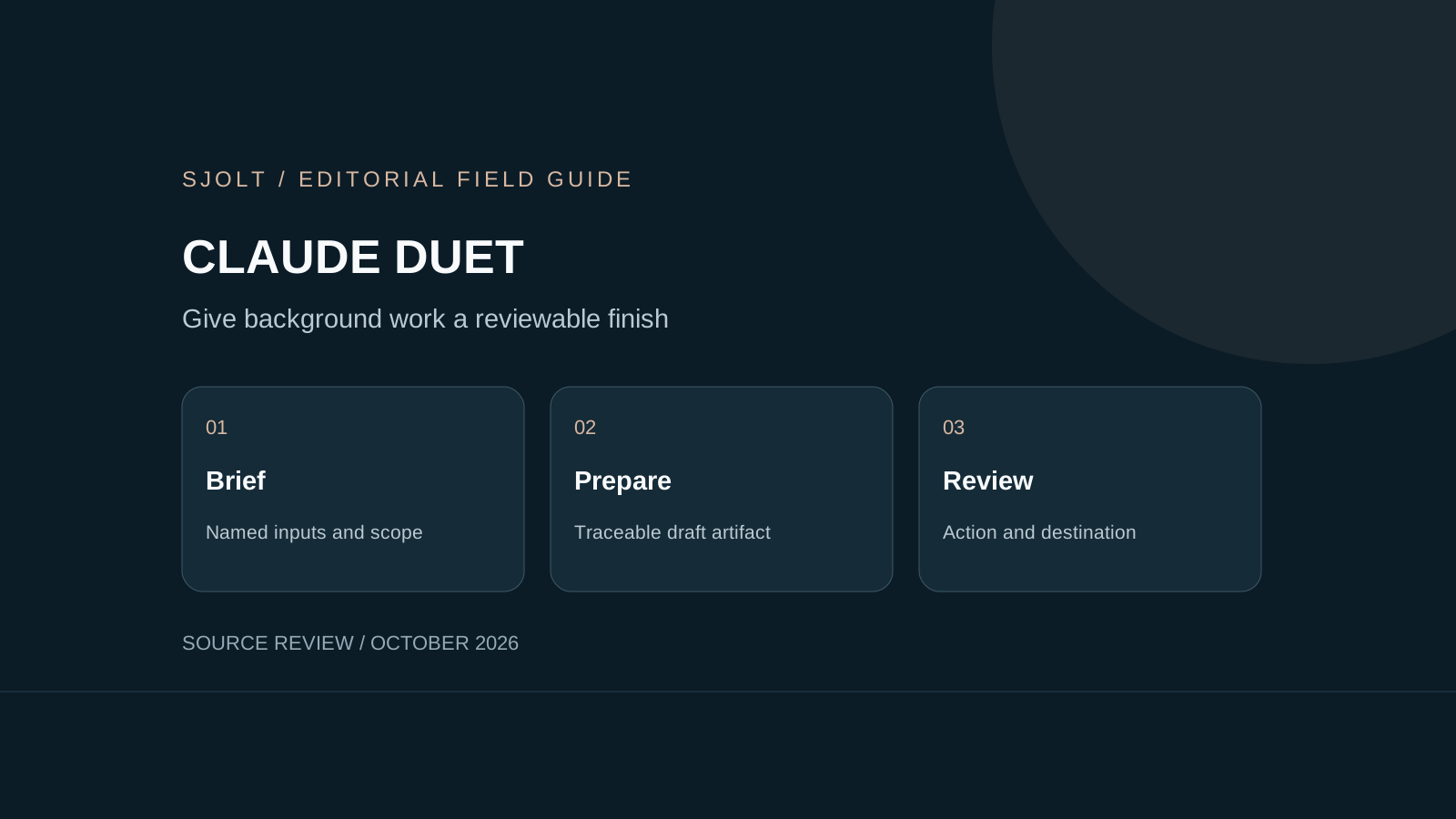
Claude Duet is Anthropic’s proactive agent app, announced on October 21, 2026. It can work across connected services, prepare a morning brief and continue tasks on its cloud computer after you close the app. The release is a research preview, so first check whether you can actually join before planning a team workflow around it.
For a useful first trial, choose a task that ends in a draft you can inspect: a campaign brief, a meeting preparation note or a shortlist of assets. Define what counts as finished and which decisions need you. A broad instruction to “run marketing” makes the result much harder to evaluate.
Who can use Claude Duet today?
At this October 24 check, Anthropic requires a US Claude account, a Pro or Max subscription and a waitlist invitation. Team and Enterprise access is not available yet. The preview is included in those eligible plans and consumes their shared usage limits; background checks also count. A subscription alone does not guarantee immediate admission.
Use the same email address for the waitlist and the Claude account you intend to use, then follow the invitation’s setup instructions. Availability can change during the preview. If you are choosing software for colleagues, verify each person’s eligibility rather than treating one successful invitation as organization-wide access.
Anthropic offers Duet on iOS, Android and claude.ai, and says it is built around Claude Opus 5.5. The product combines the model with its own computer, connected services and background routines. Those surrounding systems matter as much as the model name when deciding what work to delegate.
A first pilot: prepare tomorrow’s creative review
Use one project with a small, named input set. For example, provide an approved product brief, a folder of candidate images and a calendar entry for tomorrow’s review. Ask for a comparison document, not a published campaign. Keep the pilot short enough that you can check every recommendation against its source.
Prepare a review brief for campaign SPRING-01.
Use only the approved brief and the candidate-asset folder.
For each candidate, give its filename, intended placement,
source evidence and one unresolved question.
Flag conflicts between the brief and calendar.
Return a draft document for my review.
Do not contact anyone, publish assets or buy services.
This is an original proposed pilot, not a report of a Duet test. Keep a copy of the starting files and add three deliberate cases: an outdated deadline, an image with the wrong product color and a missing source attachment. The exercise checks whether the agent notices evidence problems before it produces polished prose.
| Case | Useful result | Reviewer action |
|---|---|---|
| Conflicting dates | Both sources named; conflict remains visible | Choose the authoritative date |
| Wrong product color | Candidate flagged against the approved brief | Reject or request a specific edit |
| Missing attachment | Missing input identified without invention | Supply the file or remove the claim |
| Draft complete | Accessible document with traceable filenames | Open and inspect the actual artifact |
Judge the document on correct facts, useful unresolved questions and review time. Record false alarms as well as misses. A long list of speculative risks can be as disruptive as a missed deadline. Repeat the same fixture after a meaningful product change so you can compare behavior on stable inputs.
What background work does not guarantee
The help center says checks happen at intervals, so urgent events can arrive between them. You cannot choose Duet’s model or take over its cloud browser during this preview. Microsoft 365 is not available yet. Confirm the particular connector and task you need before designing a dependency around it.
For the pilot, assign a human owner to the review deadline and keep the normal notification route active. Have the owner check the actual document at an agreed time. Treat “started” and “finished” as different states; a message describing an intended artifact is not evidence that a usable file exists.
If a task seems stalled, inspect its task record and steer the existing work before starting a duplicate. When the input brief changes, label the revision and ask the agent to identify which draft it supersedes. That makes it possible to tell a stale recommendation from a new one.
Review the action, destination and retained context
Anthropic’s October 23 safety article describes approval cards and a separate action check. It also describes a separate sensitive-information classifier and credential isolation. These are the provider’s safeguards, not a guarantee that every mistake or misleading instruction will be caught. Review the destination, recipients and exact content of consequential actions.
Disconnecting a service stops future access but does not erase information already retained in memory. Anthropic documents separate memory-reset controls. For a pilot, choose a bounded input set and decide what should remain useful afterward; do not assume that removing a connector is a complete cleanup procedure.
At review, compare the artifact with the original brief rather than approving from a notification alone. If the document was revised after you inspected it, review the changed version. The object you approve should be the one that is subsequently sent or published.
Where SJolt fits in a creative workflow
SJolt currently exposes Claude Opus 5.5 through the native Anthropic Messages protocol with model ID anthropic/claude-opus-5-5. That is model access. It does not supply the Duet app, its waitlist invitation, cloud browser, account memory or background scheduler. No native Duet integration is claimed here.
A practical handoff is an approved creative brief that a person or your application submits to a supported SJolt media route. Retain the brief revision, generation task ID and accepted output together. Review the media itself before distribution. Choose Duet for the surrounding personal workflow only after your pilot shows that its access, timing and controls fit the job.
Sources & further reading
Take the next idea into production.
Explore the models, test a workflow in the playground, and use the same request in your application.