
Industry analysis
Sam Altman’s PC RAM Comments: Context and Local vs Cloud AI
The Cheeky Pint transcript supports a claim about resource utilization, not a ban on personal computers. Here is a practical way to evaluate your own creative workload.
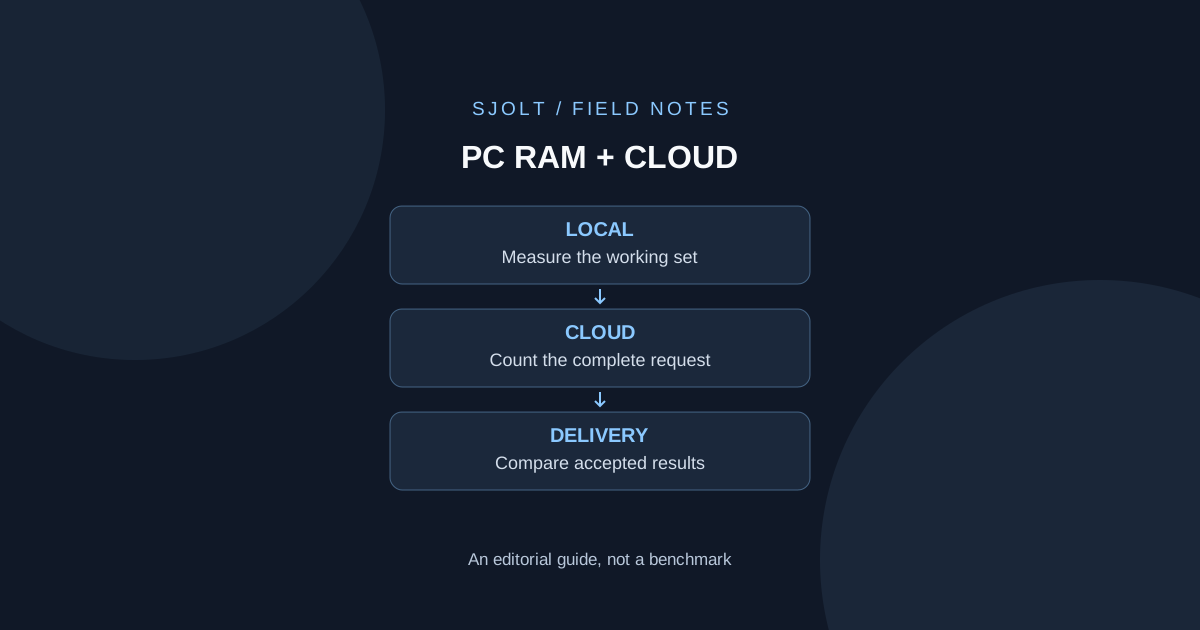
Sam Altman’s PC RAM remarks come from Cheeky Pint episode 39, published October 29, 2026. In a discussion of memory supply and local inference, he argued that scarce DRAM could be used more intensively in the cloud than in individuals’ computers. The official transcript records his “5% of the time” remark; that passage supplies no dataset or measurement method for the percentage.
The practical question for a creator is narrower: which parts of your workflow benefit from local resources, and which can run through a remote API? Answer it with your actual files and deadlines. A general utilization argument does not determine how much memory your editing project needs.
What the original exchange establishes
John Collison asks about the supply chain’s response to high component prices. Altman discusses memory manufacturers’ investment history, then turns to the assumption that open-source models running locally remove the need for data centers. His criticism concerns allocation of limited memory across those uses. The passage does not announce a restriction on buying RAM or a new OpenAI product requirement.
Keep three questions separate when sharing the story: what was said, whether the utilization estimate is supported, and whether the proposed allocation is desirable. The transcript answers the first. It does not, by itself, settle the other two. Avoid converting an attributed opinion into a hardware specification or a measured industry average.
Measure the memory that your task actually uses
Installed capacity, allocated memory and useful work per hour are different measurements. A machine may hold a large working set while waiting for a person to make an editing decision. That pause does not establish that the memory can be removed without affecting the next interaction. Conversely, owning ample RAM does not establish that a particular model runtime will fit.
Hardware architecture also matters. NVIDIA’s CUDA programming model distinguishes host and device execution and their memory spaces. Record system memory and accelerator memory separately where the platform separates them; do not treat a desktop RAM figure as a complete GPU-inference specification. On systems that share memory, record the platform and runtime instead of assuming the same accounting applies everywhere.
On macOS, Apple’s Activity Monitor documentation explains memory pressure using factors including free memory, swap rate, wired memory and cached files. For a practical review, observe pressure and responsiveness while the real task is running. A single screenshot of free RAM after the project closes is not a useful capacity test.
Compare one complete delivery, not an idle desktop
Choose an ordinary deliverable: three approved product images assembled into a short presentation. Keep the source images, required dimensions and acceptance criteria fixed. Split the work into preparation, model inference, download, editing and export. Only compare local and hosted models where both can reasonably perform the chosen inference task.
| Stage | Record locally | Record for a hosted route |
|---|---|---|
| Preparation | Asset-open time and working-set pressure | Upload preparation and transfer time |
| Inference | Runtime, hardware, settings and failures | Model ID, request settings, queue and completion time |
| Review | Accepted outputs and correction minutes | The same acceptance rubric and correction minutes |
| Delivery | Edit/export responsiveness and file integrity | Download plus the same edit/export checks |
Run a small batch with a declared retry allowance. Record failures rather than replacing them with a successful demonstration. If you compare different models, describe the result as a workflow comparison: differences in quality may come from the model, not just the location where it ran. If you compare the same model, preserve the checkpoint and settings as closely as the runtimes permit.
For interactive work, record the time to the first usable result and the time to finish the batch. For overnight work, throughput may matter more. Add a brief description of the network connection and competing applications so an unusually slow run is not silently treated as a universal property of cloud or local computing.
Use a transparent break-even calculation
For an illustrative monthly comparison, suppose incremental local capacity and maintenance cost $90, while the comparable hosted workload costs $0.30 per accepted result. Ignoring other differences, the arithmetic break-even point is 90 / 0.30 = 300 accepted results. These are invented planning numbers, not SJolt prices, hardware quotes or measured service costs.
Simple break-even volume = incremental local monthly cost / hosted cost per accepted result
Example: $90 / $0.30 = 300 accepted results per month
If hosted retries raise accepted-result cost to $0.45: $90 / $0.45 = 200
If local incremental cost is $30 instead: $30 / $0.30 = 100
Use incremental cost for a marginal decision. A workstation already required for editing should not be charged entirely to an occasional inference job. A machine bought solely to run a model should not be treated as free because electricity is cheap. Include setup, maintenance and review time when those change the choice, and keep those assumptions visible beside the formula.
A cost comparison still needs a quality threshold. Count accepted results using the same rubric, including the retries needed to reach that threshold. If one approach cannot meet a required output size or licensing condition, a lower arithmetic average does not make it an equivalent option.
Where SJolt can fit in a hybrid workflow
A concrete hybrid design keeps source organization and final editing on the workstation, sends a bounded generation task to SJolt, then downloads the result for review. Nano Banana 2.1 provides a documented image-generation and editing route. The local machine still handles its editor, previews and exports; remote generation does not remove those requirements.
Use approved material that can be sent to the service, keep the original files, and save the request settings next to each returned asset. Review the applicable data terms before sending material whose handling requirements are uncertain. This is a deployment decision for your application, not a claim that a cloud route automatically meets every privacy requirement.
Test the handoff with a saved sample file before adding model calls: can the editor import it, does the project preserve its dimensions, and does the export remain usable? Then, if you choose to evaluate generation, apply the same checks to the returned file. No paid inference or local-versus-cloud performance test was performed for this guide.
The decision record should end with a workload-specific conclusion, such as “hosted inference fits this occasional image task; local memory is still needed for the editing project.” That is more actionable than treating a utilization remark as a universal instruction about personal computer ownership.
Sources & further reading
Take the next idea into production.
Explore the models, test a workflow in the playground, and use the same request in your application.