
Industry analysis
Microsoft Windows AI Event: What Is Available, and What Comes Next?
A practical guide to the October 7 Windows and Surface announcements: rollout dates, local inference, agent permissions, and a separate hosted image workflow.
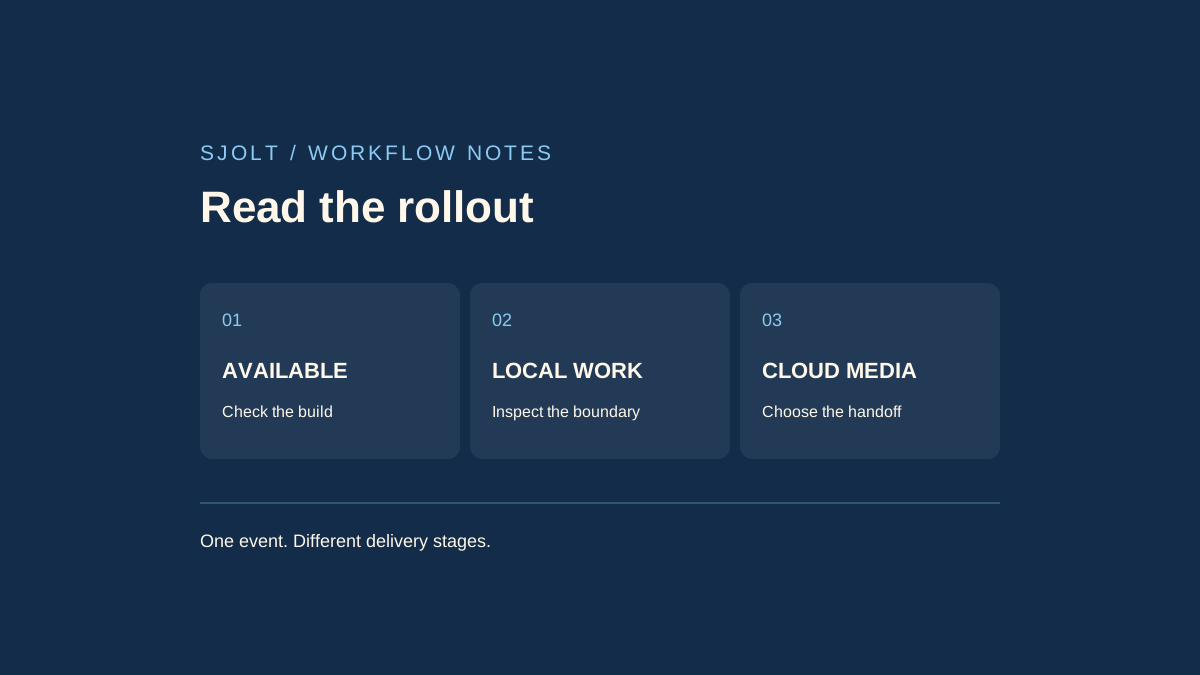
Microsoft’s October 7, 2026 Windows and Surface event announced local and cloud AI orchestration, agent containment, a new Search experience, and RTX Spark hardware. These announcements do not share one availability date. Some are generally available, some are Insider previews, and others are scheduled for later rollout.
For a creative team, the useful question is which part of a real job can run on the machine in front of you. This guide separates the announced delivery stages and proposes a small workflow test. It does not report hands-on testing of the new devices or claim that SJolt provides Microsoft’s local models.
Read the availability label before planning work
| Announcement | Status in the October 7 sources | Practical consequence |
|---|---|---|
| Microsoft Execution Containers | Generally available; individual backends and management features have separate limits. | Check the selected agent and containment backend. |
| New Windows Search actions | Gradual Experimental-channel Insider preview, initially English. | Do not expect the same controls on every Windows installation. |
| GitHub Copilot hybrid routing | Experimental preview planned later in October. | Treat access as a prerequisite, not a finished rollout. |
| Consumer Copilot hybrid features | Expected on Copilot+ PCs over the coming months. | Keep a working manual path for the current project. |
| Surface Laptop Ultra / RTX Spark Dev Box | Pre-orders announced; Laptop Ultra availability begins October 16, U.S. Dev Box shipments in November. | A pre-order announcement is not a delivered test machine. |
This is a reading of Microsoft’s dated announcements, checked on October 14, rather than confirmation of access on a particular account. Record the Windows build, application version, preview enrollment, language, and device configuration before trying to reproduce a demonstration. A missing feature can be a rollout difference rather than a broken installation.
Start with a small, reversible Search action
The dedicated Search announcement describes a WinUI 3 taskbar experience with inline actions. Its initial preview includes settings and window-management actions; Phone Link actions are described as coming soon. The Start menu continues to use the existing search experience during the initial preview. Those distinctions are easy to lose in a broad event recap.
For a trial, use a noncritical workstation and choose a visible action such as changing the theme or arranging windows. Record the starting state, the exact query, the result offered, and the final state. Then undo the change. Test a typo and an ambiguous phrase separately; a successful exact phrase does not establish that the system understood every variation.
Do not enroll a deadline-critical machine merely to reproduce a headline. If the preview is unavailable, keep the conventional setting or application shortcut in the production checklist. The purpose of the test is to learn whether the new entry point reduces effort without making the action harder to inspect.
Separate model placement from tool execution
Microsoft’s developer explanation distinguishes automatic local/cloud routing from explicitly choosing a local model. It also says that local inference does not make an entire agent session offline. Reading a website, fetching a dependency, or contacting a remote tool remains a separate operation.
The same explanation emphasizes that model weights are only part of the memory budget: the operating system, other applications, runtime, and growing context also need space. A headline parameter count is therefore a poor purchasing test. No memory or speed result in this guide was measured on the announced hardware.
Choose a repeatable job that resembles your actual work: inspect ten local asset filenames, identify missing dimensions from a supplied manifest, and write a short review report. Keep the inputs fixed. Measure completion, corrections needed, elapsed time, and peak memory under the applications you normally keep open. A short response at an empty desktop is not the same workload.
Check the boundary that contains the work
Microsoft Execution Containers is an execution-policy layer, not an image model. The developer announcement describes controls for files, processes, networks, and user interface access. Its Learning mode blocks and records ungranted access; Permissive mode records but allows that access. Reading an activity report alone does not establish that a workload was contained.
For the asset-report trial, make the input folder read-only, choose a separate output directory, and test the configured boundary with disposable files. Include one path outside the allowed output location and check the reported denial. Save the policy mode with the result so another person can understand what was actually enforced.
Define success before expanding the task: all ten assets appear once, missing information is marked unknown, and no source file changes. If a report fails those checks, narrow the instruction or correct the input manifest before granting more access. Permissions cannot fix a mistaken interpretation of the creative brief.
Use an explicit handoff for hosted image generation
SJolt’s current catalog does not list MAI Code 1.1 Flash or an MXC integration. A supported, separate step is Nano Banana 2.1 image generation or reference-guided image editing. That step runs through SJolt’s hosted service; using a local assistant to prepare the brief does not make the generation local.
Suppose the asset report identifies a missing background for a product card. First approve the dimensions, composition, and product details in a short brief. Send only the chosen prompt and, when using image edit, the intended references through the documented model route. Keep credentials on the server and review the current model pricing before submission.
- Preserve the approved brief and source references independently of the assistant conversation.
- Store the returned task ID; inspect task status instead of resubmitting a pending request.
- Download the successful output and check product shape, unwanted lettering, crop, and usable space.
- Finish exact typography in the editor and save the final asset beside its brief revision.
This workflow lets the team evaluate each stage against a concrete deliverable: a correct local inventory, a reviewed creative instruction, and an acceptable image. It does not depend on every announced Windows feature being available at once. No native Copilot-to-SJolt connector or new Microsoft endpoint is implied.
Sources & further reading
Take the next idea into production.
Explore the models, test a workflow in the playground, and use the same request in your application.