
Video workflows
MoveFrame: Photo-to-Video Credits and a Practical First Workflow
MoveFrame is a template-based video website. Start with one restrained motion, understand the credit and storage rules, and keep a reusable brief if you later need an API.
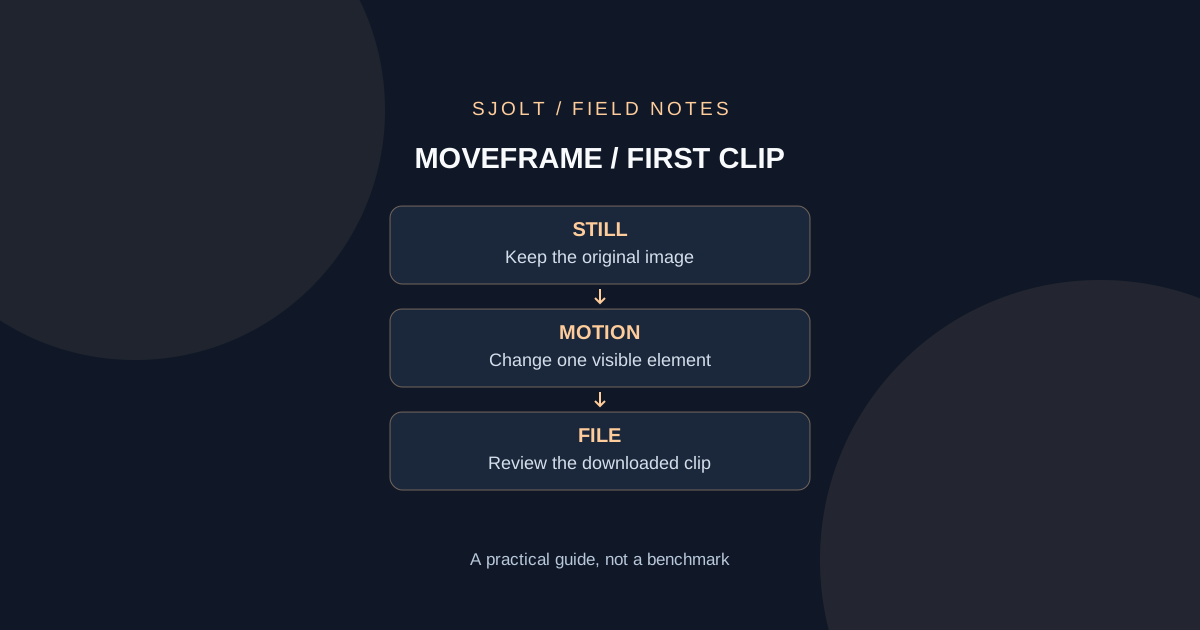
MoveFrame’s official site is moveframe.app. It offers photo animation through templates and text instructions, advertising one free five-second Standard video per day without an account. This is a hosted product using other video models, not evidence that a new foundation model named MoveFrame has been released.
The useful first decision is whether you need a quick browser-made clip or a repeatable application workflow. This guide checks the public pages as of November 1, 2026 and proposes one small animation exercise. No video was generated, and the advertised turnaround time has not been independently measured.
What the site says it runs
The methodology page identifies Seedance 1.5 Pro for Standard and HD, Grok Imagine as a backup, and Kling 3.0 for Max. It describes five- or ten-second output converted to H.264 MP4. These are MoveFrame’s own disclosures; they do not identify the exact backend route used for any future individual request.
For your first trial, use a JPG or PNG that you own and can send to the service. Those formats appear in both the upload area and the written instructions. Keep the original separately. Do not choose a complex multi-person scene just because a template name sounds suitable: begin with a single product or pet and one visible motion.
Understand the credit unit before buying more
The pricing page lists five daily credits, with Standard at one credit per second, HD at 1.6 and Max at four. A five-second request therefore uses 5, 8 or 20 credits respectively. Ten-second HD uses 16. The free allowance is limited; “no sign-up” does not mean unlimited generation.
It lists a $9.90 one-time pack of 100 credits and a $9.90 monthly Pro plan with 120. Pack credits last twelve months; plan credits renew monthly. Check the displayed checkout before paying, because the same dollar amount buys different renewal and expiry terms. The page says failed or blocked generations receive automatic credit refunds.
There is a documentation discrepancy worth resolving before relying on cross-device recovery. The homepage mentions optional Google sign-in for purchased credits, while the pricing page describes browser-linked credits and a recovery key. Confirm the recovery method actually offered by your session; do not assume that opening another browser will show the same balance.
For a trial, write down the selected duration, quality, quoted credits and starting balance before submission. A returned video that fails your creative brief is different from a technical failure. Do not assume that a disappointing motion qualifies for an automatic failed-task refund.
Try one motion that you can judge
Use an owned photograph of a ceramic mug on a table. Crop it to the intended composition before generation, leaving space around the handle. Choose a stationary camera and subtle motion. Ask for a faint wisp of steam while the mug, handle, table edge and background remain still. This gives you specific features to inspect without inventing a complex story.
Brief: one mug, unchanged handle and decoration.
Motion: a faint wisp of steam; camera stays still.
Reject: extra handles, crawling decoration, bending table edge, cuts.
Deliverable: one downloaded clip that imports into the target editor.
Review the beginning, middle and final frame, then play the full clip. Check whether the handle changes shape, whether the decoration slides, and whether the requested camera remains stable. Record which failure occurred before changing the prompt. If the geometry drifts, a more elaborate camera move is unlikely to help you diagnose the cause.
Keep the first accepted file and the brief together. If you try another setting, change one element at a time and retain both results. That makes the exercise useful even if you later choose another service. This is a proposed inspection procedure, not a claim that MoveFrame will preserve every feature.
Download the result and check the actual terms
MoveFrame’s privacy policy says uploaded photos and clips are deleted after twenty-four hours, with generated videos retained for thirty days. It says videos are private unless a link is shared or a daily challenge is entered. It also names external processing providers. These are policy statements, not an independent storage audit; no-account use still involves remote processing.
The terms require permission for uploads and consent from depicted adults, and prohibit uploaded photos of children or public figures. They permit personal and commercial use within their rules and require preserving AI labeling. Download the output promptly rather than treating the hosted link as your permanent production archive.
Open the downloaded file in the editor you intend to use. Inspect framing, duration and any audio, then export a short preview. A successful website playback does not establish that your editing project will handle the asset correctly. Keep the source, accepted result and final export as distinct files.
When you need an explicit API request
SJolt does not expose a MoveFrame-branded model or account connector. For a separate image-to-video implementation, its documented Grok Imagine Video 1.5 route accepts one image_url, a prompt, integer duration from one to fifteen seconds and 720p resolution. Framing comes from the image; do not send aspect_ratio on this variant.
The following input body belongs on POST /sjolt-ai/v1/xai/grok-imagine-video-1.5/image-to-video. It is a separate SJolt request. Replace the reserved example URL with a controlled, publicly retrievable image before any real submission. It was validated locally against the adapter without calling a model.
{
  "input": {
    "prompt": "A faint wisp of steam rises above the mug. Keep its handle, decoration, table and background unchanged. Locked camera, no cuts.",
    "image_url": "https://example.com/owned-mug.jpg",
    "duration": 5,
    "resolution": "720p"
  }
}
Keep the route choice explicit in your project record. A similarly named backend in MoveFrame does not establish identical settings, pricing or results on SJolt. Reuse the mug brief and acceptance checks, then judge the downloaded asset under the same conditions if you later compare the two workflows.
Sources & further reading
Take the next idea into production.
Explore the models, test a workflow in the playground, and use the same request in your application.