
Model guides
Kimi K3.1 Pro: API Names, Coding Plans and a Useful First Evaluation
Use the released K3.1 Pro model with the right access channel. This guide separates API and Coding Plan settings, then proposes a reproducible scene-and-asset acceptance test.
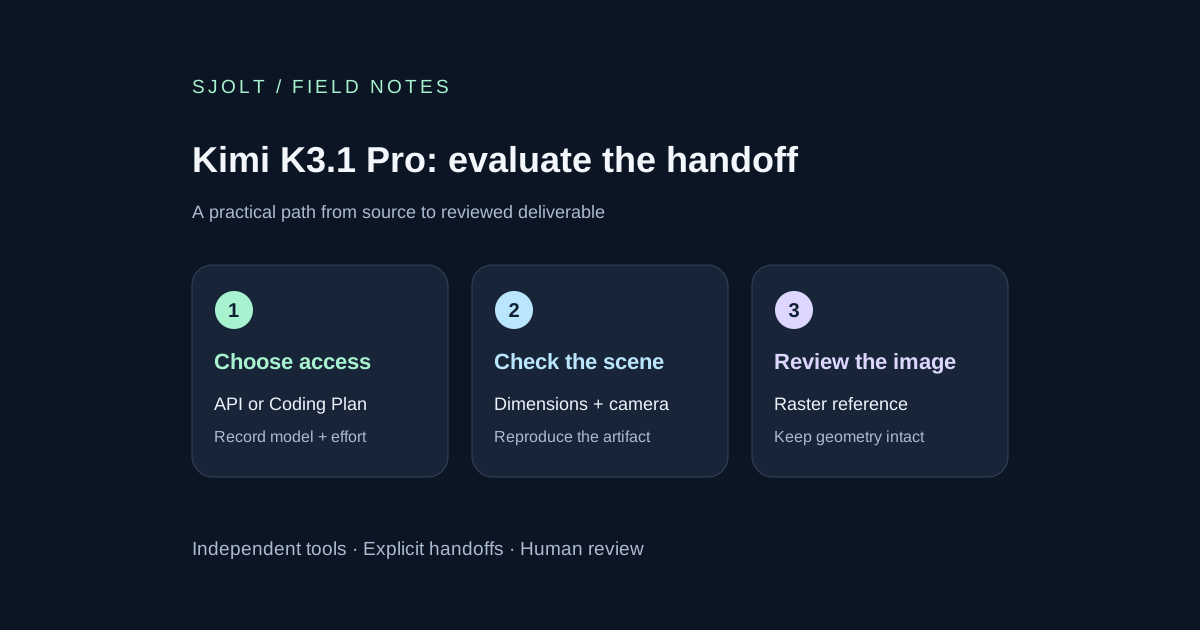
Kimi K3.1 Pro is now a released model in Kimi’s product family. The official launch page lists Kimi, Kimi Work, Kimi Code and the Kimi API as access routes. Searches for “Kimi 3.1” and “Kimi K3.1” refer to the same launch intent here; neither search phrase is an API model identifier.
The immediate integration risk is mixing a Coding Plan configuration with the separately billed API. Choose the access channel first, then record its exact model name, reasoning setting and cost basis. SJolt’s current catalog does not include Kimi K3.1 Pro; the Kimi request below goes directly to Moonshot.
What is released, and what is still scheduled
Moonshot describes K3.1 Pro as a post-trained K3 model with a one-million-token context window. It also offers a Highspeed variant, with a provider-reported speed increase of roughly two to three times. Treat that as a vendor claim rather than a latency measurement for your application. The announcement schedules full model weights for November 4, 2026; hosted availability does not establish that those weights can already be downloaded.
Do not build a decision around an earlier teaser or a copied benchmark graphic. For a coding evaluation, retain the task, tools, time limit, model settings and final artifact. A model can perform well in a published harness while failing your build environment or changing a detail your customer needs.
Keep API and Coding Plan settings separate
| Access channel | Regular / Highspeed ID | Reasoning default |
|---|---|---|
| Kimi API | kimi-k3.1-pro / kimi-k3.1-pro-highspeed | max in the API quickstart |
| Kimi Code | k3.1-pro / k3.1-pro-highspeed | high in the Coding Plan model table |
Both documents list low, high and max effort and require thinking mode for K3.1 Pro. Kimi Code recommends a new session when switching model families. Its guide warns that a mistyped model ID can fall back to K2.8 Preview without thinking, making a superficially successful test misleading. Check the actual selected model before judging the result.
Plan access also differs: the Code guide lists regular Pro for Plus and above and Highspeed for Pro and above, with the full 1M context reserved for higher tiers. Check the table for legacy-plan names. An API balance and a Coding Plan allowance are different entitlements.
A direct API request with an explicit effort setting
After configuring your own MOONSHOT_API_KEY locally, this request asks for a plan rather than executing generated code. The API quickstart says access requires a successful top-up of at least $1. This article checked the documented request shape without sending a model call.
curl --fail-with-body https://api.moonshot.ai/v1/chat/completions \
  -H "Authorization: Bearer $MOONSHOT_API_KEY" \
  -H "Content-Type: application/json" \
  --data '{
    "model": "kimi-k3.1-pro",
    "reasoning_effort": "high",
    "messages": [{
      "role": "user",
      "content": "Plan a deterministic Three.js product turntable. Specify geometry, camera, lighting and acceptance checks. Return the plan only."
    }]
  }'
For a later multi-turn or tool workflow, the quickstart requires retaining the complete assistant message, including its reasoning-related fields. Saving only the final text can lose conversation state. Keep a sanitized evaluation record that identifies the model and settings without including your API key.
Compare cost per accepted task
At this October 25 check, the API homepage lists regular Pro at $2 per million input tokens and $10 per million output tokens; Highspeed lists $4 and $20. It separately displays cache-write and cache-hit prices. The billing guide says API usage is pay-as-you-go and cache writes have TTL-specific treatment. Use the full usage breakdown; an input-plus-output estimate alone can miss cache charges.
For your own comparison, give each variant the same work and a fixed attempt allowance. Record accepted artifacts, elapsed time, billed usage and review minutes. Divide total evaluation cost by accepted tasks, including rejected attempts in the numerator. A faster response that needs another repair round may be less useful than a slower first pass. Do not count a successful HTTP response as an accepted deliverable.
Use one scene with checks that a screenshot cannot hide
An original first task is a static product turntable containing an asymmetric enclosure, one colored side panel and three mounting holes. Supply the dimensions and camera poses in a small manifest. Ask the coding agent to build the scene, expose a fixed-time capture and return a list of files changed. Keep the starting project and dependency versions fixed across candidates.
- Geometry: compare the object count, dimensions and hole centers with the manifest. Reject invented details even if the render looks convincing.
- Camera: capture the same front and rear views. Verify that the colored panel stays on the specified side and the object remains inside the frame.
- Repeatability: render the same timestamp twice. Use fixed seeds for any procedural detail and investigate unexpected changes.
- Delivery: open the exported scene in a clean environment, check missing assets and preserve the instructions needed to reproduce the view.
These are proposed acceptance checks, not results from running Kimi. For editable manufacturing geometry, use a CAD review as well; a web scene with the right silhouette does not establish tolerances. Our SolidCraft guide gives a small analytic part fixture that can make that distinction concrete.
Add a presentation image only after the scene passes
If the accepted output needs a campaign still, export a clean PNG and use it as a separate reference. SJolt’s Nano Banana 2.1 image-edit route accepts one to fourteen image URLs plus a prompt, aspect_ratio and resolution. It accepts raster references, not a Three.js project, mesh or CAD file.
Write down which features must remain: panel side, hole count, silhouette and camera angle. Compare the generated still against the accepted render and reject geometry drift. Store the source revision, reference image and SJolt task ID together. This handoff is useful for presentation work, but it is not an automatic Kimi integration or a conversion back into editable 3D geometry.
Sources & further reading
Take the next idea into production.
Explore the models, test a workflow in the playground, and use the same request in your application.