
Local model guides
Huihui AI: Find the Right Model Download and Runtime
Huihui AI is a model publisher with multiple artifacts, not one interchangeable model download. Select an exact file and runtime before evaluating a local workflow.
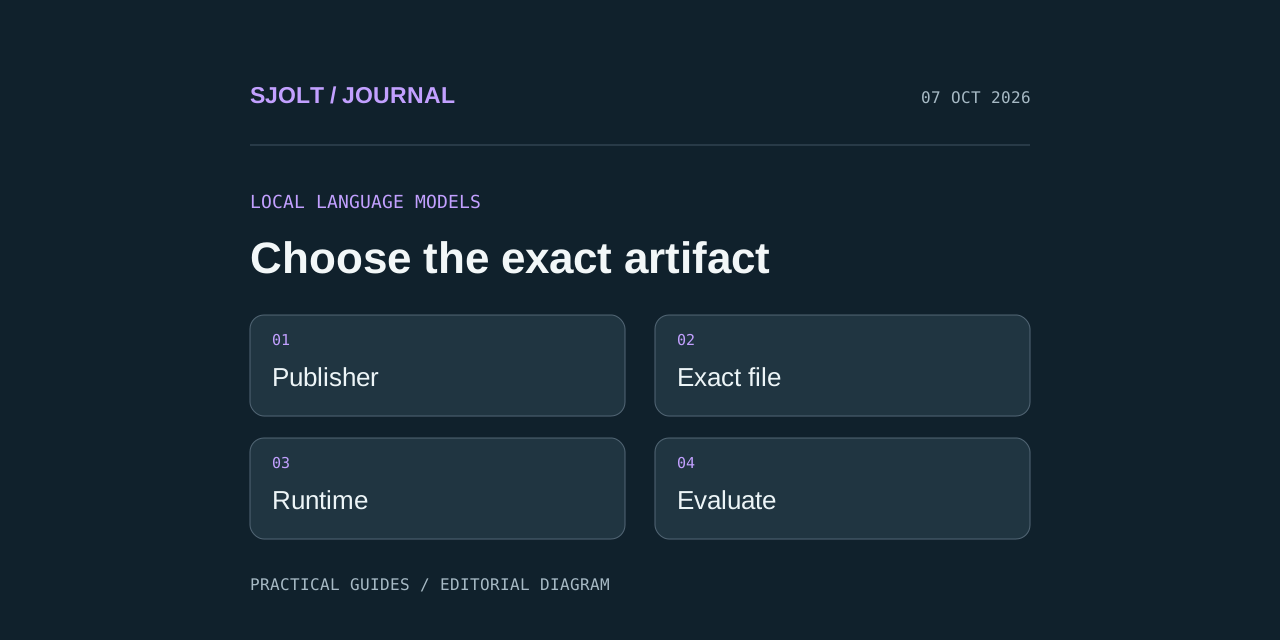
Start with the huihui-ai profile on Hugging Face when looking for Huihui AI models. The publisher describes a focus on model ablations and links to its Ollama profile. Individual repositories identify the base model, files, and usage details; the publisher name alone is not enough to choose a download.
SJolt’s current catalog does not list Huihui models. A local Huihui deployment can be a separate text-planning component in your own workflow, while supported SJolt models generate the final media. That handoff requires your application or a manual review step; it is not an existing Huihui integration.
Identify the publisher and the exact model
The example Qwen3.8 repository describes a modified Qwen model created through abliteration. That describes how the derivative was produced, not a measured advantage for your task. It does not establish better reasoning, factual accuracy, or compatibility with every application.
Record four separate identifiers before downloading: publisher, base model, derivative repository, and file revision. A community conversion can have a familiar model name while differing from the publisher’s original files. When someone recommends a model, ask which artifact and runtime they used; a brand name or screenshot of an answer is not a reproducible configuration.
For a creative planning task, define the job before choosing model size. Generating short shot descriptions, reading product facts, and interpreting a reference image place different demands on the system. A text-only trial will not establish image understanding, even when a repository has multimodal tags.
Check the file format and runtime together
The reviewed model card warns that some K_L files use nonstandard mixed precision, so their names do not reliably predict file size. It also says its Ternary variants require the PrismML llama.cpp fork rather than stock llama.cpp. These are artifact-specific instructions; check the card for the exact file you select.
| Decision | What to record | Why it matters |
|---|---|---|
| Artifact | Exact filename, revision, and download size | Two similarly named files can have different runtime requirements |
| Runtime | Application name, version, and supported architecture | A valid download can still fail to load in an incompatible application |
| Memory plan | Free system memory, GPU memory, and intended context | Loading weights is only one part of the memory requirement |
| Input mode | Text, images, or both in the actual client | A model tag does not confirm the client can deliver every input |
| Prompt setup | Chat template and generation settings | Formatting differences can change the behavior being evaluated |
Do not begin with the largest context setting simply because a model advertises it. Start with the amount of context your sample requires, then increase it deliberately. Leave room for the operating system and other active applications. A machine that loads an artifact but spends most of its time moving data may not be suitable for an interactive creative workflow.
Make the first local run reproducible
- Open the publisher’s model card and its Files view. Select a concrete artifact rather than downloading every variant.
- Read the matching runtime instructions before installation. Keep the revision and filename with your notes.
- Use a short, nonsensitive text sample for the first load and record whether initialization and output complete.
- Save the prompt, actual settings, elapsed time, and raw response. Repeat the same sample before adding more context or images.
This sequence separates installation failures from model quality. A missing runtime dependency is not evidence that a model writes poor briefs. An answer that invents product specifications is not repaired by treating it as a download problem. Keep those findings in different columns so the next action is obvious.
No local inference benchmark was run for this guide. Hardware fit and generation speed therefore remain questions for your machine and selected artifact, not results established by the search trend.
Evaluate useful output with a small creative brief
Known facts: a blue ceramic mug with a curved handle.
Task: propose three distinct tabletop shots.
For each shot, return subject, action, camera, and background.
Do not invent dimensions, manufacturing claims, or product benefits.
List any missing facts separately.
Score the answers for factual restraint, distinct shot ideas, clear camera instructions, and consistent formatting. Include an intentionally incomplete source packet: the useful response should preserve uncertainty rather than fill it with plausible claims. Compare against the unmodified base model only when you can hold the task and evaluation conditions reasonably constant.
A fluent paragraph is not enough if the next component needs structured fields. Check whether every required field appears and whether the output can be reviewed without guessing. Use a schema validator in your application if a later step relies on machine-readable output.
Keep the SJolt media handoff explicit
After approving the text brief, select a supported SJolt media route. GPT Image 2 text-to-image can render a new still from a prompt. MiniMax H3 text-to-video can generate a new clip; reference-to-video is a separate route for a brief supported by images or video. The local language model is not generating those pixels.
Keep the exact approved prompt with the resulting SJolt task identifier. When an output misses the brief, you can inspect whether the problem began in the local plan, the mapping to API fields, or the media generation itself. Change one stage at a time instead of simultaneously swapping the planner and the rendering model.
Sources & further reading
Take the next idea into production.
Explore the models, test a workflow in the playground, and use the same request in your application.