
Workflow guides
Microsoft AI Outage: Check Copilot Status and Recover Work
The November Microsoft 365 incident affects Exchange-dependent workflows, including Copilot. Identify the failed dependency before retrying, switching tools or replaying a queue.
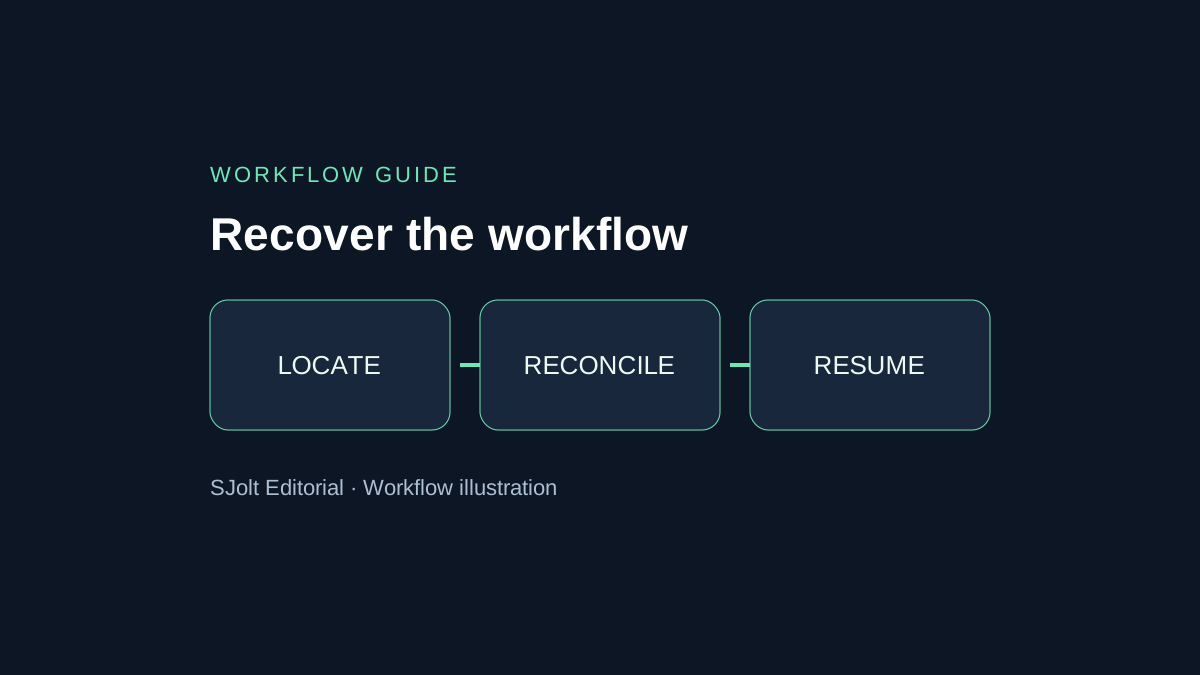
If Copilot cannot answer a work-data question, first check Microsoft 365 service health and identify which part of the workflow failed. An unavailable mailbox, a failed connector and an unavailable model are different problems. Replacing the model will not restore a source document it cannot reach.
The public status page showed all products operational when checked on November 15, 2026, Beijing time. This guide preserves the earlier incident context and gives content teams a practical recovery worksheet. It is a dated assessment, not a live status monitor; the search phrase “Microsoft AI outage” does not establish an AI-caused failure.
What Microsoft’s public status actually says
On November 15, Microsoft’s rendered public status page showed “All products are operational.” Its embedded explanation says this site is updated when service issues prevent tenant administrators from accessing Service health in the Microsoft 365 admin center. The page points business customers to that admin center for detailed health information. This is a change from the degradation shown during our November 14 review, not proof that every tenant-specific problem has disappeared.
For historical context, the November 13, 2026, 22:00:36 UTC update reviewed on November 14 described sustained recovery, extended monitoring and an email backlog. It listed Copilot Chat and Exchange-dependent work-data impact while saying most core Teams calling and chat functions were unaffected. That earlier notice is an incident record, not the current status; its timestamp is not a verified final restoration time.
Before closing your own recovery task, check the incident history for your tenant and run a small authorized operation for each affected dependency: mailbox access, document retrieval and the actual Copilot action. Reconcile any queued notifications or uncertain submissions against stored records. A successful chat response alone does not demonstrate that its email or file connector has recovered. No customer tenant was accessed for this article.
The Azure status page separately showed no active widespread events when checked. It directs customers to Azure Service Health for issues affecting their own services. A clear public Azure page cannot establish that a particular tenant, resource or Microsoft 365 workflow is healthy.
Find the right incident before changing your account
Microsoft’s instructions direct administrators to Health > Service health in the Microsoft 365 admin center. The issue detail contains its identifier, affected services, timestamps and updates. If admin-center sign-in is unavailable, use the public status page. Resolved incidents can be reviewed in the history view.
Record your observation separately from the provider’s statement. For example: “Our calendar summary failed at 01:10 UTC; the provider describes Exchange-dependent impact.” That is more actionable than “AI is down.” Save a redacted error, the affected feature and whether a comparable operation succeeds for another authorized user.
| Observed symptom | First distinction to check | Next useful action |
|---|---|---|
| Chat opens but cannot retrieve mail | Source access versus answer generation | Check mailbox and connector health before changing the prompt. |
| Only one document fails | File access versus broad service impact | Confirm the file exists and the user has permission. |
| Submission times out | Unknown acceptance versus explicit rejection | Look for an existing job record before resubmitting. |
| Output exists but notification is missing | Completed work versus failed delivery | Verify the stored artifact and reconcile its notification. |
This worksheet is a troubleshooting sequence, not a diagnosis of Microsoft’s underlying incident. Avoid resetting working credentials or reinstalling every client simply to produce activity. If the provider identifies a specific customer action, follow that documented instruction and record what changed.
Keep one task record while dependencies recover
For a campaign team, the first deliverable is an inventory of unfinished work. Give every brief a stable business ID and record its source revision, approval state, submission state and output location. Treat an uncertain submission as uncertain: a network timeout alone cannot tell you whether the server accepted it.
Business task: campaign-042
Approved brief revision: 3
Source available: yes / no
Remote task identifier: recorded / unknown
State: not submitted / submitted / completed / uncertain
Artifact checked: yes / no
Notification delivered: yes / no
Recovery owner and next check time: ...
Pause the automatic replay of uncertain jobs. Reconcile them against existing remote task identifiers and stored outputs first. Keep completion separate from notification delivery so a delayed message cannot trigger another generation. An application-level business ID helps reconciliation; it is not a promise that a provider supports an idempotency header.
Use an already approved, locally available brief when policy permits continued work. If essential facts remain only in an unavailable mailbox, mark the task waiting for source access. A fluent replacement answer is not a recovered source, and an old local copy should retain its original revision date.
Continue a bounded creative task through SJolt
SJolt can be a separate execution step for an approved image brief. Its catalog includes Nano Banana 2 text-to-image and image-edit workflows. It does not restore Microsoft tenant access or reproduce the mailbox context available to Copilot. No Microsoft incident or failover relationship is implied.
For example, an approved product description and a fixed illustration prompt may be enough to continue a still-image task. Use the model page’s request format, retain the returned task identifier and check its terminal result before treating the asset as finished. For image editing, confirm that the required source image URL is still accessible; moving the generation step cannot repair an unavailable asset host.
Check account access, cost and data-handling requirements before moving a workload. Separate services can still depend on shared infrastructure, so the existence of another API does not prove outage independence. This article checked the local SJolt catalog and documentation; it did not run a paid generation or measure availability during the Microsoft incident.
Resume with reconciliation, then reopen the queue
Choose a small representative batch after the required service recovers: one source lookup, one previously queued task and one completed artifact awaiting delivery. Compare each result with the task record. Confirm that the latest source revision is used and that no second artifact was created for work already completed.
Then reopen the queue gradually with a named owner for exceptions. Record duplicate submissions, missing outputs and delayed notifications as separate counts. Close the incident for your workflow only when those outstanding records are resolved, even if a provider dashboard has already returned to healthy. Preserve a short timeline so the next recovery starts with evidence instead of repeated guesses.
Sources & further reading
Take the next idea into production.
Explore the models, test a workflow in the playground, and use the same request in your application.