
Video deployment
FreeVideo on GitHub: Local MiniMax H3 Setup and API Tradeoffs
FreeVideo provides a local MiniMax H3 inference workflow. Check the exact release, hardware fit, and deployment needs before deciding between a local machine and a hosted API.
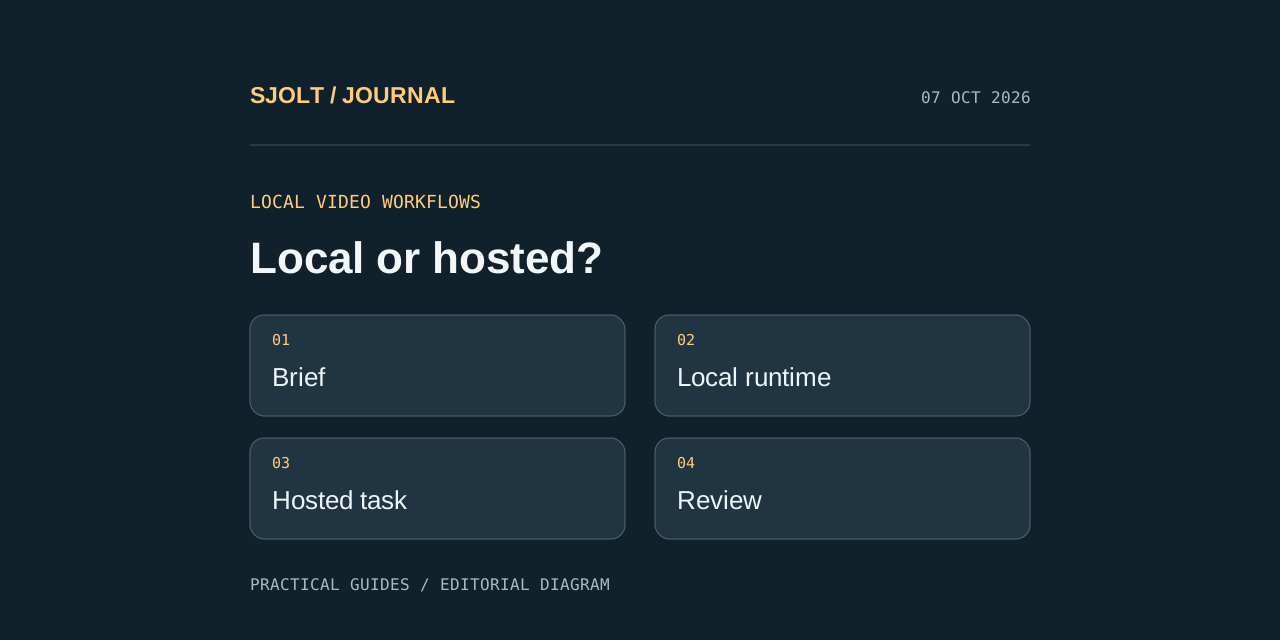
The FreeVideo repository covered here is FlashML-org/FreeVideo on GitHub. Its maintainers describe a local inference engine built on OpenVDN’s VDN-H3, with a target as low as 8 GB of VRAM and 16 GB of system RAM. Treat that as a project-stated configuration target, not a promise of fast generation on any computer.
Use the original repository for release downloads and setup instructions. SJolt also lists hosted MiniMax H3 generation, but its API is a separate service with its own inputs, task lifecycle, and pricing. A shared model family does not establish identical output, runtime behavior, or support for local extensions.
Choose the correct repository and installation path
The README offers Windows and Apple-silicon launchers, an existing-ComfyUI installation path, and Linux command-line setup. The macOS build is described as a preview. Choose the path matching your machine and existing ComfyUI installation; do not combine steps from different platform instructions.
| Your situation | Useful starting point | Record before changing anything |
|---|---|---|
| New Windows installation | Repository launcher instructions | Release version and installation directory |
| Apple-silicon Mac | Mac preview guide | Mac model, available memory, and preview version |
| Existing ComfyUI setup | Custom-node instructions | Current environment and working workflow |
| Linux workstation | README command-line setup | Driver/runtime versions and intended model storage |
For an existing creative workstation, keep a working project and its environment details before adding a new node. This makes a failure easier to isolate. If setup downloads model files, allow for download time and storage separately from generation time. The first session is an installation test; it should not become your headline estimate of normal rendering latency.
Design a small first-run test
Choose a short, ordinary shot with one subject and one camera move. A product turning slowly on a table is easier to assess than a crowd, rapid cuts, and complicated dialogue. Save the brief before touching quality settings so each subsequent result is answering the same request.
One blue ceramic mug on a matte white tabletop.
A slow camera slide reveals its curved handle.
Keep the mug shape and blue glaze consistent.
Soft daylight, clean background, no lettering.
Record setup time, model-loading time, generation time, and review time separately. Also note the selected quality setting, output dimensions, clip duration, and whether other applications were running. Repeating the same short job after the initial load helps distinguish steady operation from first-run overhead.
Inspect the full clip at normal speed and then at the frames where the handle becomes visible. Decide in advance which defects reject a result: an extra handle, changing silhouette, abrupt camera jump, or incomplete output. A faster render that consistently fails those checks is not a faster path to an accepted deliverable.
Understand what local and free leave you responsible for
The repository licenses code under Apache 2.0 and points to a separate MiniMax H3 Community License for model weights. Review the linked licenses for your intended use. The code license alone does not describe every condition applying to the weights.
A local workflow still consumes storage, electricity, installation effort, and operator time. It may be attractive when you already own a suitable workstation and want control over the runtime. A hosted workflow can be attractive when application integration and avoiding local GPU operations matter more. Neither conclusion follows from the word free by itself.
Keep the exact release and workflow with accepted outputs. If an update changes the runtime or quality controls, rerun your saved sample before changing the environment used for a deadline. Do not assume a remembered prompt is enough to reproduce a result after the surrounding software changes.
Use the SJolt H3 contract for hosted generation
SJolt’s MiniMax H3 text-to-video route accepts prompt, duration, and aspect_ratio. The current duration range is integer seconds from 5 through 15. Reference-to-video uses a different endpoint and requires at least one image or video reference. Local ComfyUI nodes, quality presets, and LoRA files are not fields in these SJolt requests.
curl --request POST 'https://sjolt.ai/sjolt-ai/v1/minimax/h3/text-to-video' \
  --header "Authorization: Bearer $SJOLT_API_KEY" \
  --header 'Content-Type: application/json' \
  --data '{"input":{"prompt":"A blue ceramic mug on a white tabletop. Slow camera slide, consistent shape and glaze, soft daylight, quiet room ambience, no lettering.","duration":"5","aspect_ratio":"16:9"}}'
This contract example was not submitted for paid generation. After acceptance, retain data.task_id and query /sjolt-ai/v1/tasks/YOUR_TASK_ID. Read data.output_urls after status 1; status 0 is still running and status 2 is failure. Keep API credentials on your server and check the existing task before creating another request.
- SJolt MiniMax H3 text-to-video
- SJolt MiniMax H3 references
- Task API documentation
- Current hosted pricing
Recast is another distinct workflow: it replaces people in existing footage using replacement photos. Do not infer that a local H3 generation installation or the hosted text-to-video endpoint provides Recast simply because the name H3 appears in all three.
Compare the complete deliverable
For your decision sheet, put accepted clips in the numerator and all attempts in the denominator. Record total elapsed time, direct charges where applicable, manual intervention, and final editing work. Compare the same intended shot and delivery requirements, while documenting any settings that cannot be matched between local and hosted workflows.
This guide establishes where to start and which contracts to use. It does not report a speed or quality contest: no FreeVideo inference or paid SJolt generation was run. Use the saved brief to make the comparison on your hardware and with your own acceptance standard.
Sources & further reading
Take the next idea into production.
Explore the models, test a workflow in the playground, and use the same request in your application.