
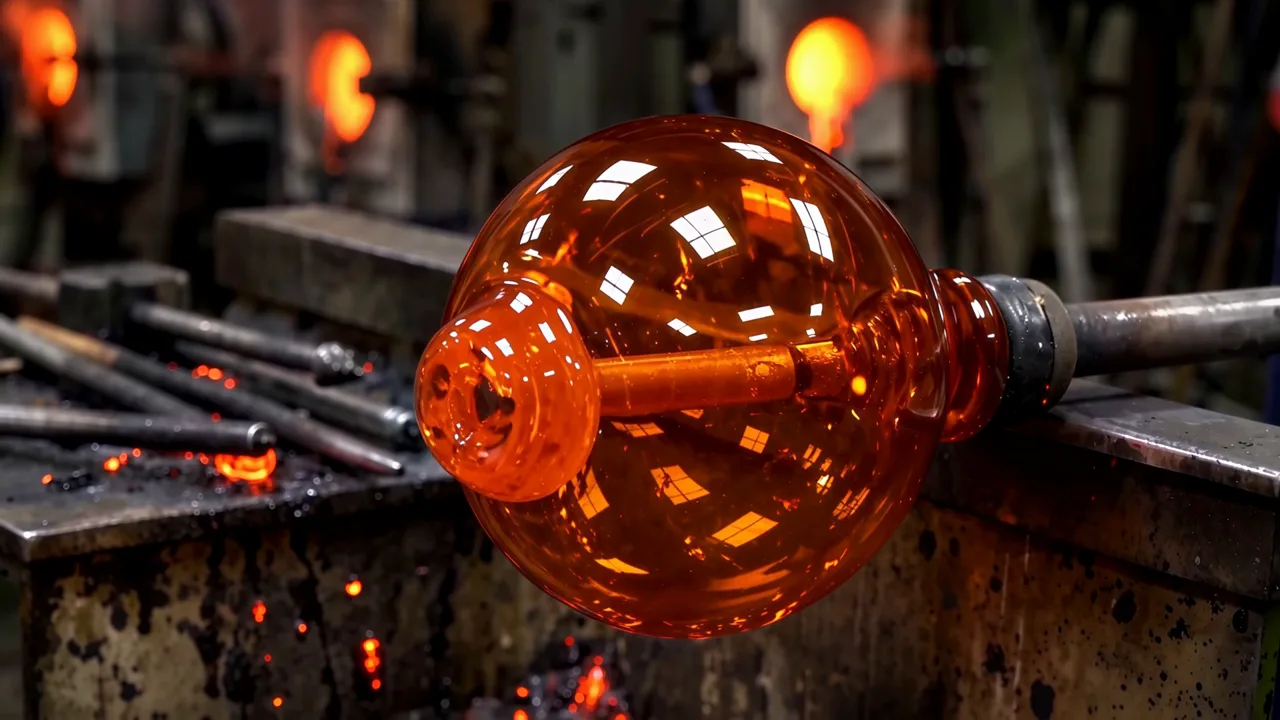
In a dim glassblowing studio a molten amber glass orb turns slowly on a horizontal blowpipe. A single continuous macro shot tracks its glowing reflection across the worn steel bench. Hear the low furnace and the soft rhythmic roll of metal. No writing, logos, dialogue or music.
MAGI-2 Text to video API
Create 1080p video with synchronized audio.
Choose a prompt, first frame or media references to direct a 4–30 second shot.
Pricing
Video generation
Billed by requested output duration, including audio.
- 1080p
- $0.08/s
Playground Examples
Try production-style prompt starters.
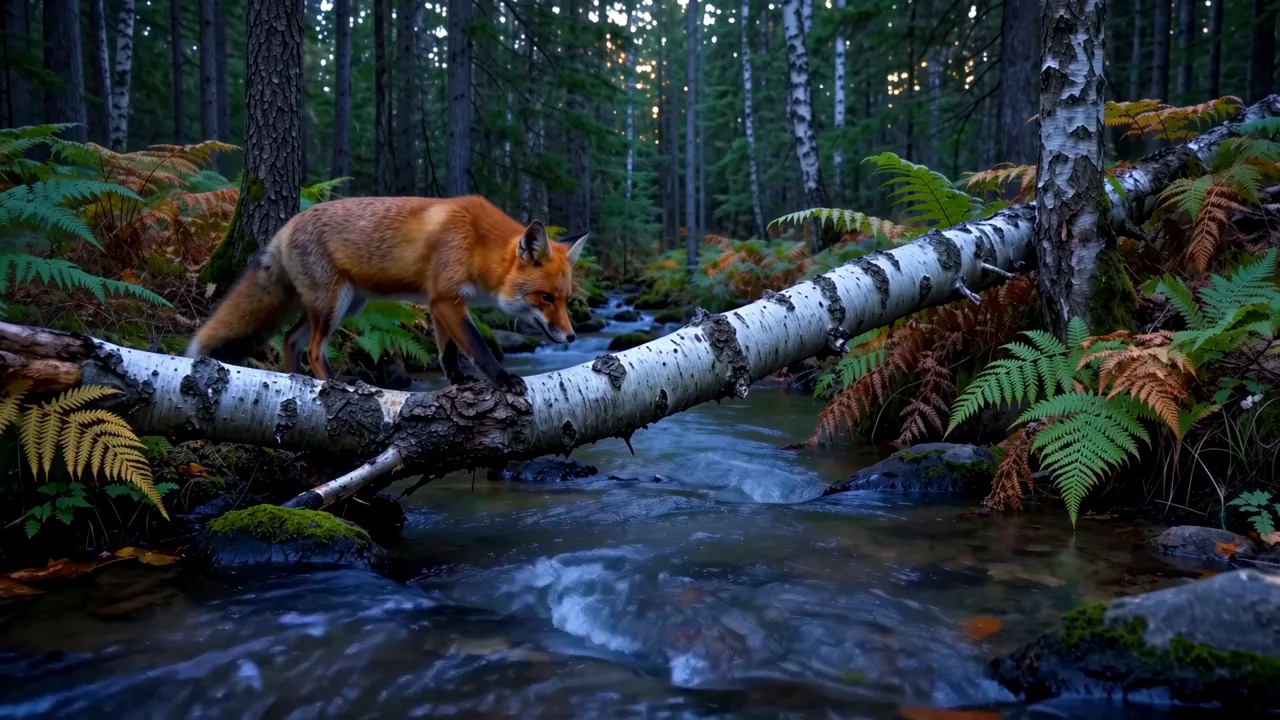
Start from the supplied forest frame. The fox looks down at a ripple, then carefully places one paw farther along the birch trunk. Keep the camera still as the water and fern tips move, with gentle stream ambience.
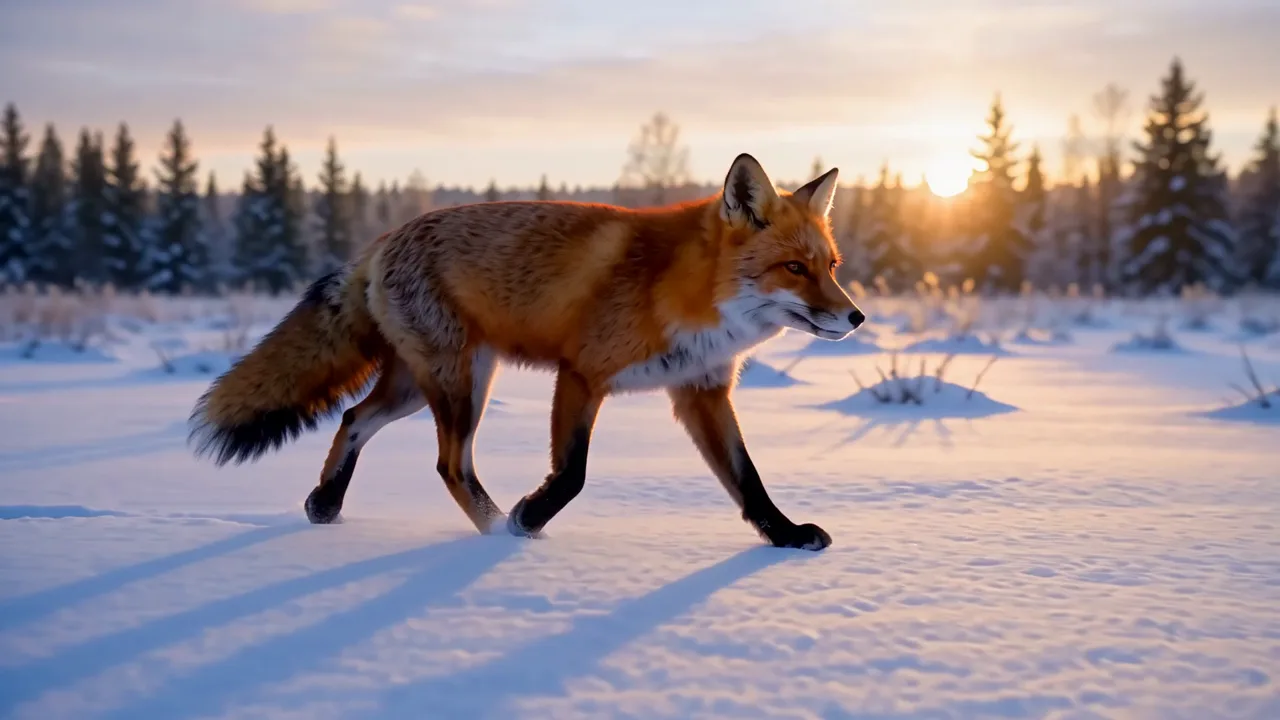
Use the red fox in the reference for its markings and winter coat. In a new low-angle shot it trots across a snow-covered meadow at sunrise. Powder lifts around its feet as the camera pans with it. Hear the soft crunch of snow and distant crows.
Similar Models
Compare adjacent capabilities before switching models.
ByteDance · Video
Seedance 2.5
ByteDanceCreate videos up to 30 seconds, combine as many as 50 multimodal references, and refine specific moments with frame-level control.
OnlineTry model
ByteDance · Video
Seedance 2.5 Flash
ByteDanceCreate 4–30 second videos from text, first and last frames, or multimodal references, and continue or edit an existing clip.
OnlineTry model
ByteDance · Video
Seedance 2.0
ByteDanceA multimodal video generation model for text prompts, first-frame animation, and reference-guided production clips.
OnlineTry model
Model overview
Directing a shot with MAGI-2
Generate a 4–30 second 1080p video with sound. Start with a scene description, a specific opening frame or references that guide the shot.
Write a shot with sound
In the glassblowing example, the prompt asks for a close shot of the turning glass, the hum of the furnace and the roll of the blowpipe. Give the camera and the sound the same focal point.
- Supports Text to video and reference-asset generation workflows.
- Fits product assets, ad previews, visual direction, and social content tests.
- Adjust configured inputs, media, and switches before generation.
Set the opening and closing frames
Supply the opening image to set the framing. Add a final image for a planned transition, or leave the ending open. A short motion cue can describe what happens between the frames.
Prompt-led generation
Give each reference a role
Combine up to 10 images, 5 videos and 5 audio clips with a prompt. Explain which reference supplies the subject, movement or sound. A single audio clip can guide a new scene.
- Compare available models from Alibaba, Black Forest Labs, Google, MiniMax, Midjourney, OpenAI, ByteDance, Kuaishou, Sand AI, SJolt AI, Suno, xAI in one place.
- Copy the request body directly to the server to reduce frontend/backend parameter drift.
- Failure states, retries, result preview, and review checkpoints stay in the same workflow.
Model characteristics
Output and delivery
Framing
Text and reference generation support 16:9, 9:16, 21:9, 4:3, 3:4, 1:1. Frame animation follows the first image.
API delivery
Submit the variant that matches your inputs. Poll the returned task ID or provide a webhook to receive the completed video URL.
FAQ
These are the first questions to answer when evaluating this model.
What tasks fit MAGI-2 best?
MAGI-2 fits Text to video, asset validation, and production parameter exploration. Validate the input mix in the Playground before moving into batch tasks.
When should I upload reference assets?
Use references when you already have a subject, composition, motion rhythm, or audio mood to preserve. They reduce prompt ambiguity and bring the generation closer to the intended direction.
How do I move Playground results into production?
Confirm prompt, assets, aspect ratio, resolution, duration, and switches on this page, then copy the request body into your backend queue. In production, keep retries, status polling, and result archiving.
How do I decide whether one generation is worth scaling?
Check subject stability, output fit, brand visual consistency, and retry behavior before expanding the test.