GPT Image 2.6 Flare Text to image API

openai / GPT Image 2.6 Flare

Use GPT Image 2.6 Flare for prompt-based creation or reference-guided image editing.

The demo and examples were generated with GPT Image 2.6 Flare. README visuals are illustrative artwork.

Pricing

Resolution pricing

PNG, JPEG, WebP, and SVG. Each task returns one image.

1K image
$0.03
2K image
$0.05
4K image
$0.08

GIF animation

Fixed price per GIF, regardless of size or frame settings.

One GIF
$0.03
Input

Prompt, assets, and output parameters form one generation request.

Describe the subject, composition, lighting, and style. For edits, explain what to keep and what to change.
Output formatChoose a still image, SVG vector, or animated GIF.
Aspect ratioChoose the output frame for generation or editing.
ResolutionChoose the output image resolution tier.

Playground Examples

Try production-style prompt starters.

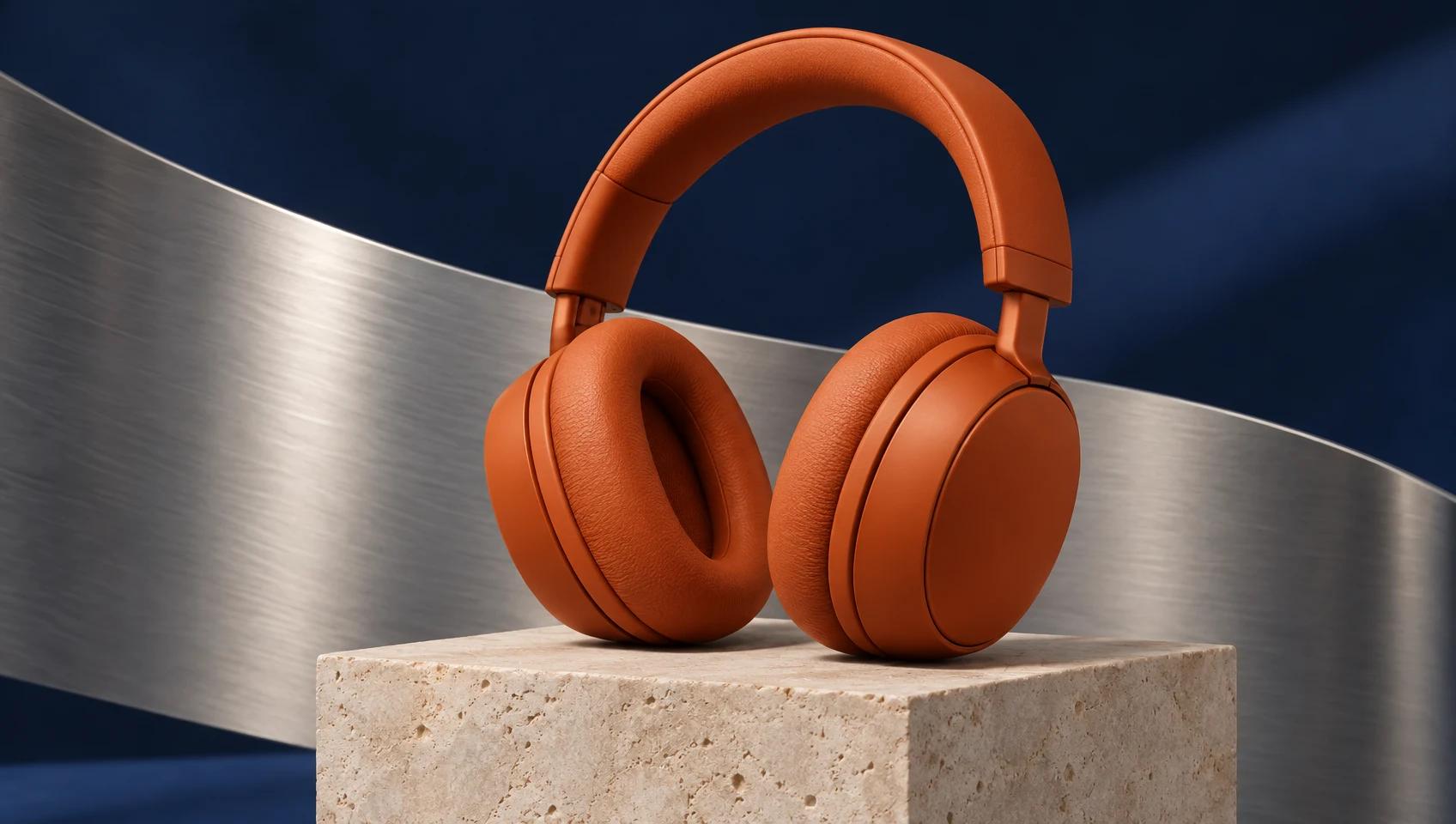
Product photograph generated with GPT Image 2.6 Flare

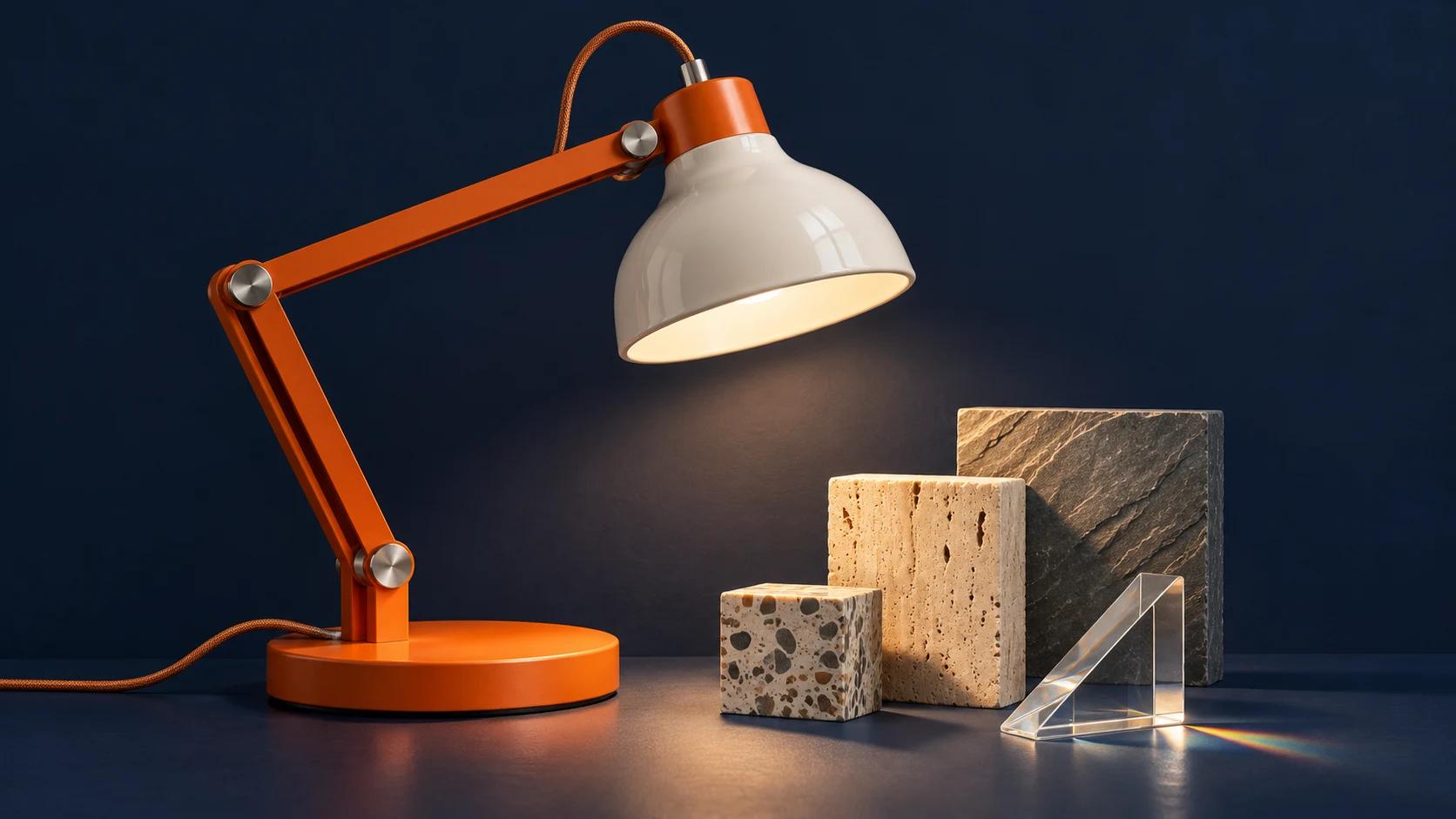
A premium studio product photograph of unbranded burnt-orange over-ear headphones resting on a pale limestone cube, a curved brushed-aluminum panel behind them and deep indigo shadows, precise seams and tactile ear cushions, soft directional light, elegant balanced arrangement. Wide landscape 16:9 composition. No text, letters, logos, or watermark.
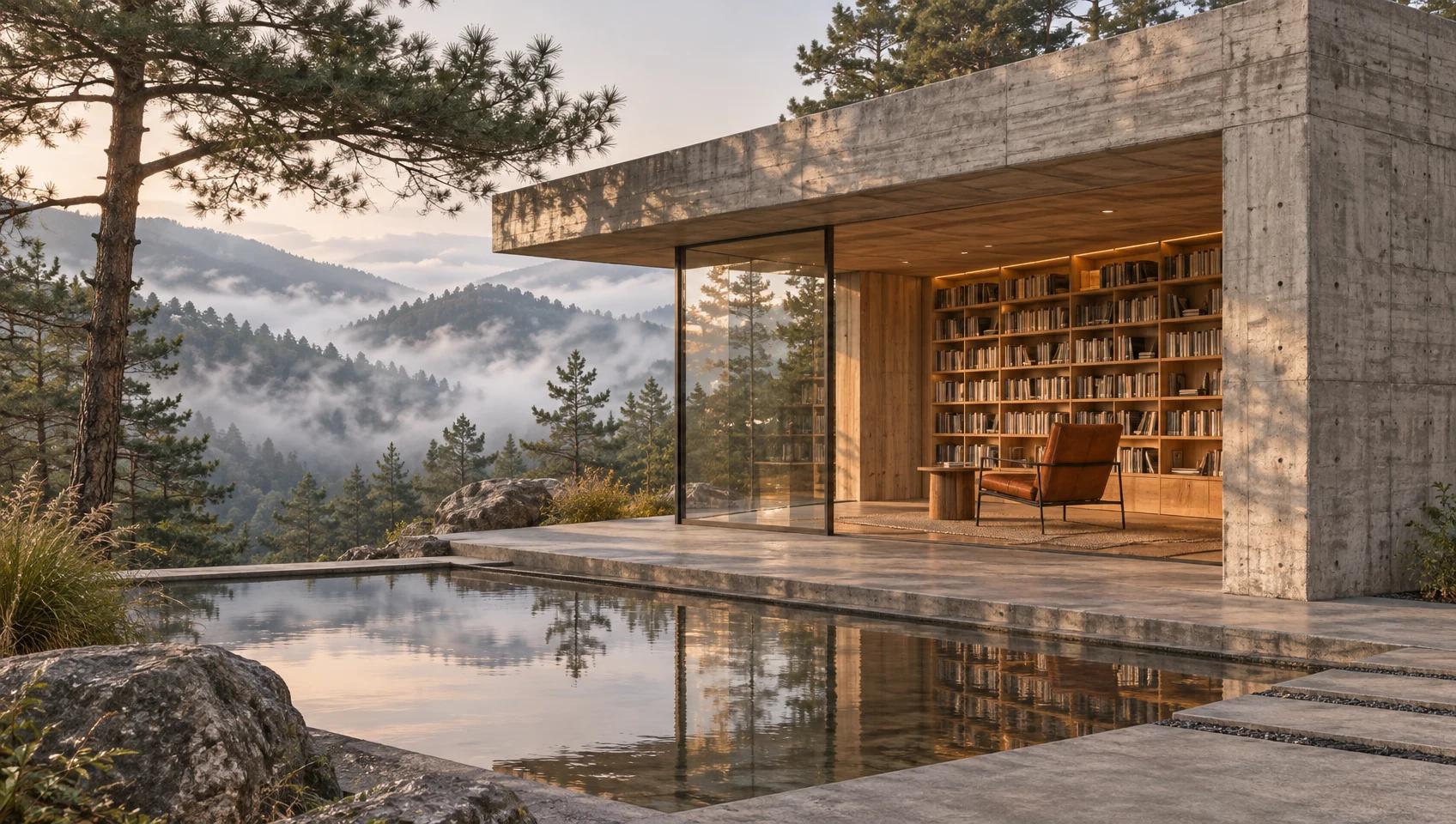
Architectural scene generated with GPT Image 2.6 Flare

A cinematic architectural photograph of a small brutalist reading pavilion overlooking a misty pine valley, board-formed concrete, warm oak shelving visible through a large glass opening, a shallow reflecting pool, one rust-colored chair, quiet late-afternoon light and realistic material texture. Wide landscape 16:9 composition. No people, text, letters, logos, or watermark.

Storybook illustration generated with GPT Image 2.6 Flare

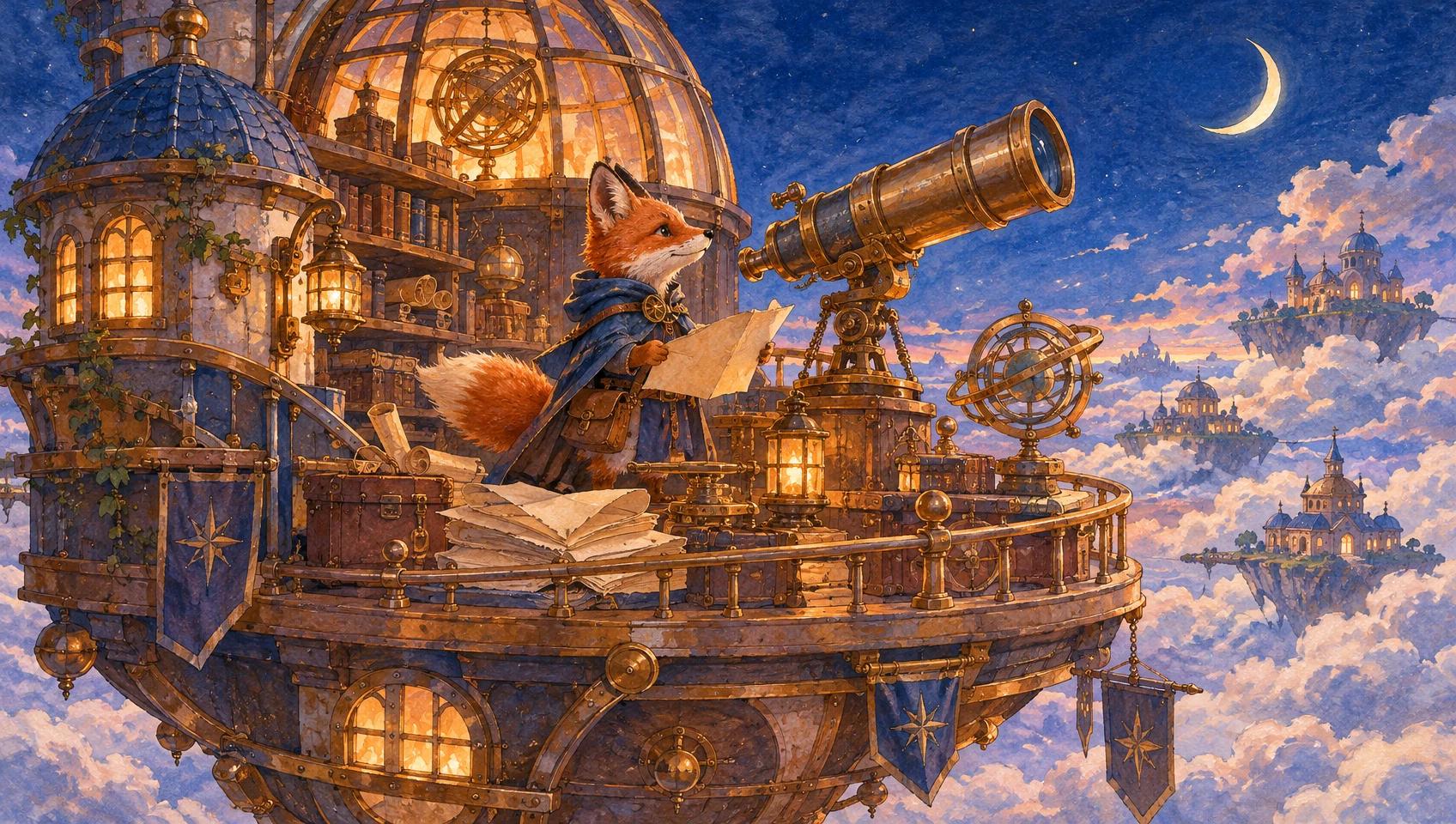
An intricate gouache illustration of a tiny fox cartographer in a floating observatory above a sea of clouds, brass telescope, folded blank maps, warm glowing windows, blue twilight sky and a slender crescent moon, handcrafted paper texture, coherent miniature architecture, copper and indigo palette. Wide landscape 16:9 composition. No text, letters, logos, or watermark.
Model overview

GPT Image 2.6 Flare for image generation and reference-guided editing

Create still images, SVG vectors, or animated GIFs from a written brief or reference images. Choose resolution and framing for still images and SVG, or pixel size and timing for GIF animation.

GPT Image 2.6 Flare generation example
01 · Image generation

Develop a complete visual brief

Describe the subject, material, background, lighting, and camera angle. Product concepts, still lifes, and campaign imagery are useful starting points for exploring your visual direction.

  • Supports Text to image and reference-asset generation workflows.
  • Fits product assets, ad previews, visual direction, and social content tests.
  • Adjust configured inputs, media, and switches before generation.
Reference asset control example
02 · Asset control

Control composition and framing

For still images and SVG, choose 1:1, 16:9, 9:16, 4:3, 3:4, 3:2, 2:3, 5:4, 4:5, 21:9 with a separate resolution tier. For GIF, use auto or explicit pixel dimensions divisible by 16, then set the frame count and frame duration. Describe the motion and desired loop in your prompt.

Prompt-led generation
Unified model API and result management example
03 · API integration

Explore a visual style with references

The image-edit workflow accepts 1–16 reference images. Explain the role of each reference and specify which subject details, colors, or layout elements should remain.

  • Compare available models from Alibaba, Black Forest Labs, Google, MiniMax, Midjourney, OpenAI, ByteDance, Kuaishou, SJolt AI, Suno, xAI in one place.
  • Copy the request body directly to the server to reduce frontend/backend parameter drift.
  • Failure states, retries, result preview, and review checkpoints stay in the same workflow.

Model characteristics

From a written brief to an asynchronous image task

01

Choose the workflow

Use Text to Image when starting from a prompt. Select Image Edit when source or reference images should guide the result.

02

Write clear edit instructions

List the desired changes and the elements to preserve. Give each reference a clear purpose instead of relying on the upload alone.

03

Select the output

Both workflows support PNG, JPEG, WebP, SVG vectors, and GIF animation. GIF uses size, frame_count, and frame_duration_ms in place of aspect ratio and resolution.

04

Use the API

Submit a task with your API key, retain data.task_id, and poll the shared task endpoint or supply a top-level webhook for completion.

FAQ

These are the first questions to answer when evaluating this model.

Which workflow should I choose?

Text to Image needs a nonblank prompt. Image Edit also requires 1–16 reference images.

Which reference formats are accepted?

Upload JPG, JPEG, PNG, or WebP images. API requests use public HTTP(S) URLs.

Which frame and resolution options can I select?

For still images and SVG, frame options are 1:1, 16:9, 9:16, 4:3, 3:4, 3:2, 2:3, 5:4, 4:5, 21:9 and resolution tiers are 1K, 2K, 4K. Defaults are 1:1 and 1K. GIF uses auto or widthxheight pixel size instead, with each dimension divisible by 16.

How do I create an animated GIF?

Select GIF in either workflow and describe the motion. For reference-guided animation, use Image Edit and upload source images. Set size, choose 2–64 frames, and set 20–2000 milliseconds per frame. Defaults are auto size, 9 frames, and 200 milliseconds.

How do I receive the generated image?

Poll the task endpoint until it succeeds and read data.output_urls, or use the top-level webhook callback.