
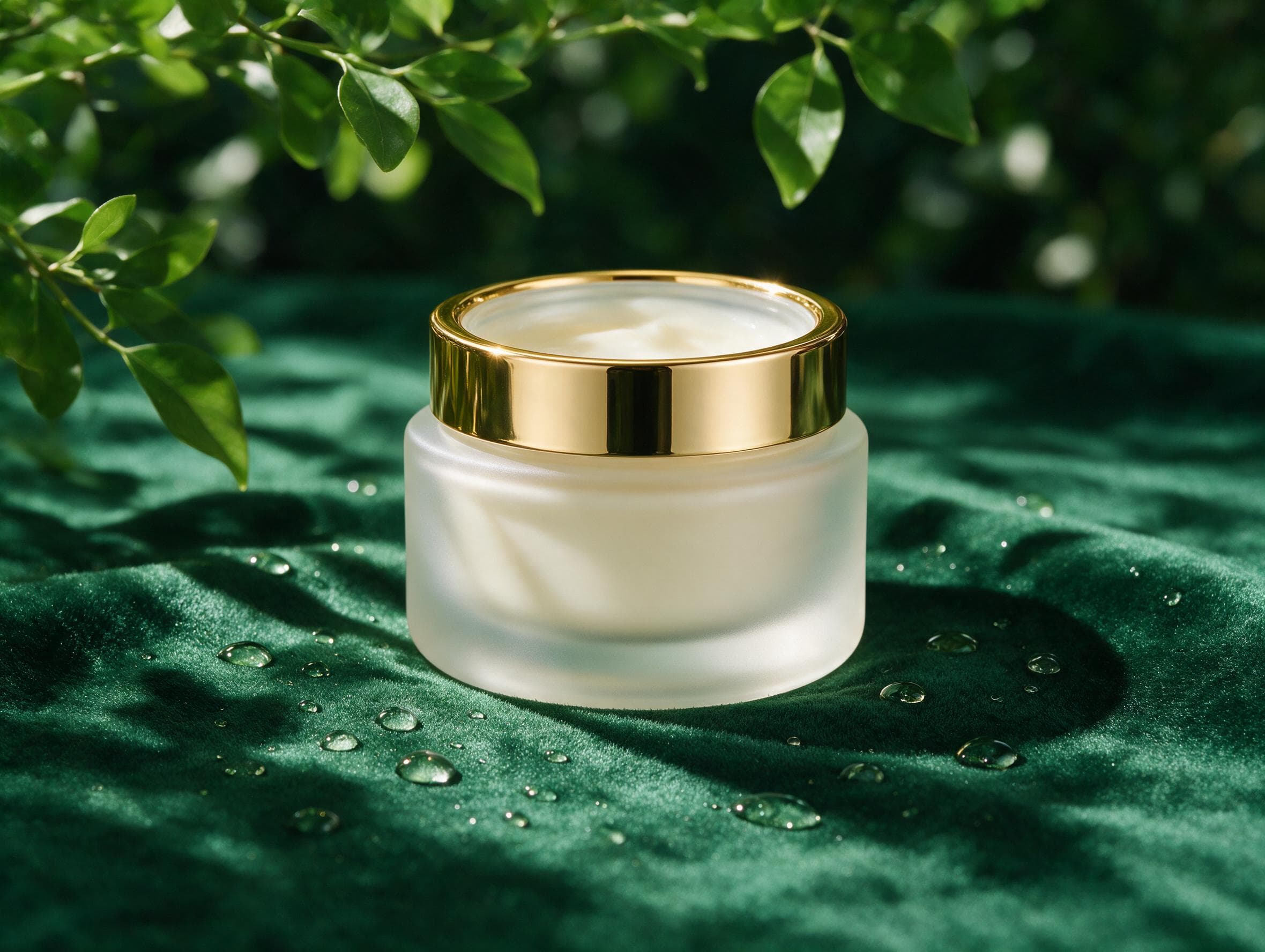
A label-free luxury skincare campaign shot on emerald velvet, with frosted glass, gold trim, botanical shadows, and clean commercial lighting.
Seedream V5 Pro is ByteDance image generation and editing for cinematic key visuals, product shots, realistic characters, architecture concepts, and precise reference-guided edits.
The playground uses the same request-shaped fields as the public API: prompt, image_urls for image editing, aspect_ratio, and resolution.
Resolution pricing
Use 1K for fast iteration and 2K when the image needs more delivery detail.
Playground Examples
A label-free luxury skincare campaign shot on emerald velvet, with frosted glass, gold trim, botanical shadows, and clean commercial lighting.
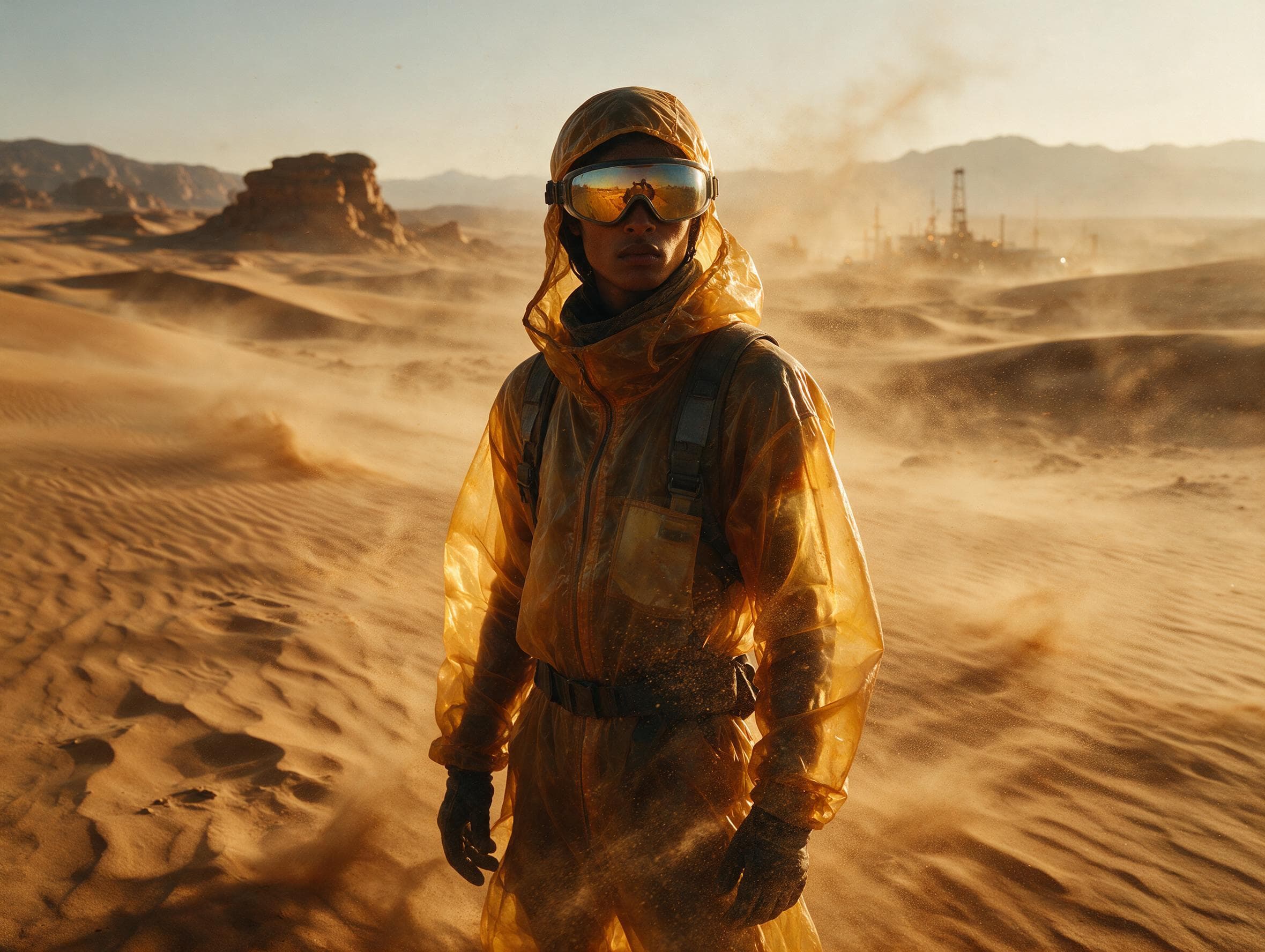
A cinematic desert field engineer portrait with translucent amber outerwear, reflective goggles, blowing sand, and realistic editorial texture.
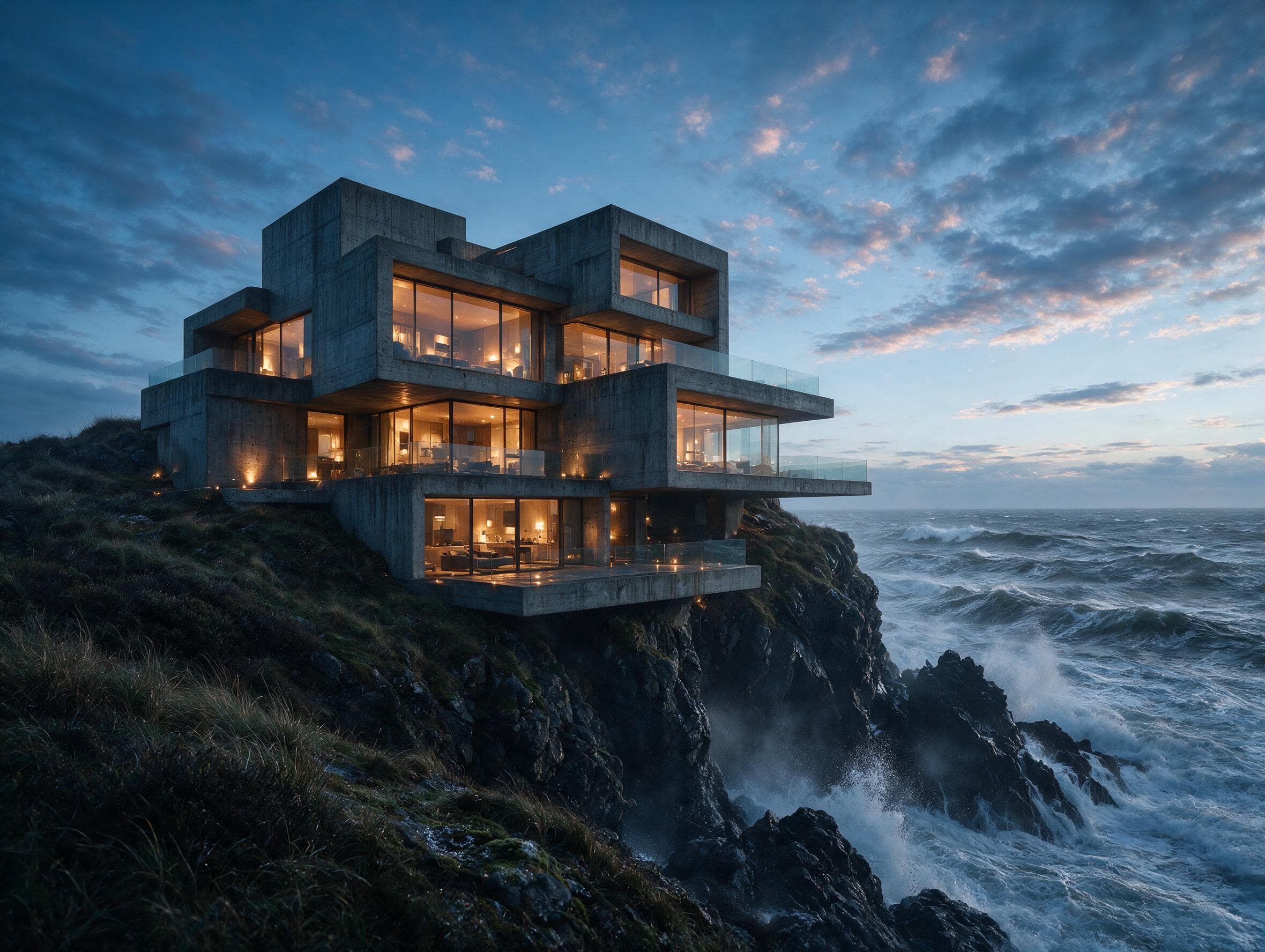
A brutalist cliffside villa over stormy water, combining warm interior light, raw concrete, glass, and architectural photography realism.
Similar Models
High-fidelity image generation and reference-guided editing with photorealistic detail, typography, and flexible framing.
Create expressive images with Midjourney 8.2, 8.1, 7, or Niji 7, with controls for composition, stylization, and repeating patterns.
ByteDance image generation and editing for reference consistency, multi-image composition, typography, and polished visual creatives.
Model overview
Seedream V5 Pro brings ByteDance image generation to sjolt for text-to-image creation and image editing. Start from a prompt, add up to 10 reference images, and create cinematic visuals, product shots, portraits, architectural concepts, and creative direction boards.
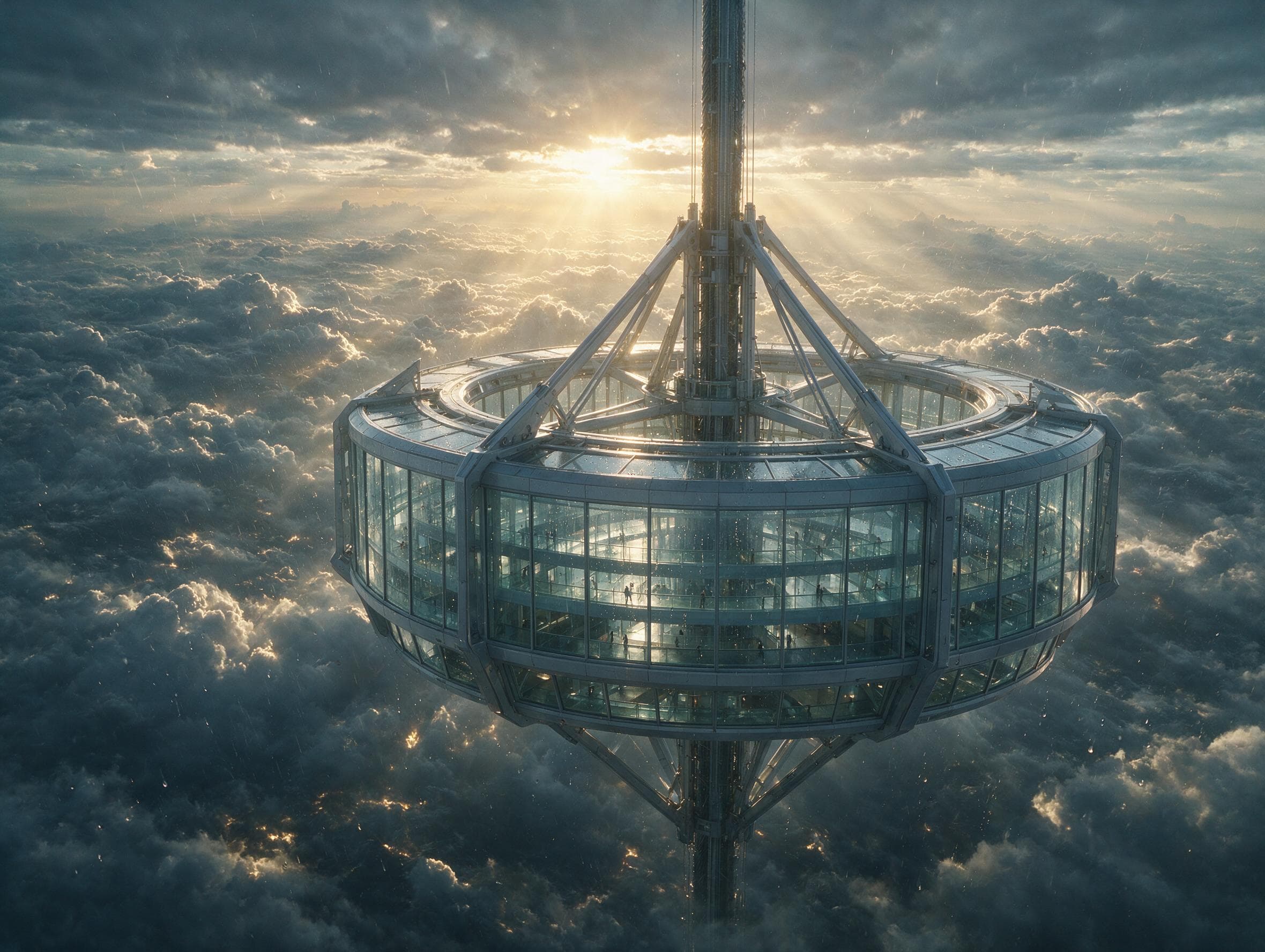
Create atmospheric scenes with realistic lighting, scale, reflections, weather, glass, and deep cinematic composition.
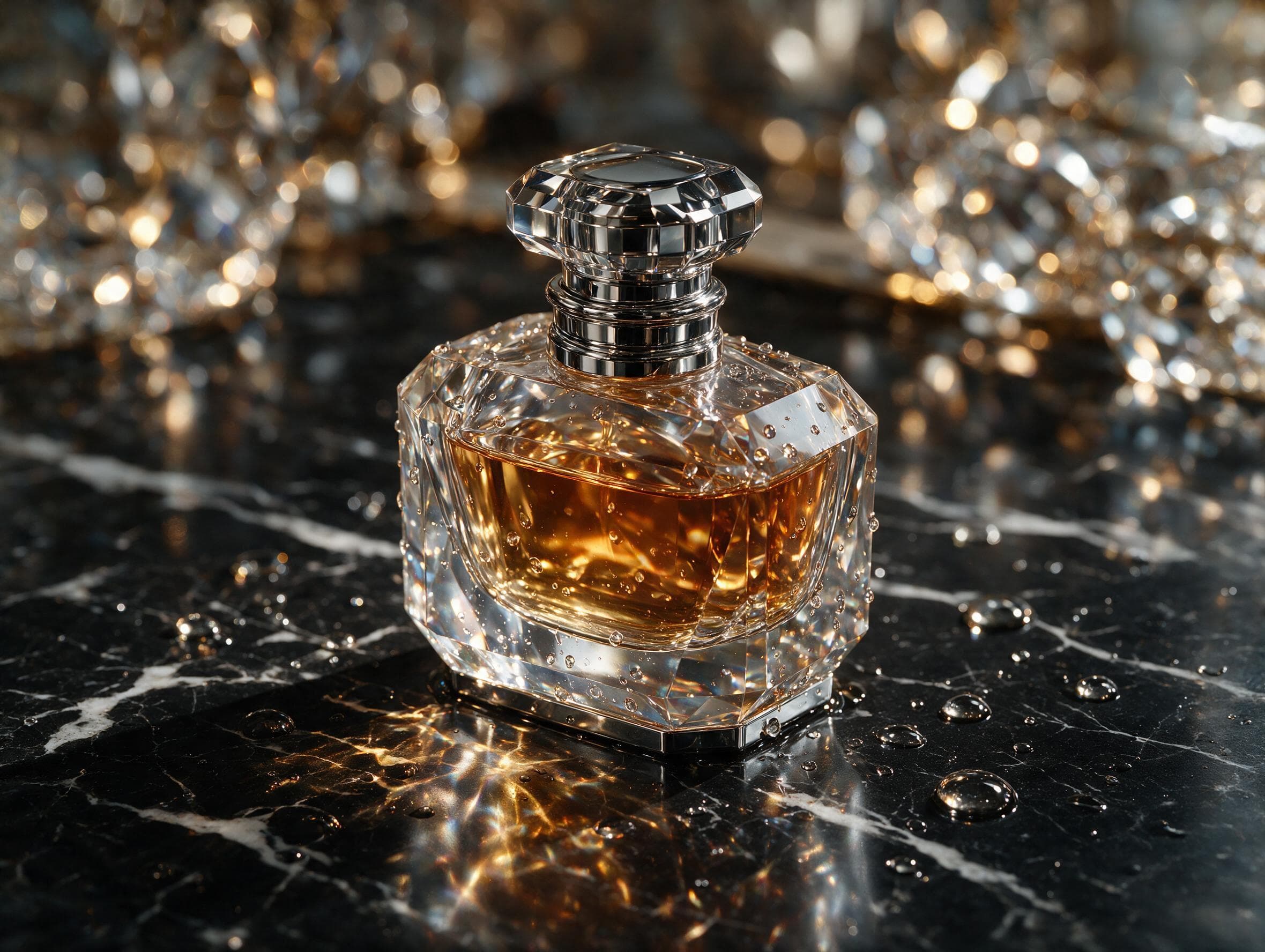
Render polished surfaces, transparent glass, metal, liquid, fabric, stone, and studio reflections with commercial-grade detail.
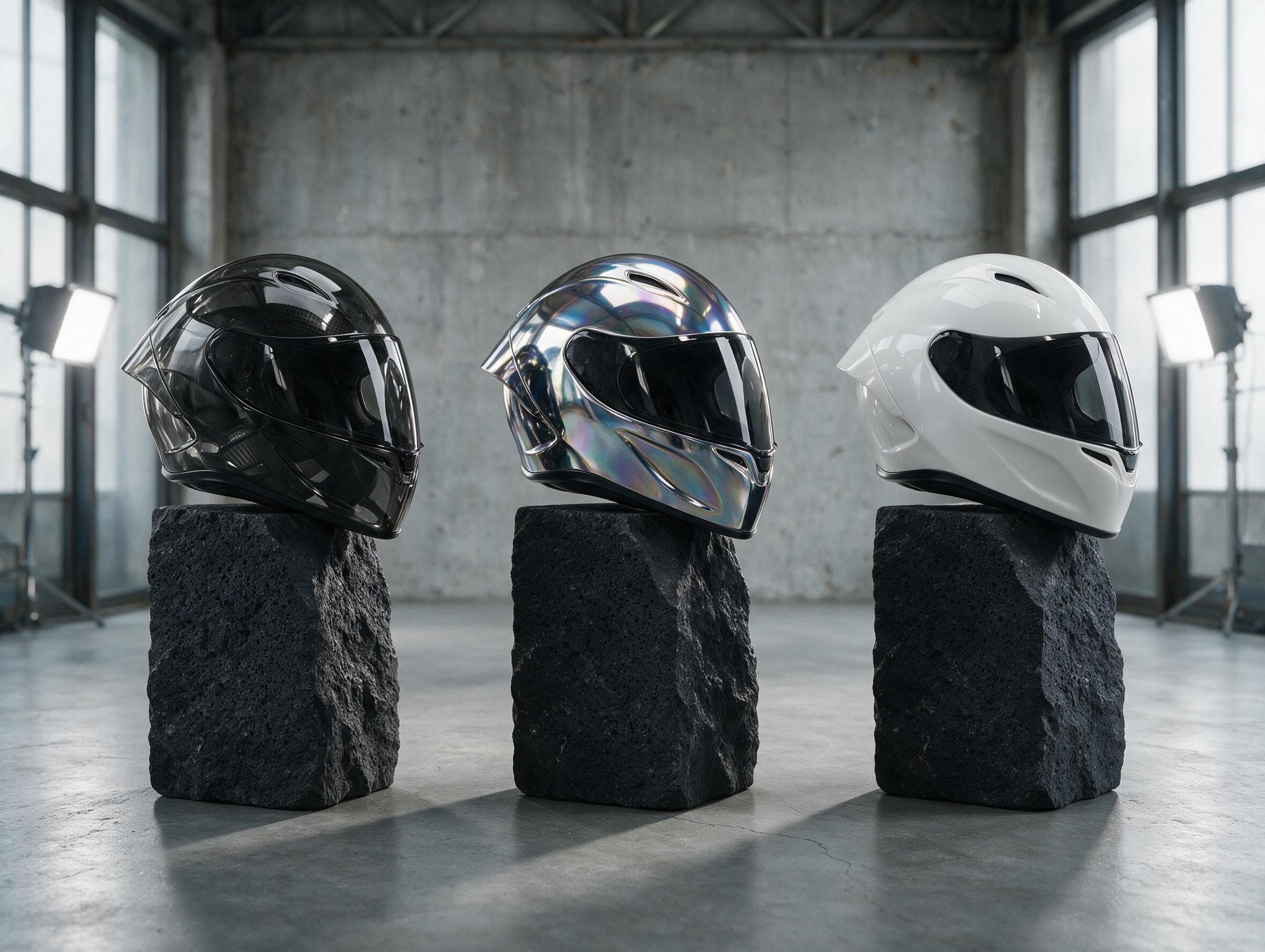
Explore the same product, character, or object across controlled material and style variations while keeping the core silhouette and composition intact.
Model characteristics
Create polished key visuals, product scenes, portraits, architecture concepts, and campaign images from a prompt.
Upload up to 10 reference images to guide product details, subject identity, style, composition, materials, and editing intent.
Generate auto, square, landscape, portrait, and ultra-wide frames at 1K or 2K resolution.
Choose 1K for drafts or 2K when the final image needs more detail.
FAQ
You can generate images from text prompts, edit with reference images, and create professional assets such as cinematic key visuals, product shots, portraits, architecture concepts, campaign images, and creative direction boards.
Yes. Use the text-to-image variant with prompt, aspect_ratio, and resolution. Add image_urls only when using the image-edit variant.
You can upload up to 10 reference images with image_urls for Seedream V5 Pro image editing.
sjolt exposes auto, 1:1, 16:9, 9:16, 4:3, 3:4, 3:2, 2:3, and 21:9 aspect ratios, with 1K and 2K resolution options.