
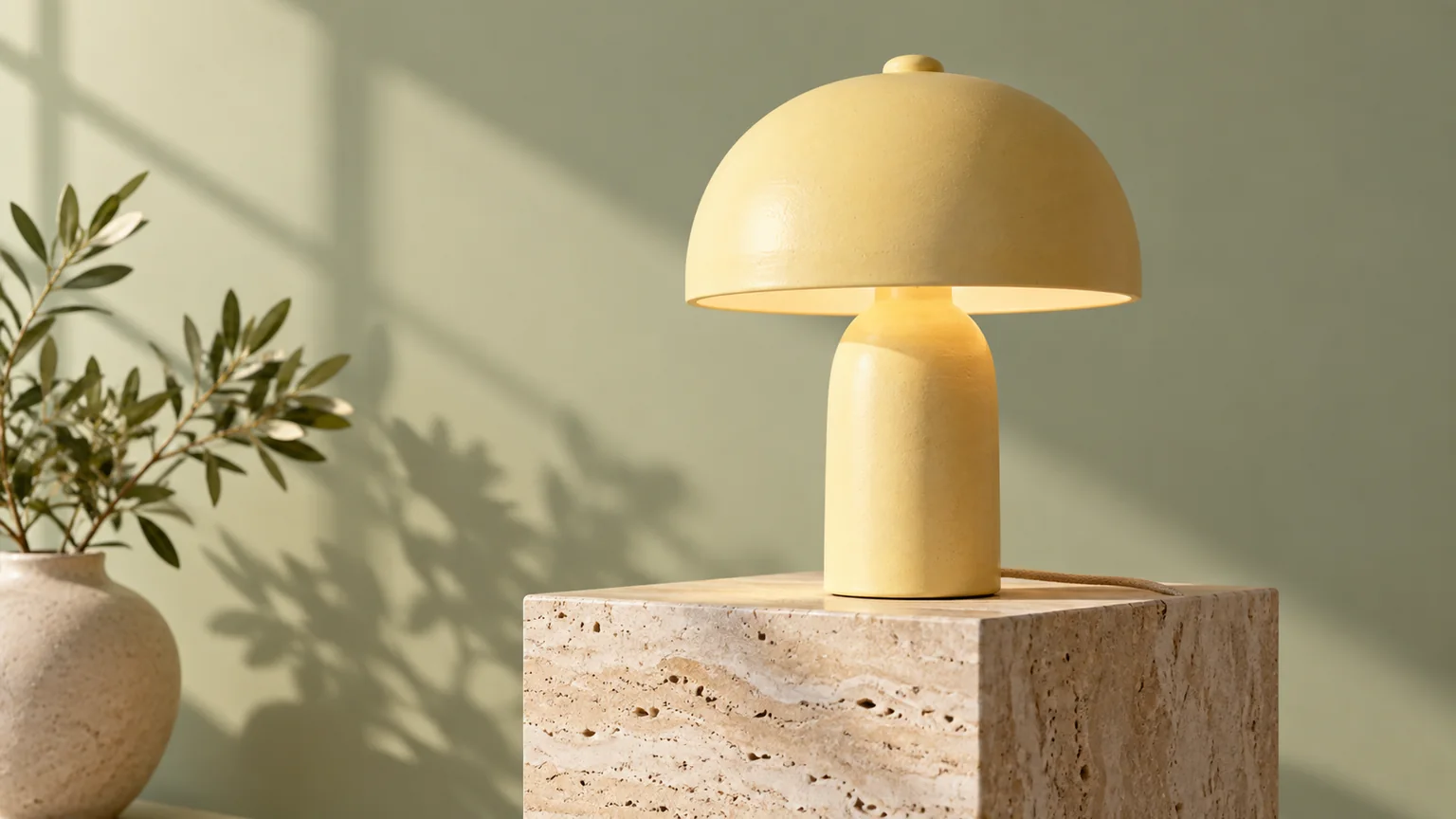
A matte butter-yellow ceramic desk lamp on a warm travertine pedestal, pale sage studio backdrop, soft afternoon sunlight, realistic ceramic texture, crisp commercial product photography, wide 16:9 composition, no text, logos, or watermarks.
Create 1K images from text or guide an edit with up to 6 reference images.
The artwork below illustrates prompt ideas; it is not a recorded Nano Banana 2 Lite output.
Image pricing
Playground Examples
A matte butter-yellow ceramic desk lamp on a warm travertine pedestal, pale sage studio backdrop, soft afternoon sunlight, realistic ceramic texture, crisp commercial product photography, wide 16:9 composition, no text, logos, or watermarks.
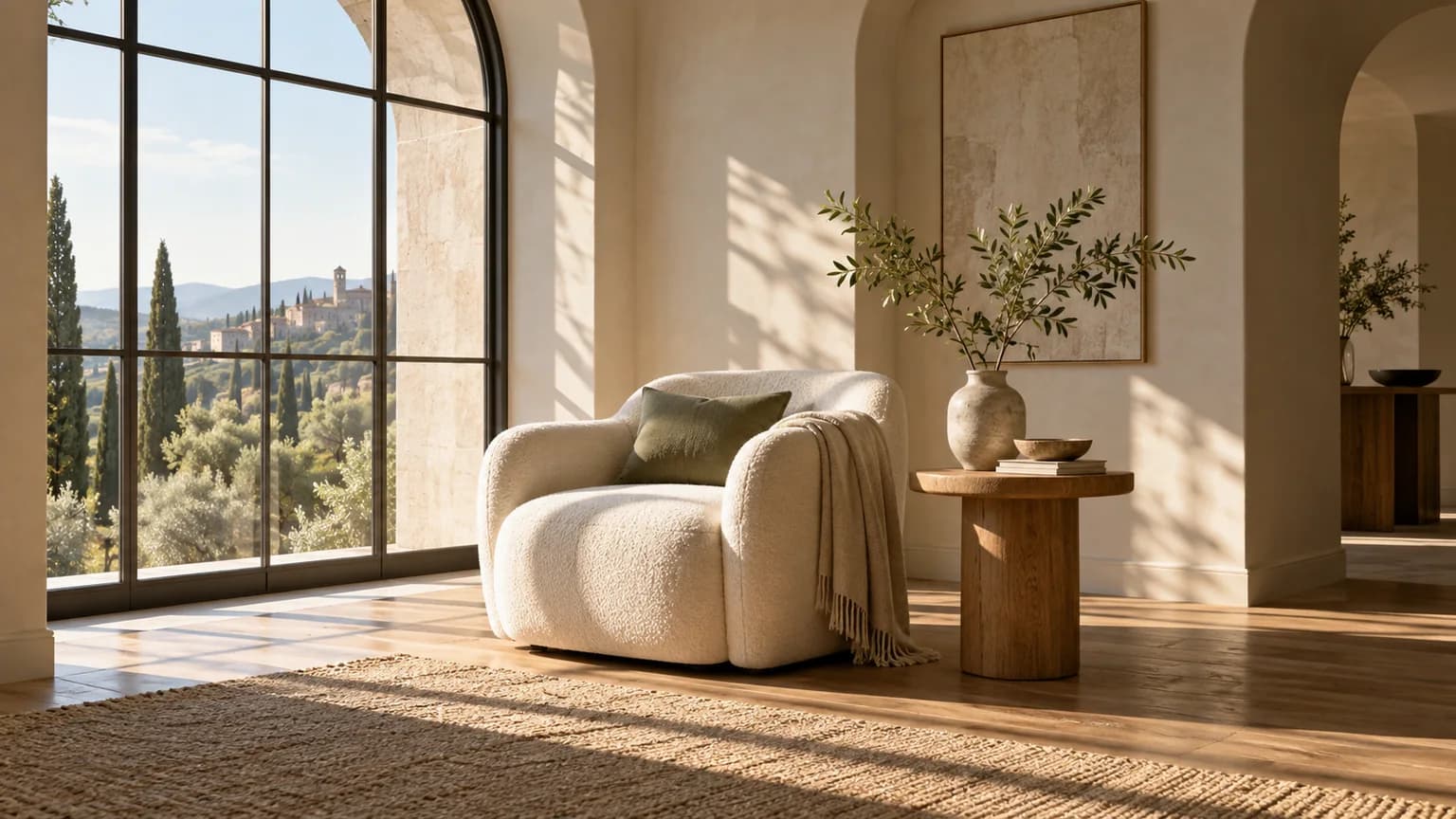
A quiet reading corner beside a large arched window, sculptural cream armchair, oak side table and a single green branch in a ceramic vase, warm morning sunlight and long soft shadows, architectural editorial photography, wide 16:9 composition, no text, logos, or watermarks.
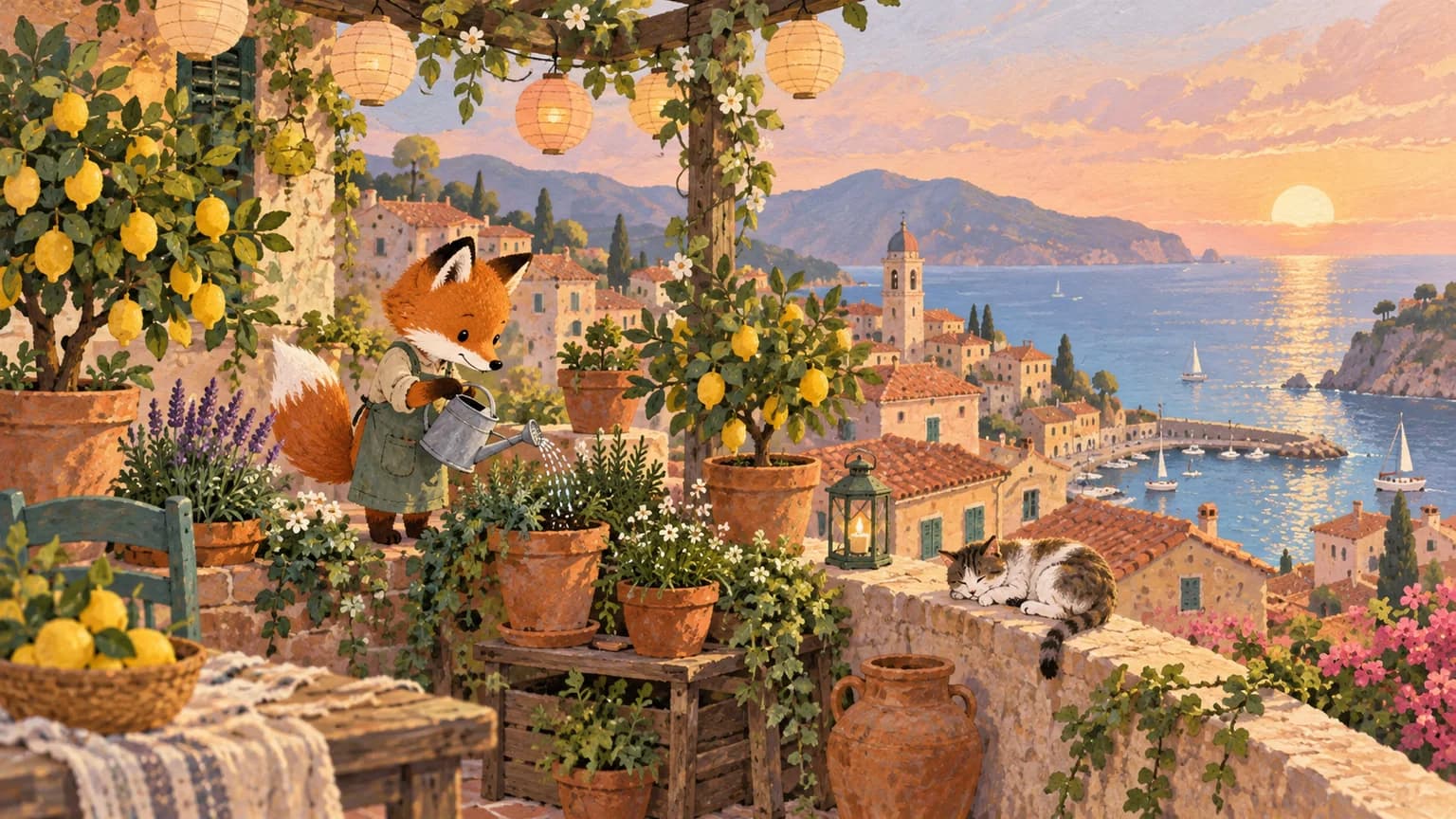
A tiny fox tending a rooftop garden above a sleepy seaside town, terracotta pots, lemon trees and paper lanterns, gentle gouache illustration with textured paper and warm pastel colors, wide 16:9 composition, no text, logos, or watermarks.
Similar Models
High-fidelity image generation and reference-guided editing with photorealistic detail, typography, and flexible framing.
Create expressive images with Midjourney 8.2, 8.1, 7, or Niji 7, with controls for composition, stylization, and repeating patterns.
ByteDance image generation and editing for cinematic visuals, product shots, precise local edits, and reference-guided creative work.
Model overview
Turn a written brief into a 1K image for product concepts, social visuals, and illustrated scenes. Choose text-to-image for a new composition, or image edit when you have source images to guide the result.
Build a product concept by naming the subject, materials, background, and lighting. Give the image a clear visual focus, then refine one detail at a time.
Add 1–6 PNG, JPEG, or WebP images and explain which features to preserve. Use references for subject appearance, setting, color, or composition, and describe the intended change explicitly.
Both generation modes support 1:1, 2:3, 3:2, 3:4, 4:3, 4:5, 5:4, 9:16, 16:9, 21:9. Choose a landscape, square, portrait, or ultrawide frame to match your composition.
Model characteristics
Each task produces one 1K image. Pixel dimensions follow the selected aspect ratio.
State the subject and setting first, then add composition, light, materials, and style. For an edit, distinguish the elements to keep from those to change.
Use text-to-image without references, or image edit with 1–6 reference images. Both modes require a prompt.
Submit the selected generation task, retain its task ID, and poll for completion or receive a webhook. Completed tasks return the image URL.
FAQ
Nano Banana 2 Lite produces 1K images. The API defaults resolution to 1K.
Choose image edit and supply 1–6 PNG, JPEG, or WebP images with a prompt describing the desired edit. API references must use public HTTP(S) URLs.
Both modes support 10 aspect ratios: 1:1, 2:3, 3:2, 3:4, 4:3, 4:5, 5:4, 9:16, 16:9, 21:9. The default is 16:9.