
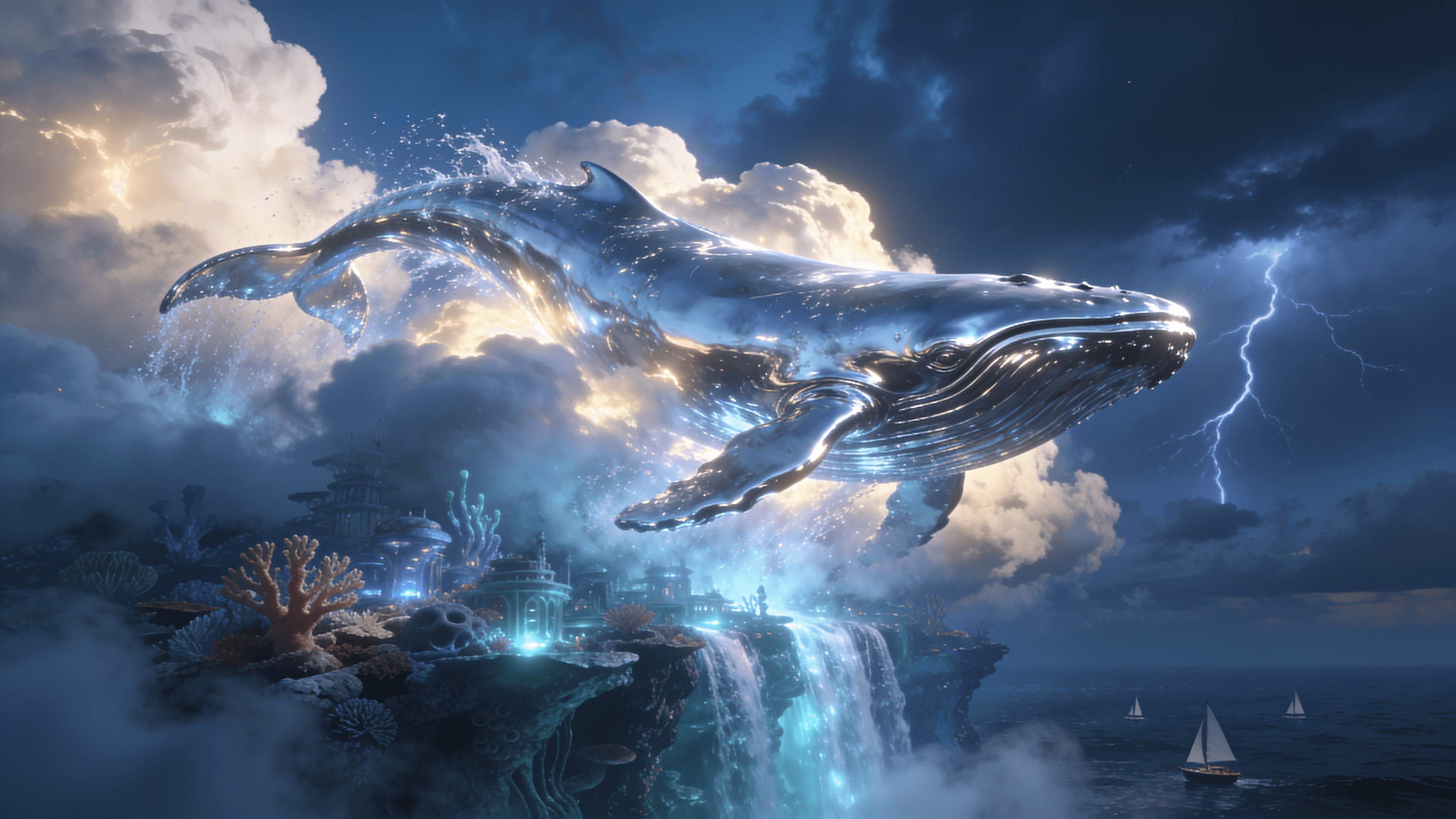
A colossal chrome whale breaching through luminous storm clouds above a submerged futuristic coral city, cascading water, dramatic volumetric light, surreal cinematic realism, no text, logos, or watermarks.
Seedream 4.5 combines text-to-image creation with reference-guided editing for campaign visuals, product imagery, posters, characters, and multi-image compositions.
The playground matches the public request shape: prompt, image_urls for image editing, and aspect_ratio.
Image pricing
Playground Examples
A colossal chrome whale breaching through luminous storm clouds above a submerged futuristic coral city, cascading water, dramatic volumetric light, surreal cinematic realism, no text, logos, or watermarks.
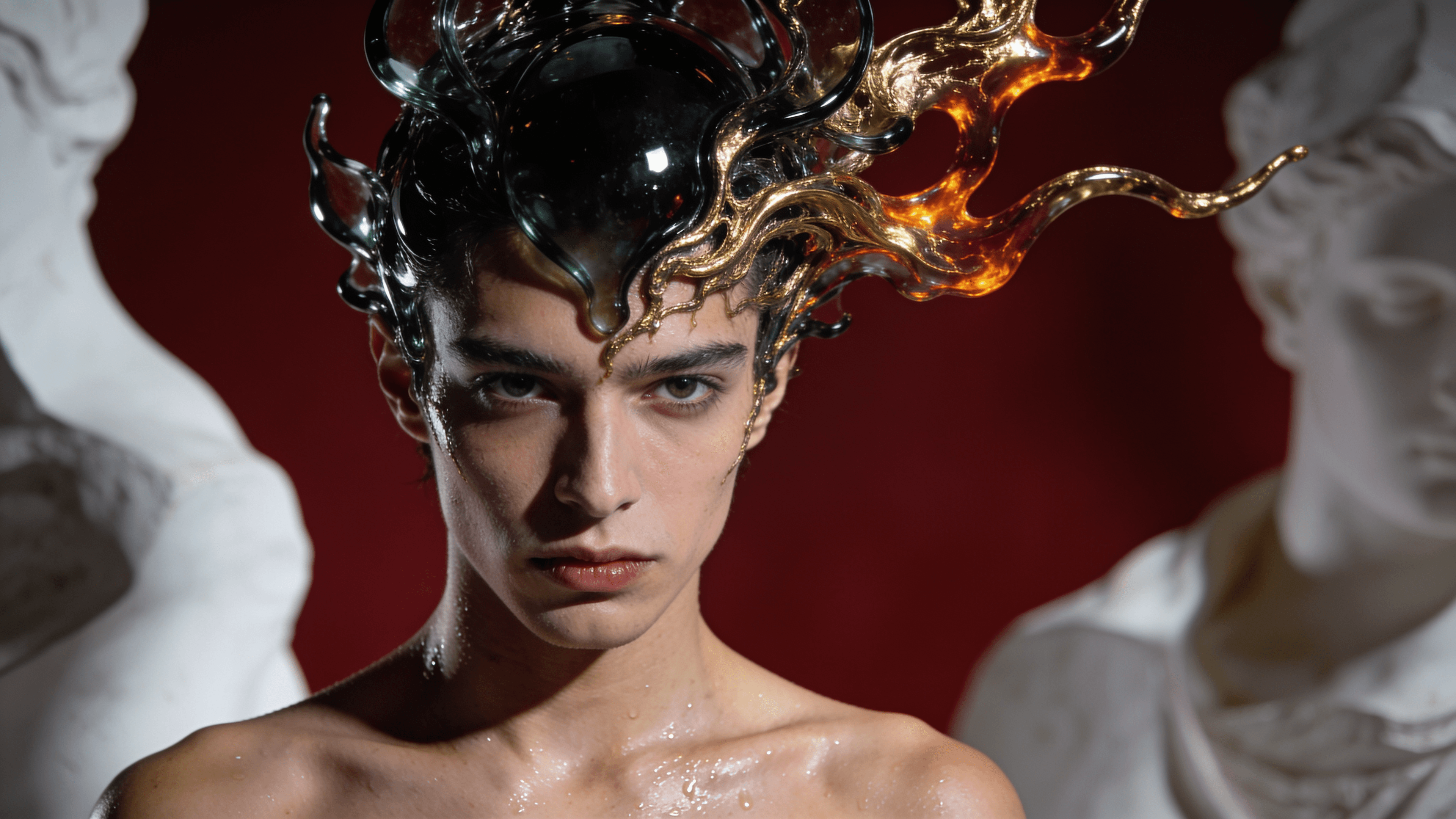
An editorial portrait wearing an intricate obsidian glass and molten-gold sculptural headdress, deep crimson background, bold chiaroscuro, museum-quality couture photography, no text, logos, or watermarks.
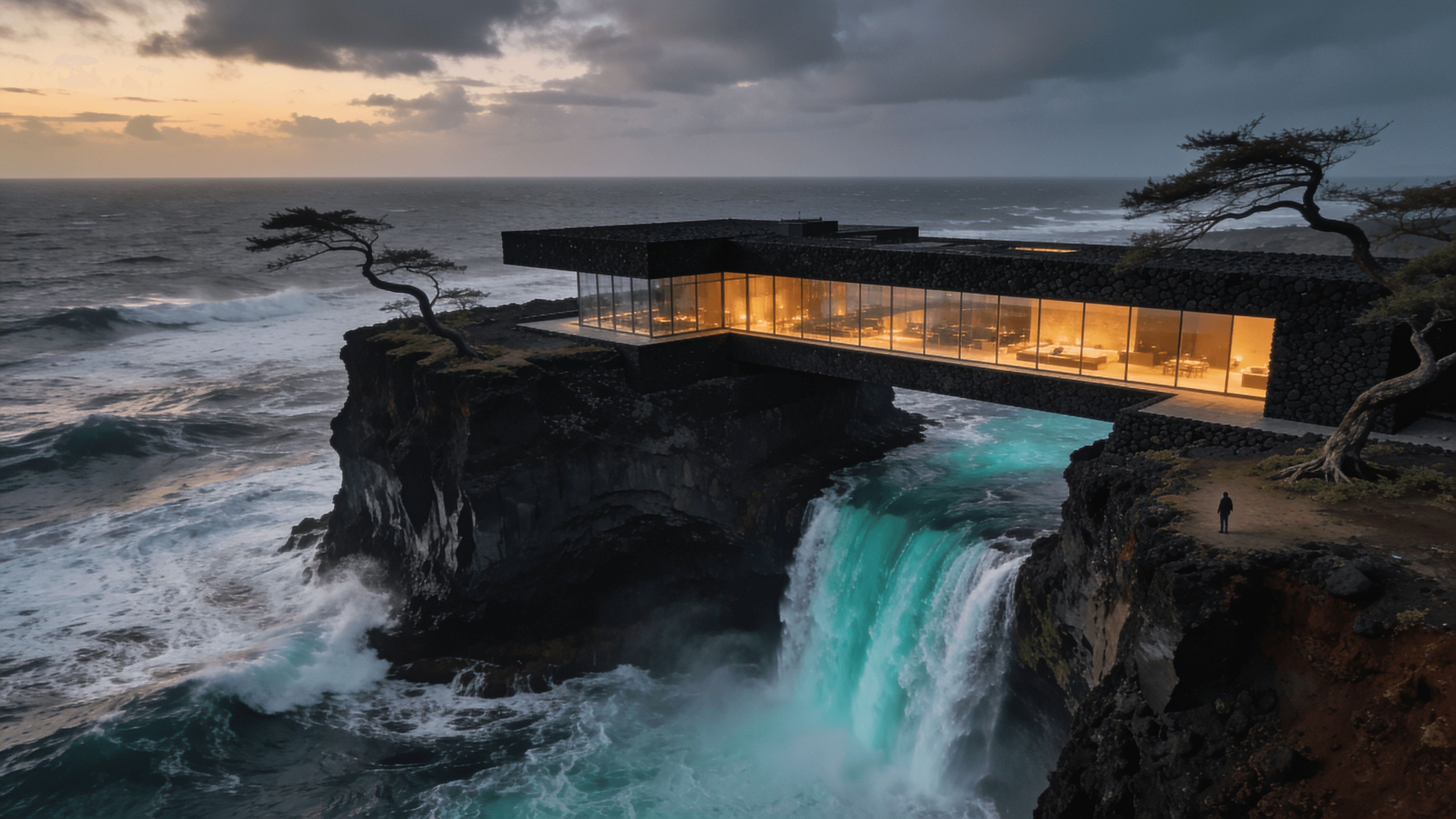
A monumental brutalist residence bridging volcanic cliffs above a turquoise waterfall dropping into a stormy ocean, warm glass interiors, dramatic aerial photography, no text, logos, or watermarks.
Similar Models
High-fidelity image generation and reference-guided editing with photorealistic detail, typography, and flexible framing.
ByteDance image generation and editing for cinematic visuals, product shots, precise local edits, and reference-guided creative work.
Google's premium image generation and editing model for readable text, product mockups, visual explainers, and reference-guided brand assets.
Model overview
Seedream 4.5 brings ByteDance image generation and editing to sjolt. Start with a prompt or combine up to 10 reference images for consistent subjects, creative compositions, product visuals, posters, and typography-heavy designs.
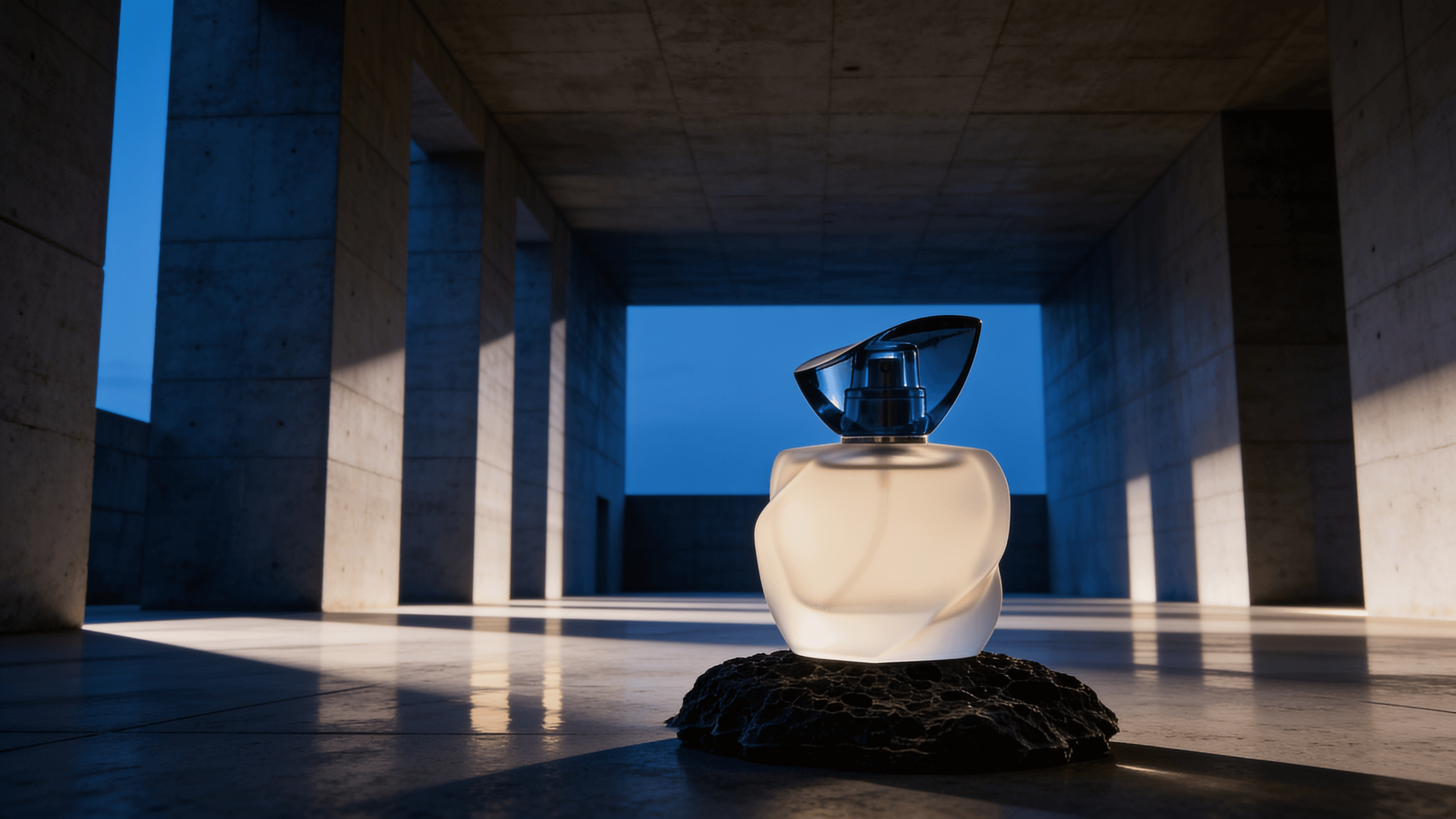
Generate a new image from a written prompt, or use reference images to preserve subjects, products, materials, lighting, and visual direction.
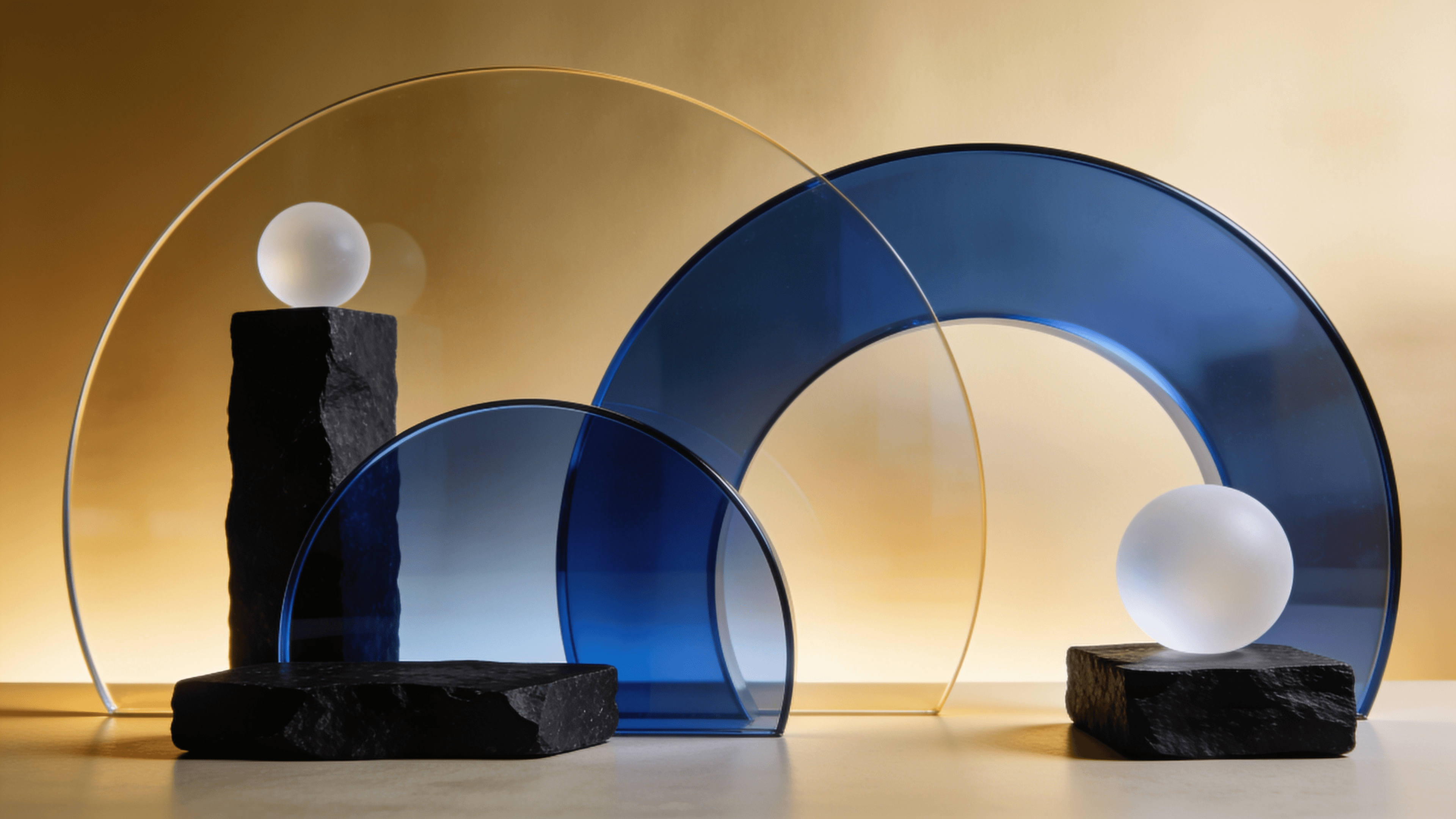
Combine elements from up to 10 source images and direct the result with natural-language instructions for controlled creative edits.

Create posters, campaign graphics, product visuals, and editorial compositions with stronger layout and text rendering.
Model characteristics
Preserve recognizable subject details, lighting, color, and materials while changing the surrounding composition.
Describe replacements, removals, layout changes, and scene transformations without masks or layer controls.
Generate auto, landscape, portrait, square, 4:3, or 3:4 output for common creative formats.
FAQ
Yes. Use the text-to-image variant with a prompt and optional aspect_ratio.
The image-edit variant accepts up to 10 image_urls.
sjolt exposes auto, 16:9, 1:1, 9:16, 4:3, and 3:4. auto is handled internally.