
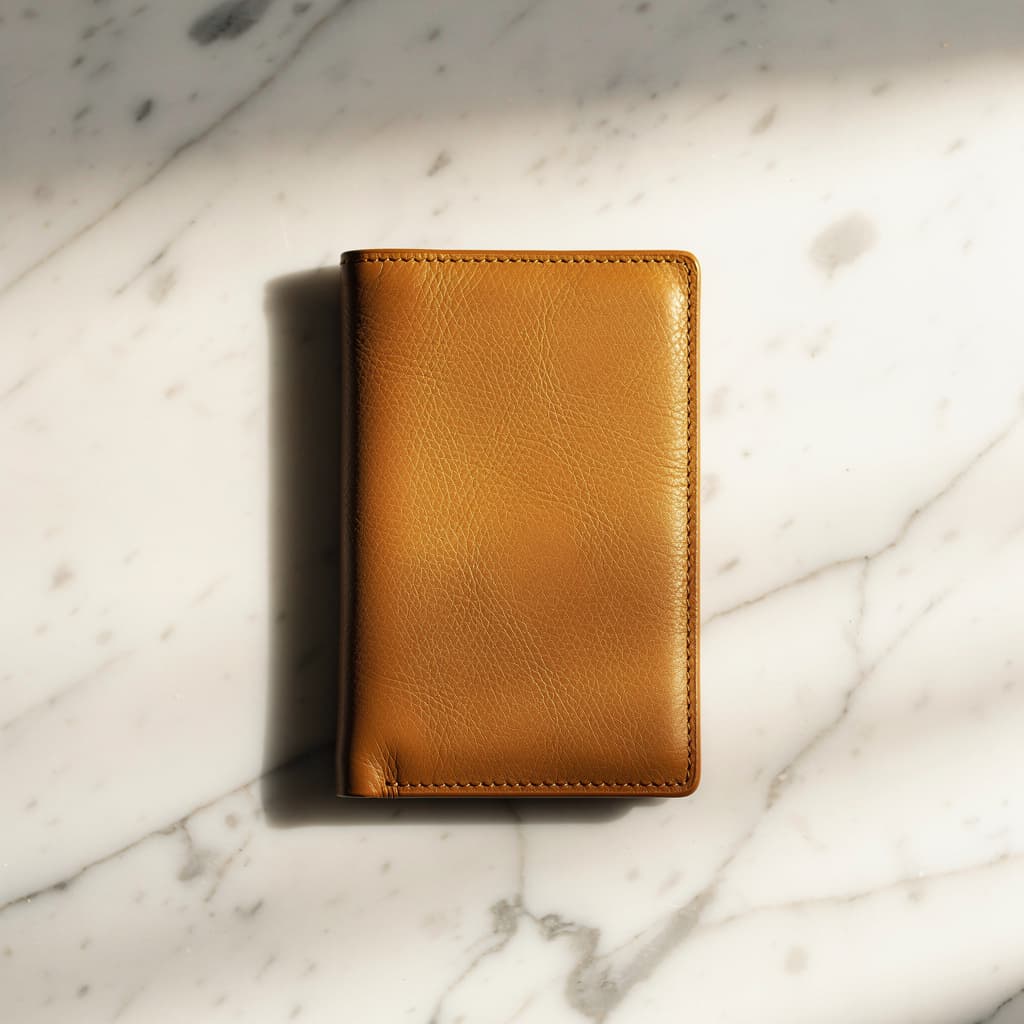
A flat-lay product photo of a leather wallet on a marble surface, warm studio lighting with soft shadows, shot from directly above, commercial quality.
Create detailed images from a written brief or combine a prompt with visual references for controlled transformations.
Text-to-image uses a fixed frame; image editing accepts up to six references and can infer the output frame automatically.
Image pricing
Playground Examples
A flat-lay product photo of a leather wallet on a marble surface, warm studio lighting with soft shadows, shot from directly above, commercial quality.
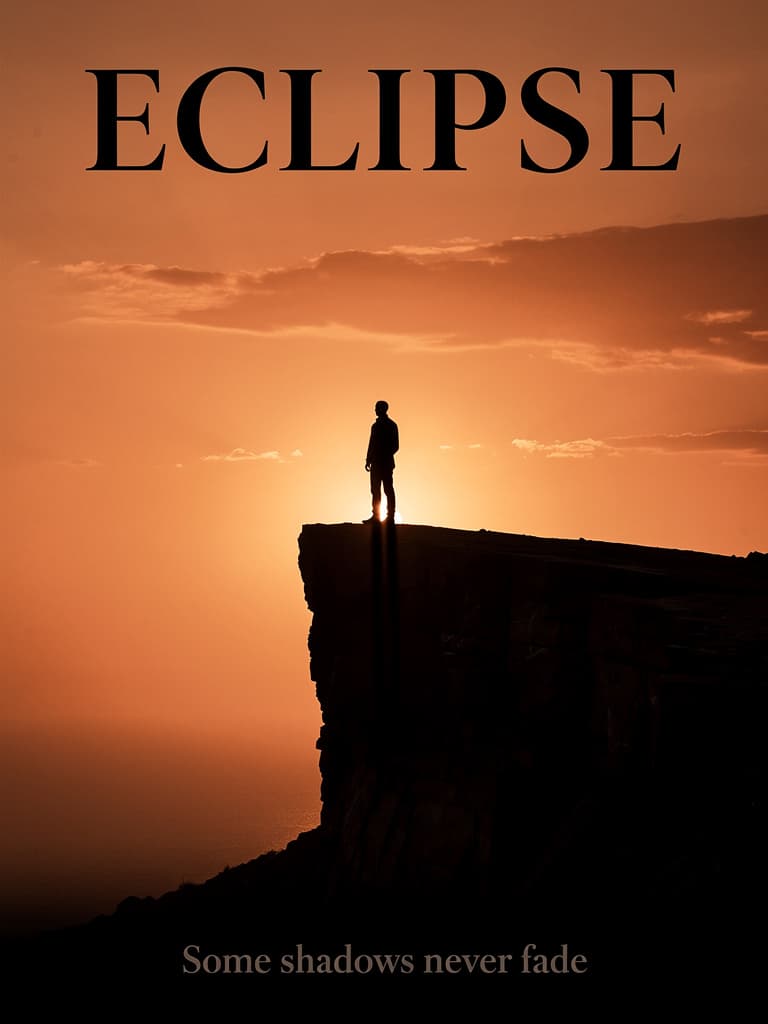
A minimalist movie poster with the title 'ECLIPSE' in bold serif typography, a lone silhouette on a cliff against an orange sunset, cinematic composition.
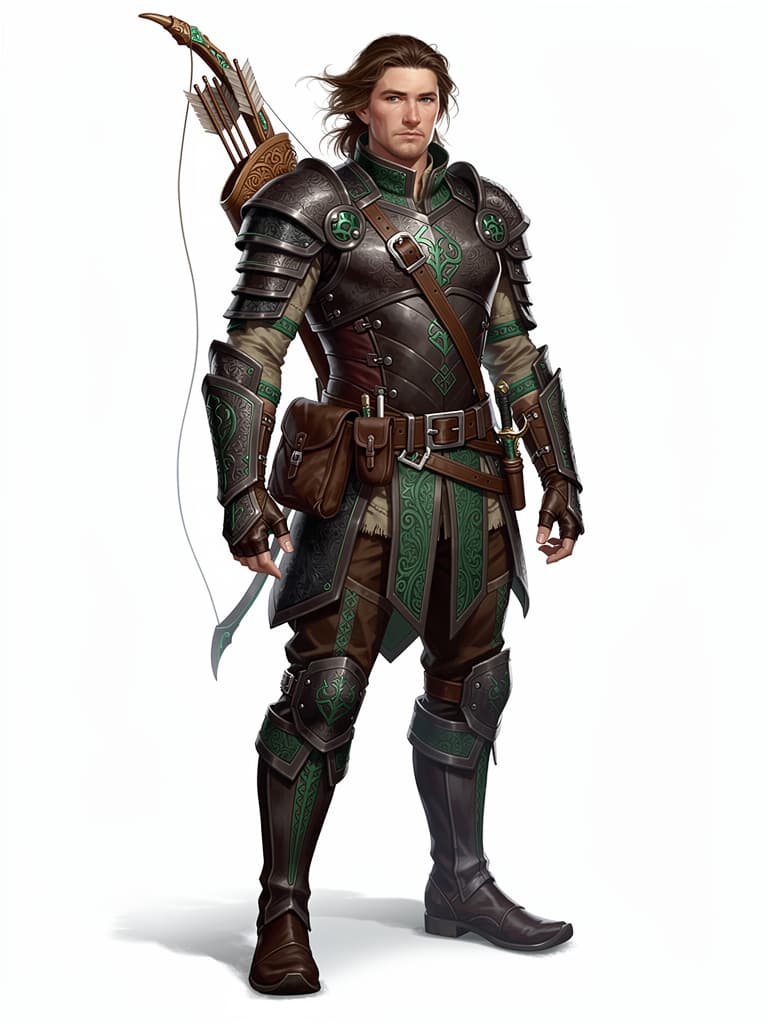
A fantasy ranger, full-body front view on a white background, detailed leather armor with emerald accents, longbow across the back, semi-realistic concept art.
Similar Models
ByteDance image generation and editing for cinematic visuals, product shots, precise local edits, and reference-guided creative work.
ByteDance image generation and editing for reference consistency, multi-image composition, typography, and polished visual creatives.
Google's premium image generation and editing model for readable text, product mockups, visual explainers, and reference-guided brand assets.
Model overview
FLUX.2 Pro on sjolt supports prompt-only generation and reference-guided editing. Use detailed natural-language direction for product imagery, campaign graphics, architectural scenes, character concepts, and typography-led layouts.

Build product shots, portraits, interiors, and environmental scenes with sharp textures, believable materials, controlled light, and polished composition.

Describe headlines, labels, signs, and layout intent directly in the prompt for posters, campaign graphics, packaging concepts, and interface mockups.
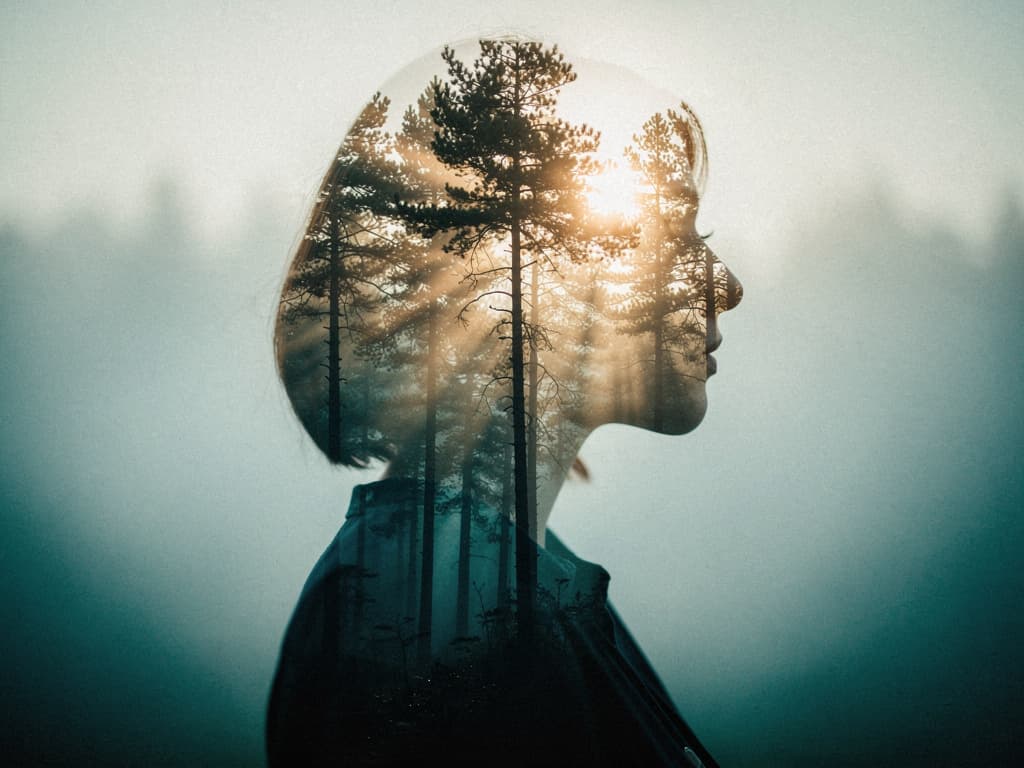
Combine up to six reference images to guide subjects, products, style, color, materials, or composition while directing the transformation in plain language.
Model characteristics
Describe the subject, environment, composition, lighting, color, materials, and intended visual medium to generate a complete image from text.
Use existing visuals for subject identity, styling, content remixing, or composition guidance, then explain the desired changes in the prompt.
Choose square, landscape, or portrait output. Reference-guided tasks can also infer framing automatically from the supplied images.
Submit a generation task, receive a task identifier, then poll the shared status route or use a callback to receive completion updates.
FAQ
Use text-to-image for prompt-only creation or image-edit when one or more visual references should guide the result.
The image-edit route accepts from one to 6 JPG, JPEG, PNG, or WebP references.
Text-to-image supports 1:1, 4:3, 3:4, 16:9, 9:16. Image editing supports the same fixed frames plus auto framing.
Specify the subject, composition, lighting, visual style, colors, materials, camera perspective, and any exact text that should appear. For editing, also explain what to preserve and what to change.
A successful request returns a task_id. Poll the shared task-status endpoint until completion, or provide a top-level webhook URL for a terminal-state callback.