
Creative workflows
WhatsApp Beta Meta AI Update: Separate Chats and a Practical Feature Check
The November 4 beta report concerns named AI conversations and easier access from the chat list. Use a small, repeatable check before changing your creative workflow.
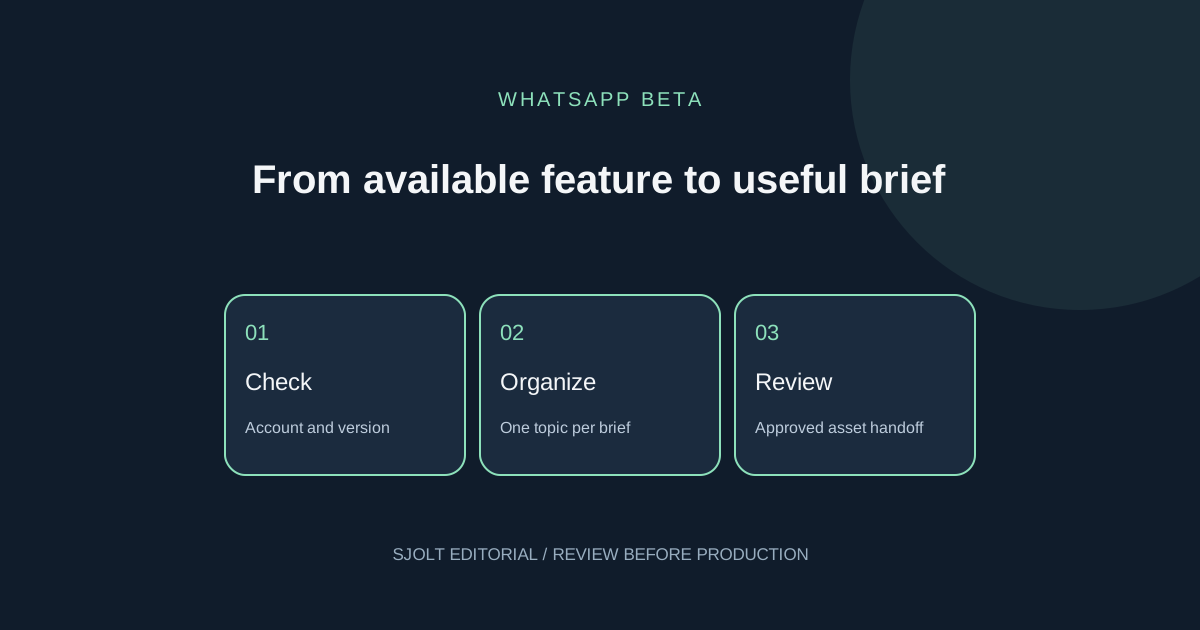
The WhatsApp beta Meta AI update reported on November 4, 2026 concerns organizing conversations: named AI chats in the main chat list, custom pictures and an AI filter. WABetaInfo identifies Android beta 2.26.44.6 and reports availability for some testers. This is an independent beta observation, not an official announcement of worldwide access or a new model.
If you want to try it, first check which controls actually appear in your account. Then use a small creative brief to decide whether the extra organization helps. The exercise below is a proposed evaluation; we did not enroll a phone in the beta or test a signed-in WhatsApp account.
What changed in the reported beta
WABetaInfo describes a new-chat option inside the Meta AI conversation’s overflow menu. Users can name the conversation and set its picture; the resulting entry appears in the chat list with an AI indicator and preview. The report contrasts this with opening a separate thread panel inside the main Meta AI conversation. It does not establish access for every Android account or an iOS release date.
WhatsApp’s own Meta AI page describes help through text or voice, image creation and photo editing, while warning that features may not reach all users. That page establishes the broader assistant experience, not the particular beta build’s rollout. Treat a screenshot from another account as evidence of that account’s interface, rather than an entitlement promised to yours.
Check availability without losing your baseline
Record your operating system, installed app version, date and whether you use the beta channel. Update through the official store if you choose to update. Before changing settings, note where your existing AI conversation lives and how you return to it. A later comparison is much easier when you have a short baseline instead of a memory of the old interface.
| Observation | Useful conclusion | Next step |
|---|---|---|
| A named AI chat can be created | The control is available to this account now | Try one disposable creative topic |
| The app version matches, but no control appears | Your observation differs from the reported example | Record the result and check later |
| An image tool appears but named chats do not | These are different feature checks | Evaluate each control separately |
| The menu differs from the report | The illustrated path is not reproducible here | Use the current in-app help rather than guessing |
Avoid turning this into a sequence of reinstalls. An absent experimental control is not enough evidence that your stored chats are broken. If the existing assistant already meets your needs, keep the working process while checking the new interface at a later date. Do not plan a deadline around an unverified rollout.
Try two clearly separated creative briefs
Use a fictional project so the experiment is easy to inspect. Our example is a neighborhood book exchange: one brief develops poster copy, and the other prepares illustration direction. Give each topic a clear name if the feature is present; otherwise keep two labeled notes outside the app. The purpose is to measure retrieval and revision effort, not to prove anything about the model’s internal memory.
Project: Saturday book exchange
Poster-copy brief: warm, concise; no invented sponsor or venue
Art brief: one open book, two teal chairs, warm paper texture
Facts to preserve: Saturday; bring one book; exchange is free
Unknowns: time and venue remain placeholders
Acceptance: three copy options plus one image brief
Revision: change only the illustration palette to amber
Ask for the copy options, then work on the art direction. Return to the copy discussion and request the chosen option again. Record how many taps and corrections you need to recover the accepted text. Check whether an unknown venue became an invented address, whether “free” survived the revision, and whether the palette change accidentally altered the copy. These are visible acceptance criteria you can review without measuring hidden model behavior.
A successful small check demonstrates convenience for this example only. It does not establish perfect separation between conversations, privacy guarantees or reliable performance for every task. Keep the accepted brief in a document you control so the project remains understandable when the app interface changes.
Take the accepted image brief into SJolt when needed
If your next step is a repeatable image request in your own application, SJolt’s Nano Banana 2.1 supports text-to-image and reference-guided image editing. Manually carry over the approved art description, select a ratio, and review the resulting asset before sharing it. SJolt has no WhatsApp chat connector in the inspected catalog; a generation task does not read conversations or send a message.
For the book-exchange example, ask for the book and chairs without lettering, then add the verified event text in your layout editor. This keeps factual copy easy to correct. Compare the image against the approved palette and object count; reject a visually attractive output if it introduces a fictitious sponsor logo or makes the text unreadable.
Keep a small record containing the approved brief, asset filename, review decision and destination. Share through the messaging app only after checking the recipient and final file. This manual handoff is useful when the chat helps you develop an idea but your production work needs a reproducible request and a separately reviewed deliverable.
Decide based on one observable improvement
Adopt the new organization if it makes accepted work easier to find without increasing corrections. If you spend more time hunting among named chats, simplify the naming convention or return to one project note. Your decision can be modest: easier retrieval is valuable even when it says nothing about reasoning quality. Keep beta availability, task quality and API integration as three separate checks.
Sources & further reading
Take the next idea into production.
Explore the models, test a workflow in the playground, and use the same request in your application.