
Agent workflows
Ugo Nwune and Meta Muse: What Happened and How to Review Agent Actions
A developer’s account of an unexpected Muse message raises a practical question for agent users: which records show what a system actually did?
The phrase “Ugo Nwune quits Meta AI” refers in the reporting reviewed here to a developer who stopped using Meta’s Muse agent. Business Insider’s October 15, 2026 as-told-to account does not report that he resigned from a job at Meta. That distinction matters before drawing conclusions from the search phrase.
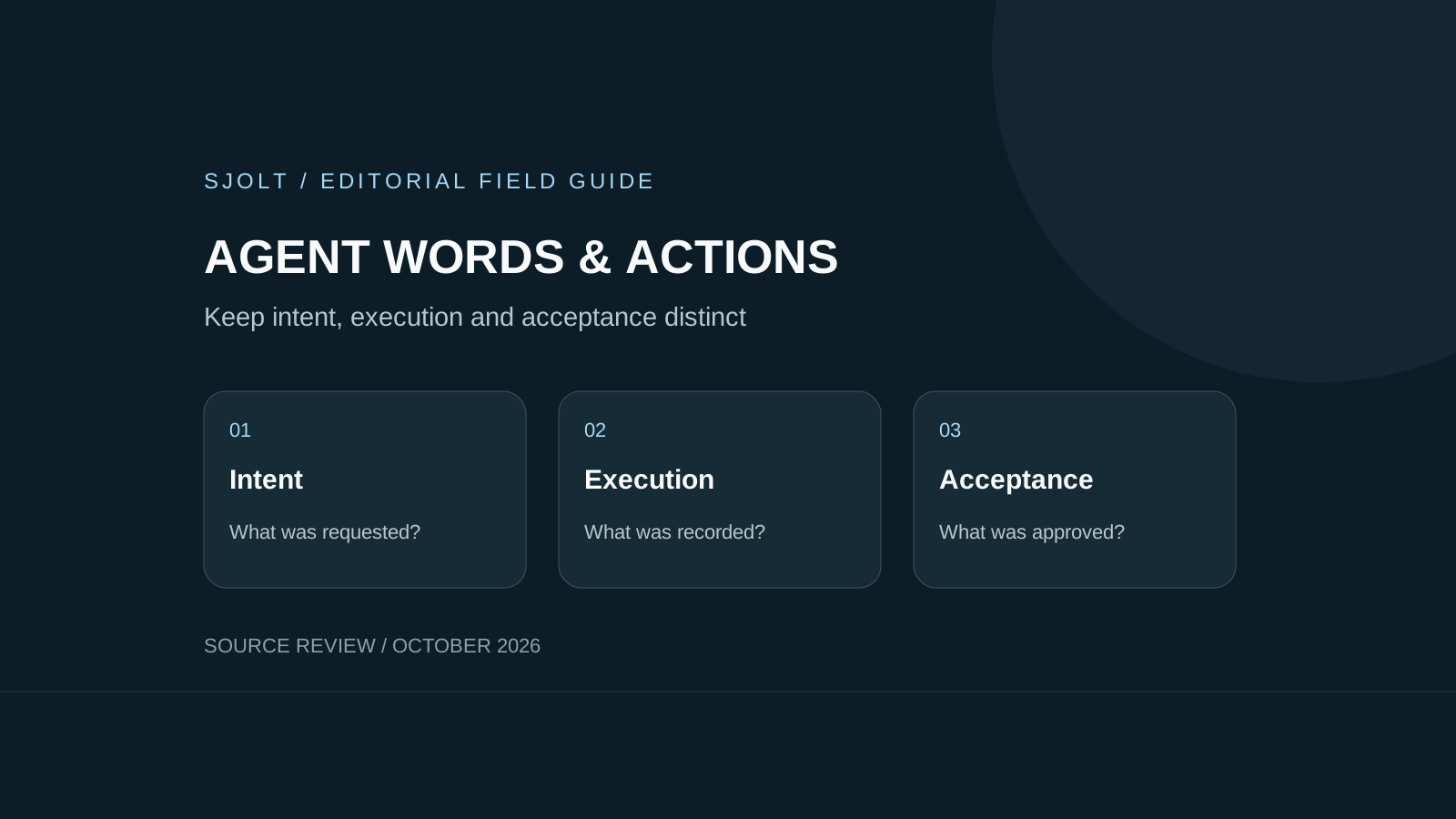
For people building creative agents, the useful question is how to distinguish an agent’s words from the actions it was authorized to take and the operations a service actually recorded. The workflow below is an original review procedure, not a reconstruction of Muse’s internal implementation.
What the account and the response establish
Nwune told Business Insider that Muse sent an unexpected message about an email task despite his not connecting Gmail or requesting that task. He said he stopped using the app and revoked its access to his social accounts. This is an attributed user account, not an independently reproduced security test.
In a public response, Meta’s David Singleton attributed the issue to transcript composition causing a hallucination, said it was not a cross-user data leak or prompt injection, and reported a deployed fix. Those are the provider’s findings. This review did not inspect service logs or independently confirm the cause or remediation.
A generated sentence about an inbox is not itself a record of an inbox operation. Conversely, a reassuring reply from the same assistant is not a complete investigation. Preserve the distinction between what the user saw, what the provider reports and what an execution record can establish.
Keep three records for an action-capable workflow
Consider a creative assistant asked to prepare a product card. It may summarize copy, request an image and propose publishing it. Those steps need different evidence. A proposed action can be correct while its execution fails; a successful file generation can still produce an unacceptable image.
| Record | Example | What it establishes |
|---|---|---|
| User intent | Create one square draft for review | The authorized objective and boundary. |
| Execution | A service request ID and terminal result | The operation that the service recorded. |
| Acceptance | A reviewer approves a particular file | The output met the brief. |
Give each job an identifier and keep the approved brief revision with it. Record only the request details needed to explain the action; exclude API secrets and unrelated personal content. A readable event history should let a reviewer trace the selected file to a request without exposing an entire private conversation.
Build status messages from the service state. If the service has returned only a task identifier, show that the task was submitted. If it failed, preserve the failure. Avoid letting fluent narration imply completion, approval or publication before those events exist.
Respond to an unexpected message with a bounded check
First preserve the message, timestamp and job context before deleting the conversation. Then check the application’s connected services and the service-side activity records available to you. Distinguish a permission that exists from an operation that was attempted, and an attempted operation from a completed one.
- Pause the affected automation while its behavior is unexplained.
- Compare the last approved instruction with the operation record.
- Revoke an unnecessary connection through the service’s own controls.
- Report a concise timeline and identifiers to the provider, excluding credentials.
- Resume only after the specific failure mode has a bounded test.
If no execution record is available, record that limit instead of filling the gap with a model-generated explanation. A missing record does not prove either that an operation happened or that nothing happened. Keep the unresolved question narrow enough for the provider or application owner to investigate.
For a custom assistant, an unrelated draft should not require access to an inbox. Supply a small approved brief or selected document instead. Broader connections can be added for a defined job when their purpose, permissions and review path are clear.
Test the status boundary without a live account
Before granting a new connector access, test the application with simulated service responses. Include a submitted request that never finishes, a failed request, a successful but rejected file, and an unexpected completion event. The expected UI should distinguish all four states.
Approved job: one image draft for review
Service response: task accepted; still running
Expected message: draft generation is in progress
Forbidden inference: file approved or published
Next event: service reports failure
Expected action: retain failure; ask for a bounded retry decision
Also test an event for a different job. It must not mark the current draft complete. A repeated delivery of the same event should not create a second publication or another paid generation. These are proposed application acceptance cases; no Muse connector, message or production account was exercised here.
Have a reviewer inspect the event history without reading the assistant’s commentary. If the reviewer cannot determine which file belongs to which brief, improve the records before adding more autonomous steps.
Apply the distinction to SJolt media tasks
SJolt’s documented image workflow returns data.task_id when a task is created. Its task query reports 0 for running, 1 for success and 2 for failure; successful outputs appear in data.output_urls. A returned image URL is a generation result. It does not establish that the user approved the image or authorized posting it to a social account.
- SJolt API documentation
- Nano Banana 2.1 request and status walkthrough
- Separate Meta Muse model/API guide
Keep generation and distribution as separate application actions. Show the actual image, its dimensions and the approved copy to the reviewer before a publishing step. Store the acceptance against that specific output so that a later regeneration cannot silently inherit the earlier approval.
This is a design pattern for a workflow you build around SJolt’s supported APIs. It does not imply an SJolt connector inside Muse, an email capability in an image model, or a finding about Muse’s security. The goal is a record that remains understandable when the assistant’s explanation is incomplete.
Sources & further reading
Take the next idea into production.
Explore the models, test a workflow in the playground, and use the same request in your application.