
Model guides
Pika H3 Flex: Open Weights, API Access and Reference Workflows
Pika H3 Flex is a released post-trained MiniMax H3 model. Its downloadable inference package, hosted finishing features and SJolt’s MiniMax routes have different contracts.
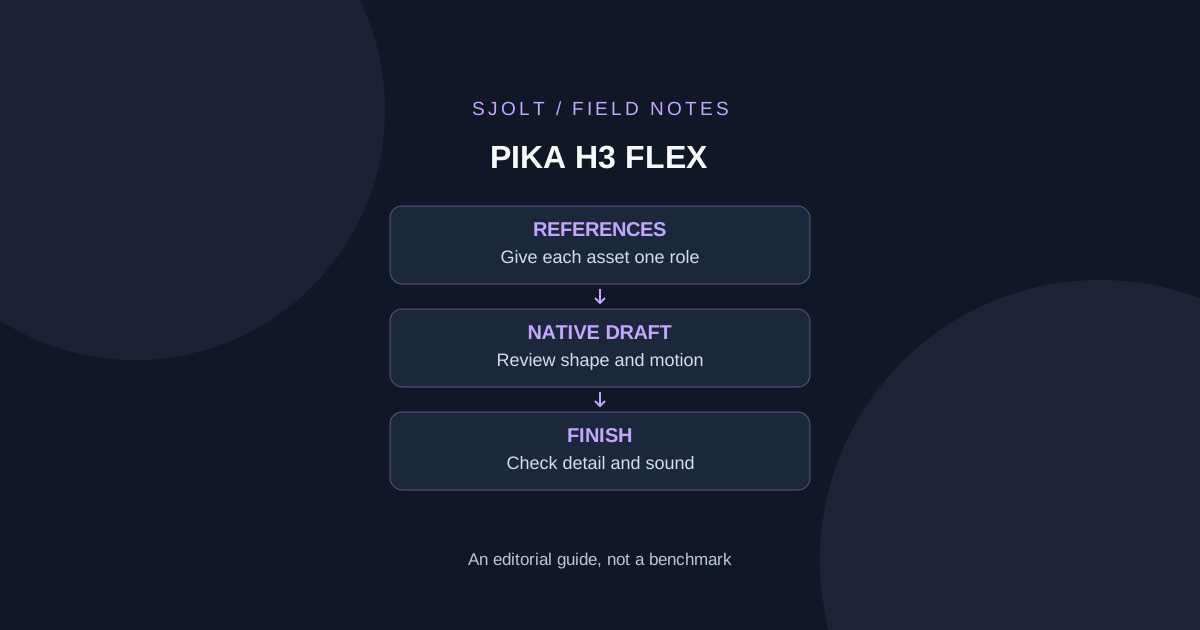
Pika announced H3 Flex on October 29, 2026 as a post-trained MiniMax H3 model, with downloadable adapters and inference code plus access through the Pika API Club. The announcement schedules availability in Pika’s creation product for November 2; that future date should not be presented as a completed rollout on October 31.
SJolt currently supports MiniMax H3 and H3 Recast, but has no Pika H3 Flex model route. If you want Flex specifically, use Pika’s documented access channels. If your goal is a reference-guided clip, compare the task requirements before choosing among these distinct integrations.
Separate local generation from hosted finishing
| Surface | What the reviewed documentation establishes | What to check before use |
|---|---|---|
| Open-weight inference | Native 480p or 768p video with mixed stereo audio | Matching adapter, base components and hardware |
| Pika-hosted finishing | Upscaling to 1080p, 2K or 4K; separate audio stems; optional prompt enhancement | The individual endpoint and its billing terms |
| Pika creation product | November 2 availability announced | Actual access on or after the rollout |
| SJolt MiniMax H3 | A separately documented text/reference video API | Its own parameters; it is not Flex |
The five hosted audio stems are dialogue, score, sound effects, Foley and ambience. The release distinguishes those hosted tools from the downloadable inference package. In particular, a finished 4K asset does not mean the open-weight generator produced native 4K frames.
Read the speed claim with its measurement boundary
Pika’s seven-second headline measures transformer computation for a 15-second 768p clip in a controlled benchmark. It is not total API latency. The technical report separately describes a five-second 768p optimization experiment on eight B300 GPUs. These are different test configurations; do not combine their numbers into a promise for one local GPU.
For a production trial, start the clock when you submit the request and stop after the downloaded file opens successfully in your editor. Save queue, generation and transfer times separately when the service exposes them. Otherwise record only the end-to-end time you can observe. A fast intermediate computation is useful, but the deadline depends on the artifact reaching your workflow.
Use the same attempt allowance for each candidate, and report time to an accepted clip as well as time to the first clip. One quick result that needs four retries may be less useful than a slower acceptable first attempt. This guide proposes that comparison; it does not report a paid trial or independently reproduced performance result.
Check the local footprint before downloading
The official repository describes a Python 3.12 package running one request on one NVIDIA GPU. Representative tests use an H100 with 80 GB of memory. Its current CLI name is pika-h3-pro even though the release is called H3 Flex; that command name is not evidence of a separate product. The README reports roughly 210 GB of base files plus 5.5 GB of adapters when acquiring both tasks.
Ref2VA permits up to nine images, three videos and three standalone audio clips, with twelve references total. At least one image or video is required. Each video/audio source must last 2–15 seconds; combined video duration and combined standalone-audio duration each have a 15-second limit. Those accepted inputs are not a guarantee that every maximum-size combination fits in memory.
Treat model weights, code and example media as separate licensed materials. The model card assigns the adapters to the MiniMax H3 Community License Agreement and distinguishes the example-code license. Follow the linked terms for the intended use; “open weights” alone does not answer every redistribution question.
Before allocating a machine, write down the intended mode, output size, clip length and reference set. Match that case to the repository’s hardware notes. Begin with a small qualification case; increasing duration, references and resolution simultaneously makes a memory failure hard to diagnose. No weights were downloaded or local inference run for this article.
Build a reference test with one creative decision
Use an original ceramic mug as the subject. Prepare one clean product photo, one side view and one background reference, all yours to use. Write a role beside each asset: appearance, handle geometry and setting. Start with images only so a change in motion or audio input cannot obscure the source of a visual error.
Goal: a short product reveal for an original blue ceramic mug.
Preserve: one handle, matte glaze, straight rim, no logo.
Change: the camera moves from a wide view toward the handle.
Setting: a warm wooden workbench, soft window light.
Sound: quiet room ambience; no speech or music.
Acceptance: the handle stays attached and the mug keeps its shape.
Save the first result even when it fails. If the handle changes shape, revise only the camera instruction or the reference assignment and keep the other settings stable. Inspect the opening, midpoint and ending, then watch the transition between them. A contact sheet can hide a brief geometry jump that matters in playback.
After a draft passes, decide whether it needs higher-resolution finishing or separate audio tracks. Compare the finished file with the accepted draft at the same moments. Check that new detail has not changed the product, and that separated tracks remain aligned when imported into the timeline. Budget this as a second stage rather than silently including it in the base-generation result.
Run the same brief through the separate SJolt H3 route
For an SJolt comparison, MiniMax H3 exposes minimax/h3/reference-to-video with a 5–15 second output duration. The following request body uses only one image reference. Replace the placeholder URL with your own publicly reachable image before submitting it to POST https://sjolt.ai/sjolt-ai/v1/minimax/h3/reference-to-video using your SJolt API key.
{
  "input": {
    "prompt": "Use @Image1 for the blue ceramic mug. A slow camera move approaches its single handle on a warm wooden workbench. Keep its matte glaze, straight rim and geometry unchanged. Soft room ambience, no speech, music or text.",
    "image_urls": [
      "https://example.com/owned-mug.png"
    ],
    "aspect_ratio": "16:9",
    "duration": "5"
  }
}
The actual SJolt H3 input contract does not include Flex’s stem-separation or 4K-finishing controls. H3 Recast is another distinct workflow for replacing people in an existing clip; it is not the route for this mug exercise. Keep those task types separate when comparing costs and accepted results.
The example has been checked against SJolt’s local input validator without sending a generation request. It demonstrates a valid comparison input, not identical outputs or feature parity. Retain the model identifier, request body and downloaded artifact together so later revisions remain attributable to the route actually used.
Sources & further reading
Take the next idea into production.
Explore the models, test a workflow in the playground, and use the same request in your application.