
AI Agents
Muse Login: Official Access and Account Troubleshooting
Searching for “muse ログイン”? Identify the product first, use its official entry point, and separate signing in to Muse from connecting another service or using a model API.
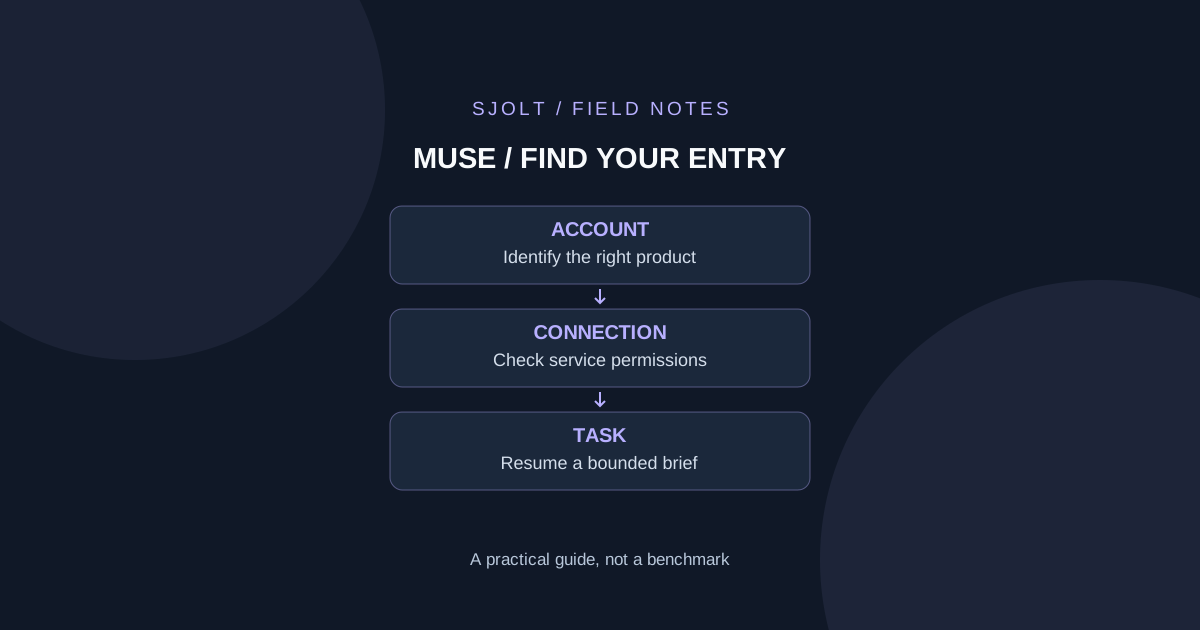
If you mean Meta’s personal AI agent, start at muse.ai. At this November 1, 2026 check, its public page offers a combined login or account-creation flow with a mobile-number-or-email field and a Continue button. Meta’s own launch article links to that domain, providing a first-party path to the service.
The Japanese search phrase “muse ログイン” means “Muse login,” but it does not uniquely identify a product. The similarly named Muse AI Companion browser extension has a different account design. This English guide separates those products and gives a practical troubleshooting sequence. We inspected public pages only and did not sign in or test a private account.
Identify which Muse you already use
| What you mean | Verified starting point | Account distinction |
|---|---|---|
| Meta Muse personal agent | muse.ai, linked by Meta Newsroom | Public login accepts mobile number or email |
| Meta Muse mobile or web app | muse.ai/join | Official page links to iOS, Android and web |
| Muse AI Companion by FitzTools | getmuseai.app Japanese FAQ | Extension says it uses a local installation ID, with no login |
The extension’s FAQ calls Muse AI Agent and Muse AI Companion two names for its own browser extension. That statement should not be generalized to Meta’s separate product. If your history, subscription or installation lives in the extension, opening Meta’s login page will not establish access to it.
Use your installed app’s publisher, an existing receipt or a saved official bookmark to resolve the identity. A search result containing the same short name is weak evidence. Once you identify the product, keep its support and account-recovery path together with that product rather than trying credentials across unrelated sites.
Follow the official entry point and check availability
For Meta Muse, open the domain linked from Meta’s announcement, then follow the login flow it currently presents. Use the same sign-in identifier you used previously. If you are unsure whether you used a phone number or email, check your own earlier account correspondence before creating another account.
Meta’s September announcement describes a US rollout on iOS, Android and the web. A Japanese-language search or a translated page does not establish access in Japan or any other region. Confirm the current availability shown by the official app or site for your account. This review does not establish a worldwide rollout.
The public join page offers app-store and web destinations; it is not evidence that a referral code overrides eligibility. An invitation, subscription and login session solve different problems. Avoid interpreting a code in a third-party post as a documented recovery method or guaranteed entitlement.
Classify the failure before changing browser settings
| What you observe | Useful next check | Record for support |
|---|---|---|
| The public page does not load | Verify the official URL and retry on a supported browser or network | Time, browser version and exact visible error |
| Verification does not complete | Check the identifier and follow the page’s current verification guidance | Which step failed, without the code itself |
| You can sign in but lack access | Check the account’s availability or plan message | Exact eligibility message |
| Muse opens but a connected app fails | Inspect that connector’s own authorization state | Service name and action that failed |
| A previous task is missing | Confirm you used the intended account and workspace | Task title and approximate creation time |
Change one variable at a time. If a browser extension may interfere, try a clean browser profile as a diagnostic step, while keeping your normal profile intact. Do not immediately delete site data or reinstall an unrelated extension: local state may contain the very history or subscription identifier you are trying to recover.
For the FitzTools extension specifically, its FAQ says saved pages and notes are stored locally and can be lost when extension data is cleared or the extension is removed. Follow that product’s own recovery guidance. The same troubleshooting action can have different consequences in a local extension and a cloud-account product.
Prepare a concise support note containing the official URL, approximate time, browser or app version, the step that failed and a redacted error message. Omit passwords, verification codes and session data. This gives support a reproducible problem without turning a screenshot into a credential transfer.
Keep login, connectors and model access separate
Meta describes Muse clients connecting to the user’s dedicated cloud VM, with separate mechanisms for connected services and stored credentials. Signing in to Muse and authorizing another service are therefore different stages. A working Muse session does not prove that an email, calendar or other connector has the access needed for a particular task.
Similarly, Muse Wonder is a model family with its own documented access channels. An API key, a personal-agent login and a coding subscription should not be treated as interchangeable. Use the existing Wonder guide when your actual goal is model integration; repeating account-recovery steps will not repair an incorrect API identifier.
Resume a creative task with a small, reviewable handoff
After access is restored, begin with a task that needs no new connector: ask for a three-shot plan using a short product description you can share. Require a table of subject, camera, duration and missing information. Review the plan yourself before supplying original assets or authorizing actions outside the conversation.
If you then want an image, SJolt’s Nano Banana 2.1 page documents a separate generation and editing workflow. Copy the reviewed brief into that workflow and retain the model settings with the result. This is a manual handoff; SJolt’s catalog does not provide a native Muse connector, and a Muse subscription does not establish SJolt API access.
Keep the plan, original asset and accepted output in your own project. A successful sign-in is only the first step; the finished deliverable still needs its ordinary content and file checks. This bounded restart makes it clear whether the remaining issue is account access, a connected service or the creative task itself.
Sources & further reading
Take the next idea into production.
Explore the models, test a workflow in the playground, and use the same request in your application.