
Language models
MiniMax M3.1 Flash: API Setup, Reasoning and Migration Checks
MiniMax M3.1 Flash is a released language model with multimodal input. Use the exact API name, check reasoning settings and distinguish direct MiniMax access from SJolt video generation.
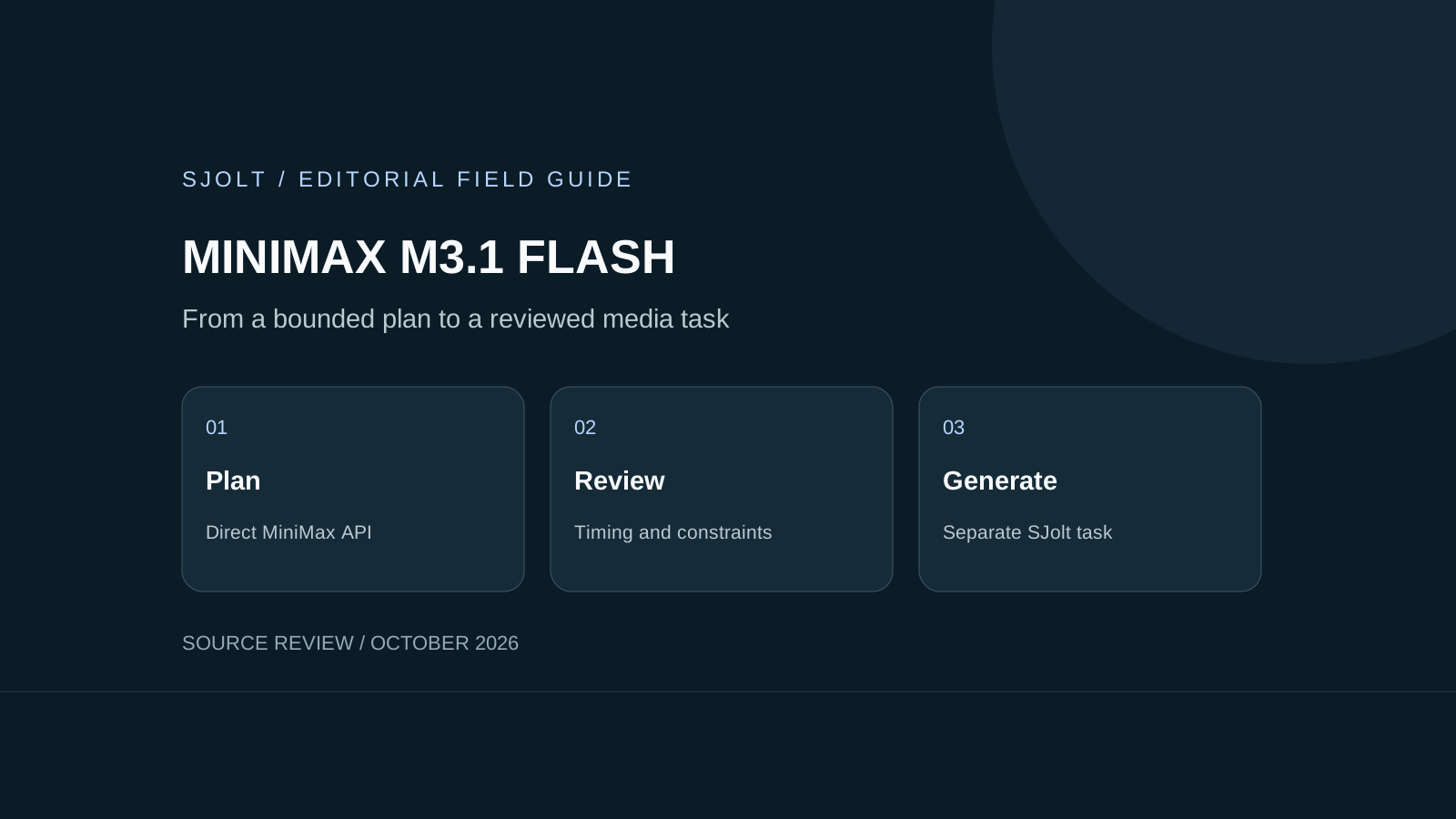
The search phrase “minimax 3.1 flash” refers to MiniMax M3.1 Flash, officially released on October 19, 2026. The direct API model ID is MiniMax-M3.1-Flash. MiniMax lists API access, M Plan and MiniMax Code as access paths; its launch post says model weights will follow later.
As of this October 22 review, SJolt does not list M3.1 Flash. Its MiniMax H3 media routes are a separate product family. You can use an external language model to prepare a creative brief and then submit an approved media request to SJolt, but that application workflow is not a native M3.1 Flash integration.
Choose the access path and identify the model
MiniMax’s guide documents a 1,000,000-token context window and text, image and video inputs. The model produces text; understanding a video does not mean the language-model endpoint returns a newly generated video. Start with a short text-only fixture to verify the route before adding media or a long tool conversation.
Keep the model name, endpoint, account billing mode and request time in your test record. A successful login to MiniMax Code does not establish that a separate pay-as-you-go API key has the same allowance. The launch announcement and current model pages are stronger evidence of availability than a reseller listing or an old Preview screenshot.
The launch post reports speed and task-cost improvements. Those are MiniMax’s evaluations. This guide makes no independent throughput or quality claim, and no request was submitted to reproduce them. Measure your complete task, including retries and human review, before choosing a production configuration.
Start with a bounded direct MiniMax request
The following example calls MiniMax’s own Chat Completions endpoint and would incur usage if run. Set MINIMAX_API_KEY privately in your server environment. The prompt is an original test brief; it requests a planning artifact rather than execution of any media tool.
curl --fail-with-body 'https://api.minimax.io/v1/chat/completions' \
  -H "Authorization: Bearer $MINIMAX_API_KEY" \
  -H 'Content-Type: application/json' \
  --data '{
    "model": "MiniMax-M3.1-Flash",
    "reasoning_effort": "low",
    "max_completion_tokens": 4096,
    "stream": false,
    "messages": [{
      "role": "user",
      "content": "Draft a three-shot plan for a six-second unbranded ceramic-vase clip. List each shot, duration and observable acceptance rule. Total duration must be six seconds. Do not invoke tools or claim that a video has been generated."
    }]
}'M3.1 Flash always reasons. The documented effort choices are low, medium, high, xhigh and max, with max as the default. thinking.type=disabled and reasoning_effort=none return errors. Keep reasoning_split away from false. Do not carry a “disable thinking” setting over from a different model.
Read the final answer separately from reasoning_content, and tolerate a missing reasoning field. Inspect finish_reason before treating the answer as complete; length means the output budget was exhausted. The small cap above bounds an initial fixture, not every real task. Increase it deliberately when necessary and record the resulting usage.
Check whether an old name already routes to Flash
MiniMax’s retirement notice distinguishes billing paths. Since October 19, M Plan and Token Plan requests using M2.5 or M2.7 names route to M3.1 Flash while preserving compatible names and plan allowances. Existing pay-as-you-go users can keep the older models until their scheduled November 18 retirement; new-user access ended October 19.
Inspect the actual key type before diagnosing a behavior change. Reusing an older model string under a subscription does not prove that the old model is still executing. Save a configuration snapshot and your accepted task fixtures; switching back to a legacy alias may not restore the previous behavior.
| Fixture | Acceptance rule | Failure to investigate |
|---|---|---|
| Shot timing | Three durations sum to exactly six seconds | Plausible shot list with the wrong total |
| Missing reference | Ask for the required source image | Invented asset URL |
| Tool failure | Keep the failed operation visible | A claimed finished video without a result |
| Changed brief | Name the revision used for the final plan | An older plan silently reused |
These are proposed migration checks. Run them with the same inputs and tool permissions for each candidate. Grade the resulting plan and the actions actually taken, then inspect differences in total cost and review time. Do not silently grant additional tools to compensate for a failed fixture.
Calculate token cost with disjoint counters
On October 22, MiniMax’s public pricing lists $0.15 per million input tokens, $0.60 per million output tokens and $0.015 per million cache-read tokens for M3.1 Flash. These are direct MiniMax rates, not SJolt pricing or a promise about subscription allowances.
For an illustrative accounting fixture, assume 20,000 uncached input tokens, 80,000 cache-read tokens and 5,000 billed output tokens. The calculation is 0.020 × $0.15 + 0.080 × $0.015 + 0.005 × $0.60 = $0.0072. These numbers are invented for arithmetic only, not measured usage. Count reasoning within the provider’s billed output total; do not add it a second time.
If a usage record reports total input including cached tokens, separate the cache-read portion before applying these rates. Keep paid tools and media generation in their own cost lines. An inexpensive planning response can still trigger an expensive sequence if an application submits multiple generations without checking earlier task results.
Hand an approved plan to a media task
For the vase example, have a reviewer accept the timing and visual constraints before the application submits a supported SJolt request. MiniMax H3 text-to-video is one available media route; its input contract and task lifecycle live on its own model page. Do not send the M3.1 Flash chat payload to that endpoint.
Store the accepted brief revision, media model ID, returned task ID, terminal status and output file together. Verify the downloaded clip against the three shot rules before marking the deliverable complete. Keep language tokens and video generation as separate billable steps. This article performed source review and offline example checks only, with no paid generation.
Sources & further reading
Take the next idea into production.
Explore the models, test a workflow in the playground, and use the same request in your application.