
Developer workflows
Anthropic Scion: Source Control Lessons for AI Application Teams
Understand the actual Scion announcement, then use a small media application to decide which repository, review and job boundaries deserve attention.
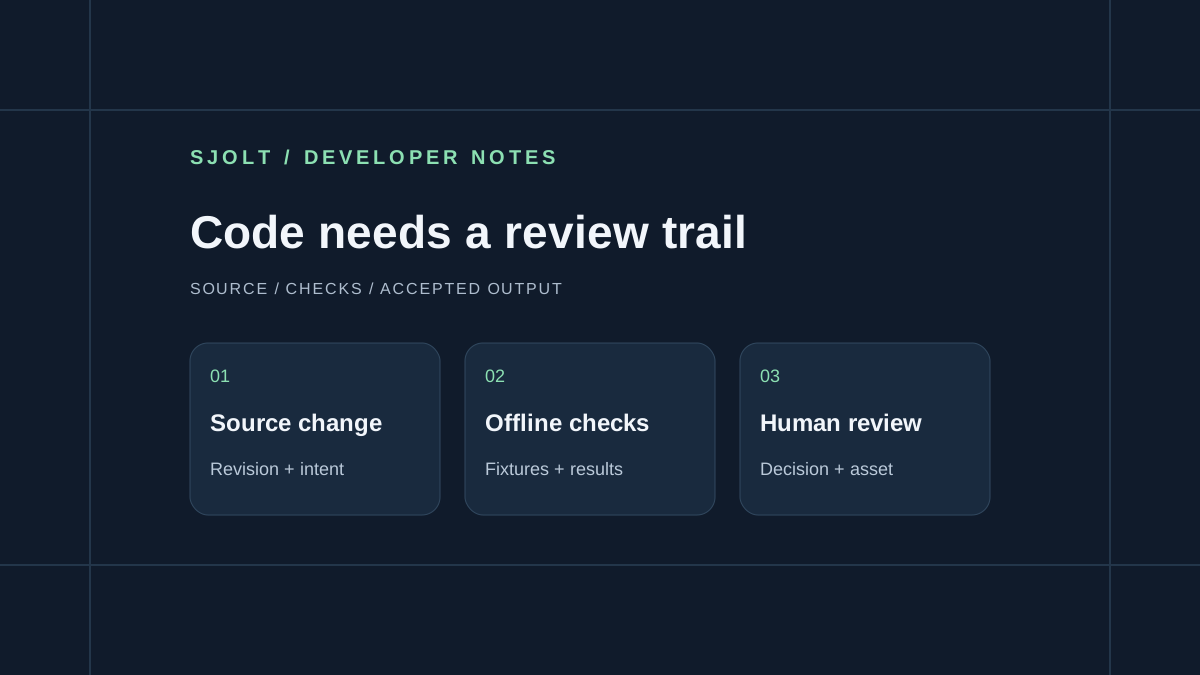
Scion is Anthropic’s in-house version control system. Its October 13, 2026 engineering post, updated October 15, describes a migration of the company’s monorepo from Git. The announcement is about development infrastructure; Scion is not a new Claude model identifier.
For a team building an AI media application, the useful question is where agent work spends time waiting: getting source files, running checks, receiving review, or waiting for an external job. This guide proposes a practical way to measure those boundaries before changing your source-control system. SJolt does not offer a Scion integration.
What Anthropic actually announced
Anthropic reports that daily merges grew from about 2,500 in May to over 30,000 in September, and that the migration took five months. Scion assumes connected clients and moves operations such as commit creation and history queries to servers. Its changesets record changed files with content-addressed blobs; clients can request only the files they need. Antique is the accompanying review system.
Those facts describe Anthropic’s workload and design choices. They do not establish that a smaller team needs a new version-control service, or that the reported infrastructure improvements will transfer to another repository. The article reviewed here supplies no public Scion installation or hosted API onboarding path.
Measure one ordinary change from request to review
Choose a change that your team makes regularly, such as adding an image-size option to a media dashboard. Record when the agent receives the brief, when it can read the necessary files, when the patch is ready, when checks finish and when a person accepts it. Keep failed attempts in the record. A fast successful run alone hides the cost of repeated setup or unclear requirements.
| Stage | Evidence to record | Question it answers |
|---|---|---|
| Source preparation | Elapsed time, files read, transferred bytes if observable | Is getting the repository actually the delay? |
| Implementation | Patch revision and changed paths | Did the agent solve the requested behavior? |
| Verification | Commands, results and fixture revision | Can another worker reproduce the result? |
| Review | Requested corrections and acceptance time | Is review capacity limiting delivery? |
| External task | Task ID, state and inspected output | Is generation latency being mistaken for coding latency? |
If source preparation takes seconds and review takes hours, redesigning checkout storage is unlikely to solve the immediate problem. Tighten the brief and the evidence attached to each change first. If many workers repeatedly fetch the same large assets, investigate that repeated transfer separately from the code repository. These are proposed diagnostic criteria, not results of an SJolt infrastructure benchmark.
Separate source changes from generation jobs
A code revision describes the application that submits a request. A media task identifies one execution of that application’s chosen model request. Keep both identifiers. Two jobs can use identical source code and still produce different files, while a later application revision can continue displaying an earlier accepted asset.
For example, version the validation rules and a small synthetic request fixture with the application. Store the actual campaign brief, task record and accepted output in your project’s data and asset storage. Record a digest of the approved request when useful, but avoid placing credentials or private reference URLs in public source history.
Application revision: <commit or release identifier>
Brief revision: mug-background-v3
Fixture version: image-task-status-v1
Requested model route: google/nano-banana-2.1/text-to-image
Task ID: <returned after an approved submission>
Review decision: pending | accepted | rejected
Accepted asset: <durable project file reference>
This record should survive a browser refresh. A person returning to the page should see the existing task and its state. Reopening a review screen should not silently create another generation. Keep a rejected candidate with a specific reason, so the next attempt changes the relevant requirement instead of merely repeating the request.
Use the real SJolt task boundary in the application
The current SJolt catalog provides Nano Banana 2.1 text-to-image and image-edit routes. A creation response supplies data.task_id; querying that task returns status 0 while running, 1 on success or 2 on failure. Successful media output is read from data.output_urls. This is a separate asynchronous media contract, not a source-control API.
- Nano Banana 2.1 model and request contract
- SJolt API documentation
- Complete image-generation request guide
Build the first UI check with saved responses for all three states. A running fixture must show progress without an invented preview. A failure fixture must show a useful error without an automatic paid retry. A success fixture must make the returned file available for inspection without treating it as already approved by the customer.
The agent can implement these transitions using synthetic fixtures before anyone authorizes a live generation. Keep those fixtures clearly labeled so a screenshot of the test interface cannot be mistaken for a completed customer task. No Scion environment or paid model call was used to prepare this guide.
Review the invariant, then the changed behavior
Give the reviewer a short statement of what must remain true. For an image dashboard, one useful invariant is that refreshing a running task never submits a new creation request. A focused test can intercept the mocked creation boundary, reload the UI, and verify that only status reads occur. That check answers a real billing and user-experience question.
Keep acceptance separate from deployment. A reviewer may accept a patch while an asset is still awaiting design approval. Record both decisions in their own places. If multiple agents work on adjacent components, assign clear file or behavior boundaries and reconcile the resulting patches before running the combined checks.
Start with one reproducible change and compare the next few runs using the same measurements. Consider deeper repository infrastructure work only when those measurements identify repeated source-access costs. The immediate deliverable is a process that explains what changed, what passed and which artifact a person approved.
Sources & further reading
Take the next idea into production.
Explore the models, test a workflow in the playground, and use the same request in your application.