Genjutsu Lite Motion control API

sjolt-ai / genjutsu-lite

Use the source clip for motion and image references for a new character, appearance, or scene.

Upload one MP4 lasting 4–15 seconds, 1–10 reference images, and a nonblank prompt.

Pricing

Output resolution

The source video duration is rounded up to the next whole second, then multiplied by the selected resolution rate.

480p
$0.10/s
720p
$0.20/s
1080p
$0.40/s
Input

Prompt, assets, and output parameters form one generation request.

Describe the transformation and reference roles. Use @Video1 for motion and @Image1, @Image2, and so on for uploaded images. Use @ to reference uploaded files.
Input media

Upload the media inputs configured for this model.

Waiting for assetsUploaded files will appear here for preview and removal.
Output resolutionChoose the generated video resolution.

Model overview

Genjutsu Lite for motion-guided video transformation

Turn an existing performance into a new visual direction. Genjutsu Lite uses a source video for motion, image references for appearance and scene, and a prompt to explain how the references fit together. The feature images are conceptual illustrations.

Genjutsu Lite generation example
01 · Video generation

A video supplies the motion

Start with one MP4 clip lasting 4–15 seconds. Choose footage with a clear subject and readable movement so the motion reference communicates the action you want to preserve.

  • Supports Motion control and reference-asset generation workflows.
  • Fits product assets, ad previews, visual direction, and social content tests.
  • Adjust configured inputs, media, and switches before generation.
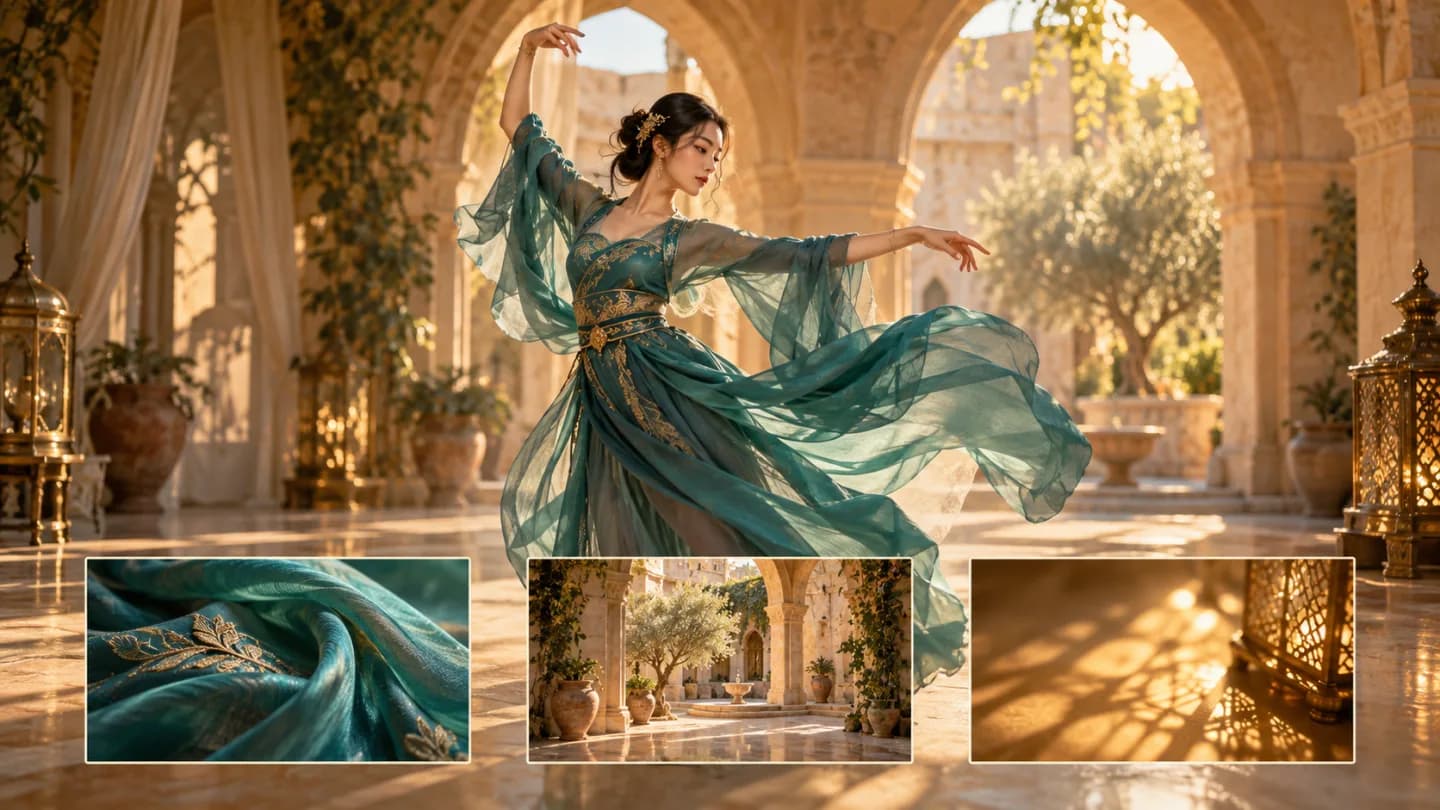
Reference asset control example
02 · Asset control

Images guide appearance and scene

Provide 1–10 PNG, JPEG, or WebP images for the subject, outfit, visual style, or surroundings. These are reference images, rather than designated first or last frames.

Motion reference videoAppearance and scene references
Unified model API and result management example
03 · API integration

Write the relationship between references

Use @Video1 to identify the motion source and @Image1, @Image2, and so on to assign image roles. Describe the subject, setting, and intended transformation in a nonblank prompt, keeping the instructions consistent with your uploaded references.

  • Compare available models from Alibaba, Black Forest Labs, Google, MiniMax, Midjourney, OpenAI, ByteDance, Kuaishou, SJolt AI, Suno, xAI in one place.
  • Copy the request body directly to the server to reduce frontend/backend parameter drift.
  • Failure states, retries, result preview, and review checkpoints stay in the same workflow.

Model characteristics

From reference inputs to an asynchronous video result

01

Motion control

Use one motion reference video with appearance and scene references in the same request.

02

Resolution choices

Choose 480p, 720p, 1080p for the generated video. The default is 480p.

03

API workflow

Create a task with public media URLs and your prompt, then poll its task ID or receive a webhook. Successful tasks return generated video URLs in data.output_urls.

FAQ

These are the first questions to answer when evaluating this model.

What inputs are required?

One MP4 motion reference lasting 4–15 seconds, 1–10 PNG, JPEG, or WebP images, and a nonblank prompt.

How does the duration check work?

The source clip is measured before task creation. The accepted measured range is 4–15 seconds, inclusive. Clips longer than the maximum must be trimmed before submission.

How should I name references in the prompt?

Use @Video1 for the video and @Image1, @Image2, and so on for images in their upload order. State which image defines the character and which defines the scene or visual style.

Are the page images generated video samples?

The page images are shared Genjutsu workflow illustrations. They are not recorded Genjutsu Lite outputs.

How should I choose between Genjutsu and Genjutsu Lite?

Use Lite for clips lasting 4–15 seconds with up to 10 reference images. Choose Genjutsu when you need longer source clips or more image references. Preview the result to assess motion, framing, and appearance before using it in a larger edit.