
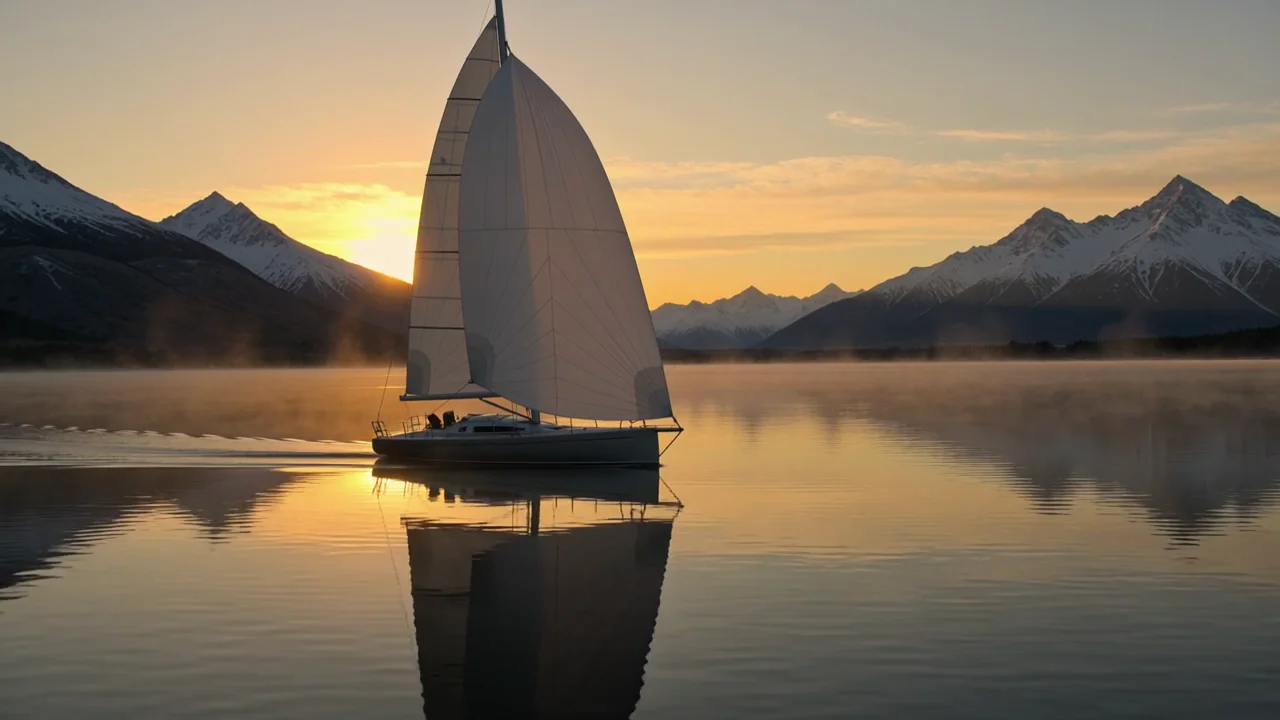
A silver sailboat crosses a calm mountain lake at sunrise. Golden reflections ripple across the water as the camera glides alongside it in one continuous cinematic shot. The sail moves gently in the breeze, distant mountain peaks glow in warm light, fine mist drifts above the water. Photorealistic, stable boat geometry. Audio: gentle wind, water against the hull, and distant birds. No text, subtitles, logos, or watermarks.
Kling 4 Text to video API
Create 3–30 second scenes with coordinated motion and native audio.
Start with text, animate a sequence of frames, or combine image and video references.
Pricing
Resolution
The selected rate is multiplied by output seconds. Reference video duration does not add to the charge.
- 720p
- $0.16/s
- 1080p
- $0.24/s
Playground Examples
Try production-style prompt starters.
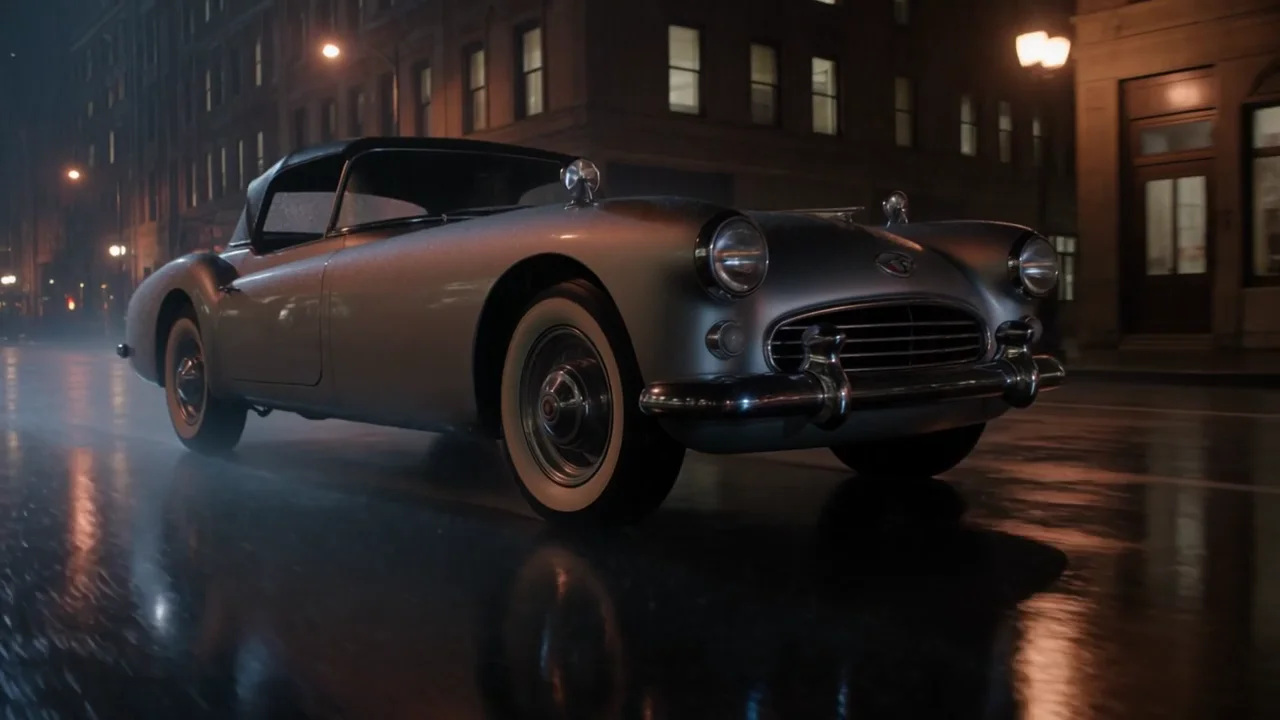
A vintage silver roadster moves through a rain-soaked city at night. The low camera tracks beside the front wheel, then rises smoothly to a three-quarter view as warm amber and cool blue lights reflect across the wet street. Realistic water spray, stable car geometry, cinematic atmosphere, one continuous shot. Audio: a restrained engine note, light rain, and tire hiss. No visible signs, text, subtitles, brand names, logos, or watermarks.
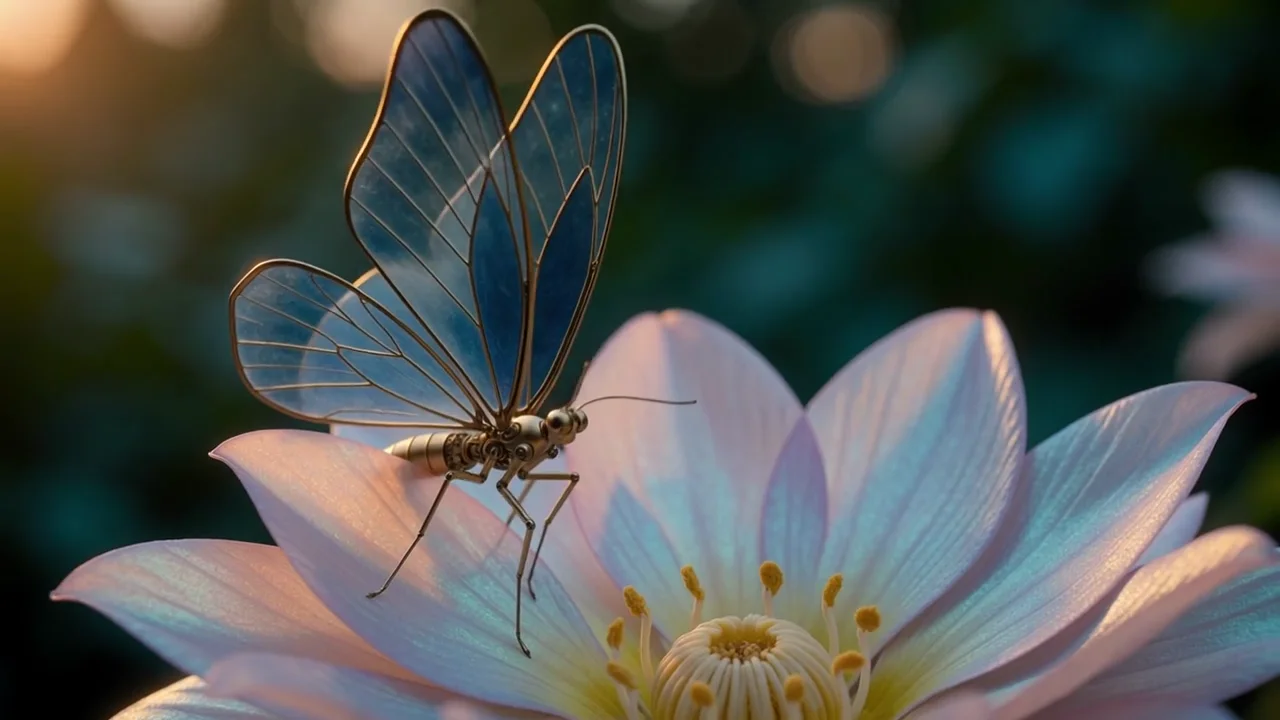
Macro cinematic close-up of a delicate mechanical butterfly with brushed brass joints and translucent blue glass wings perched on an iridescent flower. It slowly opens its intricately articulated wings, lifts into the air, and hovers above the petals while the camera makes a smooth gentle orbit. Warm golden rim light, deep teal background, shallow depth of field, precise physical motion, one continuous shot. Audio: tiny mechanical clicks, a soft wing hum, and quiet garden ambience. No text, subtitles, logos, or watermarks.
Similar Models
Compare adjacent capabilities before switching models.
ByteDance · Video
Seedance 2.5
ByteDanceCreate videos up to 30 seconds, combine as many as 50 multimodal references, and refine specific moments with frame-level control.
OnlineTry model
ByteDance · Video
Seedance 2.0
ByteDanceA multimodal video generation model for text prompts, first-frame animation, and reference-guided production clips.
OnlineTry model
Google · Video
Gemini Omni 1.1 Flash
GoogleCreate 4 to 10-second landscape or portrait videos from a prompt, with optional image and short-video guidance.
OnlineTry model
Model overview
Kling 4 video generation with text, keyframes, and references
Kling 4 creates 3–30 second videos at 720p or 1080p with native audio. Choose text-to-video to compose from a prompt, image-to-video to animate specific frames, or reference-to-video to guide identity, style, and movement with existing media.
Direct the scene and its sound
Describe the subject, action, setting, camera, and sound in a prompt of up to 8,000 characters. Separate successive actions clearly and align dialogue, ambience, and effects with visible events.
- Supports Text to video and reference-asset generation workflows.
- Fits product assets, ad previews, visual direction, and social content tests.
- Adjust configured inputs, media, and switches before generation.
Guide a sequence of frames
Supply a required start frame, optional ordered intermediate images, and an optional end frame. Total frames must fit within 10 images and duration + 1. Framing follows the start image; a motion prompt is optional.
Prompt-led generation
Combine image and video references
Guide a new scene with up to 10 images and 5 MP4 videos. Use @Image1 and @Video1 to assign roles. Each video must be 3–30 seconds, with at most 30 seconds across all videos.
- Compare available models from Alibaba, Black Forest Labs, Google, MiniMax, Midjourney, OpenAI, ByteDance, Kuaishou, SJolt AI, Suno, xAI in one place.
- Copy the request body directly to the server to reduce frontend/backend parameter drift.
- Failure states, retries, result preview, and review checkpoints stay in the same workflow.
Model characteristics
Three ways to direct a video with native audio.
Prompt-led composition
Text and reference variants support 16:9, 9:16, 1:1, 21:9, auto framing.
Ordered animation
On image-to-video, image_url sets the start, image_urls supplies intermediate frames in order, and end_image_url sets the final frame.
Visual references
Use reference-to-video when uploaded images should guide identity or style without becoming the first frame.
Asynchronous delivery
Submit the selected route, retain the task identifier, and poll for completion or supply a top-level webhook.
FAQ
These are the first questions to answer when evaluating this model.
Which duration and resolution should I use?
Choose a whole-number duration of 3–30 seconds and 720p or 1080p. Defaults are 5 seconds and 720p.
How do image and reference variants differ?
Image-to-video follows an explicit start, intermediate, and end frame sequence. Reference-to-video uses images and videos as broader guidance and requires at least one reference.
How should I mention references?
Use @Image1 or @Video1 for the first uploaded item of each type, continuing in upload order. The API also accepts native @image_1 and @video_1 notation.
Which formats can I upload?
Use PNG, JPG, JPEG, or WebP images and MP4 reference videos. Native audio is generated with every output.