
Morning mist crosses a mountain lake as warm sunlight reaches the peaks and the camera pans right.
Kling 3.0 Text to video API
Kling 3.0 creates cinematic 720p or 1080p video from prompts or a source image, with multi-shot direction, native audio, and clips up to 15 seconds.
Choose non-Turbo or Turbo text-to-video for prompt-led composition, or the matching image-to-video variant to animate a start frame. Optional end-frame control is available on non-Turbo image-to-video.
Pricing
Resolution and audio
Final charge is the selected rate multiplied by output duration.
- 720p · With audio
- $0.09/s
- 720p · Without audio
- $0.06/s
- 1080p · With audio
- $0.12/s
- 1080p · Without audio
- $0.08/s
Playground Examples
Try production-style prompt starters.
A woman walks through lavender as her hair and dress move naturally in the wind.
The camera slowly orbits a luxury watch while controlled studio reflections move across the metal.
Similar Models
Compare adjacent capabilities before switching models.
ByteDance · Video
Seedance 2.5
ByteDanceCreate videos up to 30 seconds, combine as many as 50 multimodal references, and refine specific moments with frame-level control.
OnlineTry model
ByteDance · Video
Seedance 2.0
ByteDanceA multimodal video generation model for text prompts, first-frame animation, and reference-guided production clips.
OnlineTry model
Google · Video
Gemini Omni 1.1 Flash
GoogleCreate 4 to 10-second landscape or portrait videos from a prompt, with optional image and short-video guidance.
OnlineTry model
Model overview
Kling 3.0 video generation with text, frames, and multi-shot control
Kling 3.0 on sjolt supports non-Turbo and Turbo text-to-video and image-to-video generation with 3-15 second clips, 720p and 1080p output, multi-shot storytelling, and native audio. The non-Turbo image-to-video route also supports optional end-frame control.
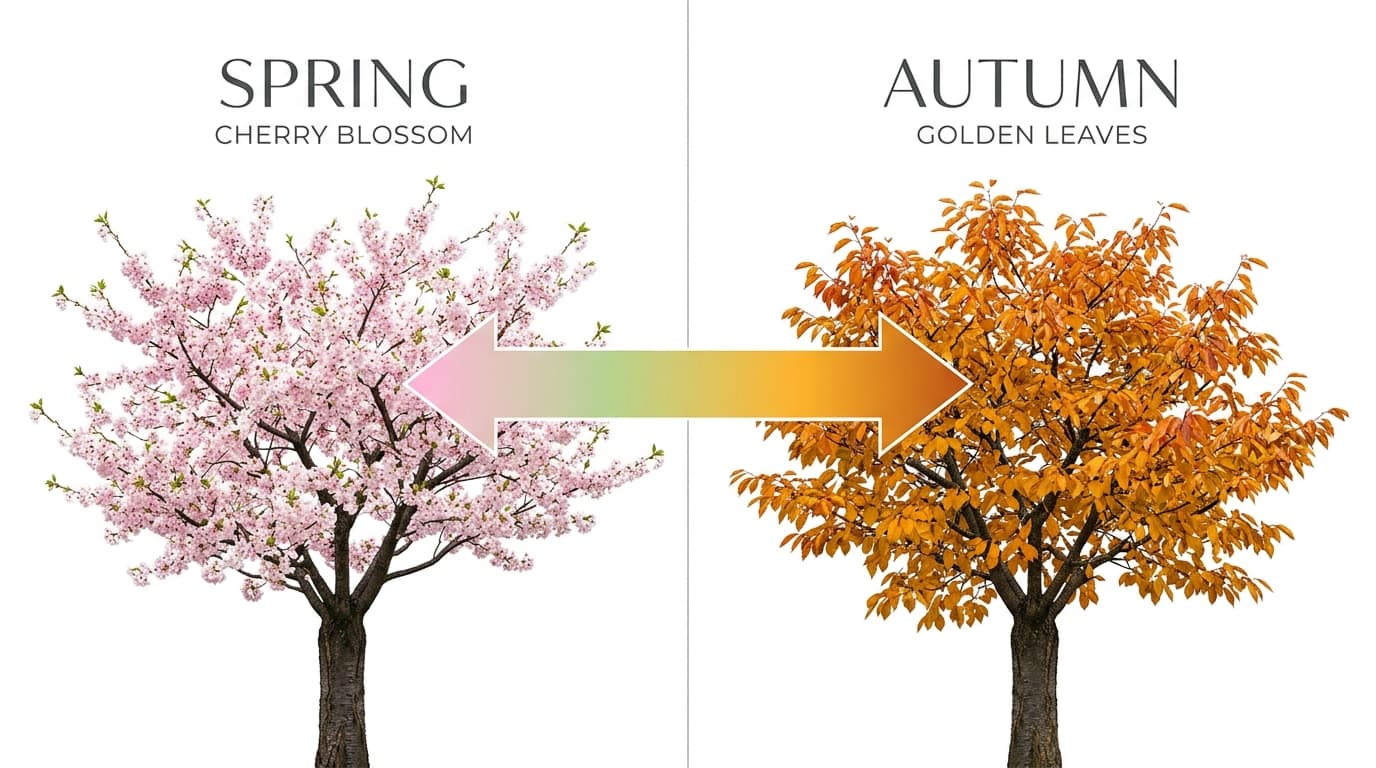
Start and end frame control
Use image_url to anchor the first frame. On non-Turbo image-to-video, optionally add end_image_url for a directed transition into the final composition.
- Supports Text to video and reference-asset generation workflows.
- Fits product assets, ad previews, visual direction, and social content tests.
- Adjust configured inputs, media, and switches before generation.
Flexible 3-15 second duration
Select each integer duration from 3 through 15 seconds for short social clips, product motion, or longer narrative beats.
Prompt-led generation
720p and 1080p output
Choose 720p for efficient iteration or 1080p when the final result needs higher resolution.
- Compare available models from Alibaba, Black Forest Labs, Google, MiniMax, Midjourney, OpenAI, ByteDance, Kuaishou, SJolt AI, Suno, xAI in one place.
- Copy the request body directly to the server to reduce frontend/backend parameter drift.
- Failure states, retries, result preview, and review checkpoints stay in the same workflow.
Model characteristics
Built for controllable short-form video generation.
Text to video
Direct scene action, camera movement, framing, and shot transitions from a written prompt.
Image to video
Animate a required start frame, with optional final-frame control on the non-Turbo route.
Multi-shot storytelling
Generate multiple connected shots and transitions within one clip.
Native audio
Generate synchronized dialogue, ambience, and sound with the video.
FAQ
These are the first questions to answer when evaluating this model.
Which Kling 3.0 variants are available on sjolt?
sjolt exposes non-Turbo and Turbo text-to-video and image-to-video variants. Kling 3.0 Omni and Motion Control are not part of this surface.
Which durations are supported?
Choose any integer duration from 3 through 15 seconds.
Can I control the last frame?
Yes, on the non-Turbo image-to-video route. It requires image_url and accepts an optional end_image_url. Turbo accepts only the start frame.
Does Kling 3.0 generate audio?
Yes. Non-Turbo variants enable native audio by default and let you turn it off. Turbo variants always generate native audio and do not expose an audio toggle.