FLUX.3 Image to video API

blackforestlabs / FLUX.3

Create a short video from a prompt or animate a supplied opening frame with an optional guided ending.

Use text-to-video for prompt-led scenes, or image-to-video when the opening composition should stay anchored.

Pricing

Output resolution

Final usage is the selected resolution rate multiplied by output duration.

720p
$0.17/s
1080p
$0.29/s
Input

Prompt, assets, and output parameters form one generation request.

Describe the subject, action, camera movement, setting, and visual style.
Input media

Upload the media inputs configured for this model.

ResolutionChoose 720p or 1080p output.
Aspect ratioChoose automatic framing or a fixed output ratio.
DurationChoose a whole-number duration from 5 to 20 seconds.
5s

Model overview

FLUX.3 video generation with text and frame guidance

FLUX.3 on sjolt supports text-to-video and image-to-video creation with whole-second durations, selectable resolution, and automatic or fixed aspect ratios through the Playground and task API.

FLUX.3 generation example
01 · Video generation

Prompt-led video generation

Describe the subject, action, environment, camera motion, lighting, and visual style to turn a written direction into a short video clip.

  • Supports Image to video and reference-asset generation workflows.
  • Fits product assets, ad previews, visual direction, and social content tests.
  • Adjust configured inputs, media, and switches before generation.
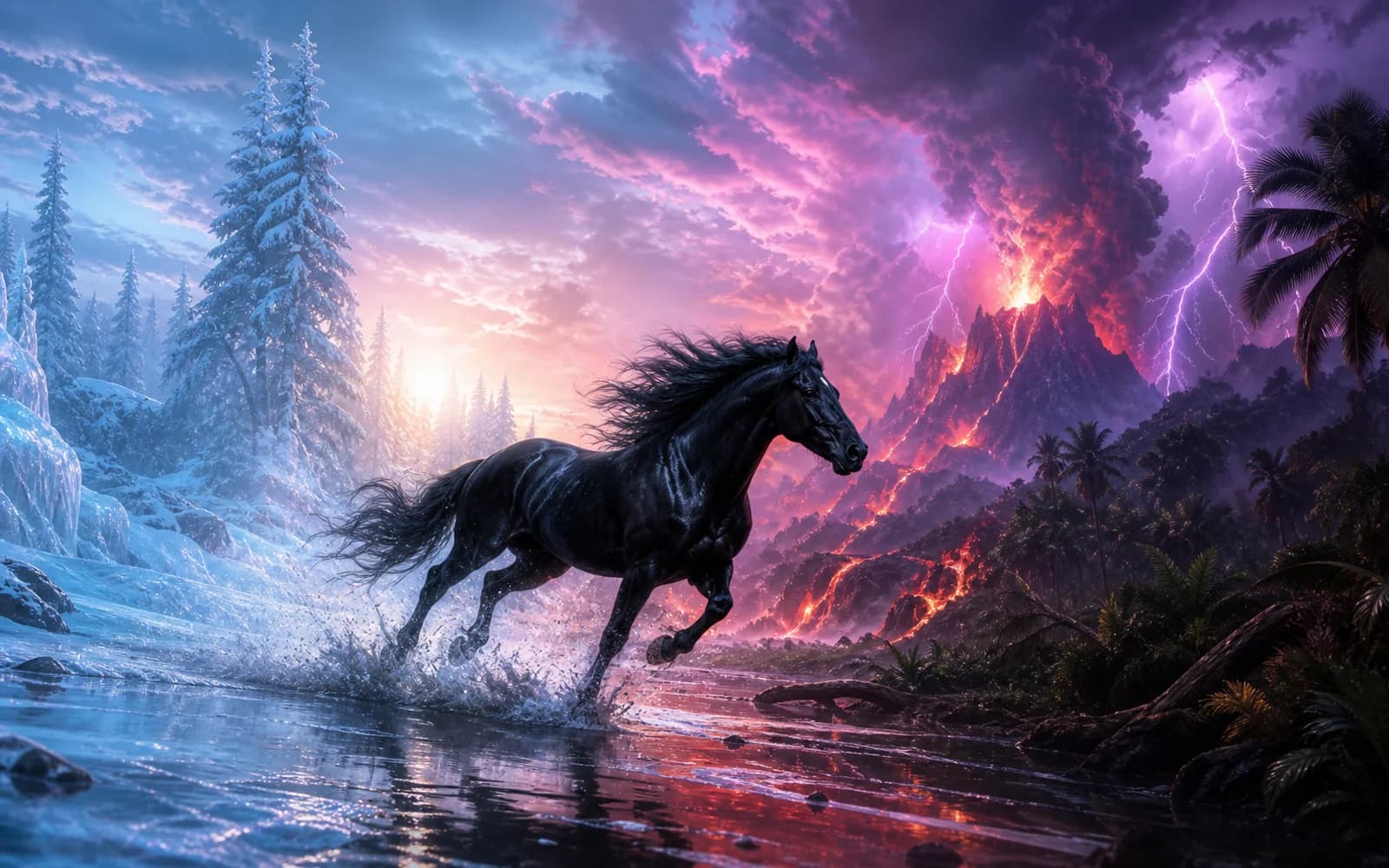
Reference asset control example
02 · Asset control

Start and end frame guidance

Image-to-video requires an opening image and can also use an optional ending image to guide a transition between two compositions.

Start frameEnd frame
Unified model API and result management example
03 · API integration

Duration, resolution, and framing control

Choose any whole-second duration from 5 to 20, select 720p or 1080p, and use automatic or fixed framing for the intended placement.

  • Compare available models from Black Forest Labs, Google, MiniMax, OpenAI, ByteDance, Kuaishou, SJolt AI in one place.
  • Copy the request body directly to the server to reduce frontend/backend parameter drift.
  • Failure states, retries, result preview, and review checkpoints stay in the same workflow.

Model characteristics

Built for concise video creation with direct scene and frame controls.

01

Text to video

Turn a written brief into a complete scene by specifying the subject, action, environment, camera movement, lighting, and visual style. Duration, resolution, and aspect ratio remain independently selectable.

02

Image to video

Use one required opening image to anchor the initial subject, composition, and visual direction. The prompt then describes how the scene, camera, and motion should develop.

03

End-frame guidance

Add an optional final image when the clip must arrive at a specific closing composition. sjolt automatically routes requests with both images through FLUX.3 first-and-last-frame generation.

04

Asynchronous API workflow

Submit either public route through the same asynchronous task flow, receive a task identifier, then poll its status or use an optional webhook for completion updates.

FAQ

These are the first questions to answer when evaluating this model.

Which FLUX.3 routes are available on sjolt?

sjolt exposes text-to-video and image-to-video routes. Text-to-video accepts a prompt without frame inputs. Image-to-video requires image_url and automatically selects single-frame or first-and-last-frame generation according to whether end_image_url is present.

Which durations, resolutions, and aspect ratios are supported?

Choose any whole-second duration from 5 through 20, 720p or 1080p, and auto, 21:9, 2:1, 16:9, 4:3, 1:1, 3:4, 9:16 framing. Requests default to 5 seconds, 720p, and auto.

Can I guide both the first and last frame?

Yes. Image-to-video requires image_url for the opening frame and accepts optional end_image_url for the closing frame. The same prompt directs the motion and transition between those two compositions.

Which image files can I use for frame guidance?

The Playground accepts one JPG, JPEG, PNG, or WebP opening image and one optional closing image. API requests use public HTTP(S) image URLs in image_url and end_image_url.

How should I write a FLUX.3 video prompt?

Describe the subject and starting state, the visible action, the environment, camera movement, lighting, and visual style. For image-to-video, focus the prompt on how the supplied opening frame should move or change over time.

How do FLUX.3 API tasks complete?

A successful creation request returns a task_id. Poll the shared task-status endpoint until the task completes, or provide a top-level webhook URL to receive completion updates before retrieving the generated video.