
Animate this opening frame: the crimson-sailed wooden skiff continues gliding forward across the turquoise water beneath the limestone arch. Preserve the boat, rigging, sail shape, rock formations, and warm light. The sail moves gently in the wind and the wake extends naturally. A smooth slow camera push follows the boat without cuts. Natural water and wind sounds, no speech. No lettering, subtitles, logos, or watermark.
Wan 3.0 Prime Text to video API
Wan 3.0 Prime brings the Wan 3.0 video workflows to a high-speed model: describe a scene, animate frames, combine references, or edit a source clip with native sound.
Choose 480p, 720p, 1080p and automatic or fixed framing. Generation supports 2–30 seconds; video editing follows the source duration.
Pricing
Output resolution
Text-to-video and image-to-video use only output duration. Reference-to-video uses the combined reference-video and output duration: 5 seconds of reference video plus 10 seconds of output totals 15 seconds. Video editing preserves the source duration, so a 5-second source totals 10 seconds of usage. All modes use the selected resolution rate.
- 480p
- $0.06/s
- 720p
- $0.12/s
- 1080p
- $0.24/s
Playground Examples
Try production-style prompt starters.
Use @Image1 to preserve the elegant wooden wind skiff, deep crimson triangular sail, rigging, and nautical proportions. Show it crossing a sheltered turquoise lagoon between tall pale limestone sea stacks at dawn. Track gently above and alongside the skiff, with the red sail moving in the breeze and a narrow wake tracing its path. Keep the entire vessel visible, stable geometry, natural cloth and water motion, one continuous cinematic shot. Soft wind and water ambience, no speech. No lettering, labels, subtitles, logos, brands, or watermark.
Edit @Video1: change only the crimson sail to a rich sapphire-blue fabric. Preserve the exact wooden skiff, rigging, boat trajectory, limestone arch, sea, camera movement, lighting, timing, original video duration, and ambient audio. Keep the natural moving folds of the sail and update its reflections on the water consistently. Do not add cuts or objects. No lettering, subtitles, logos, or watermark.
Similar Models
Compare adjacent capabilities before switching models.
ByteDance · Video
Seedance 2.5
ByteDanceCreate videos up to 30 seconds, combine as many as 50 multimodal references, and refine specific moments with frame-level control.
OnlineTry model
ByteDance · Video
Seedance 2.0
ByteDanceA multimodal video generation model for text prompts, first-frame animation, and reference-guided production clips.
OnlineTry model
Google · Video
Gemini Omni 1.2 Flash
GoogleGenerate 3–15-second videos with up to 5 reference images, or edit one source video.
OnlineTry model
Model overview
Wan 3.0 Prime video generation and editing API
Wan 3.0 Prime is the high-speed edition of Wan 3.0. Choose text-to-video for a new scene, image-to-video for opening and ending frame control, reference-to-video to coordinate visual and audio references, or video-edit to transform one source clip while preserving its duration.
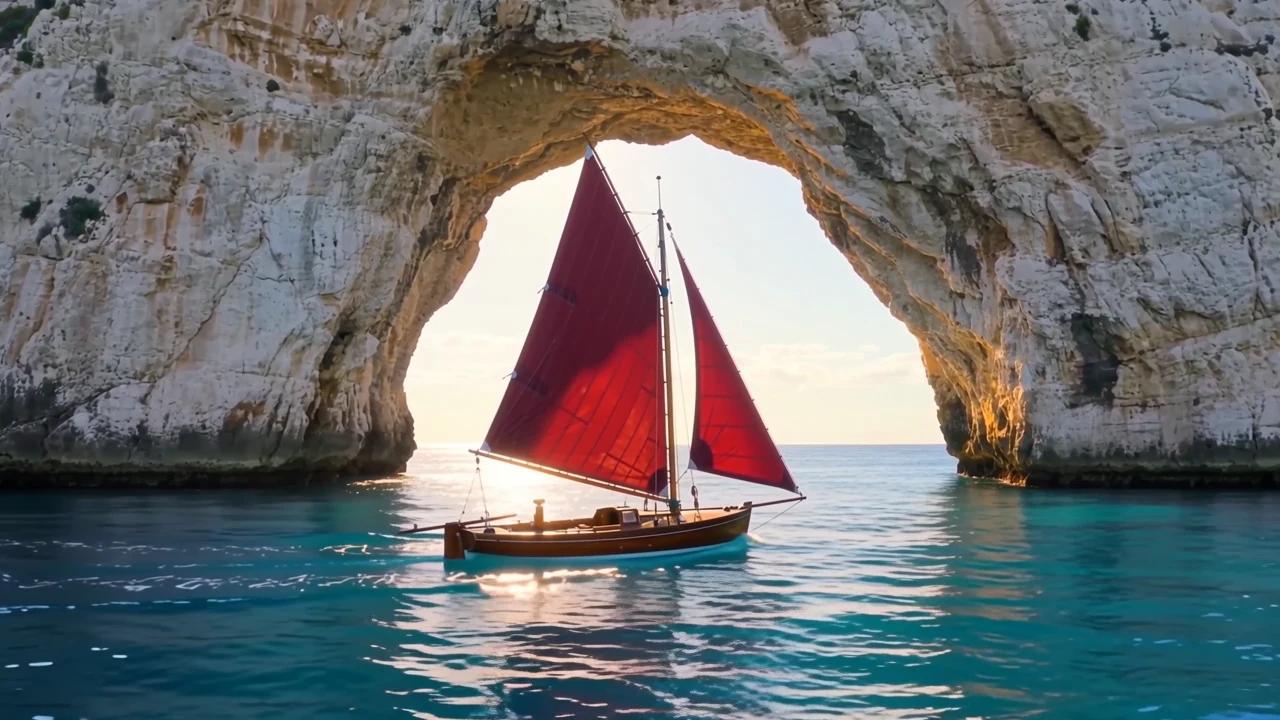
Direct a scene or animate its opening frame
Describe the subject, action, camera path, lighting, and sound in text-to-video. For image-to-video, supply a required first frame and an optional last frame with optional instructions. Both workflows support 2–30 second outputs and 480p, 720p, 1080p.
- Supports Text to video and reference-asset generation workflows.
- Fits product assets, ad previews, visual direction, and social content tests.
- Adjust configured inputs, media, and switches before generation.
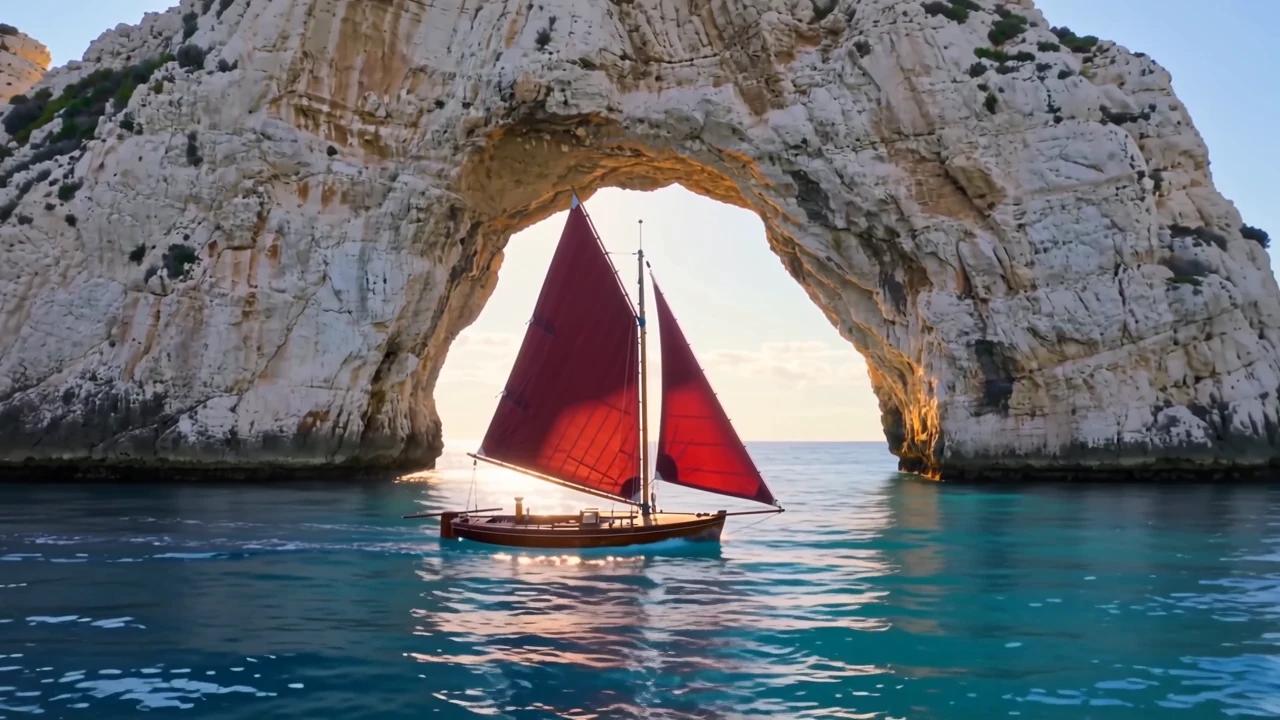
Give each reference a clear role
Combine up to 10 images, 5 MP4 clips, and 5 audio tracks. Identify appearance, motion, camera rhythm, and sound with @Image1, @Video1, and @Audio1. Reference images guide the scene without acting as designated first frames.
Prompt-led generation
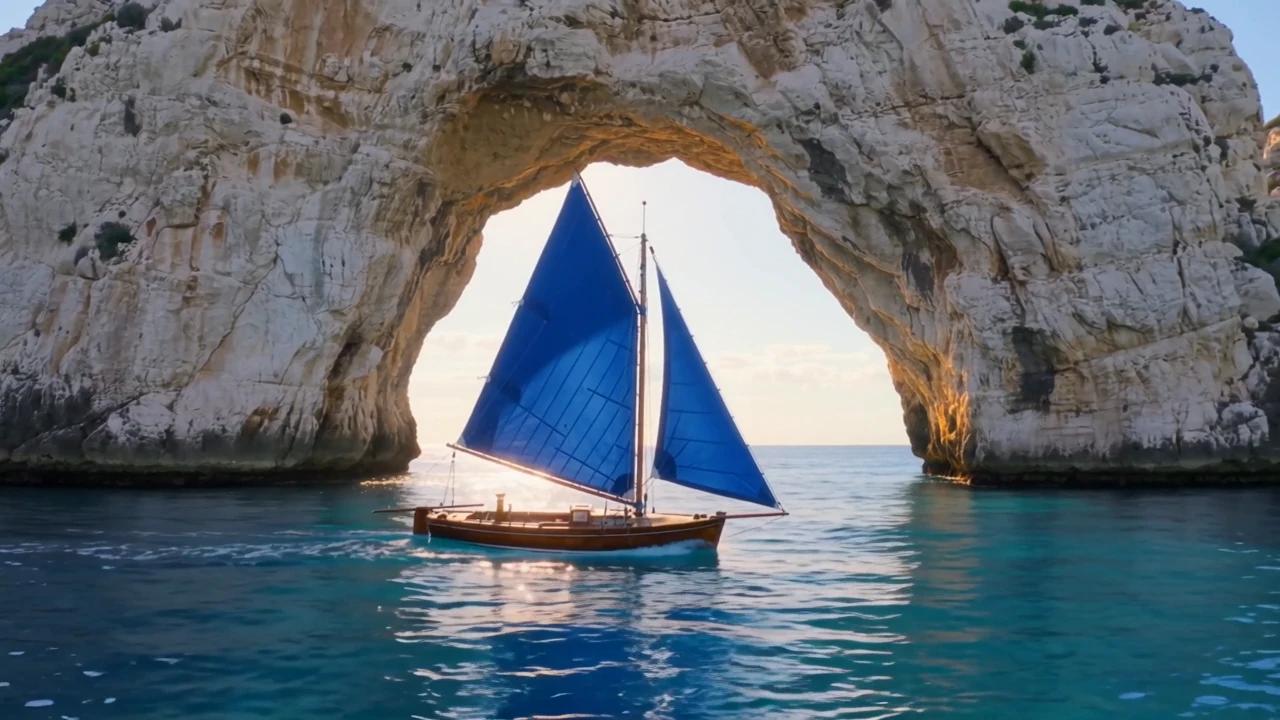
Edit one clip at its original duration
Supply one MP4 source no longer than 15 seconds. Describe what to change and what to preserve, with optional image and audio references. The result follows the source duration. Retrieve the finished MP4 by polling the task ID or receiving a webhook.
- Compare available models from Alibaba, Black Forest Labs, Google, MiniMax, Midjourney, OpenAI, ByteDance, Kuaishou, SJolt AI, Suno, xAI in one place.
- Copy the request body directly to the server to reduce frontend/backend parameter drift.
- Failure states, retries, result preview, and review checkpoints stay in the same workflow.
Model characteristics
Four workflows with one asynchronous task API
High-speed edition
Prime is designed for faster end-to-end generation with the same core video capabilities as Wan 3.0. Completion time depends on the request and upstream availability.
Frame and reference direction
Use frame mode when the opening or ending composition matters. Use reference mode to guide identity, movement, style, and audio across the scene.
Framing and resolution
Choose adaptive framing or 16:9, 9:16, 1:1, 4:3, 3:4, with 480p, 720p, 1080p output. Start with a concise action and a clear camera move before adding more complex direction.
Native sound
Describe dialogue, ambience, music, and effects alongside visible actions. Audio references can guide voice and timing in reference and editing workflows.
FAQ
These are the first questions to answer when evaluating this model.
How should I choose a workflow?
Use text-to-video for a written scene, image-to-video for a first frame and optional last frame, reference-to-video for image/video/audio guidance, and video-edit for one source clip. Prime exposes all four on one model page.
Which uploads are accepted?
Images accept PNG/JPG/JPEG/WebP. Videos accept MP4. Audio accepts MP3/WAV/M4A/AAC/OGG. Reference mode supports up to 10 images, 5 videos, and 5 audio tracks; editing requires exactly one source video.
What are the duration limits?
Generation supports 2–30 whole seconds. Reference videos may total 15 seconds and reference audio may total 15 seconds. Reference-video duration plus output duration must not exceed 30 seconds. Editing follows its source length.
Is a written prompt required?
Text-to-video requires a nonblank prompt. Frame, reference, and editing workflows accept optional instructions. For reference inputs, name each uploaded asset with @ mentions and describe its role.
How do I retrieve a result?
Submit the selected generation route, save the returned task ID, and poll the shared task-status endpoint or supply a top-level webhook. Successful tasks return the generated MP4 in data.output_urls.