
A small sapphire-blue glazed ceramic kingfisher sculpture with a fine copper beak sits on a pale travertine pedestal in a sunlit greenhouse. The camera makes a slow gentle arc around the sculpture, revealing the glossy blue glaze and warm stone texture. Fern leaves move lightly in the background, soft shadows drift across the pedestal, and the sculpture remains perfectly still and geometrically consistent. One continuous photorealistic shot, calm movement, natural sunlight, no people. No lettering, labels, subtitles, logos, or watermark.
Gemini Omni 1.2 Flash Text to video API
Generate 3–15-second clips from text or reference images, or revise an existing MP4.
Choose a workflow to see its supported inputs and output controls.
Pricing
Output resolution
Generation uses output seconds. Video editing uses source seconds rounded up to the next whole second, multiplied by the selected rate.
- 360p
- $0.03/s
- 720p
- $0.05/s
- 1080p
- $0.08/s
Playground Examples
Try production-style prompt starters.
Use the reference image to preserve the exact sapphire-blue ceramic kingfisher sculpture, its copper beak, proportions, silhouette, and glazed surface. Place it on a pale limestone ledge beside a quiet reflecting pool in a botanical conservatory at dawn. Keep the sculpture still while the camera slowly tracks sideways, showing its reflection and softly moving plants behind it. Gentle ripples cross the water; warm sunrise light reveals the blue glaze. One continuous photorealistic shot. No lettering, labels, subtitles, logos, or watermark.
Edit the supplied video: change only the sapphire-blue ceramic glaze on the kingfisher sculpture to a rich amber-orange glaze. Keep its copper beak unchanged. Preserve the exact sculpture shape and surface detail, the limestone ledge, plants, camera movement, lighting, water ripples, timing, and framing. Update the sculpture's reflection in the pool to match the amber-orange color naturally. Do not introduce new objects or cuts. No lettering, labels, subtitles, logos, or watermark.
Similar Models
Compare adjacent capabilities before switching models.
ByteDance · Video
Seedance 2.5
ByteDanceCreate videos up to 30 seconds, combine as many as 50 multimodal references, and refine specific moments with frame-level control.
OnlineTry model
ByteDance · Video
Seedance 2.0
ByteDanceA multimodal video generation model for text prompts, first-frame animation, and reference-guided production clips.
OnlineTry model
Google · Video
Gemini Omni 1.1 Flash
GoogleCreate 4 to 10-second landscape or portrait videos from a prompt, with optional image and short-video guidance.
OnlineTry model
Model overview
Gemini Omni 1.2 Flash video generator and API
Build short scenes from a prompt, guide subjects with reference images, or edit one source video. Generation supports 3–15 seconds and 16:9 or 9:16 framing, with 360p, 720p, 1080p output.
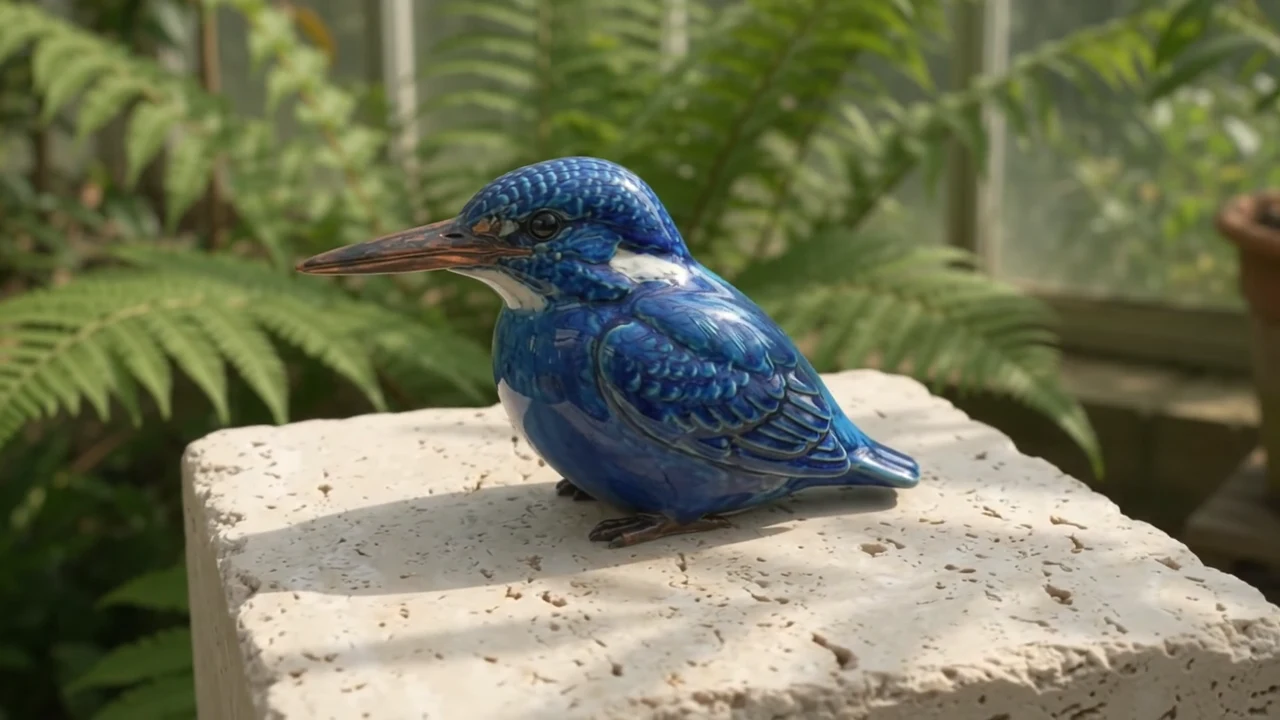
Direct a short scene
Describe the subject, action, setting, and camera path. Choose a whole-second duration from 3–15; the default is 8 seconds. Start with one readable action and refine the prompt for coherent movement.
- Supports Text to video and reference-asset generation workflows.
- Fits product assets, ad previews, visual direction, and social content tests.
- Adjust configured inputs, media, and switches before generation.
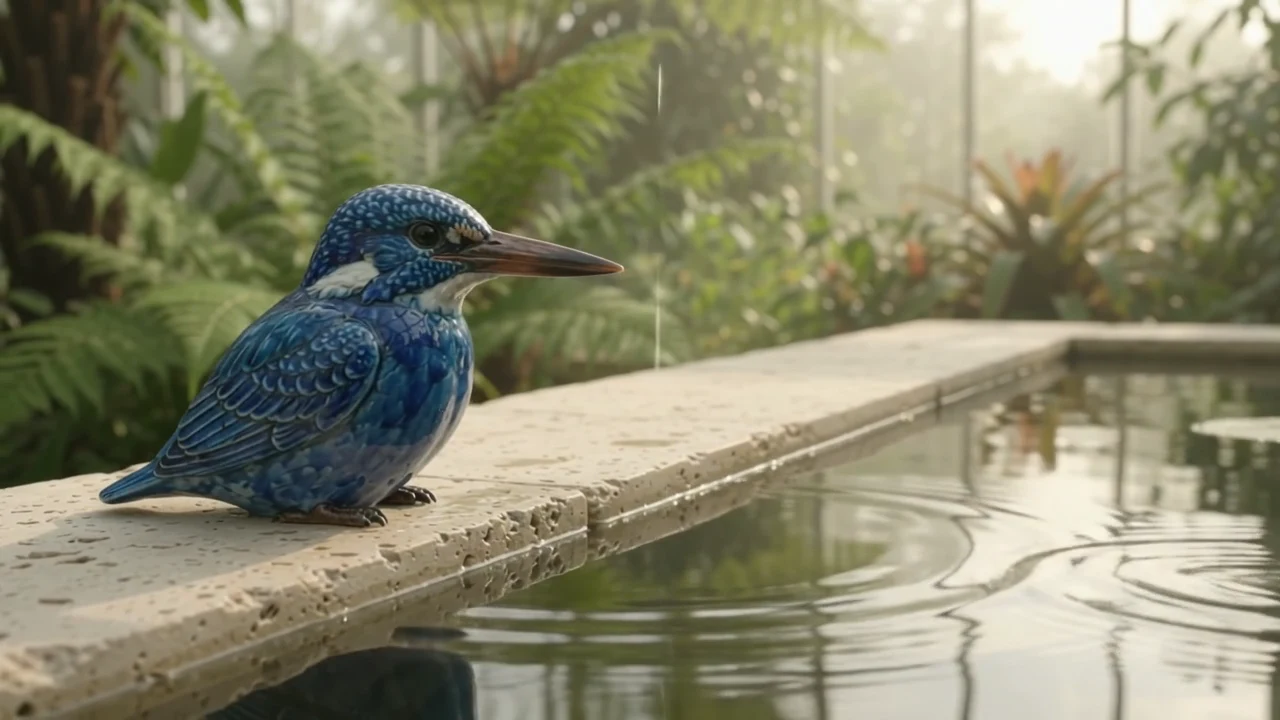
Guide appearance with references
Use up to 5 PNG, JPEG, or WebP references for subjects, objects, composition, and visual style. Explain the role of each reference and avoid conflicting descriptions. References are not designated first or last frames.
Prompt-led generation
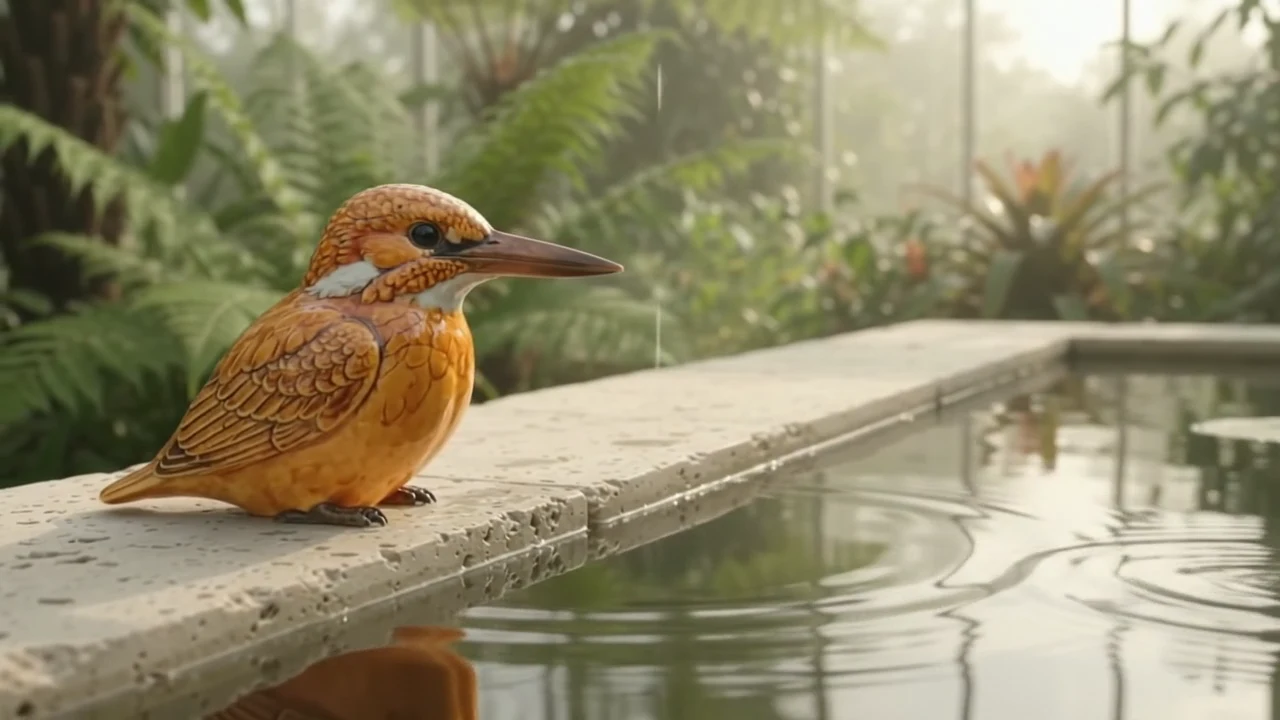
Edit one source video
Upload one MP4 and describe the changes to make, along with the elements to preserve. Add optional reference images for the desired appearance. Output timing and framing follow the source video.
- Compare available models from Alibaba, Black Forest Labs, Google, MiniMax, Midjourney, OpenAI, ByteDance, Kuaishou, SJolt AI, Suno, xAI in one place.
- Copy the request body directly to the server to reduce frontend/backend parameter drift.
- Failure states, retries, result preview, and review checkpoints stay in the same workflow.
Model characteristics
Three workflows in one asynchronous API
Text to video
Use a required prompt with duration, framing, and resolution controls.
Reference to video
Supply 1–5 images with a prompt to guide a new scene.
Video editing
Supply one MP4 and a prompt, optionally with reference images, and select the output resolution.
Task delivery
Submit the selected route, keep the returned task ID, and poll until the result is ready. A top-level webhook can receive completion.
FAQ
These are the first questions to answer when evaluating this model.
Which workflow should I choose?
Choose text-to-video for a new scene, reference-to-video for image-guided generation, or video-edit to modify an existing MP4.
Can I combine images and a source video?
Yes. Video editing accepts one MP4 and up to 5 optional images to guide the edit.
How does video editing control duration and framing?
The edited result follows the source video duration and framing. Choose the desired output resolution and describe the edit in the prompt.
How do I retrieve the generated clip?
Query the returned task ID until it succeeds, then read the video URLs from data.output_urls. An optional webhook can deliver the terminal result.